
When to use this flow
Use this flow when you do not have a reusable workbook template yet and want Workpaper Agent to generate the workbook and SOP from source files and instructions.
Ask the support agent
Just ask a direct question or search related articles from the Knowledge Base.
Support Center / Workpaper Agent / Studio
Start a new Workpaper Agent workbook without an existing template by uploading input files, prompting the agent, and reviewing the generated SOP.
Step 1
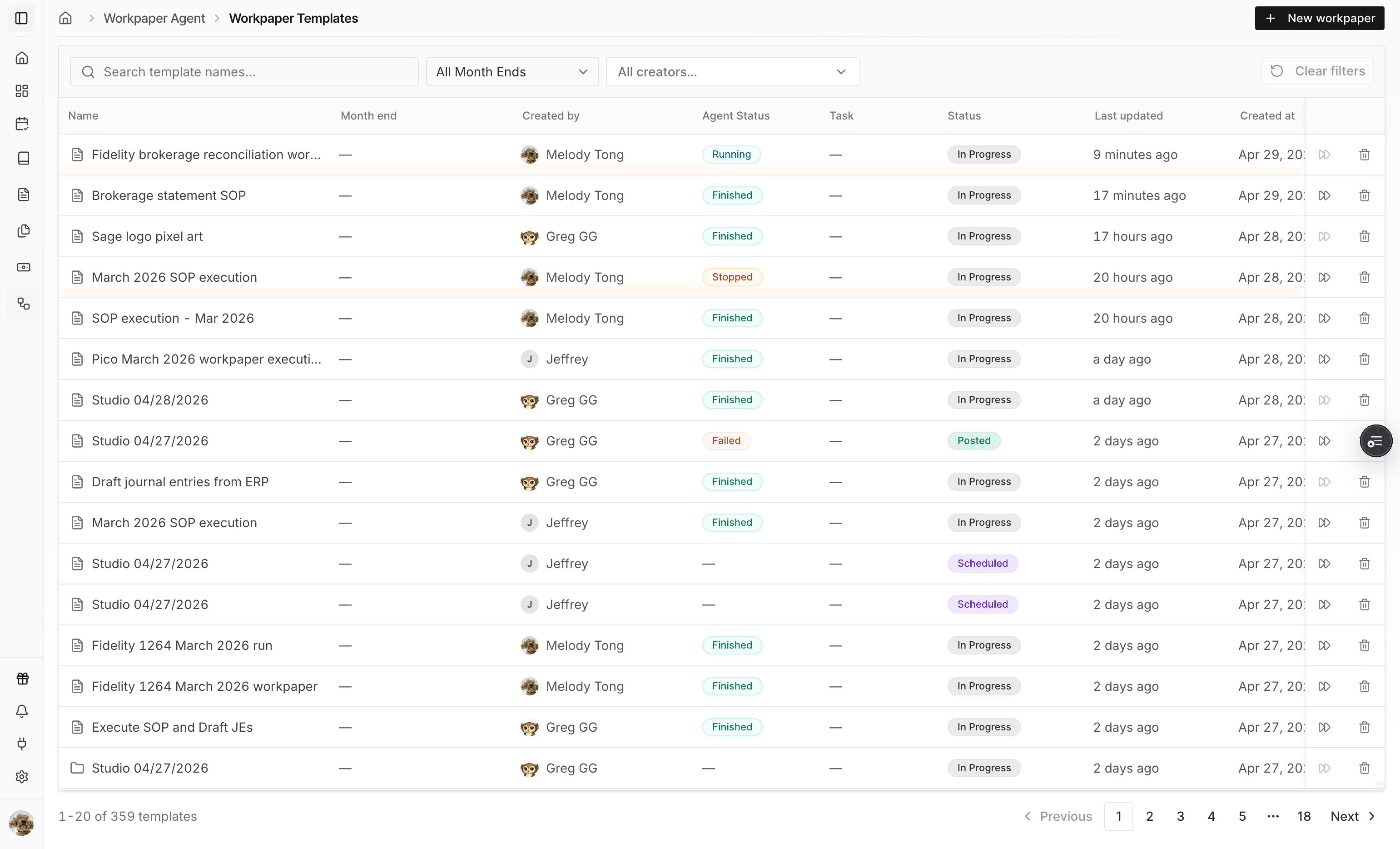
Expand the sidebar if needed so the Workpaper Agent workpaper area is visible.
Step 2
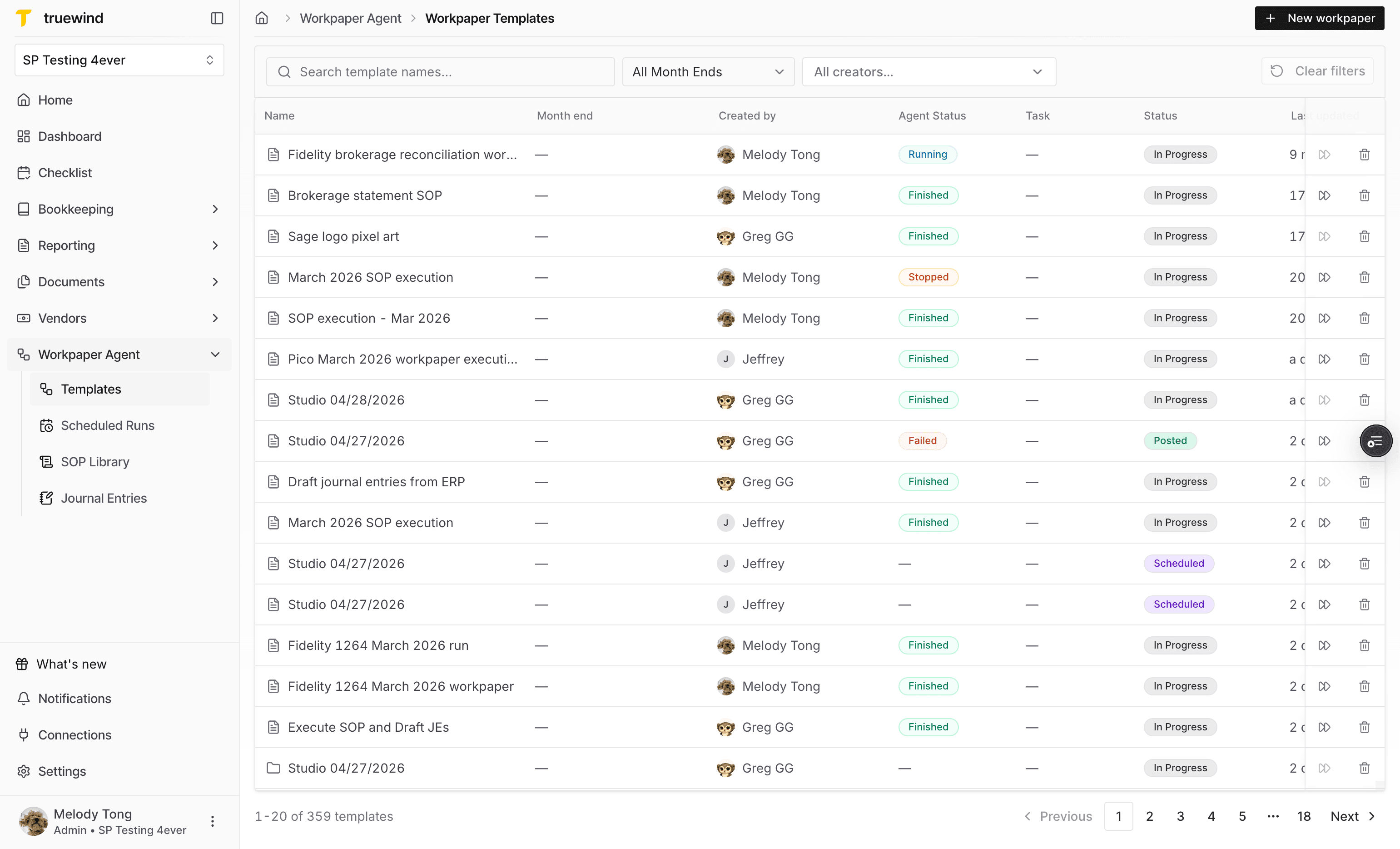
Go to Workpapers when you want Workpaper Agent to create a workbook and SOP from uploaded inputs.
Step 3
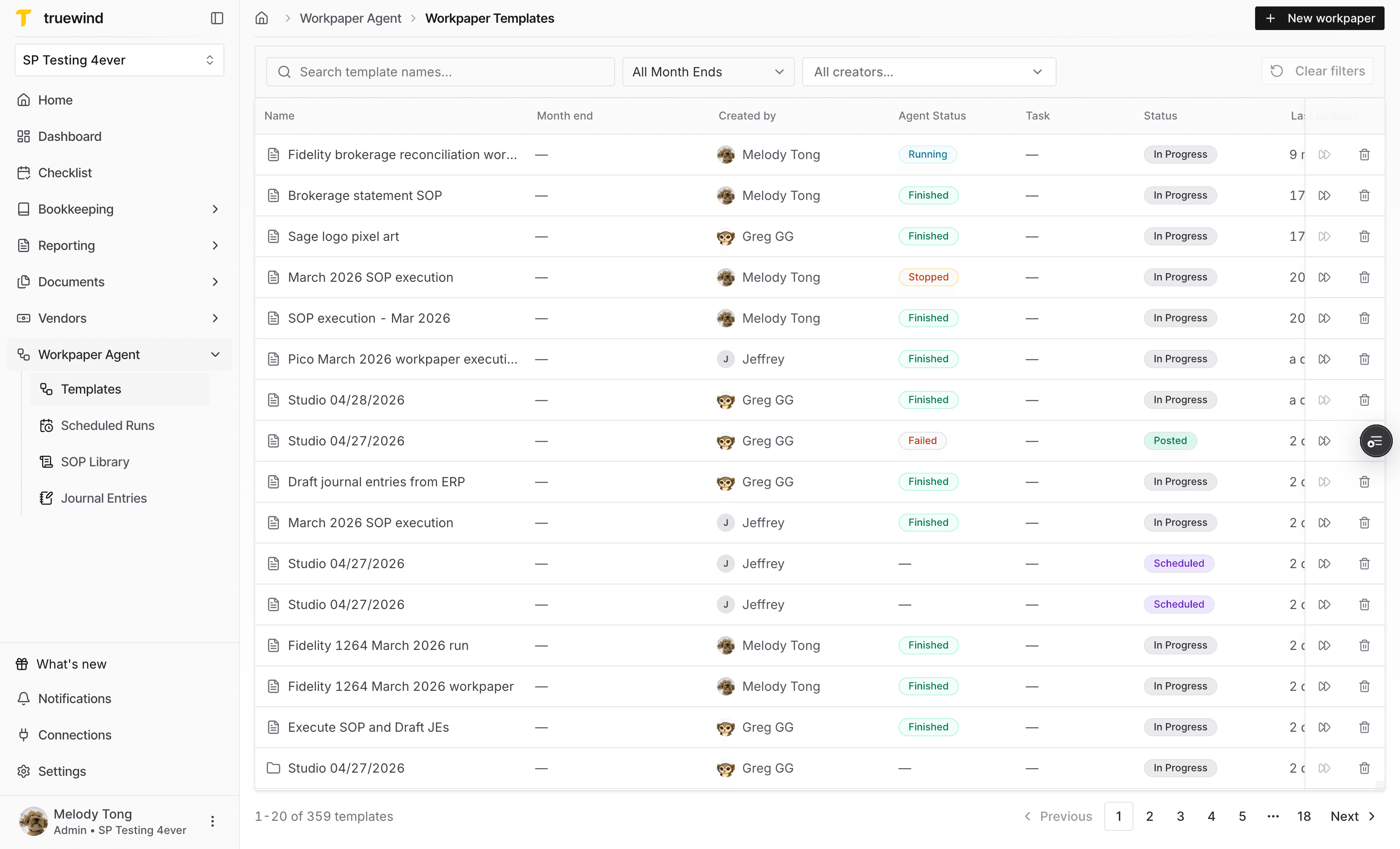
Begin a fresh workpaper setup instead of opening an existing workpaper.
Step 4
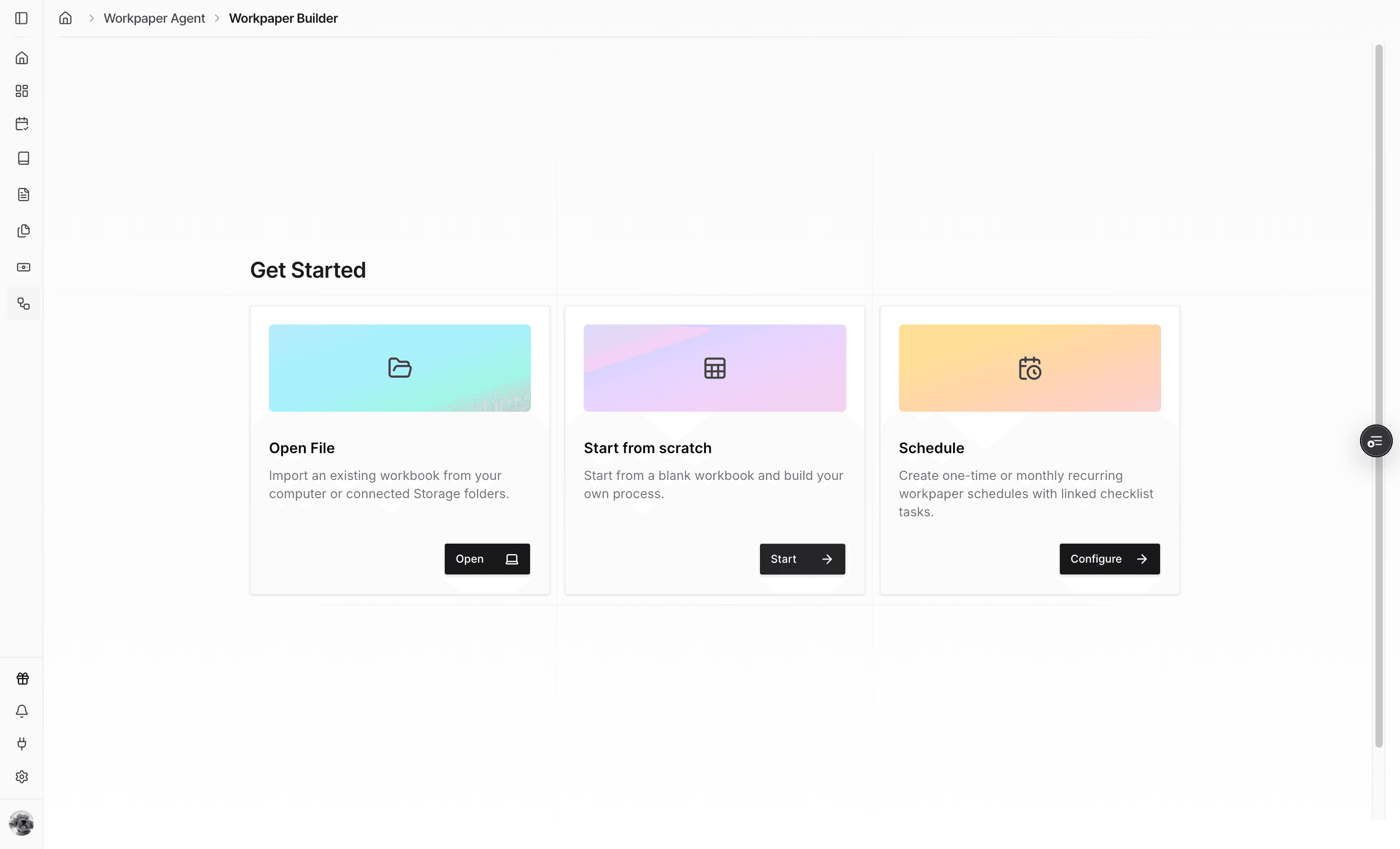
Choose the scratch path so Workpaper Agent generates the workbook from the input files and instructions you provide.
Step 5
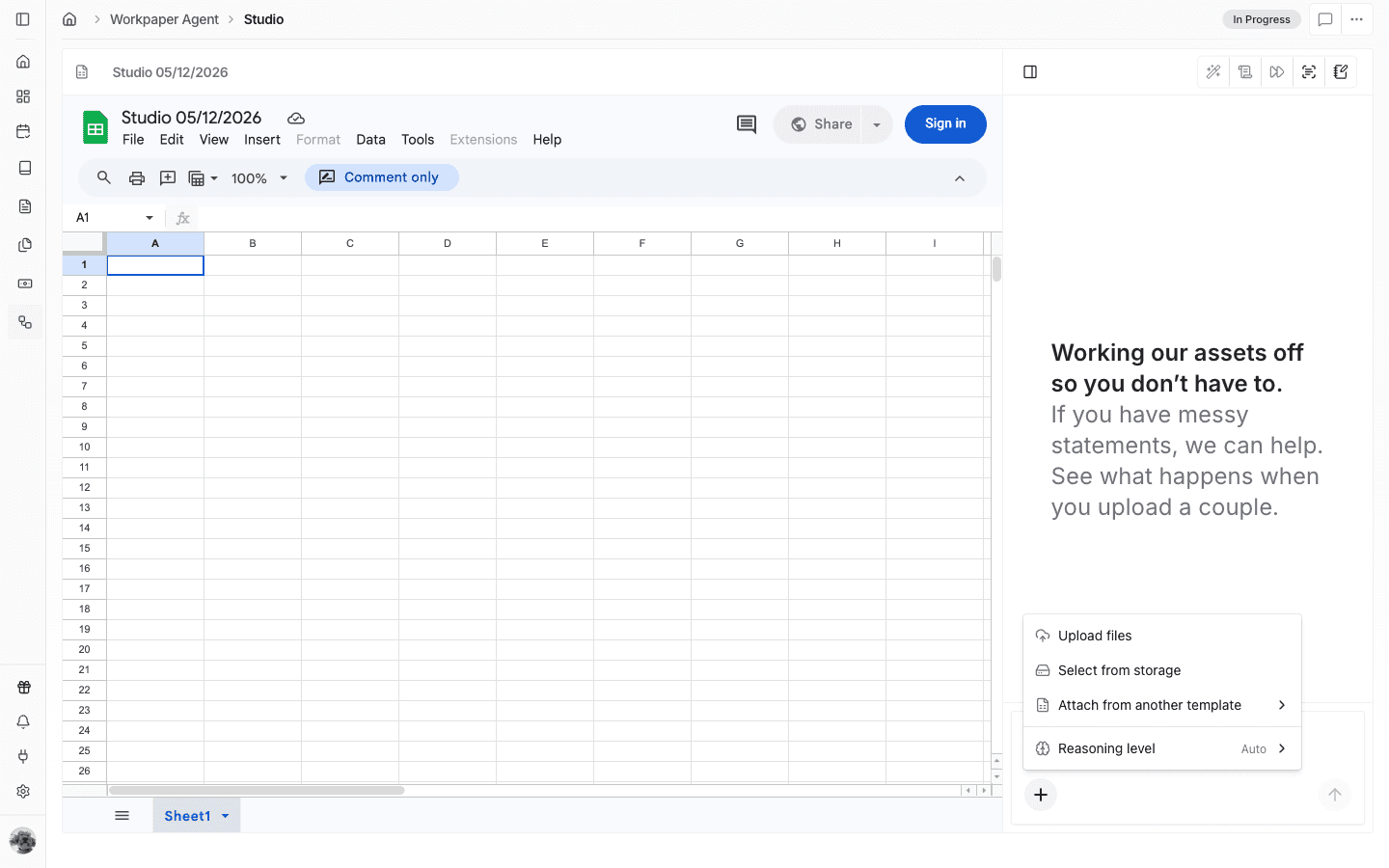
Add the source files the agent should analyze before building the workbook and SOP.
Step 6
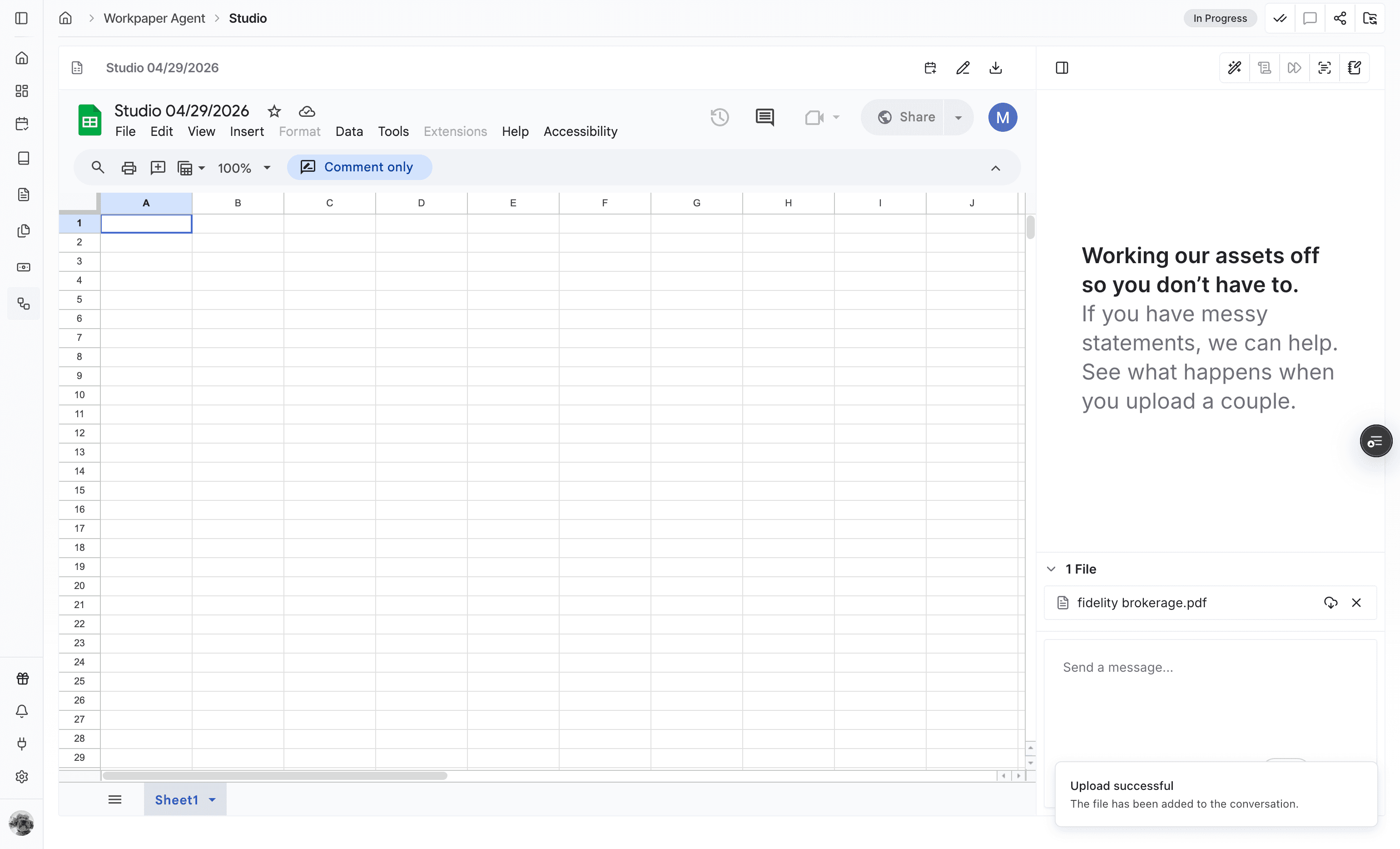
Confirm the selected files are present in the upload list before moving on to the prompt.
Step 7
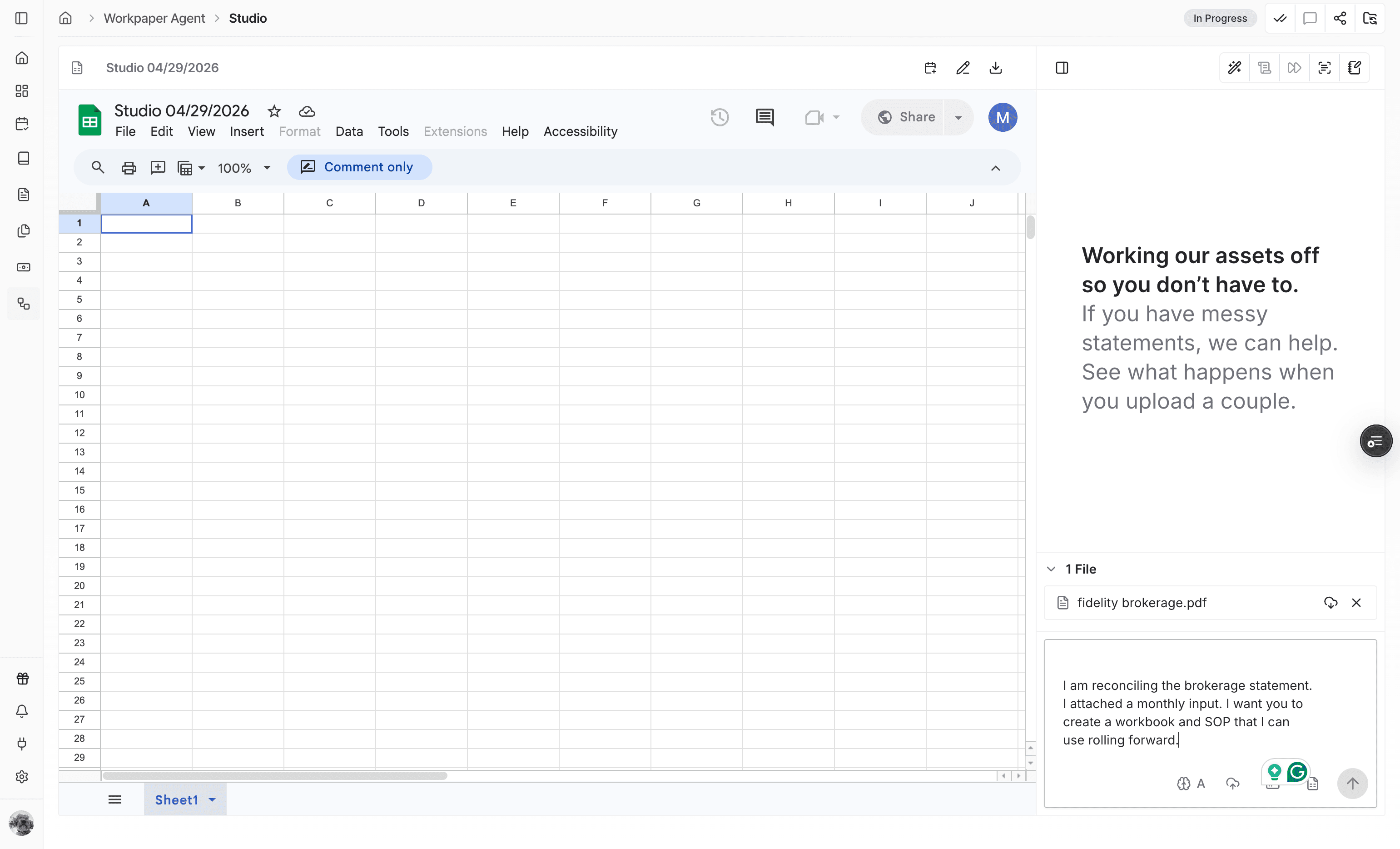
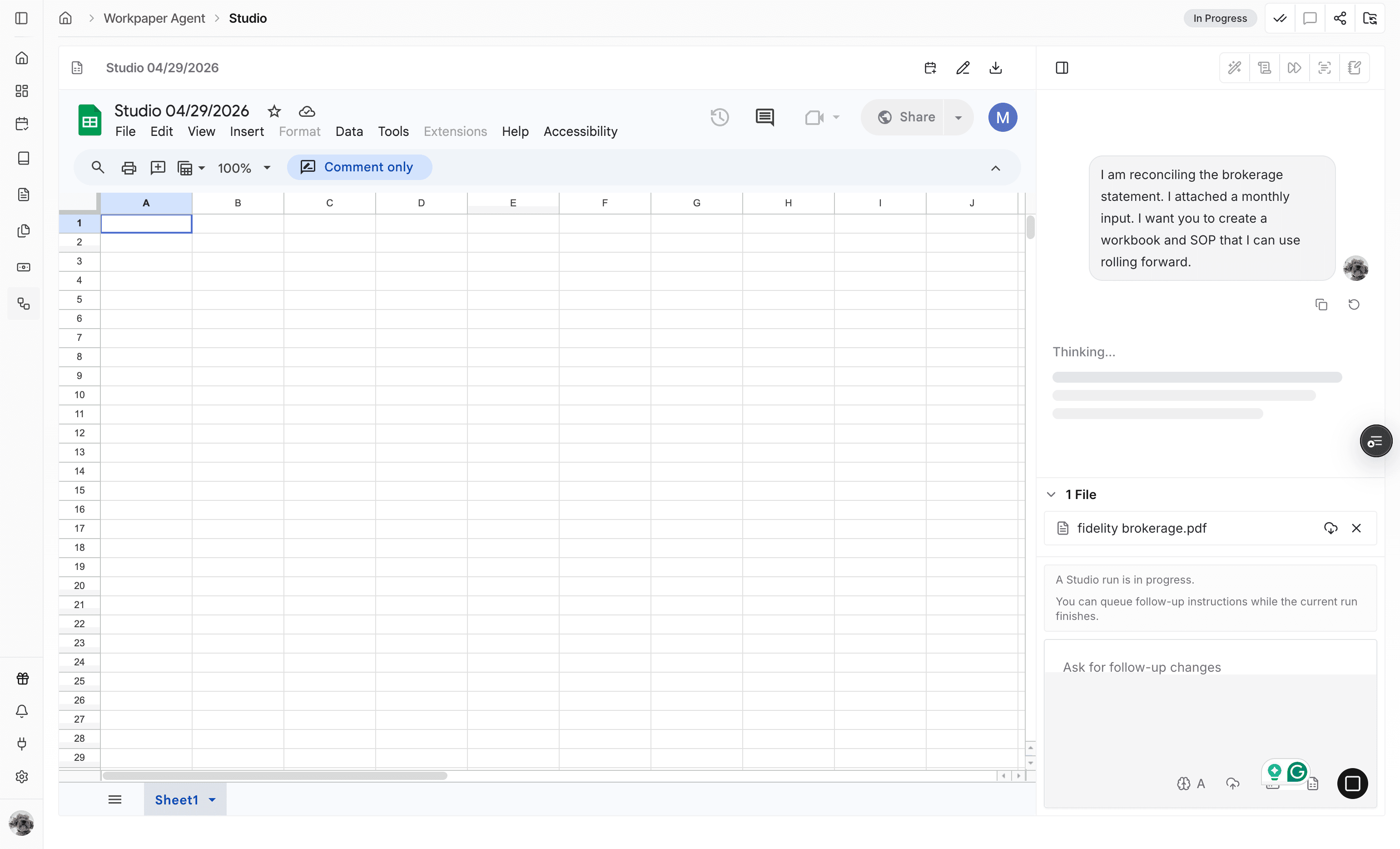
Describe the workbook you need, the expected calculations, and any SOP requirements the agent should preserve.
Step 8
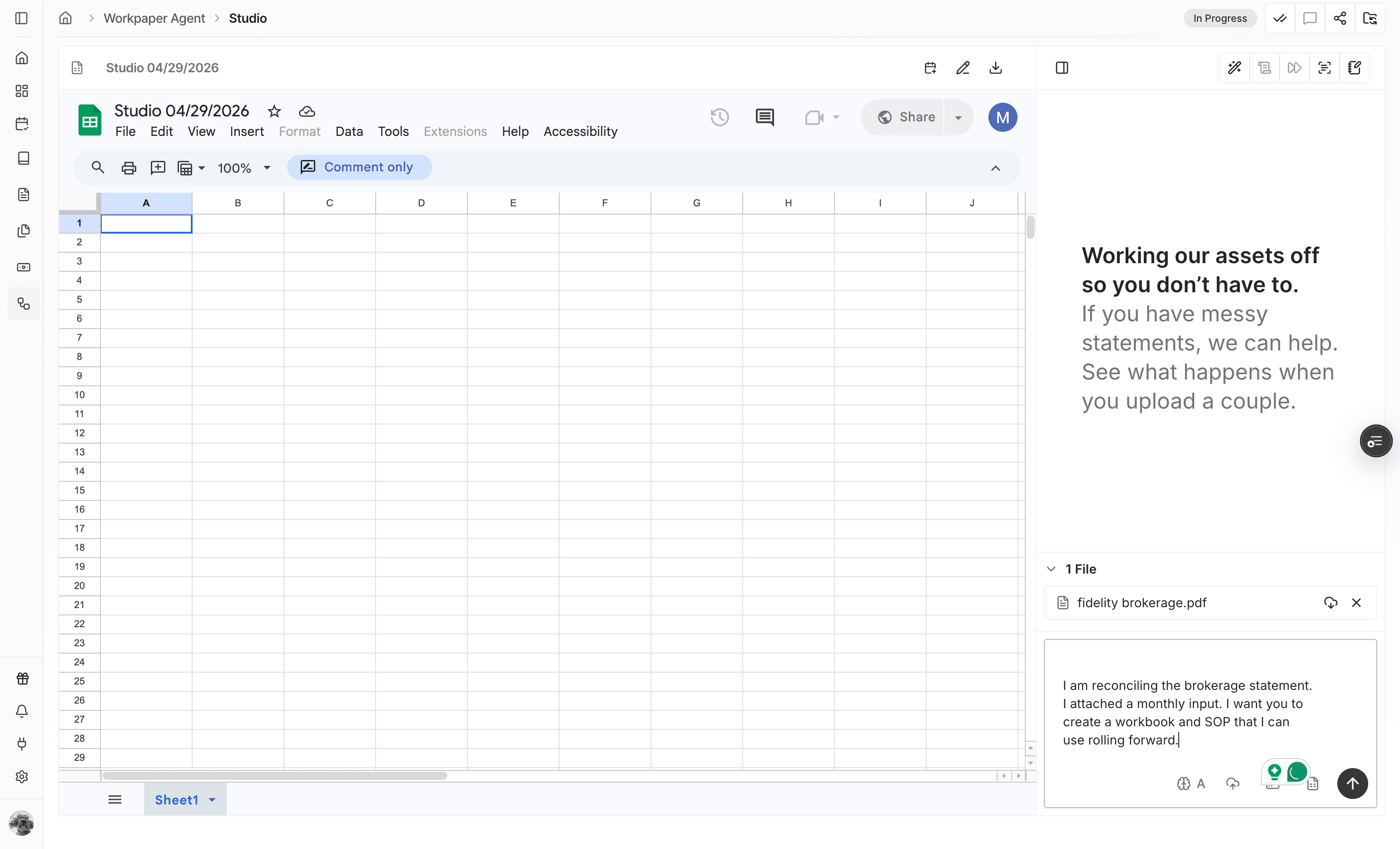
Send the prompt after the files and requirements are ready for the agent to process.
Step 9
Check that your prompt appears in the chat panel so you know the run has started with the intended instructions.
Step 10
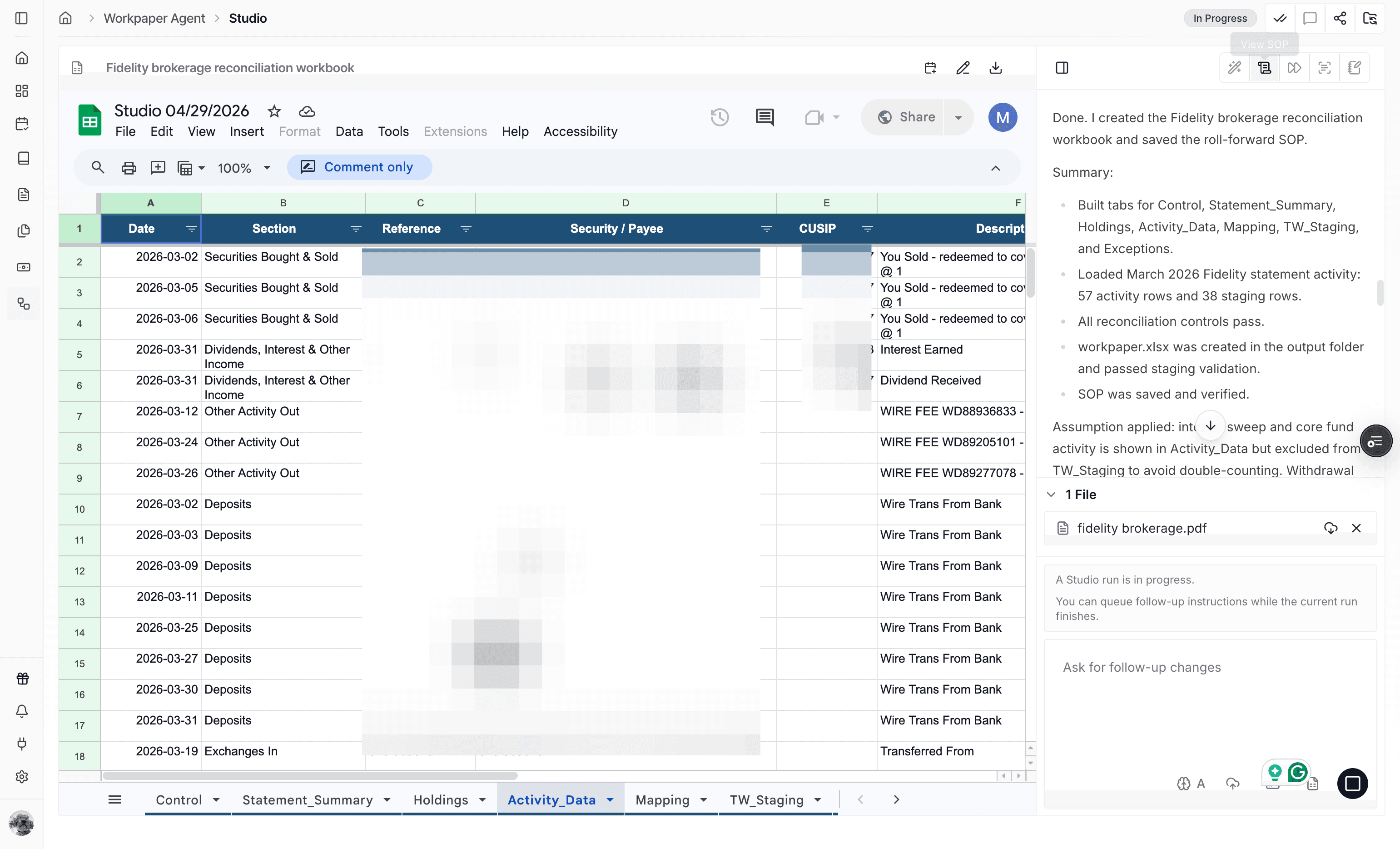
When the agent says the workbook is done, use View SOP to inspect the generated workflow details.
Step 11
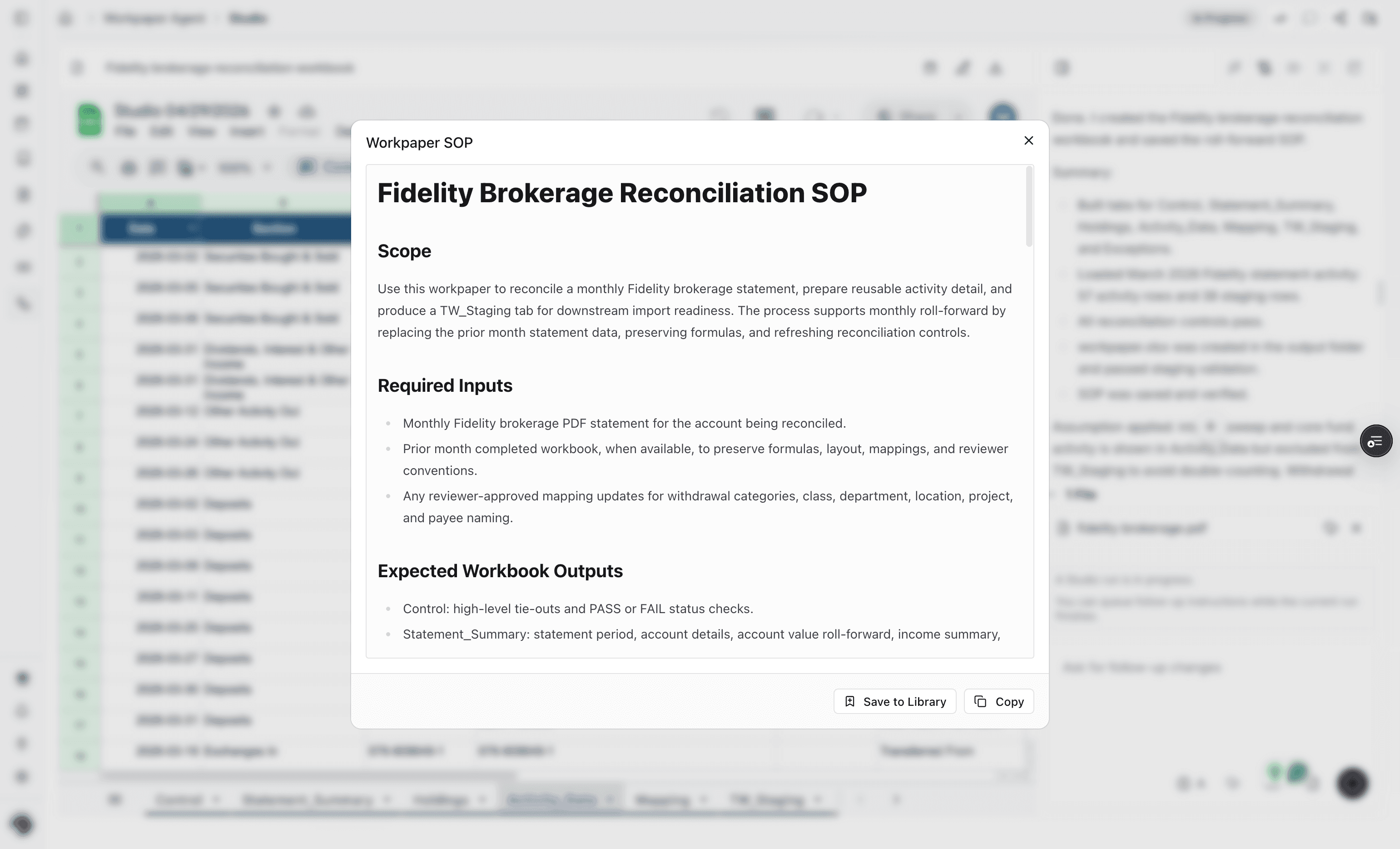
Open the Workpaper SOP view to confirm the generated steps match the workbook process you expected.
Use this flow when you do not have a reusable workbook template yet and want Workpaper Agent to generate the workbook and SOP from source files and instructions.
Include the workbook objective, source file context, required calculations, output expectations, and any review or documentation requirements the SOP should capture.
The generated workbook and SOP depend on the uploaded files and prompt details, so missing context can lead to incomplete output.
Re-run or continue the chat with clearer requirements, including the expected workbook sections, formulas, and review steps.
Was this helpful?
Need more help?
Ask for human help about this article and provide any feedback.