
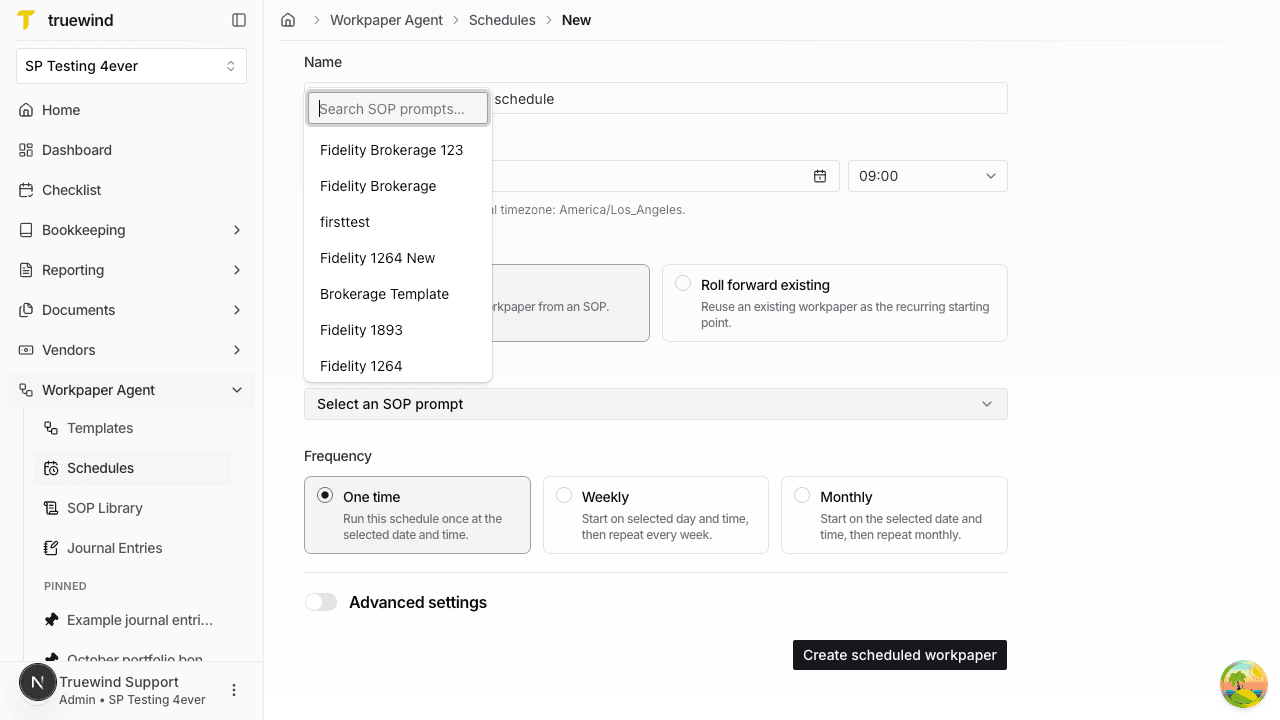
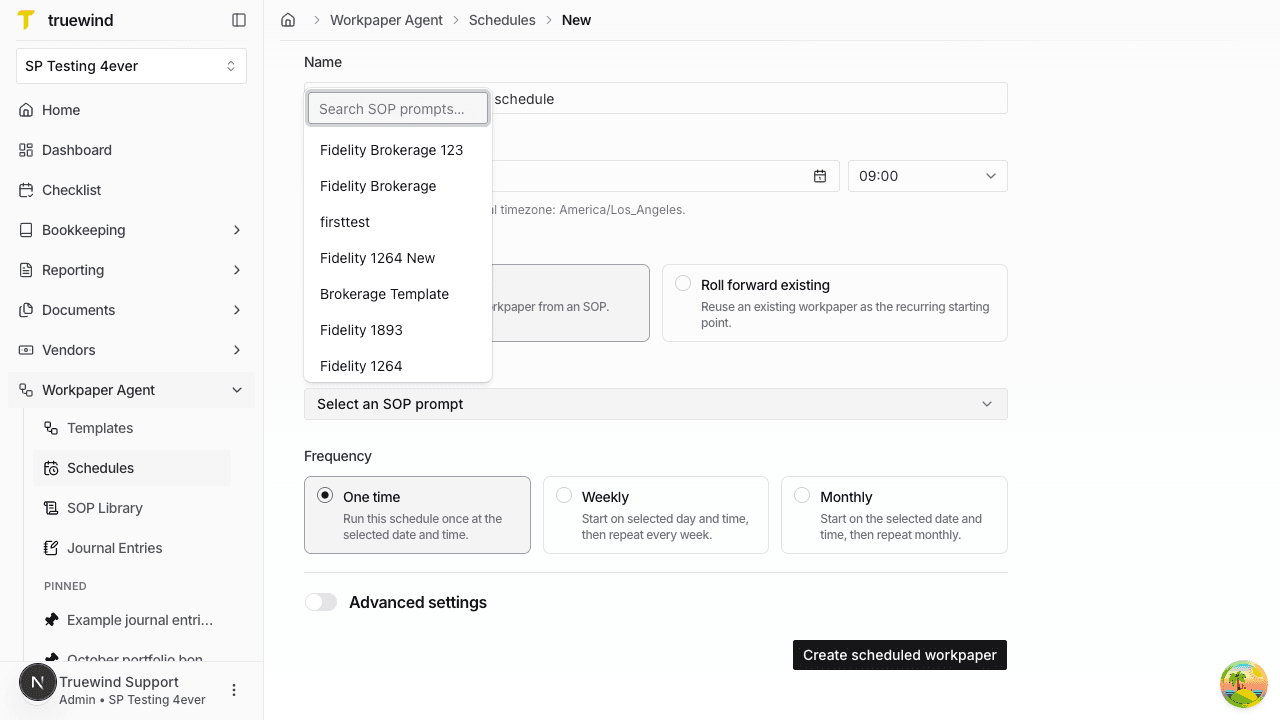
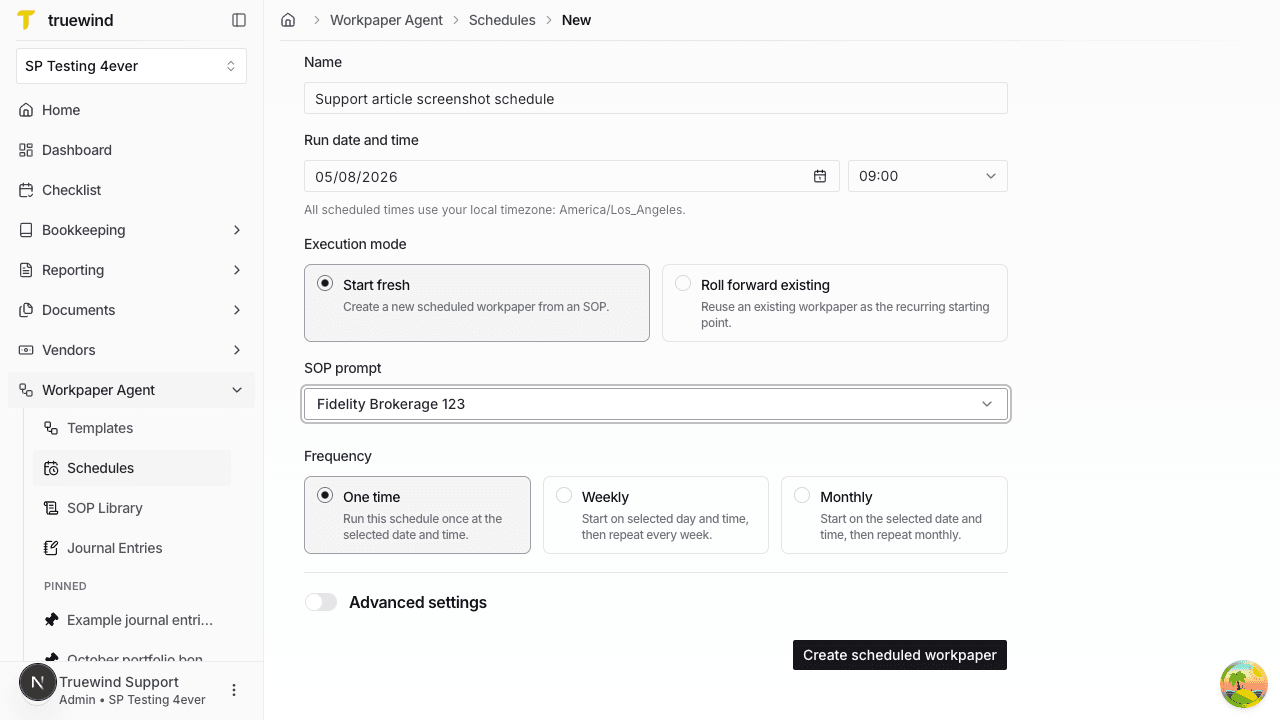
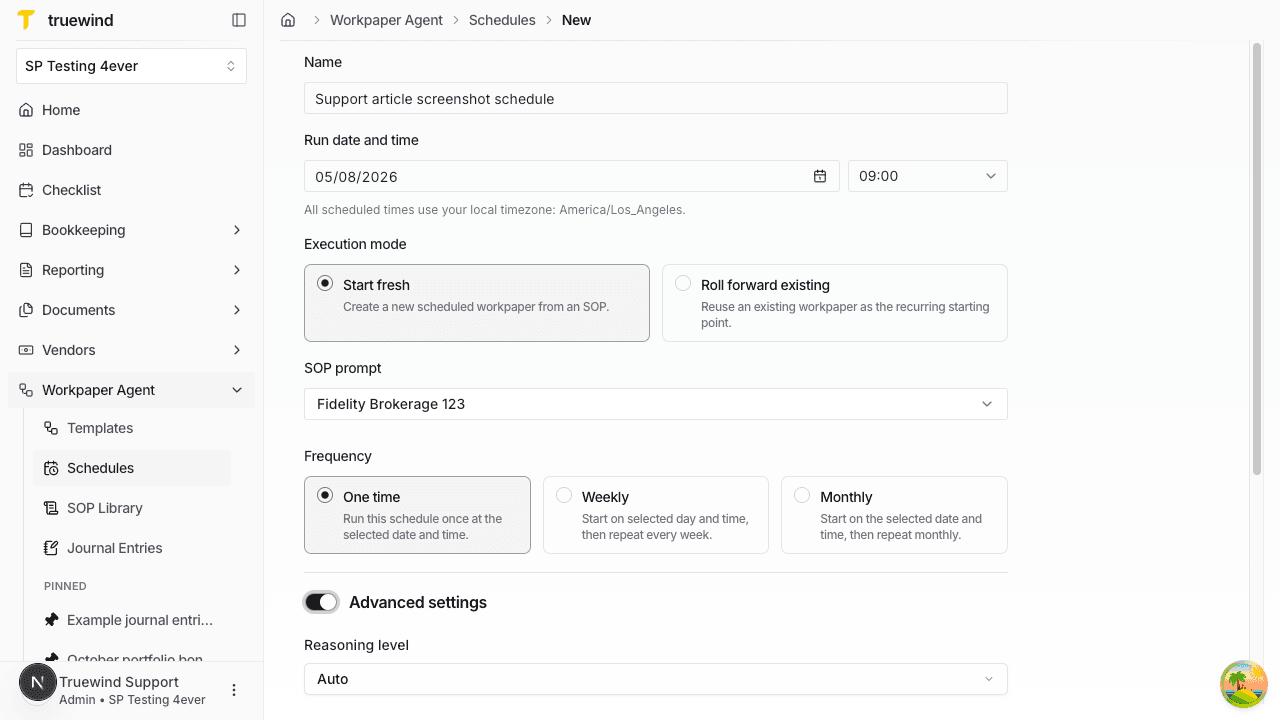
What this feature creates
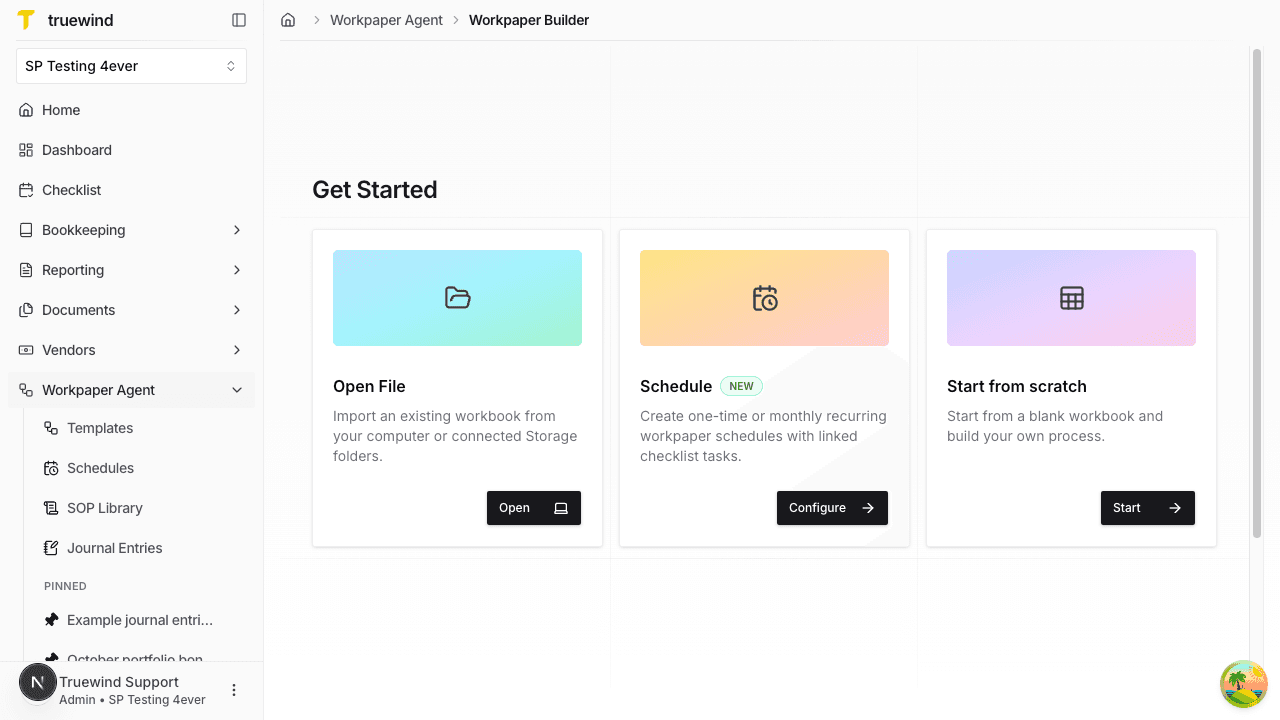
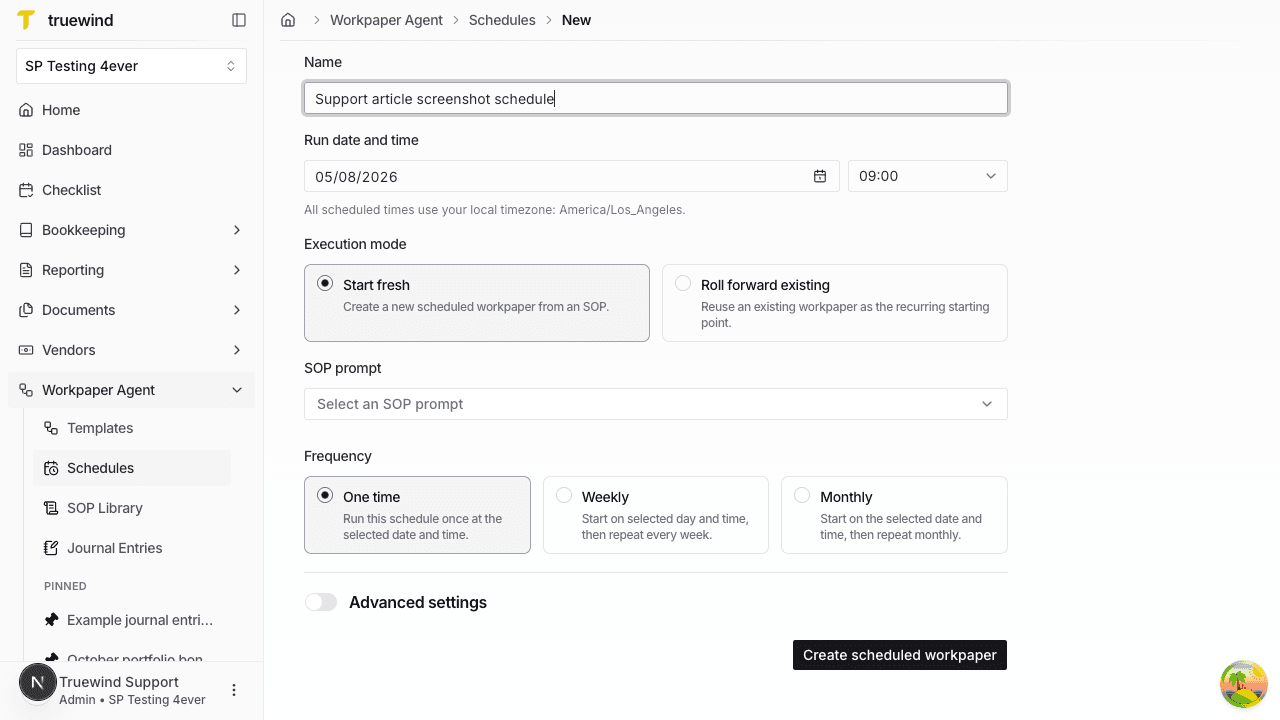
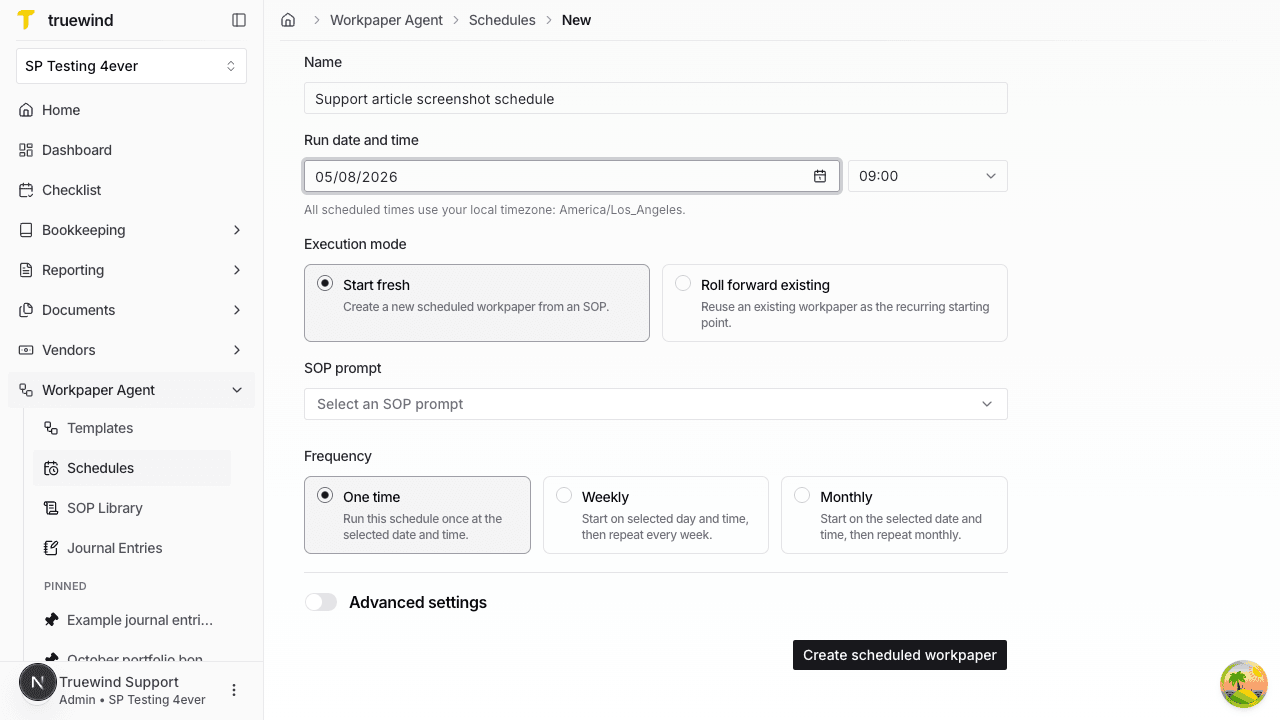
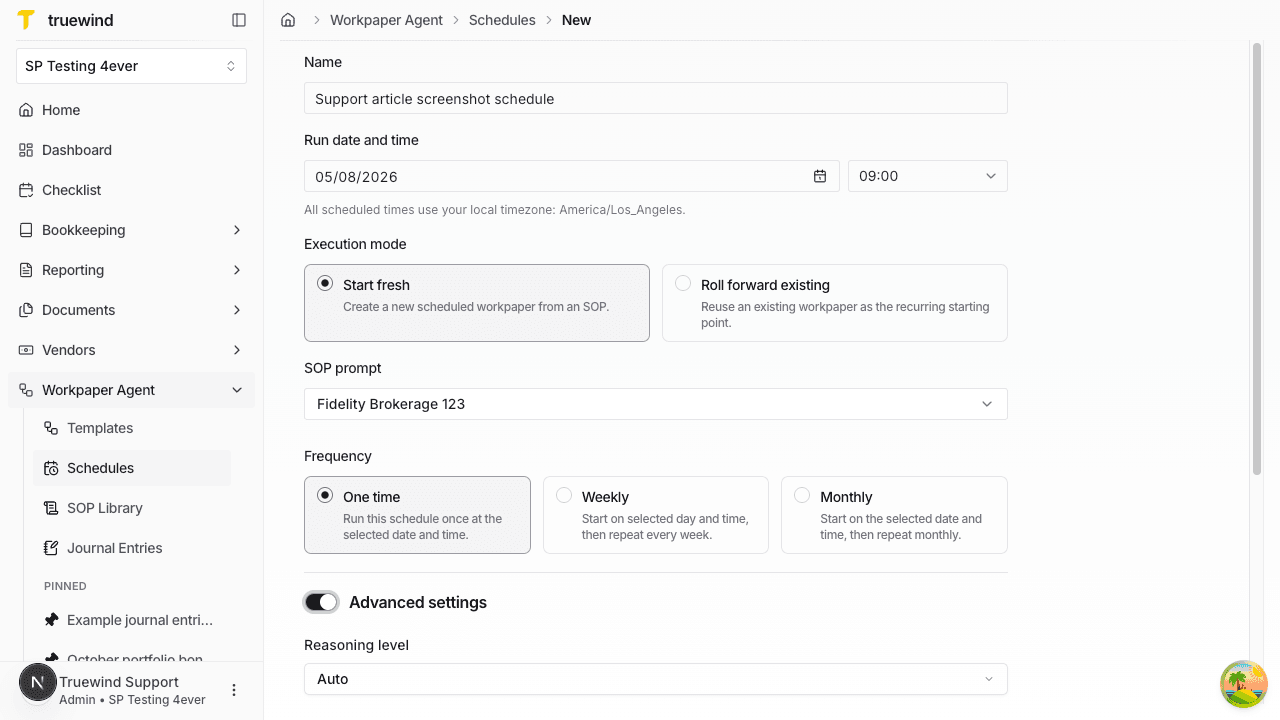
Creating a scheduled workpaper does two things at the same time:
- it saves the schedule in Workpaper Agent
- it creates a linked checklist task for the scheduled process
This is useful when the same close workflow needs a repeatable starting point and a clear month-close task to track ownership and timing.
What to review after setup
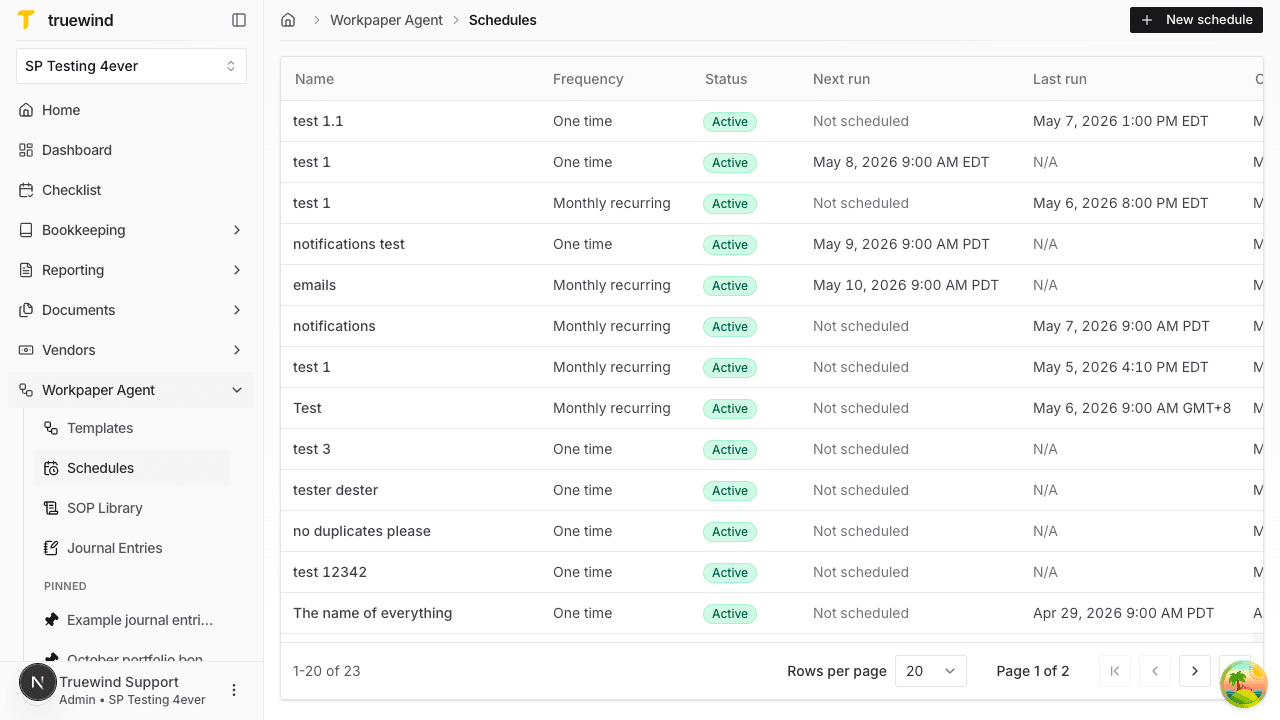
After the schedule is created, open Workpaper Agent > Schedules to verify the name, frequency, timezone, next run, and linked task details. When the scheduled run triggers, the detail page also shows the occurrence history and links back to the created task and workpaper.