
What Workpaper Agent does
Workpaper Agent helps turn financial files into structured accounting outputs inside Truewind. It is designed for teams that need to move from PDFs, spreadsheets, statements, and raw reports into workpapers, reconciliations, and Journal Entry-ready outputs with less manual setup.
What kinds of work it supports
Workpaper Agent is useful when you need to:
- upload unstructured files and turn them into structured workbook outputs
- create or refine an SOP from a prompt so the same process can be reused
- reconcile payout, brokerage, or statement data before posting to the general ledger
- generate outputs that are ready to import into QuickBooks or Sage
- prepare repeatable close workflows from workpapers instead of rebuilding them each time
Upload and attachment limits
Workpaper Agent file limits depend on where the file is added:
- direct source uploads from your computer can be up to 50 MB per file
- files selected from connected Google Drive or SharePoint storage can be up to 50 MB per file
- Slack and Teams instant-message attachments can be up to 50 MB per file
- email reply attachments can be up to 25 MB per file and 25 MB total per reply
If a workflow rejects a file, check both the file size and the surface where you are adding it. Email replies use the stricter total limit because the files are sent back through email.
Common use cases
Teams commonly use Workpaper Agent for:
- Prepaid Expense schedules and amortization support
- Fixed Asset depreciation and disposal tracking
- bank and brokerage reconciliation workflows
- deposit reconciliation preparation and import-ready workbook generation
- custom workpapers for recurring close processes
How the main surfaces fit together
The Workpaper Agent area is split into different surfaces because they solve different parts of the workflow:
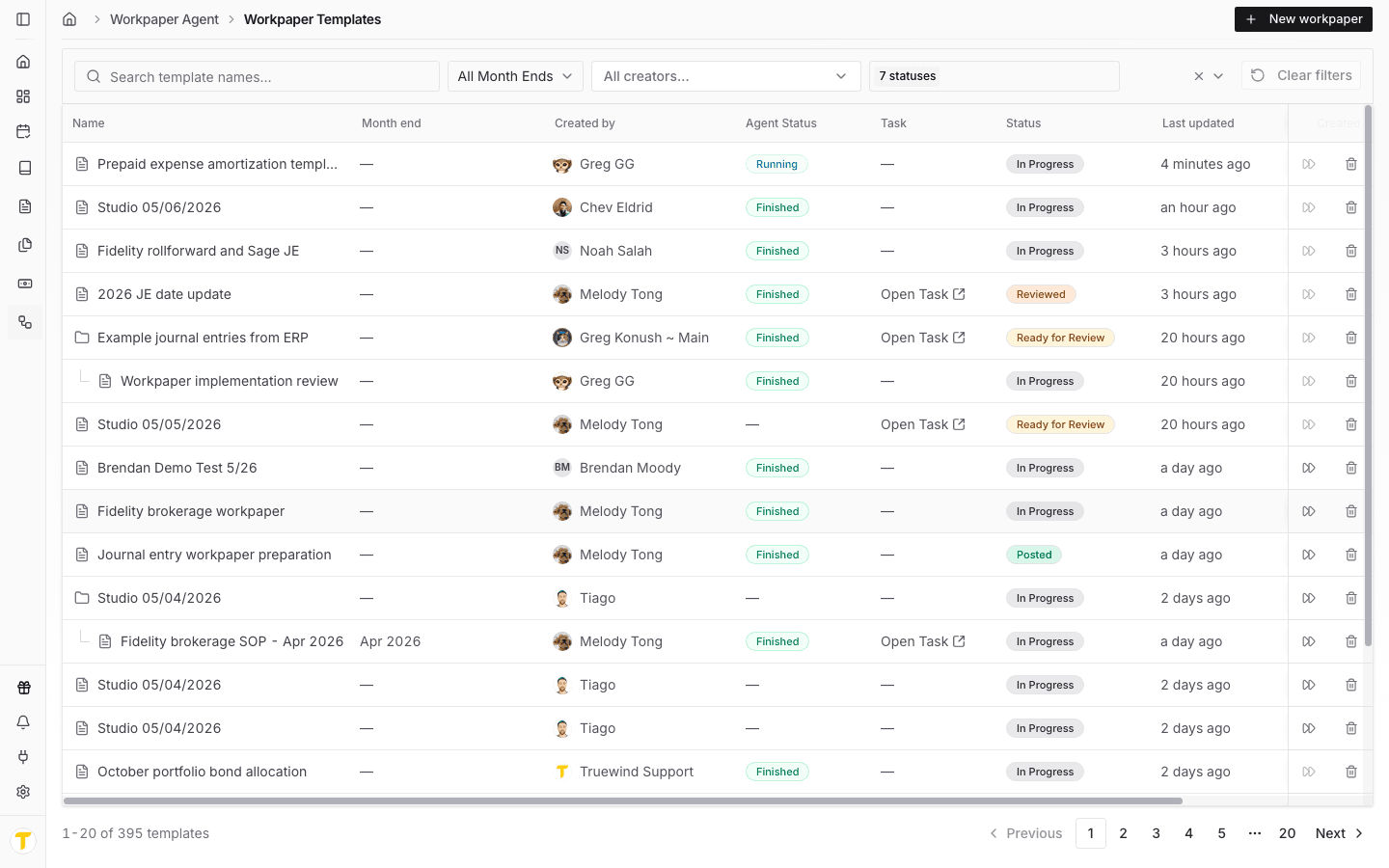
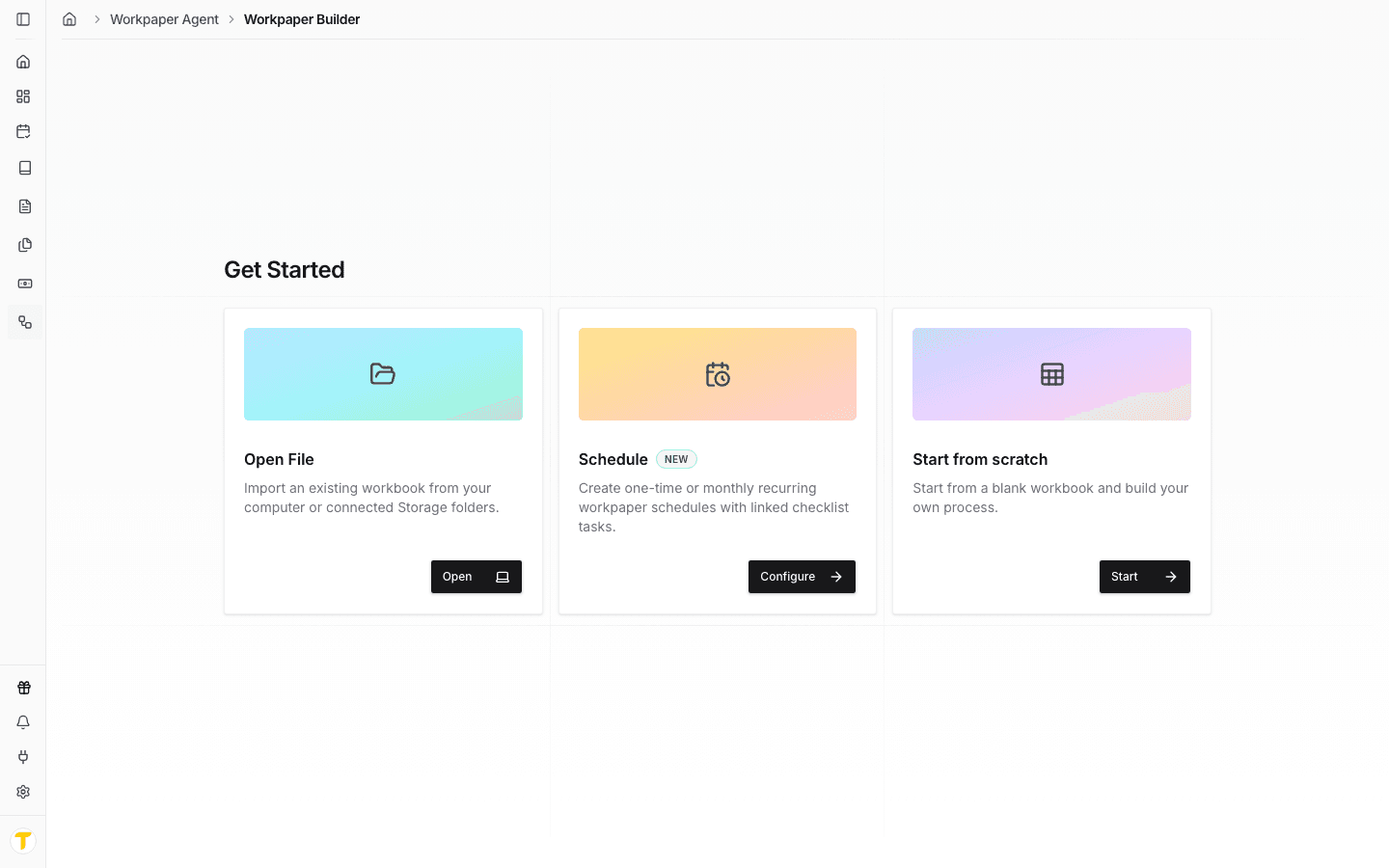
- use Workpapers or New workpaper when you are starting from source files or setting up a repeatable process
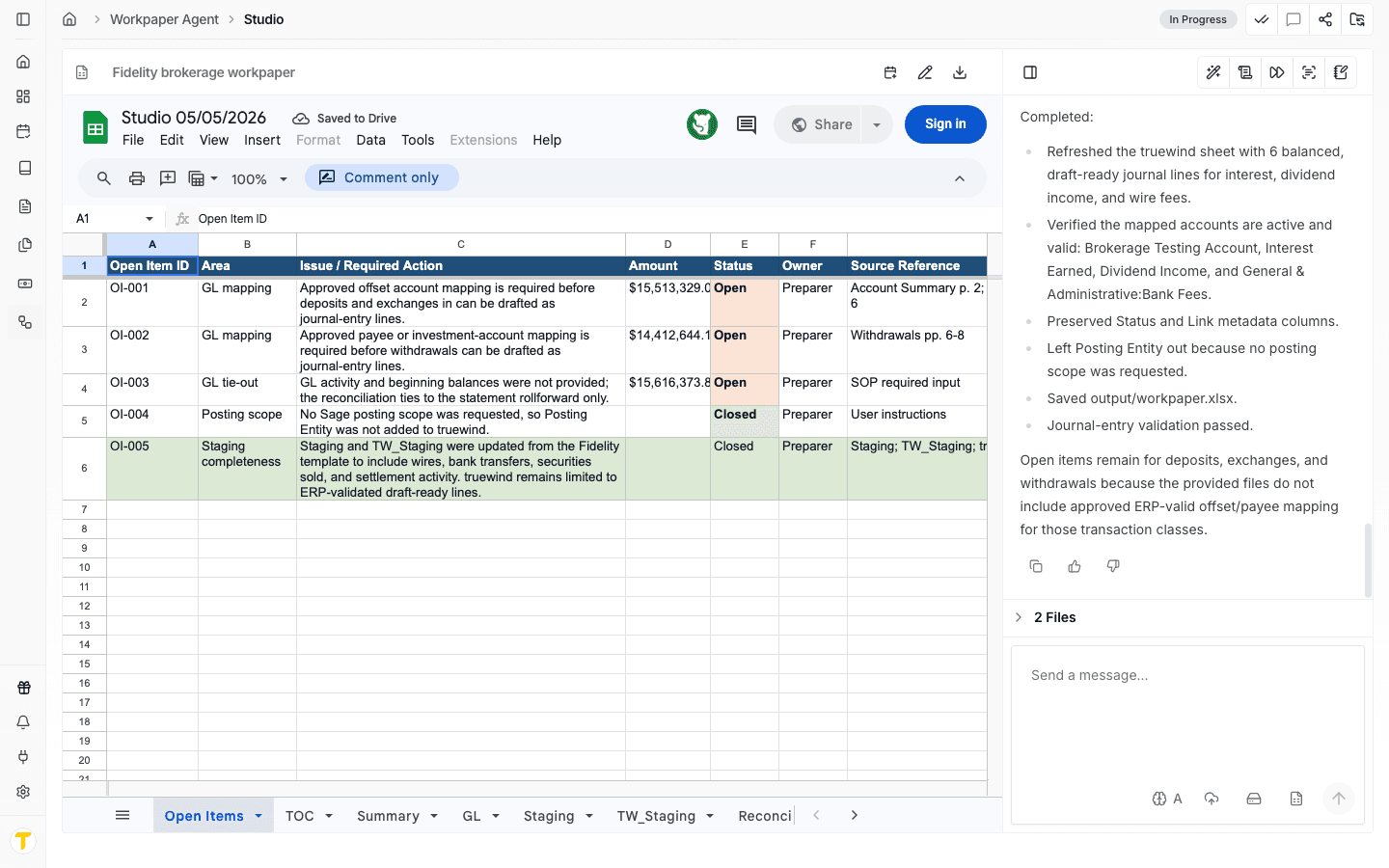
- use Studio when the workbook already exists and needs editing, review, lineage, or downstream actions
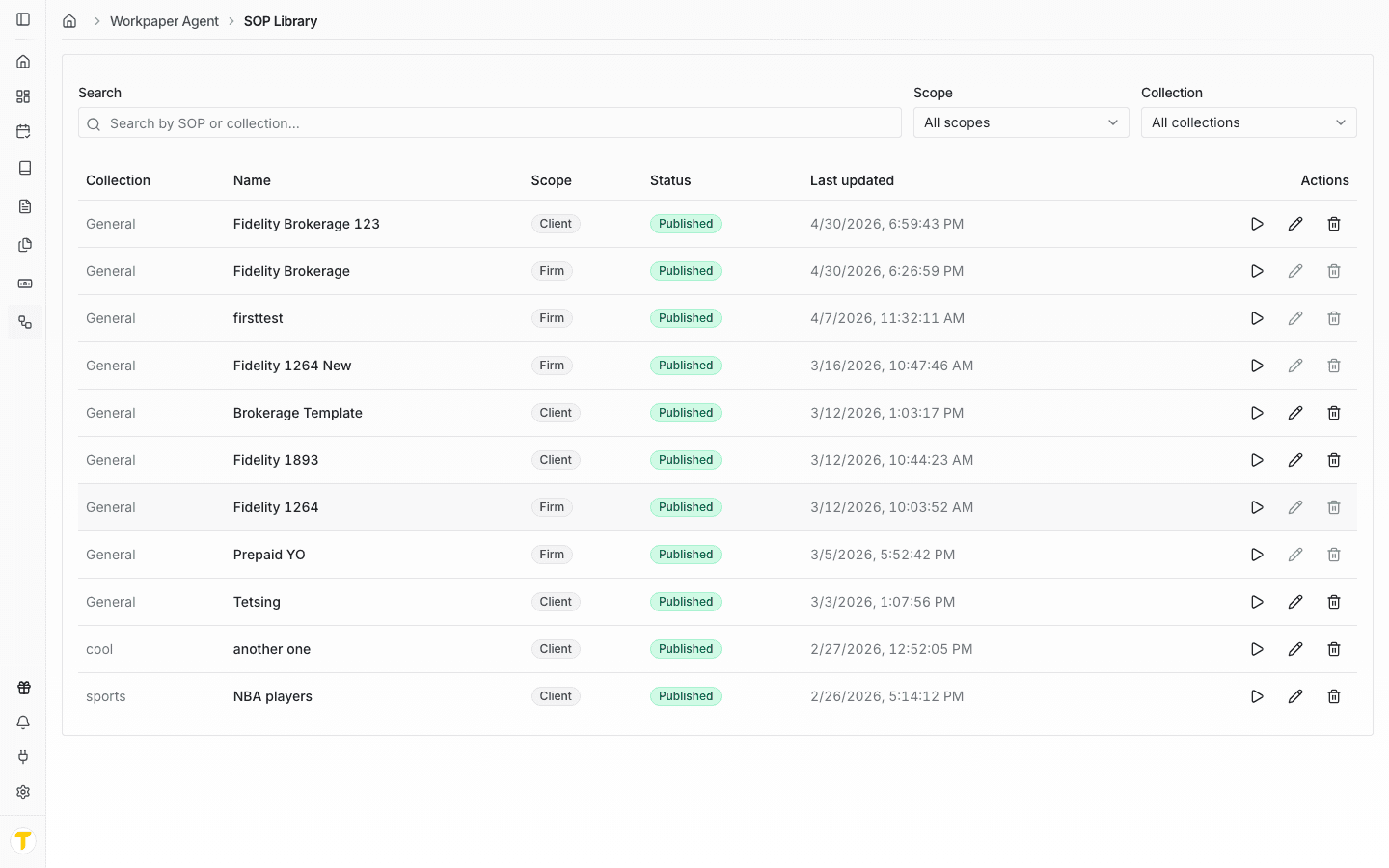
- use SOP Library when you want reusable instructions, saved prompts, or a standard starting point
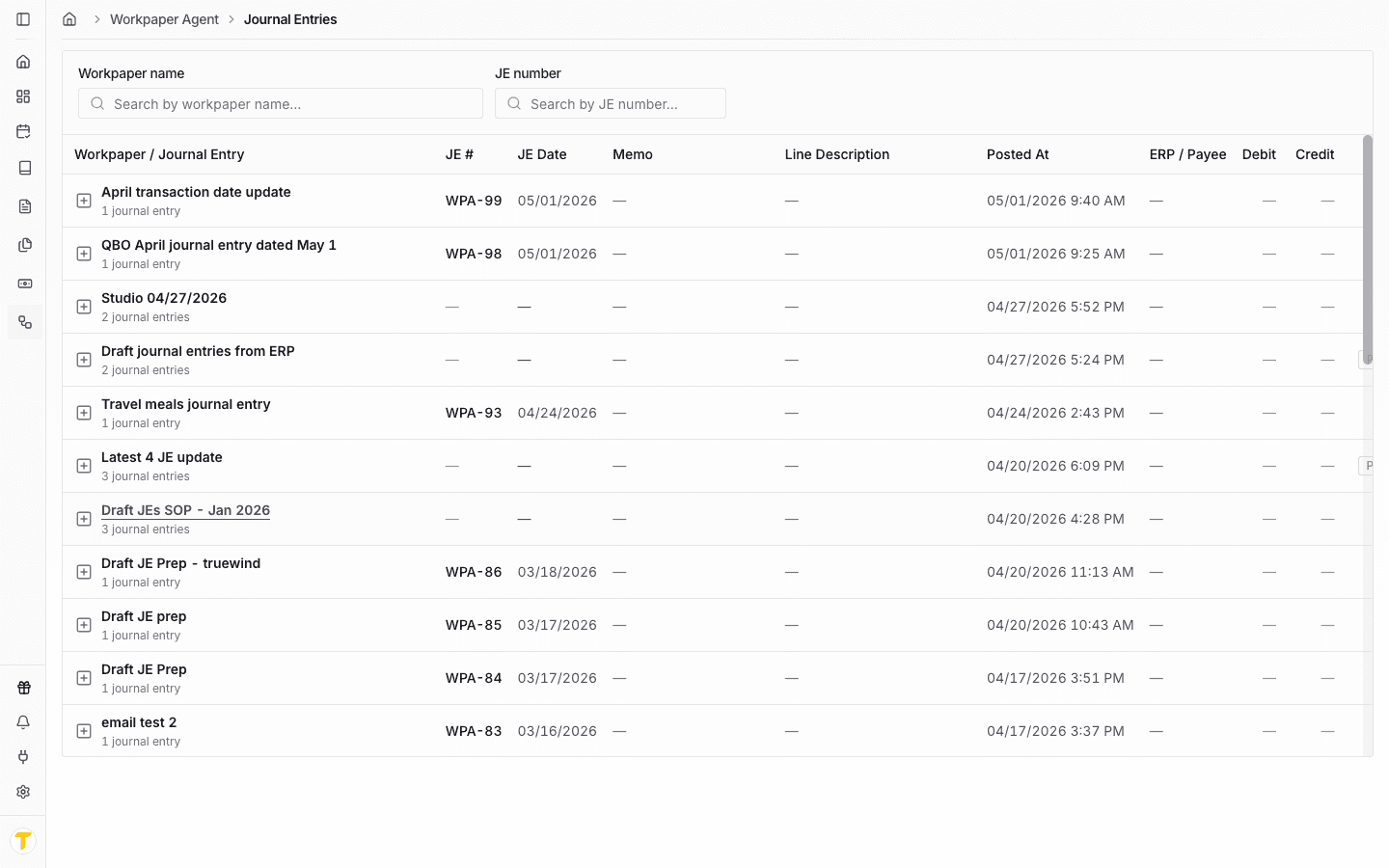
- use Journal Entries when the workpaper has already produced posting output that needs review or export
How to use this support section
Use this overview when you need to decide where to start. Then move into the more specific guides for Studio, SOP Library, Deposit Reconciliation, Journal Entries, or the workflow you are trying to complete.