
What this feature does
This workflow lets you ask questions about uploaded PDFs directly, without stepping out of the Workpaper Agent experience.
Ask the support agent
Just ask a direct question or search related articles from the Knowledge Base.
Support Center / Workpaper Agent / Studio
Ask questions about uploaded PDFs while working in Workpaper Agent, resulting in immediate file-specific answers without leaving the workspace.
Step 1
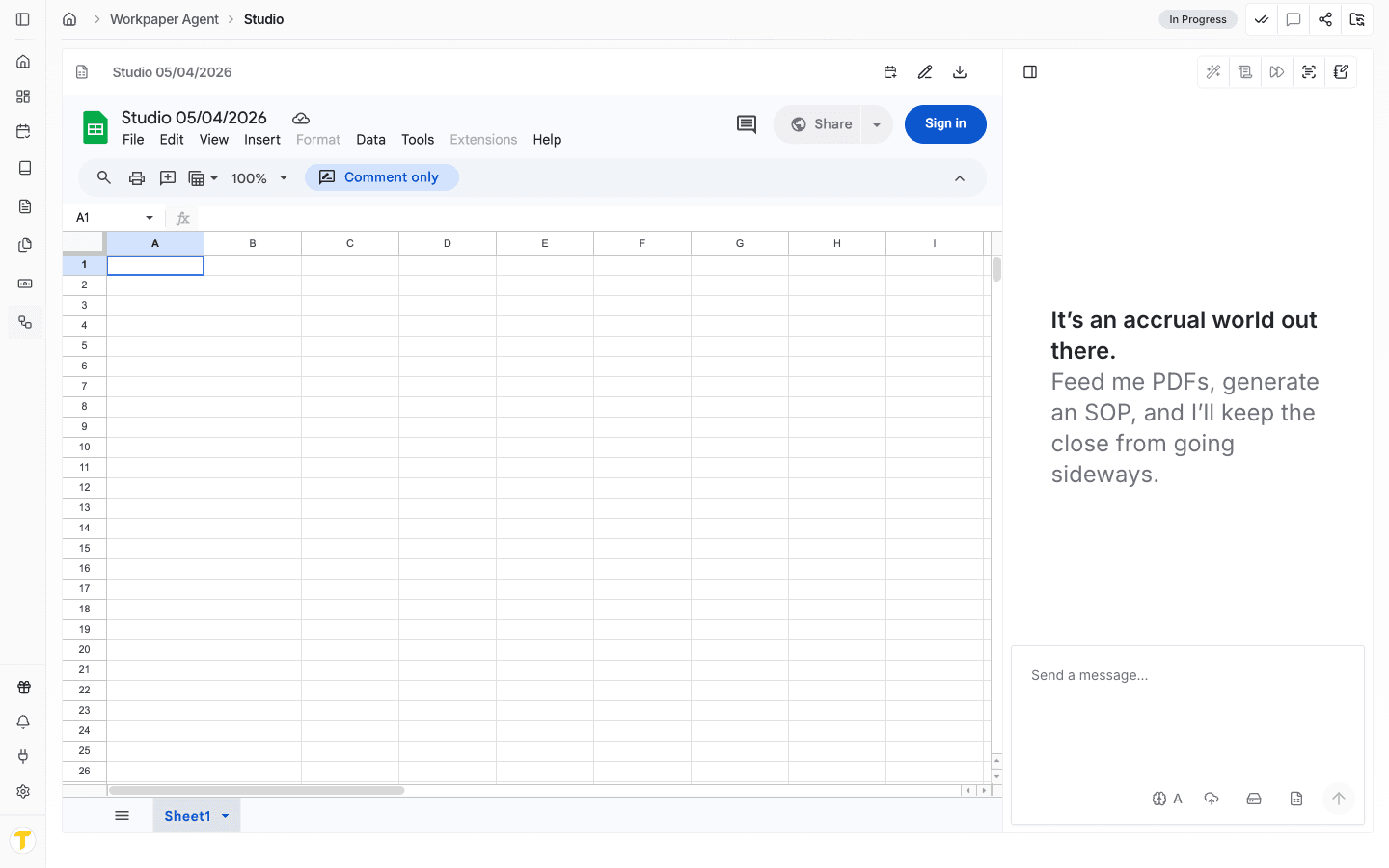
Start in Truewind on Workpaper Agent > Studio so the chat panel and uploads panel are visible in the same workspace.
Step 2
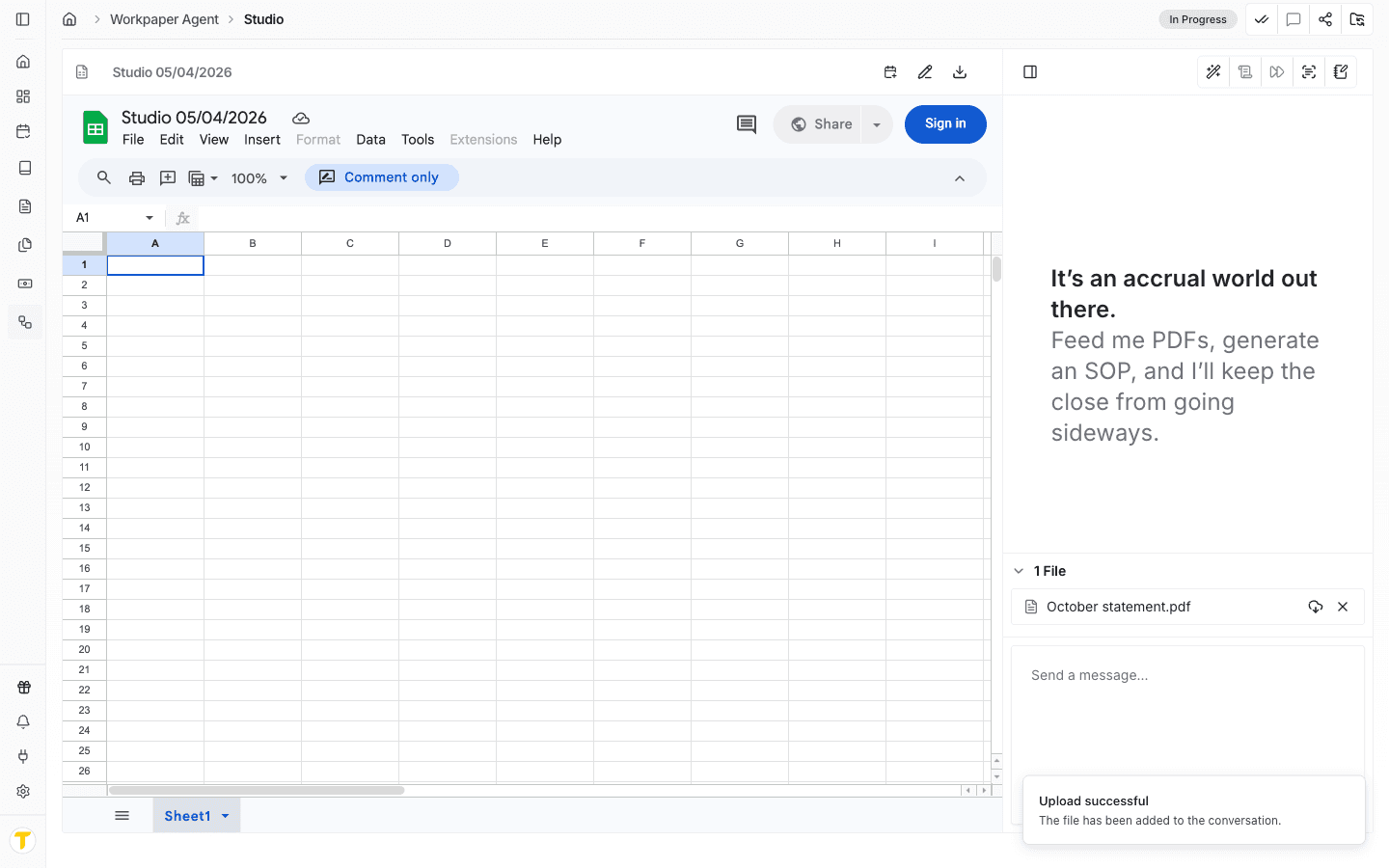
Upload the PDF to the uploads panel, either by dragging it in or by selecting Upload files from your computer or Select files from storage.
Step 3
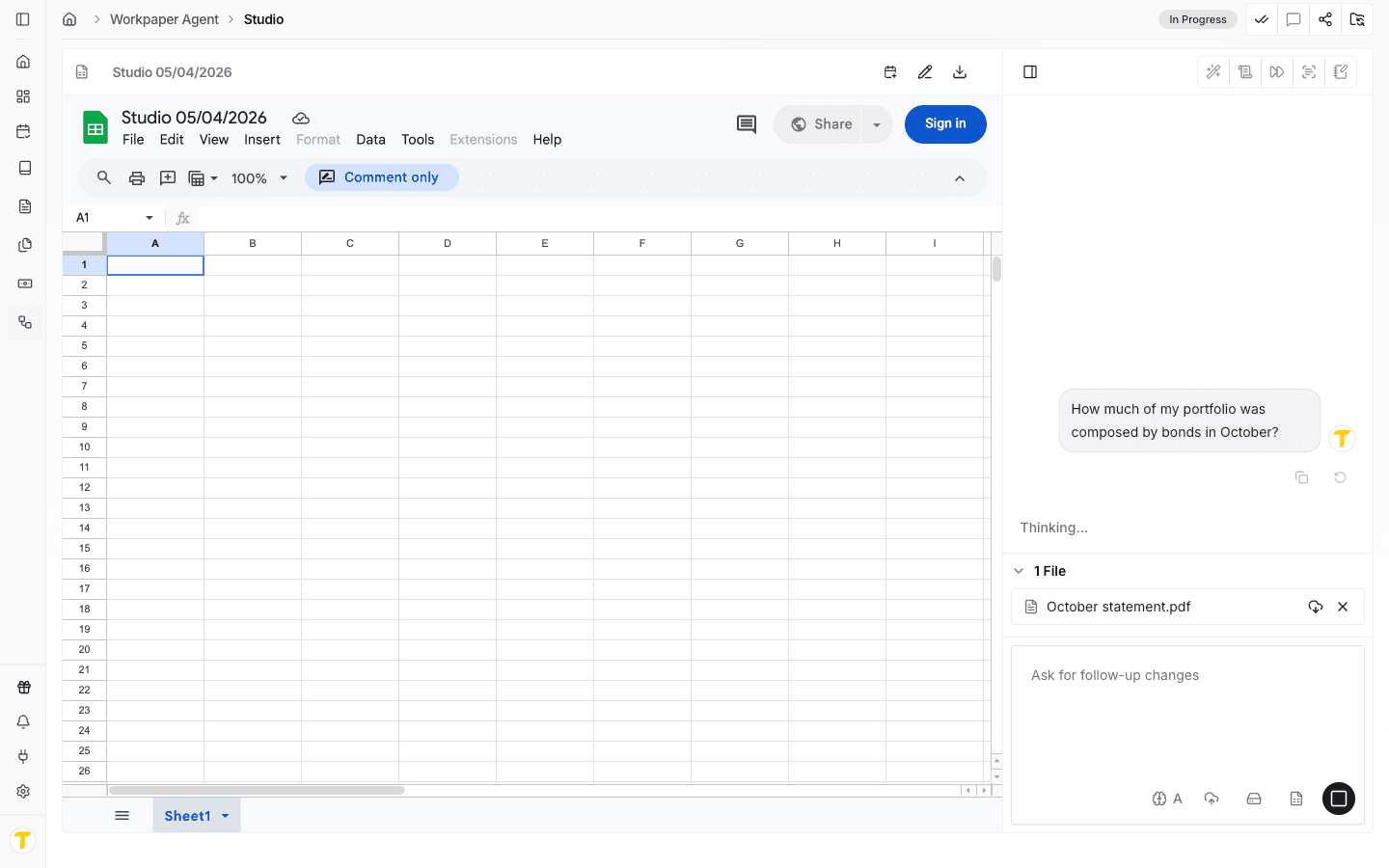
Type a specific question about the PDF content in the chat composer, including the file name or topic if more than one file is attached.
Step 4
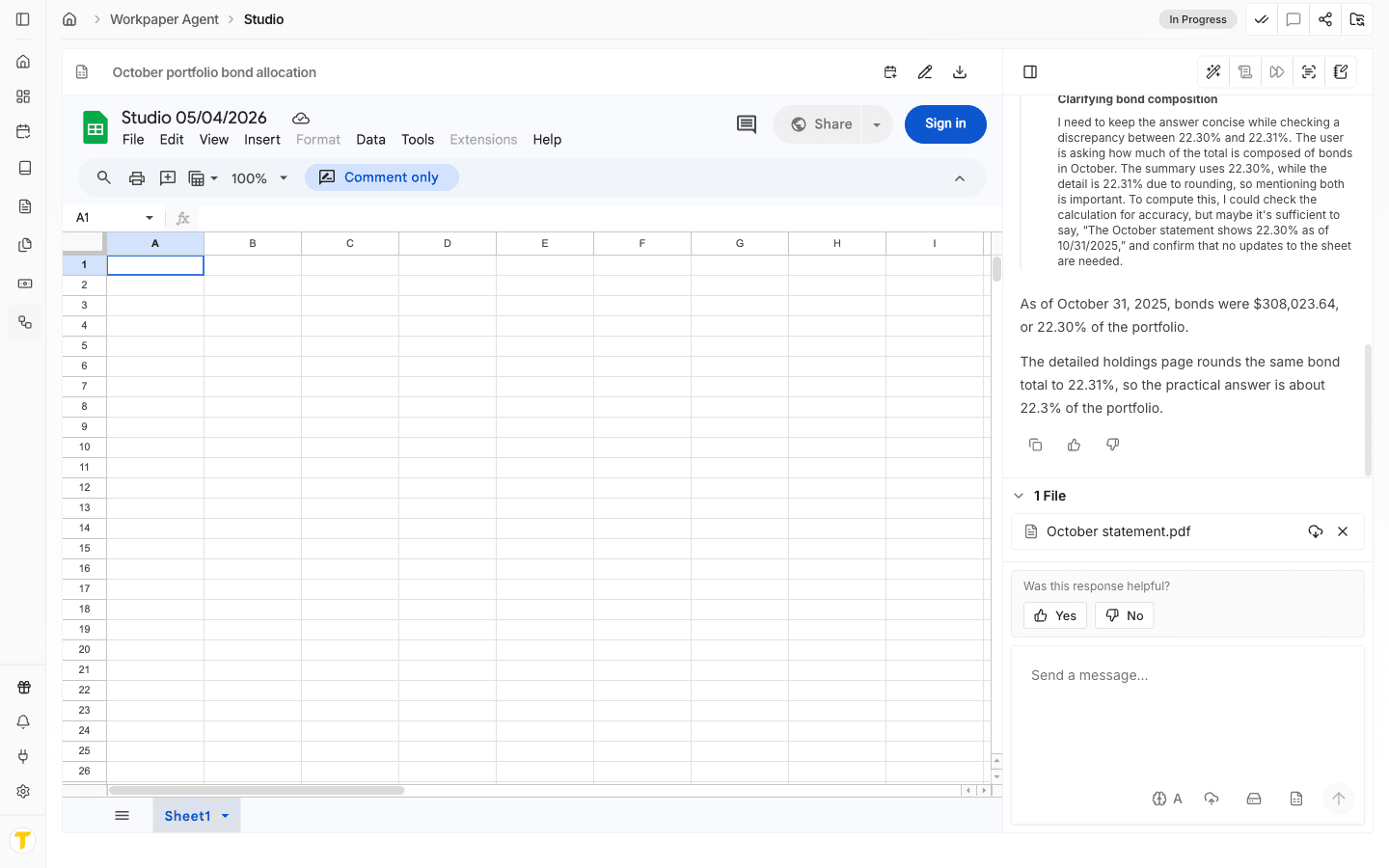
If the answer is too broad or seems to reference the wrong file, ask a more specific follow-up tied to the page, section, or table you want reviewed.
This workflow lets you ask questions about uploaded PDFs directly, without stepping out of the Workpaper Agent experience.
Use it when you need a direct answer from an uploaded PDF while you are already working in the agent workflow.
If the PDF is incomplete or unclear, you may still need review or a more targeted question.
Confirm the correct PDF is uploaded and ask a more specific question tied to the relevant content.
Was this helpful?
Need more help?
Ask for human help about this article and provide any feedback.