
When to use this flow
Use this flow when you have a recurring workbook pattern for one client and want future runs to start from the same SOP.
Ask the support agent
Just ask a direct question or search related articles from the Knowledge Base.
Support Center / Workpaper Agent / SOP Library
Save a preferred Workpaper Agent SOP to a client's SOP Library and reuse it when starting another Studio run for that same client.
Step 1
Start from a completed Studio workbook whose SOP should become reusable.
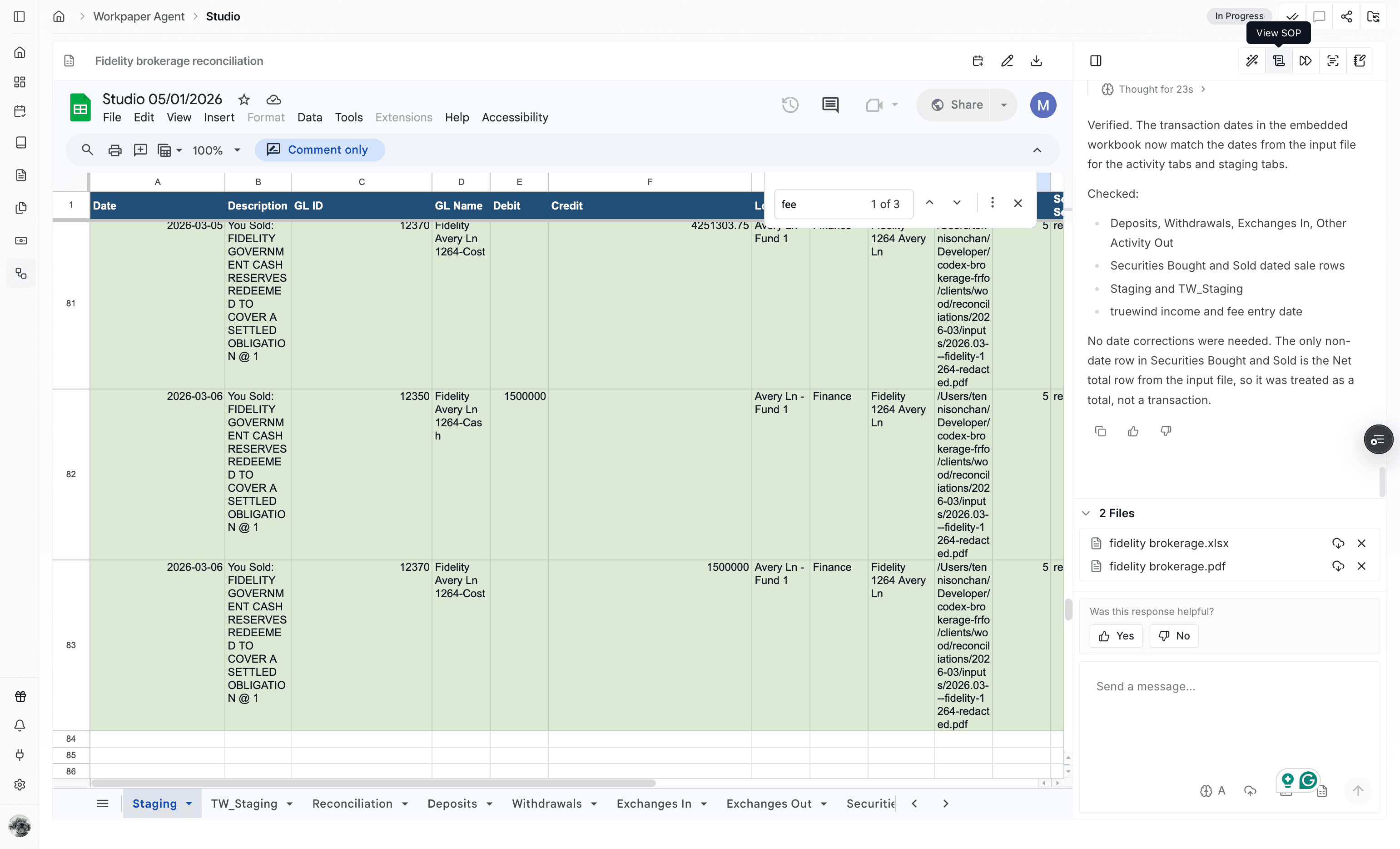
Step 2
Store the reviewed SOP so it can be selected for later client workbooks.
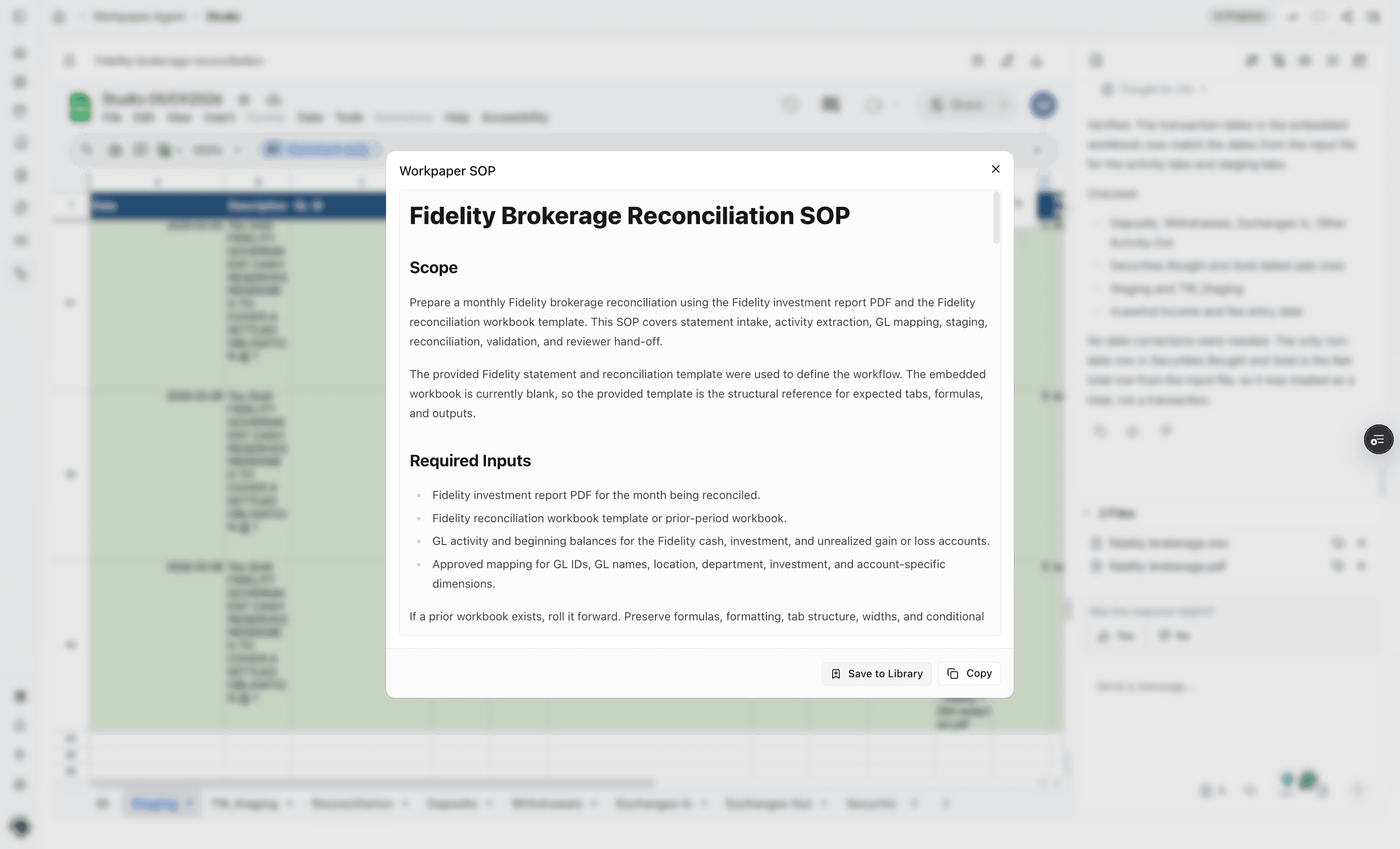
Step 3
Use a name and collection that make the SOP easy to find for this client.
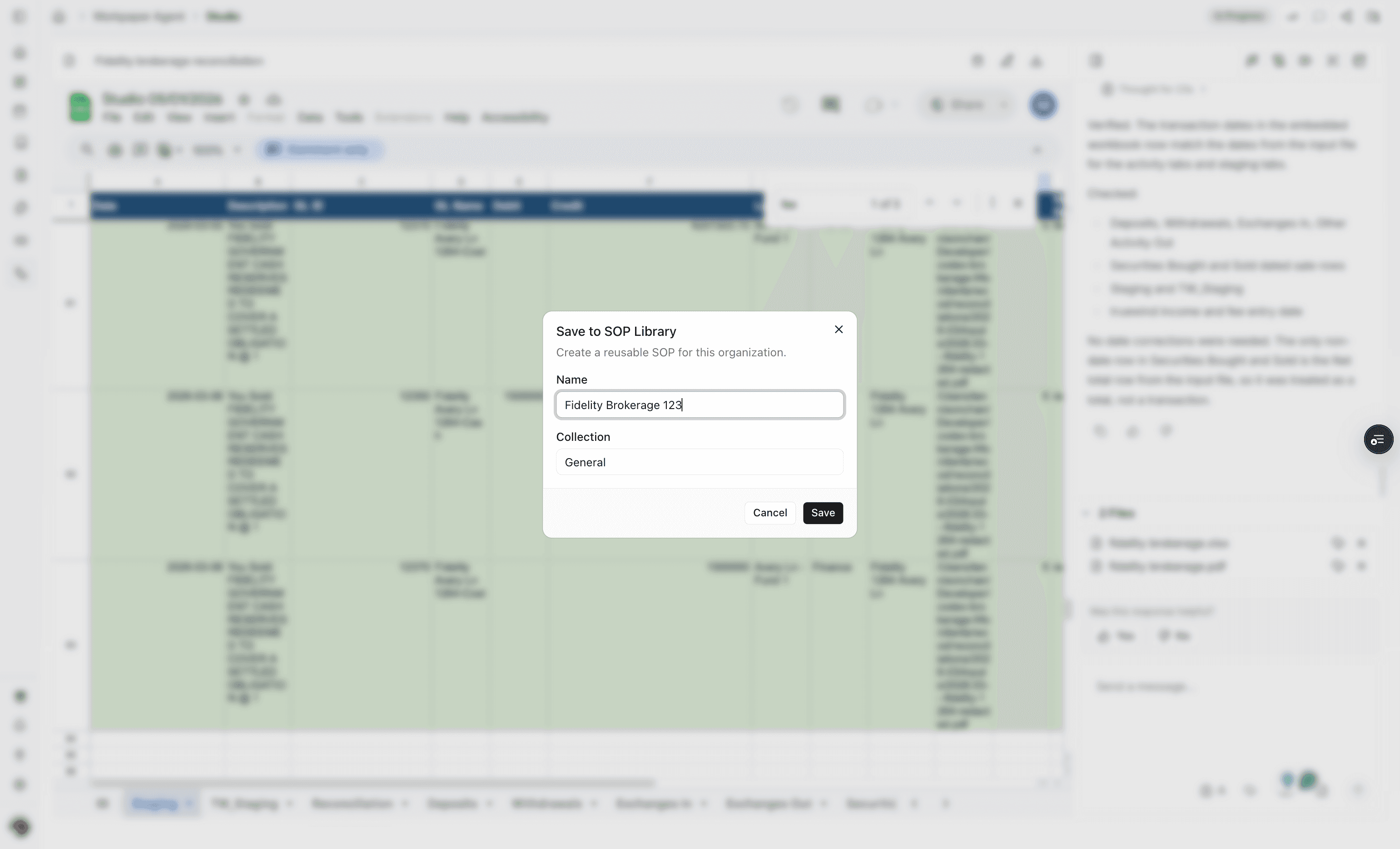
Step 4
Confirm the library entry after the required details are complete.
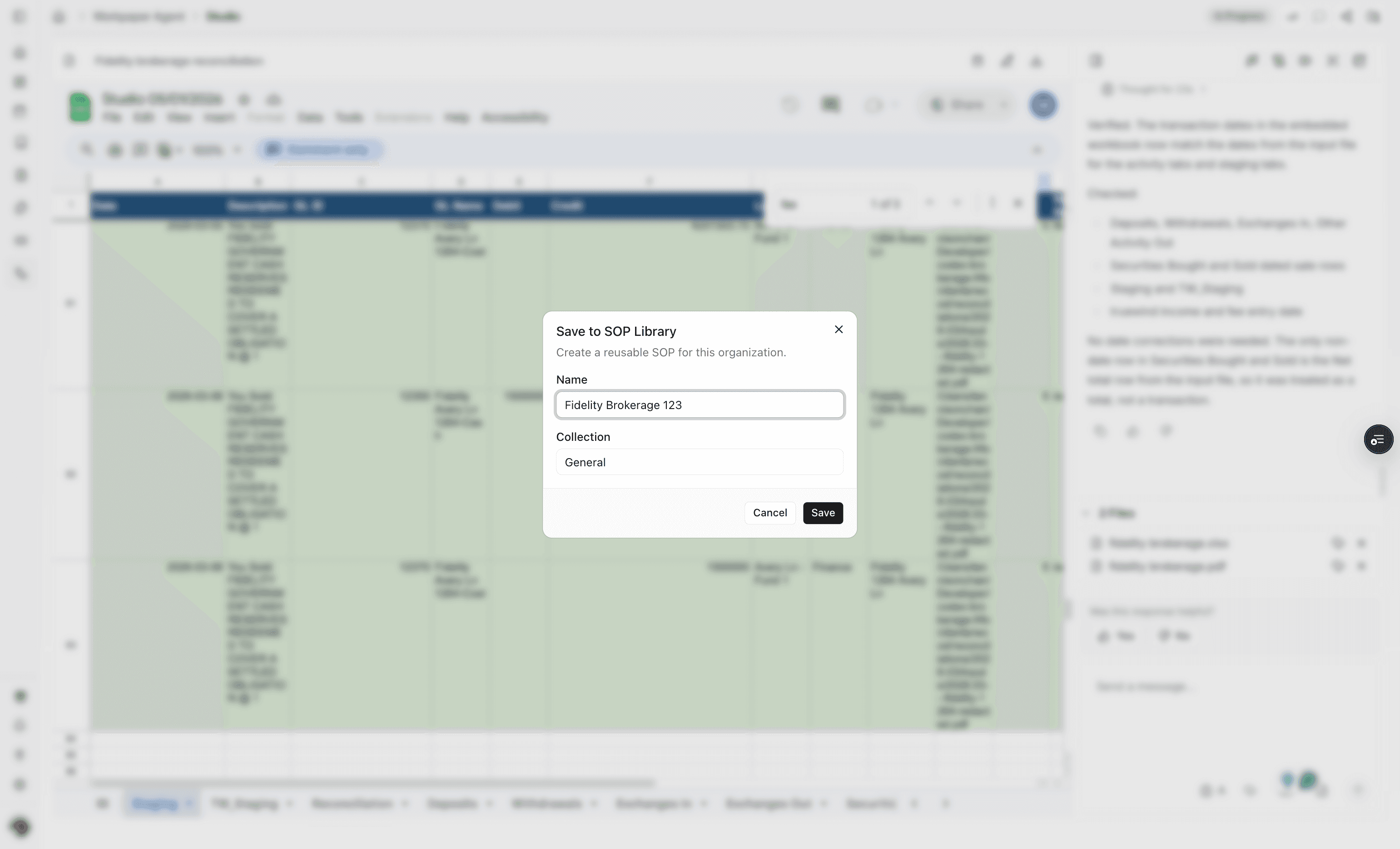
Step 5
Open the navigation so the client SOP Library is available.
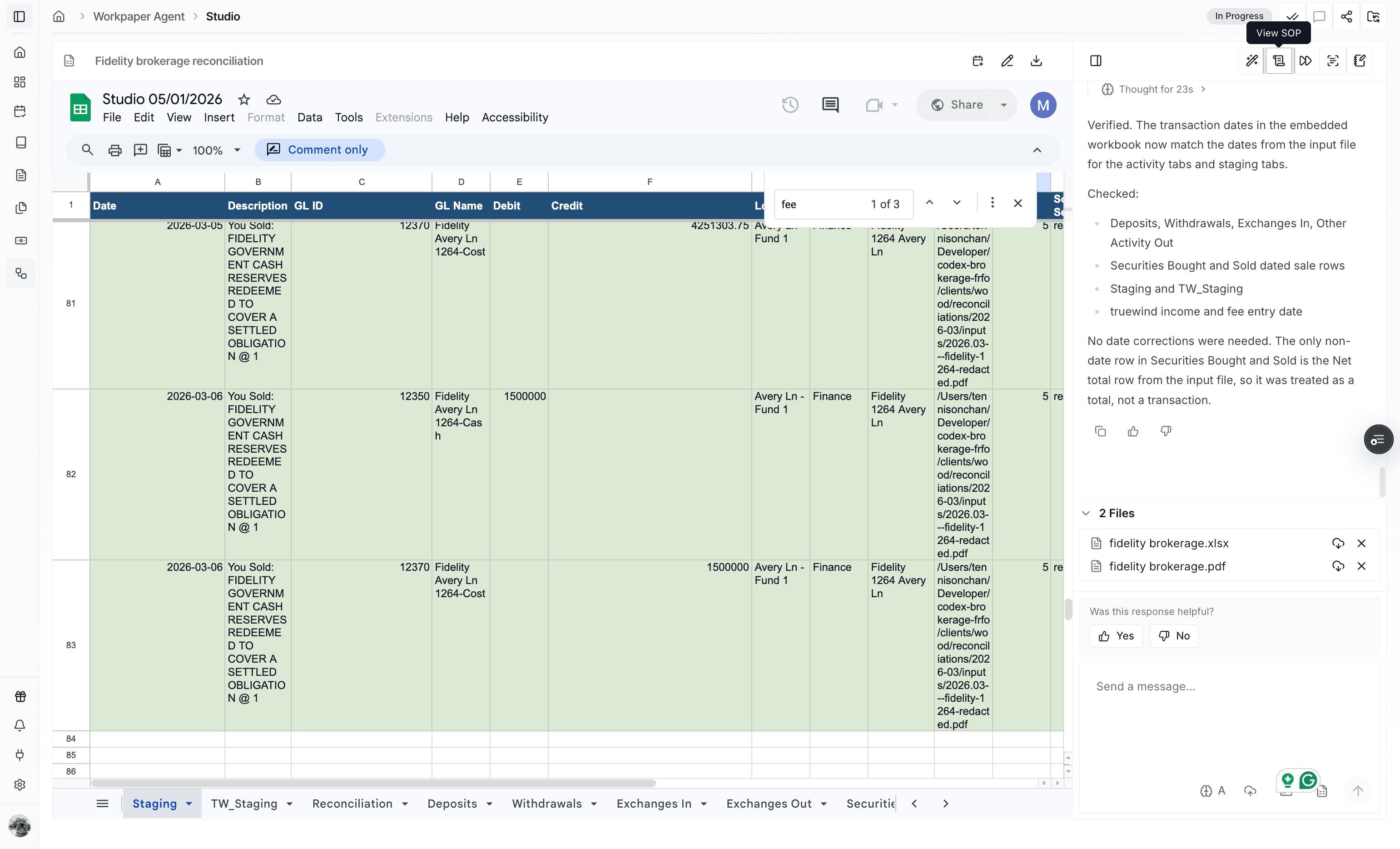
Step 6
Go to the library to verify the saved SOP and reuse it.
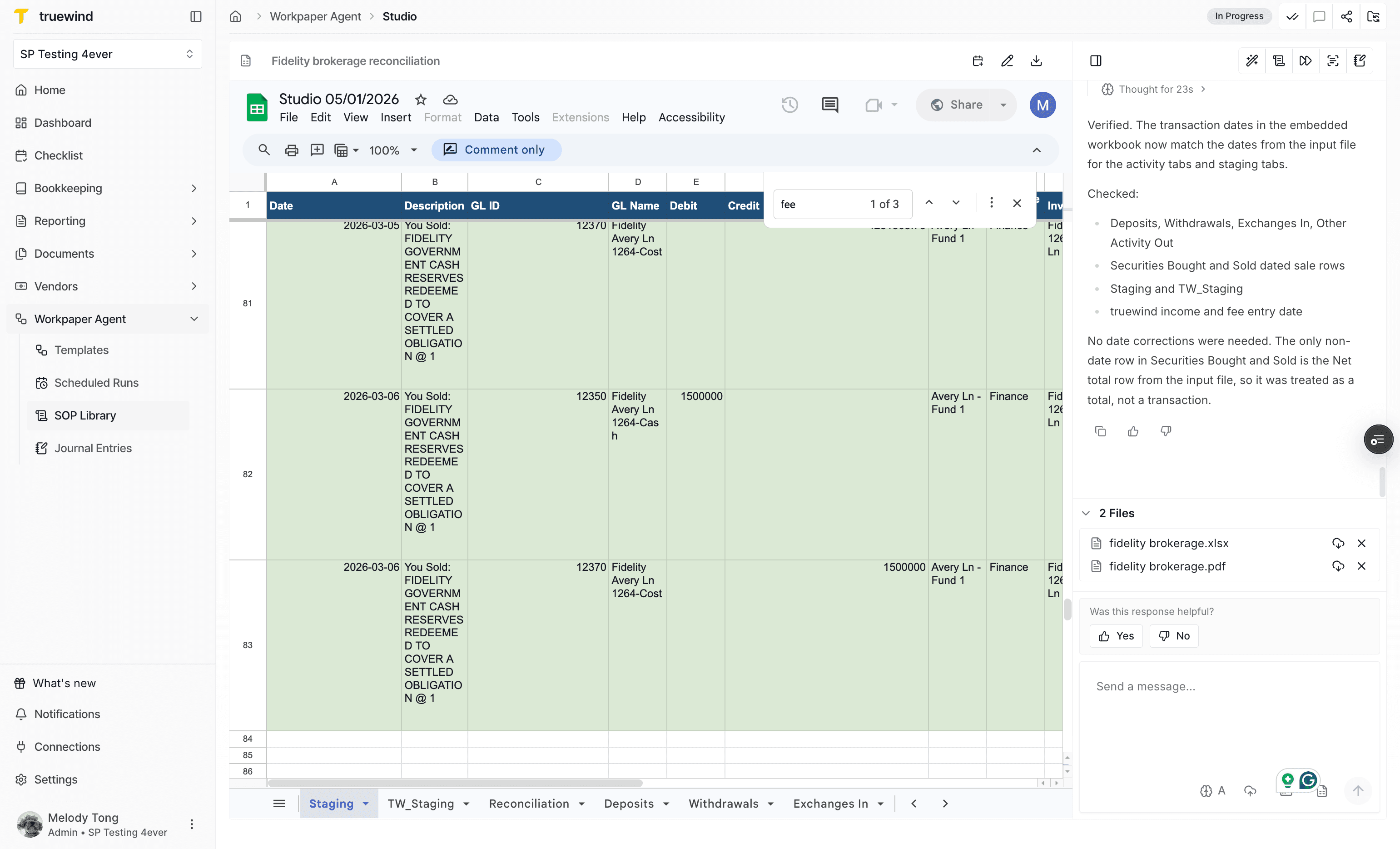
Step 7
Confirm the saved SOP appears as published with client-level scope.
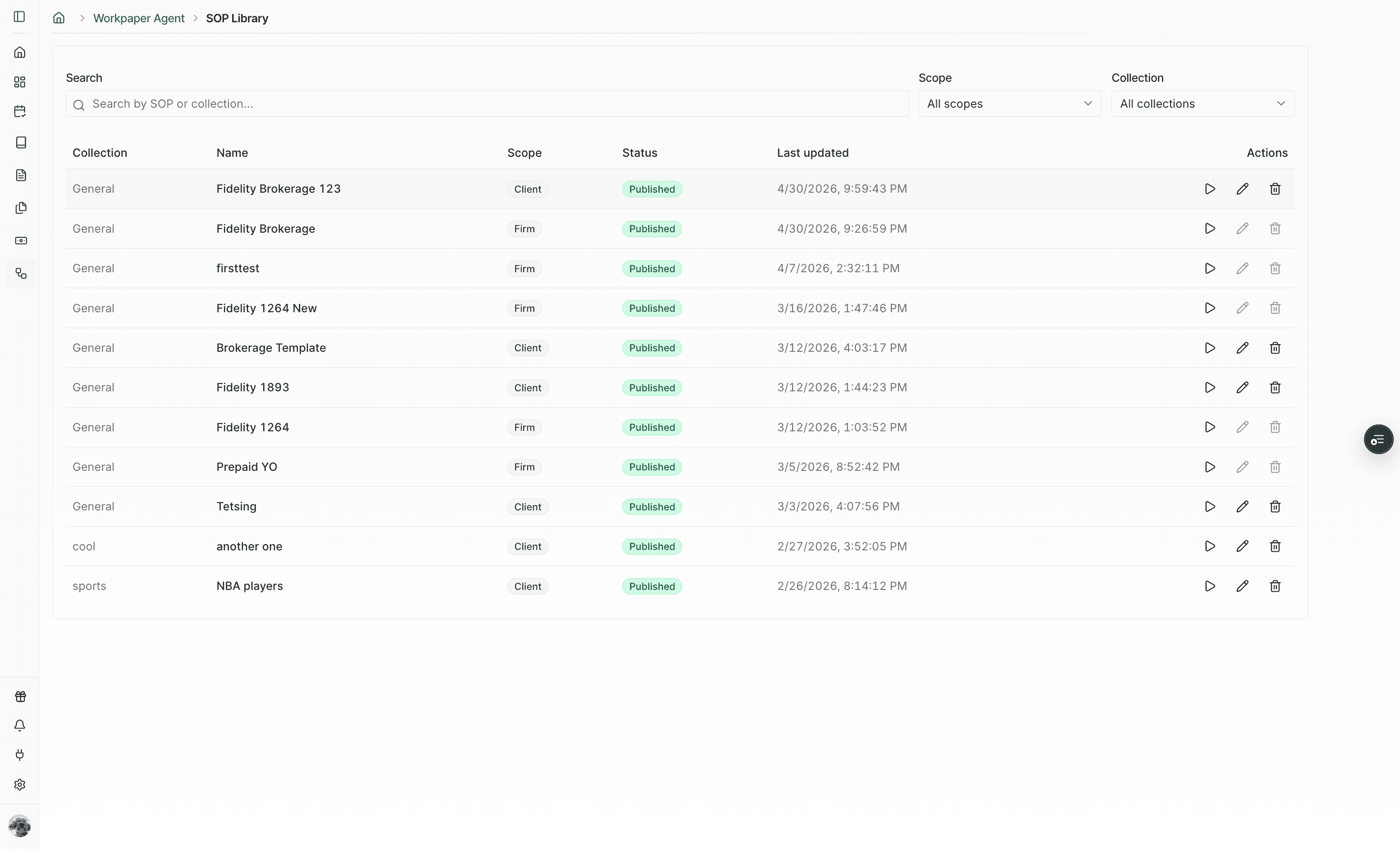
Step 8
Start another workbook from the saved SOP instead of rebuilding the setup.
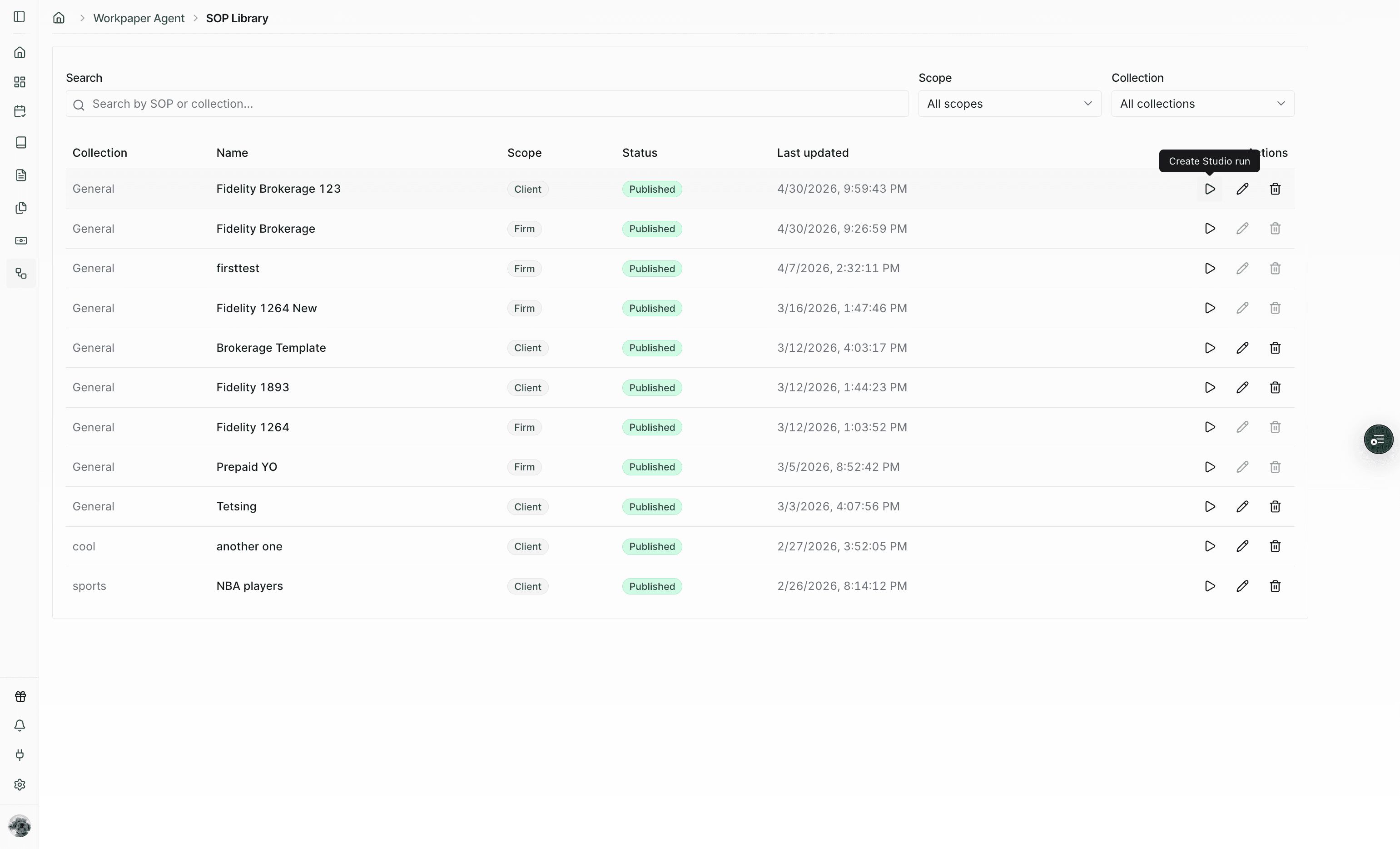
Step 9
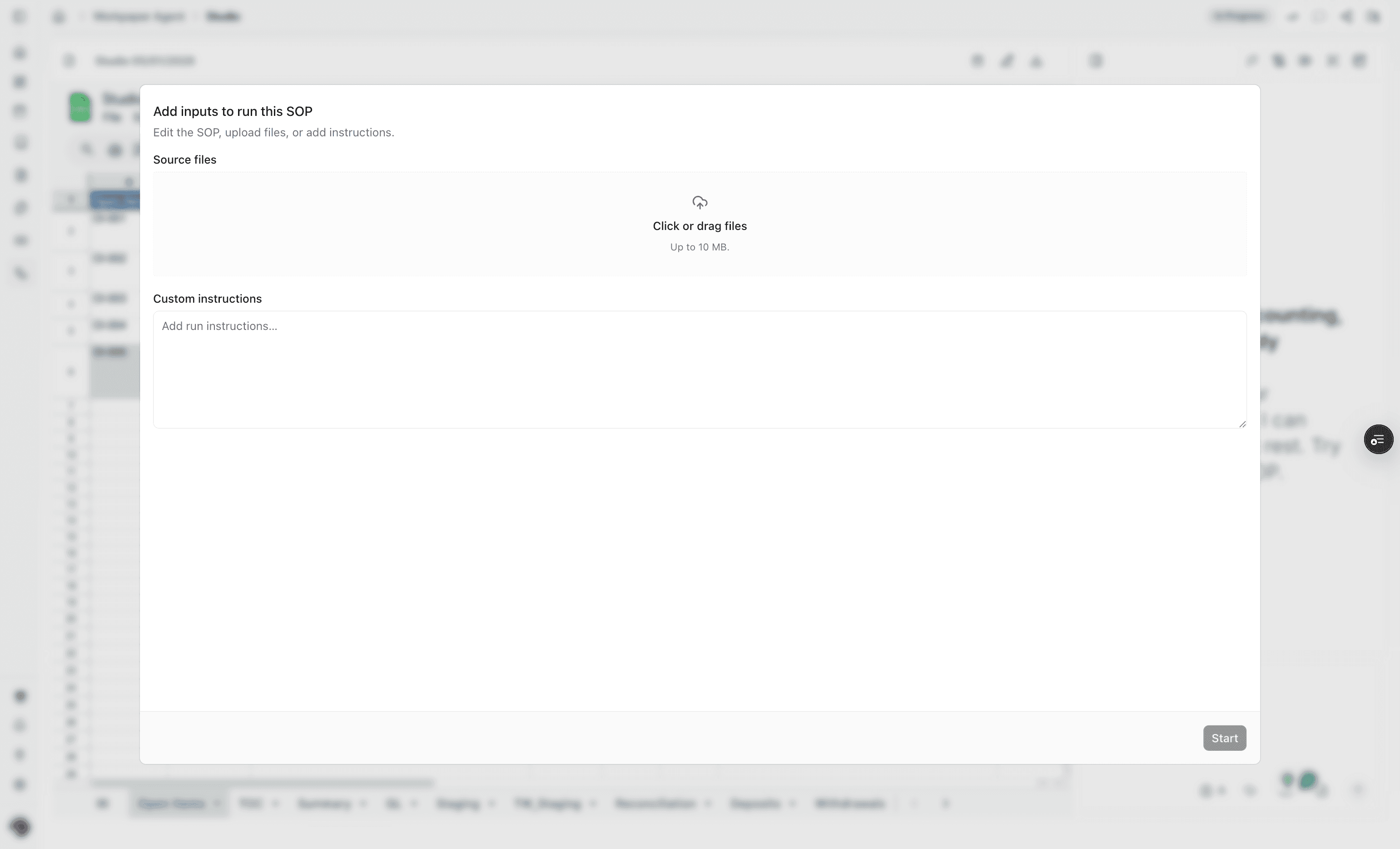
Drop the new files, add optional instructions, and begin the run with the saved SOP.
Use this flow when you have a recurring workbook pattern for one client and want future runs to start from the same SOP.
Save a client-level SOP when the structure is reusable for the same client but should not become a firm-wide template.
No. Client-level SOP updates stay within that client. If the improvement should become the shared version for other clients, save or promote the improved procedure as a firm-level SOP, then reuse that firm-level SOP from the other client workspaces.
A client-level SOP is intended for the current client account. Use a firm-level SOP when the same workflow should be reused across clients.
Use a descriptive SOP name and collection that match the client workflow, account, or recurring close process.
Was this helpful?
Need more help?
Ask for human help about this article and provide any feedback.