
When to use this flow
Use this flow when your firm has a workbook pattern that should be reused across multiple client accounts.
Ask the support agent
Just ask a direct question or search related articles from the Knowledge Base.
Support Center / Workpaper Agent / SOP Library
Create an SOP at the accounting-firm level, publish it to the SOP Library, and reuse it from a client account when starting a new Studio run.
Step 1
Start from the accounting firm workspace so the SOP can be saved with firm-level visibility.
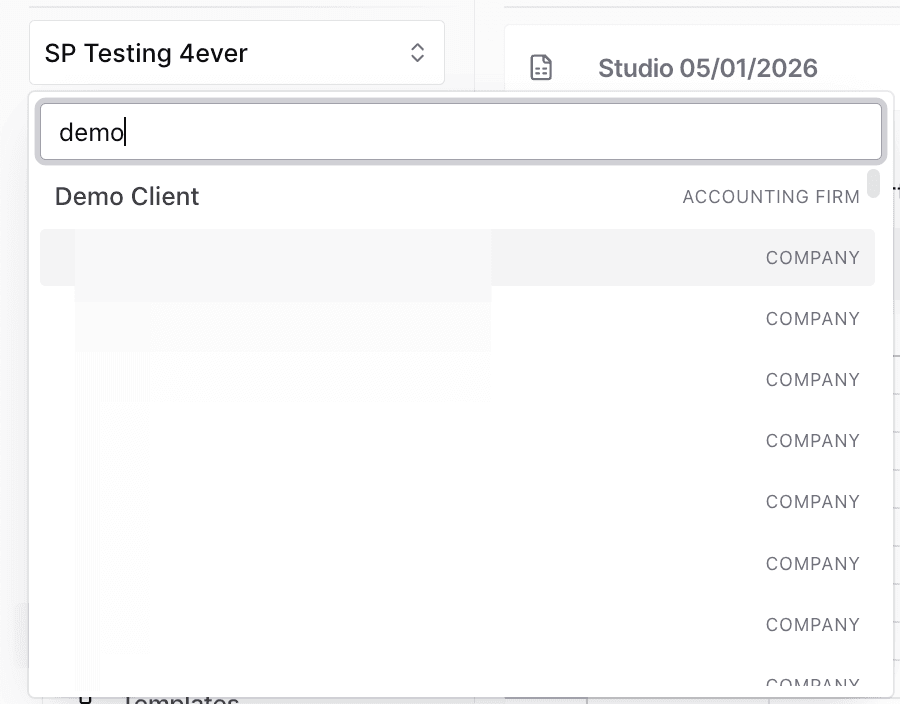
Step 2
Use the Workpaper Agent navigation to reach the library where reusable SOPs are managed.
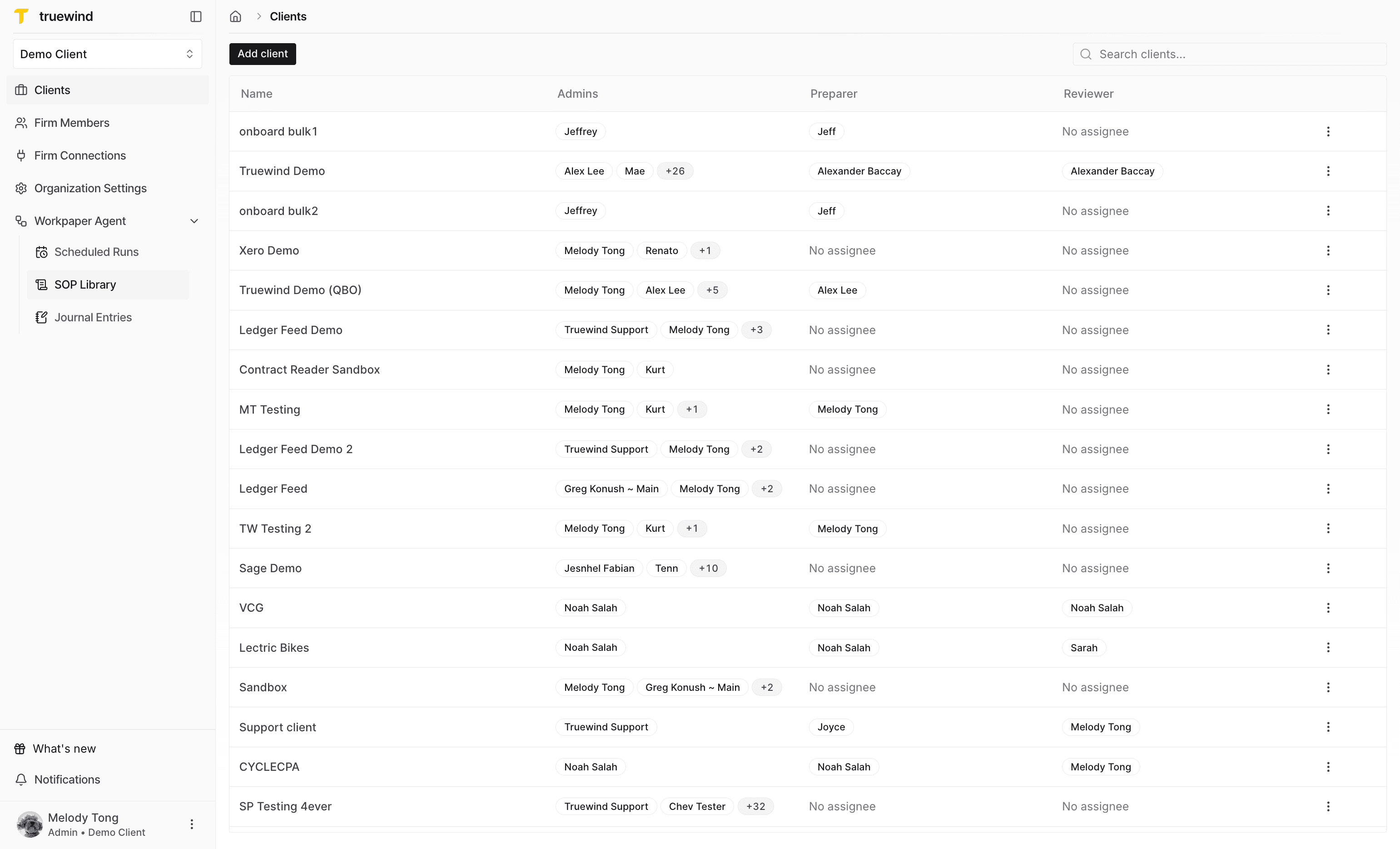
Step 3
Begin a reusable SOP from the library instead of editing an existing prompt.
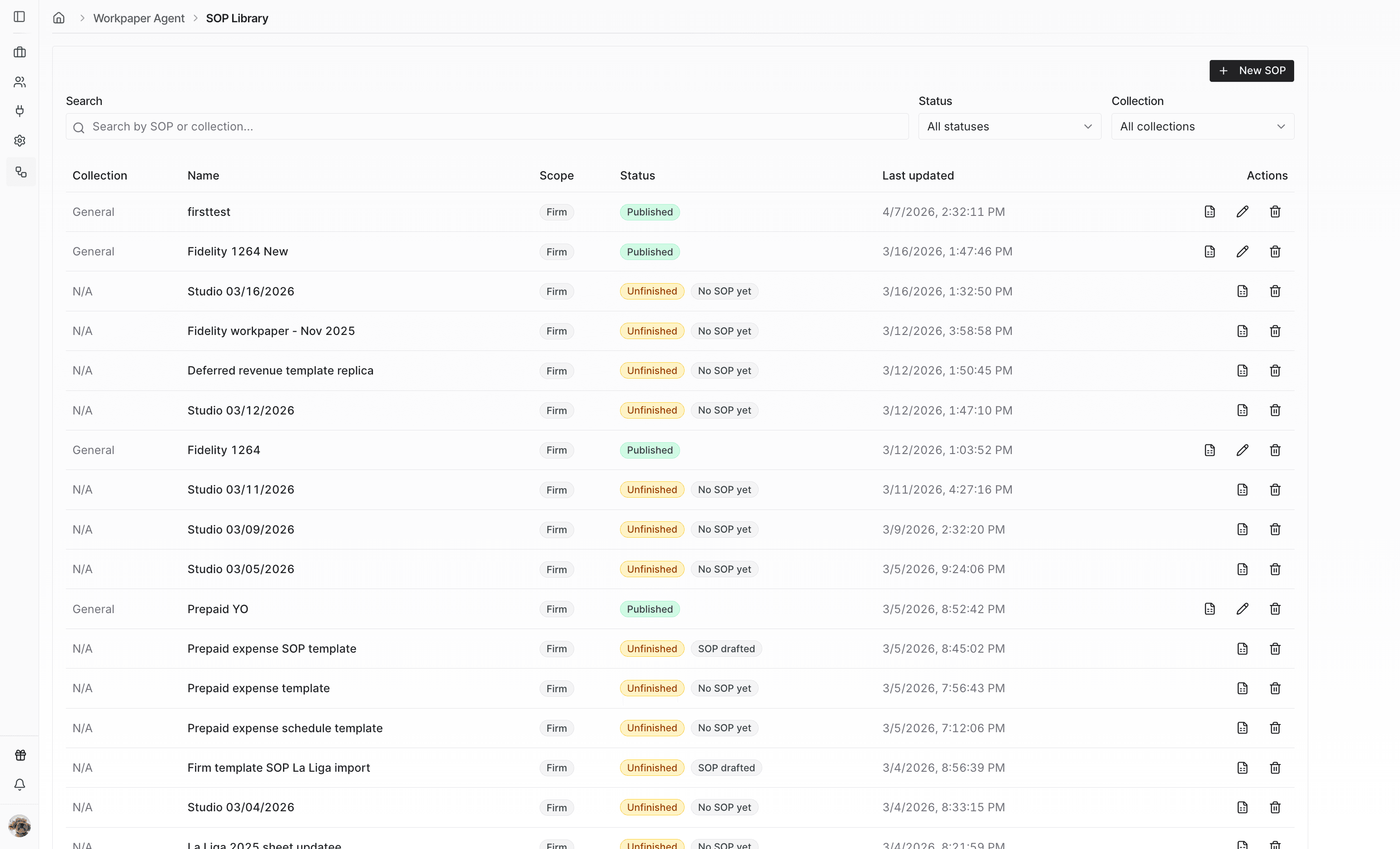
Step 4
Add the files Workpaper Agent should use to infer the workbook structure and SOP.
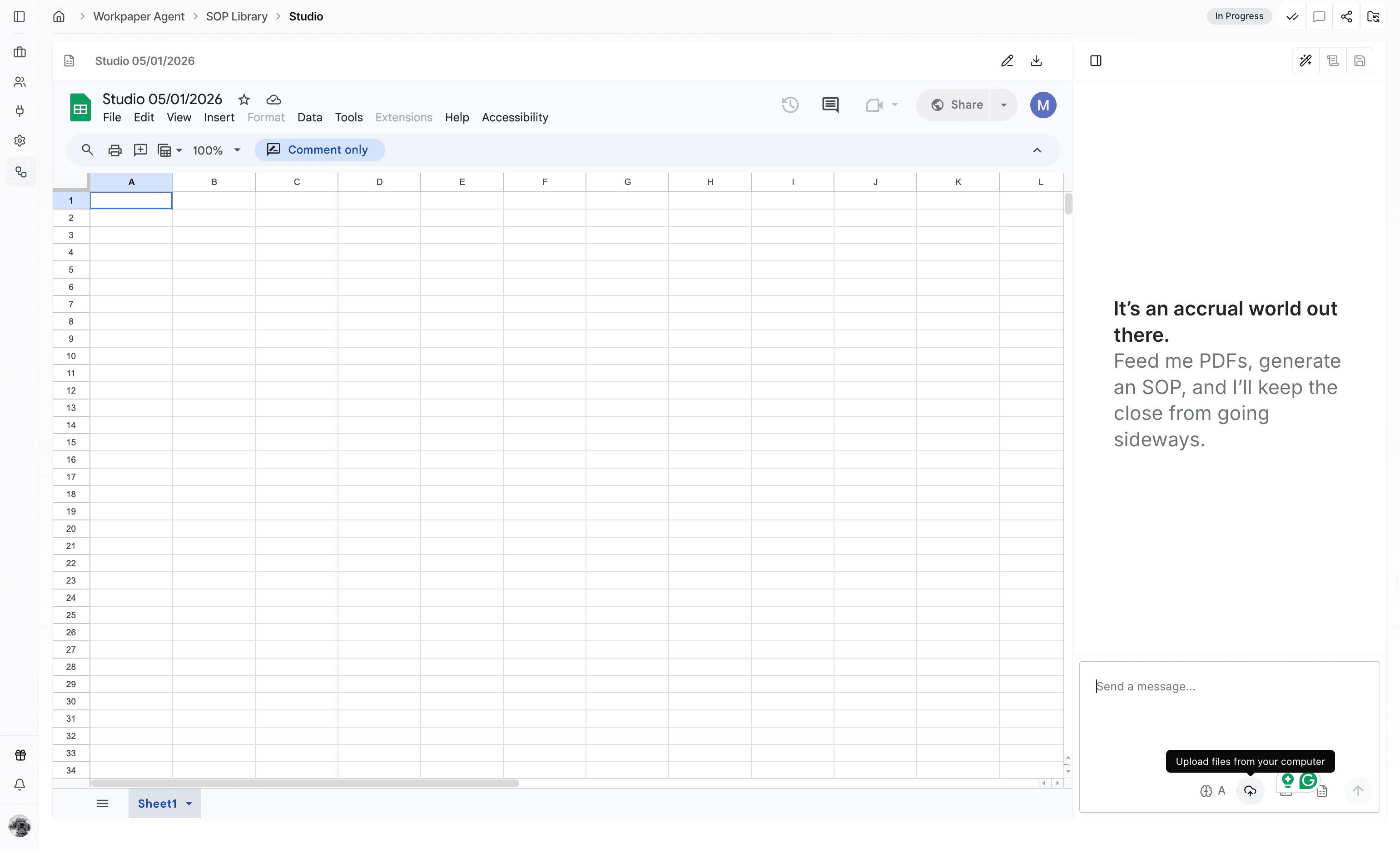
Step 5
Give the agent the requirements, expected output, and reusable template expectations.
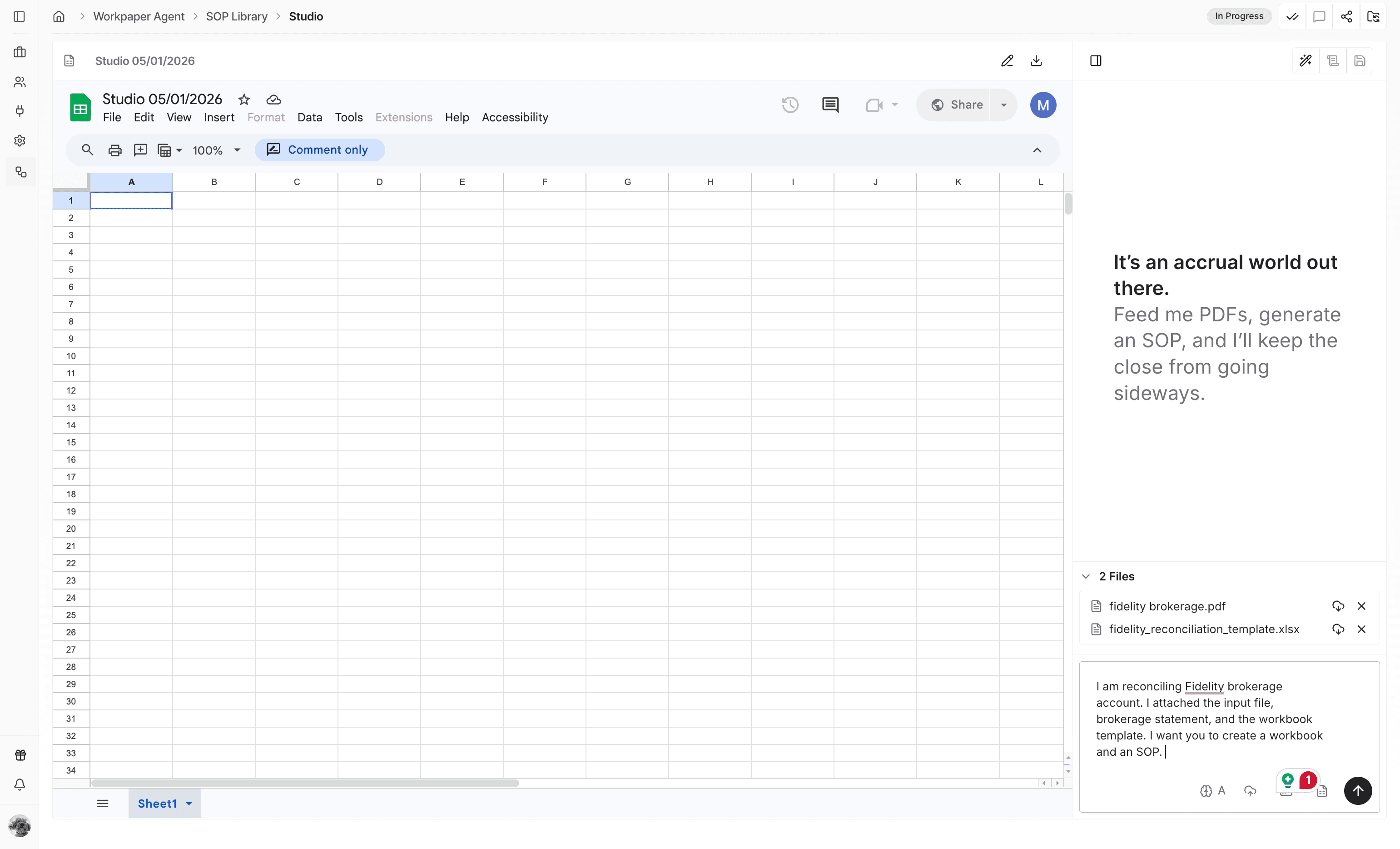
Step 6
Confirm the uploaded files and written instructions are both included before submitting.
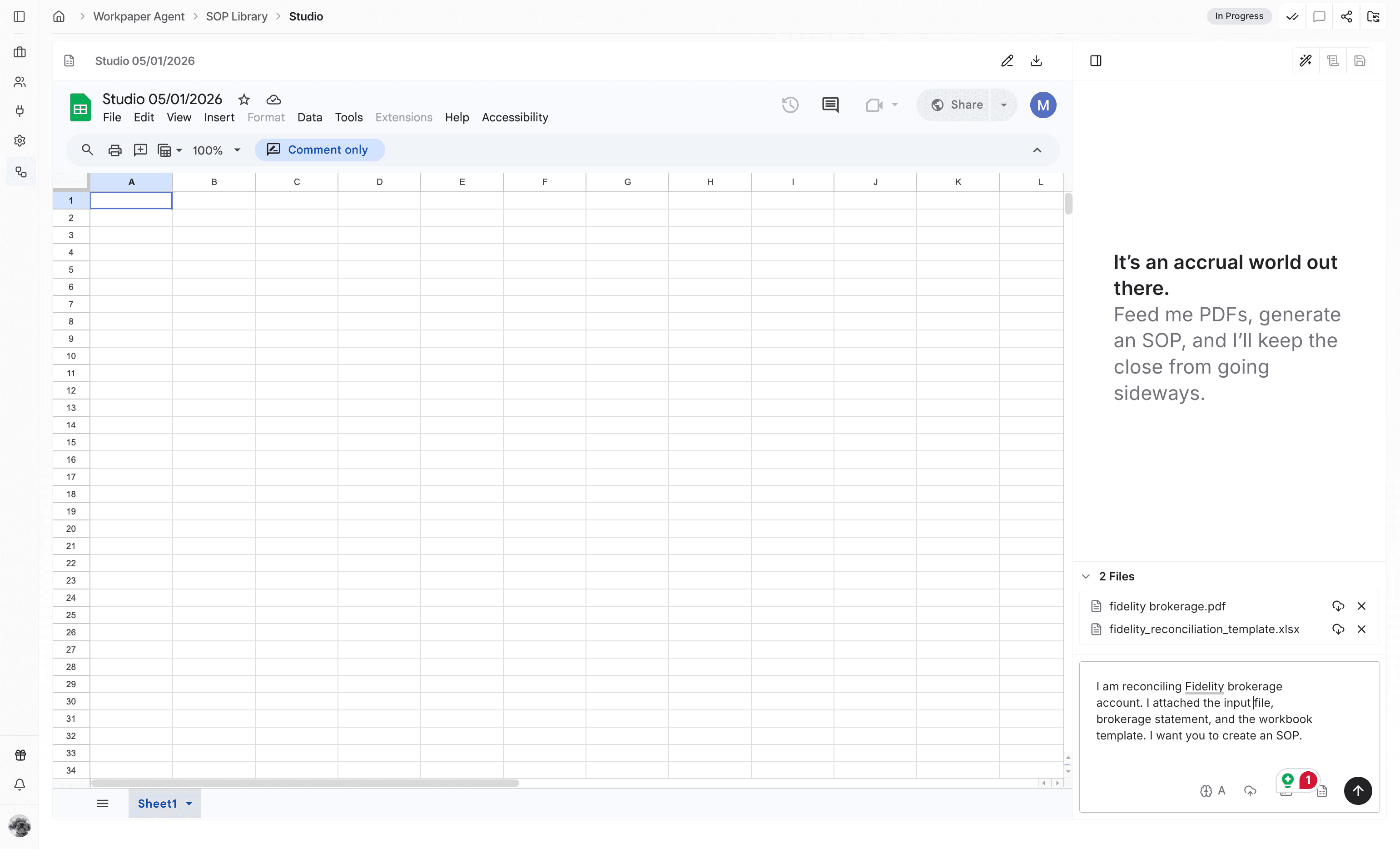
Step 7
Send the SOP-building request once the reusable template requirements are ready.
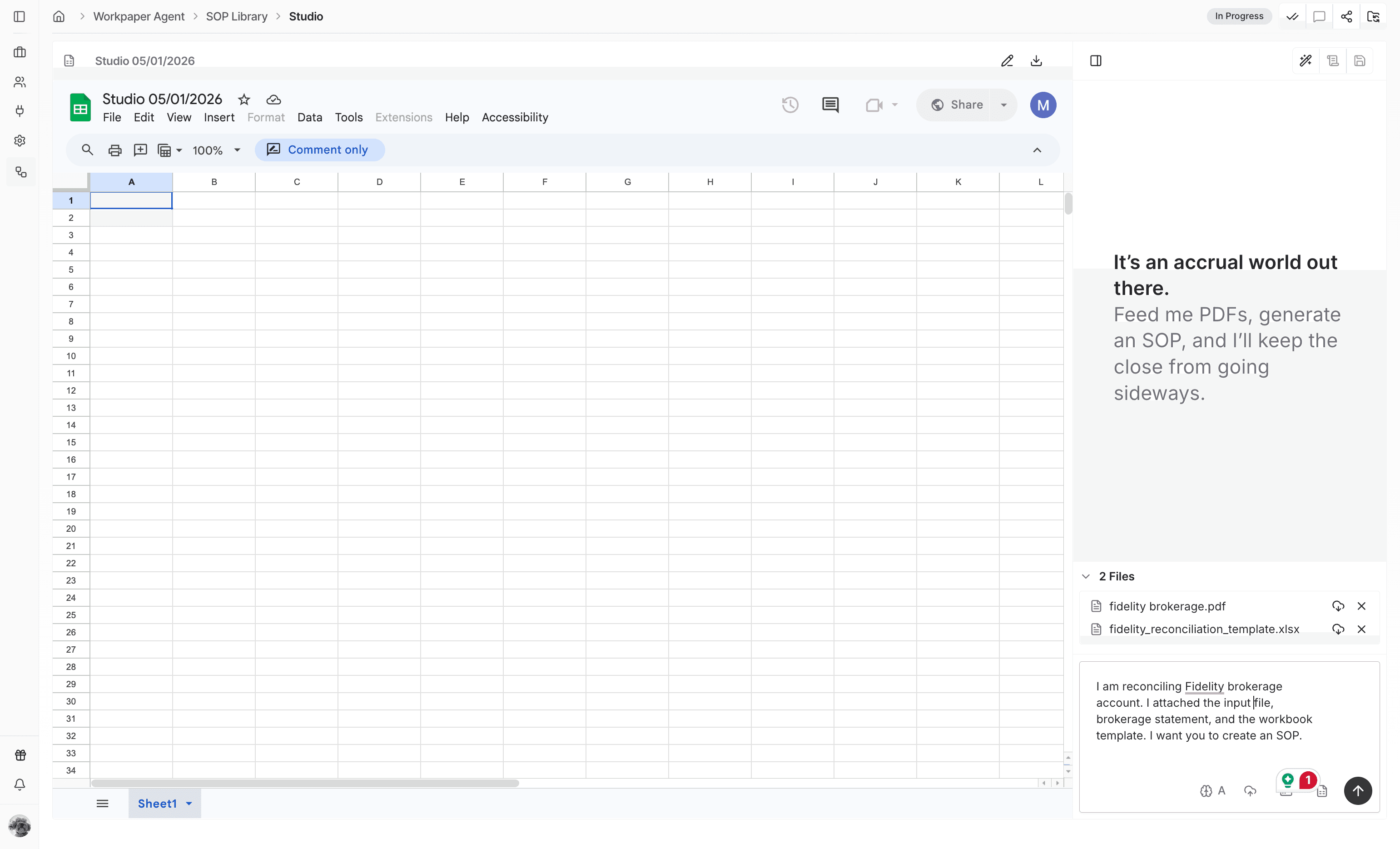
Step 8
Let Workpaper Agent analyze the files and build the draft SOP before reviewing the output.
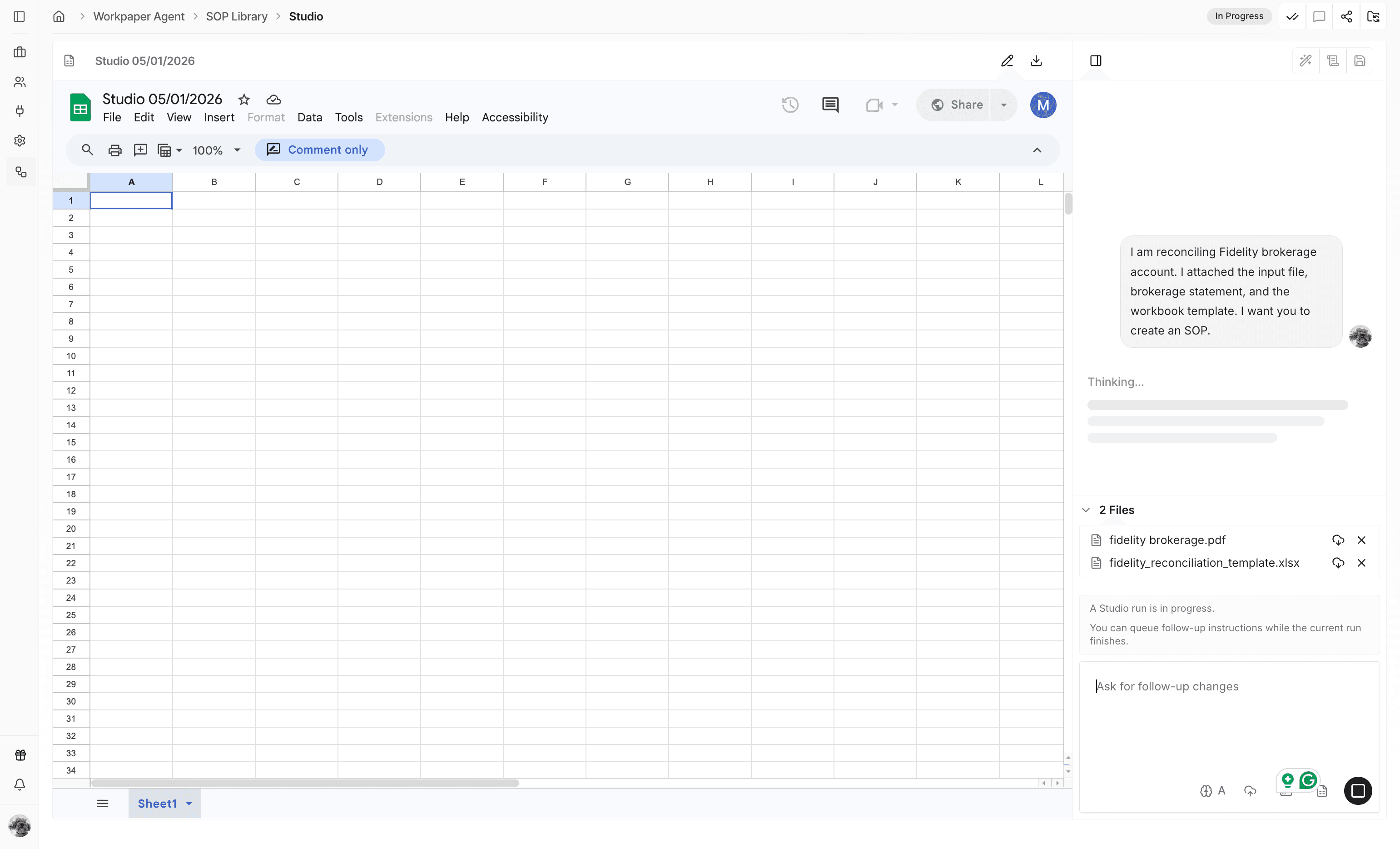
Step 9
Add follow-up instructions if client-specific language or workbook details should be removed.
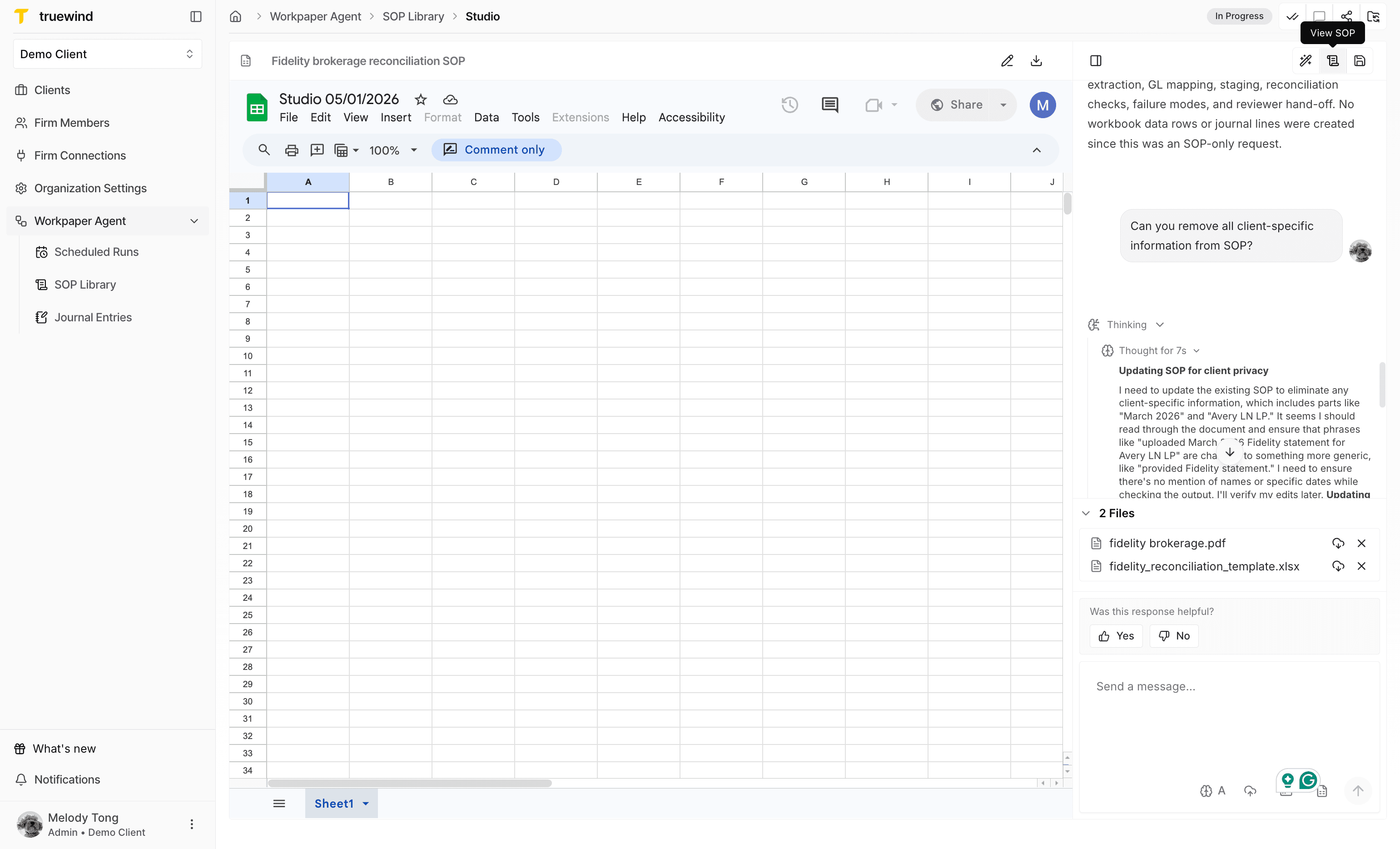
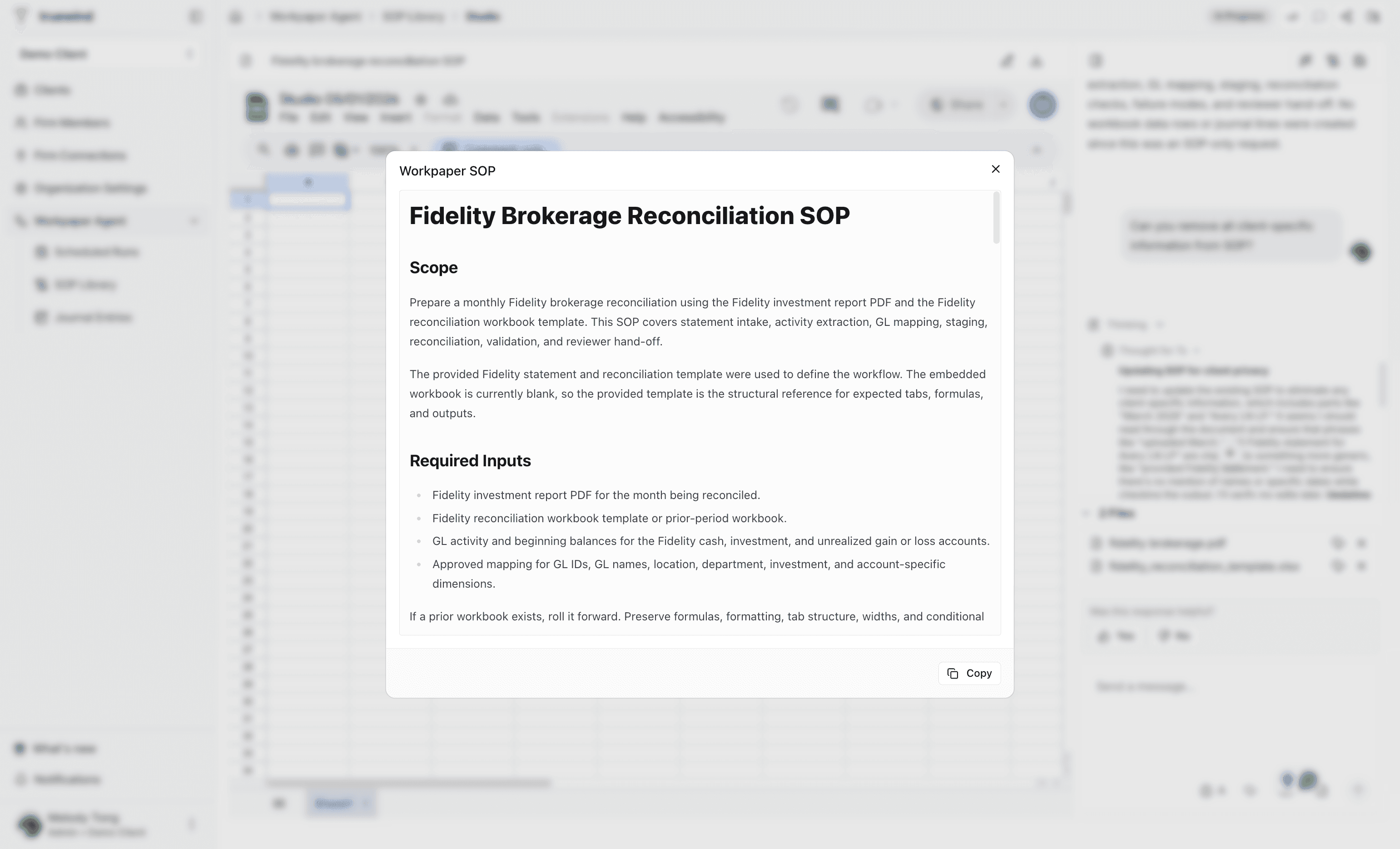
Step 10
Inspect the generated Workpaper SOP before saving it for firm-wide reuse.
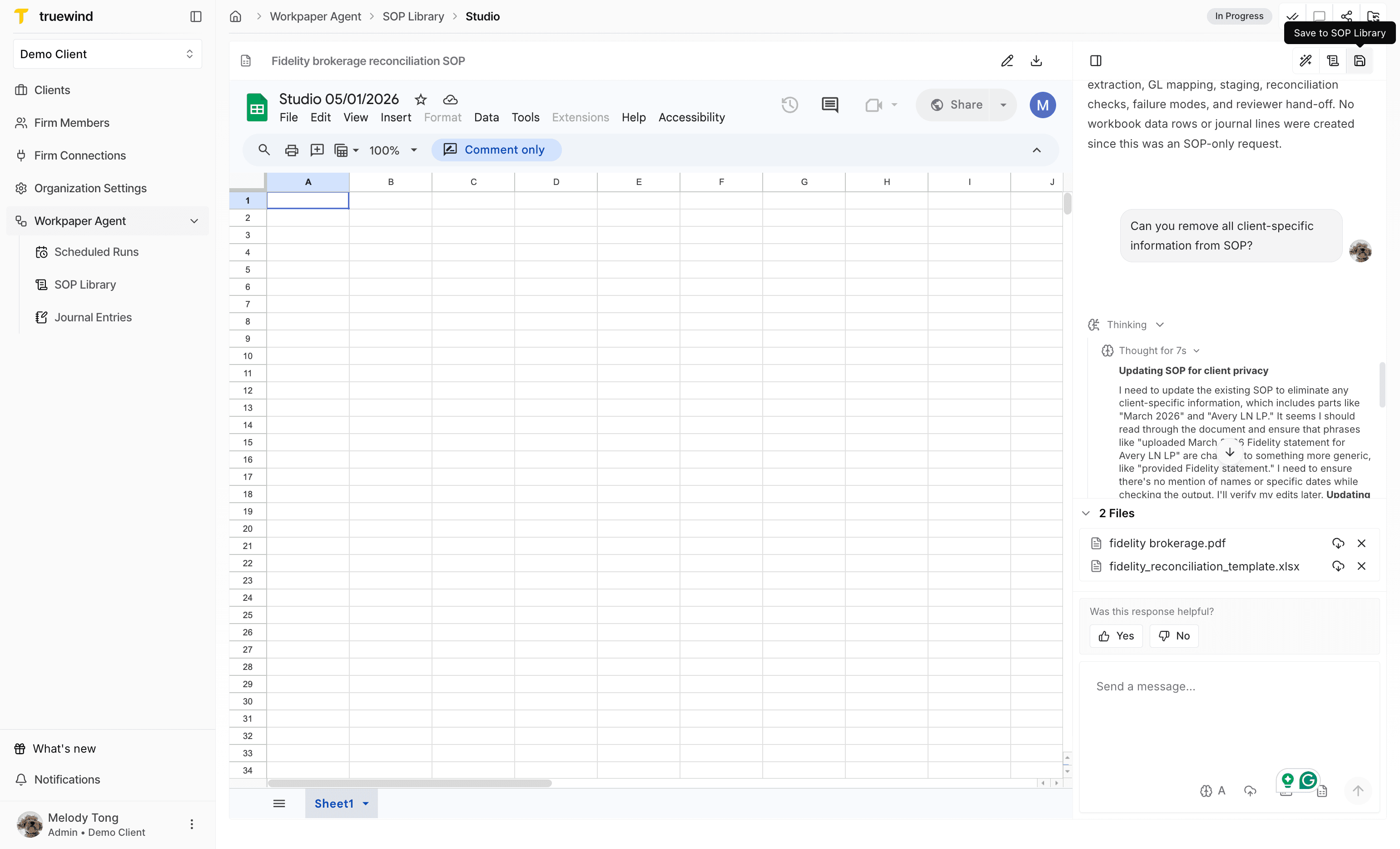
Step 11
Store the reviewed SOP so it can be selected from the SOP Library later.
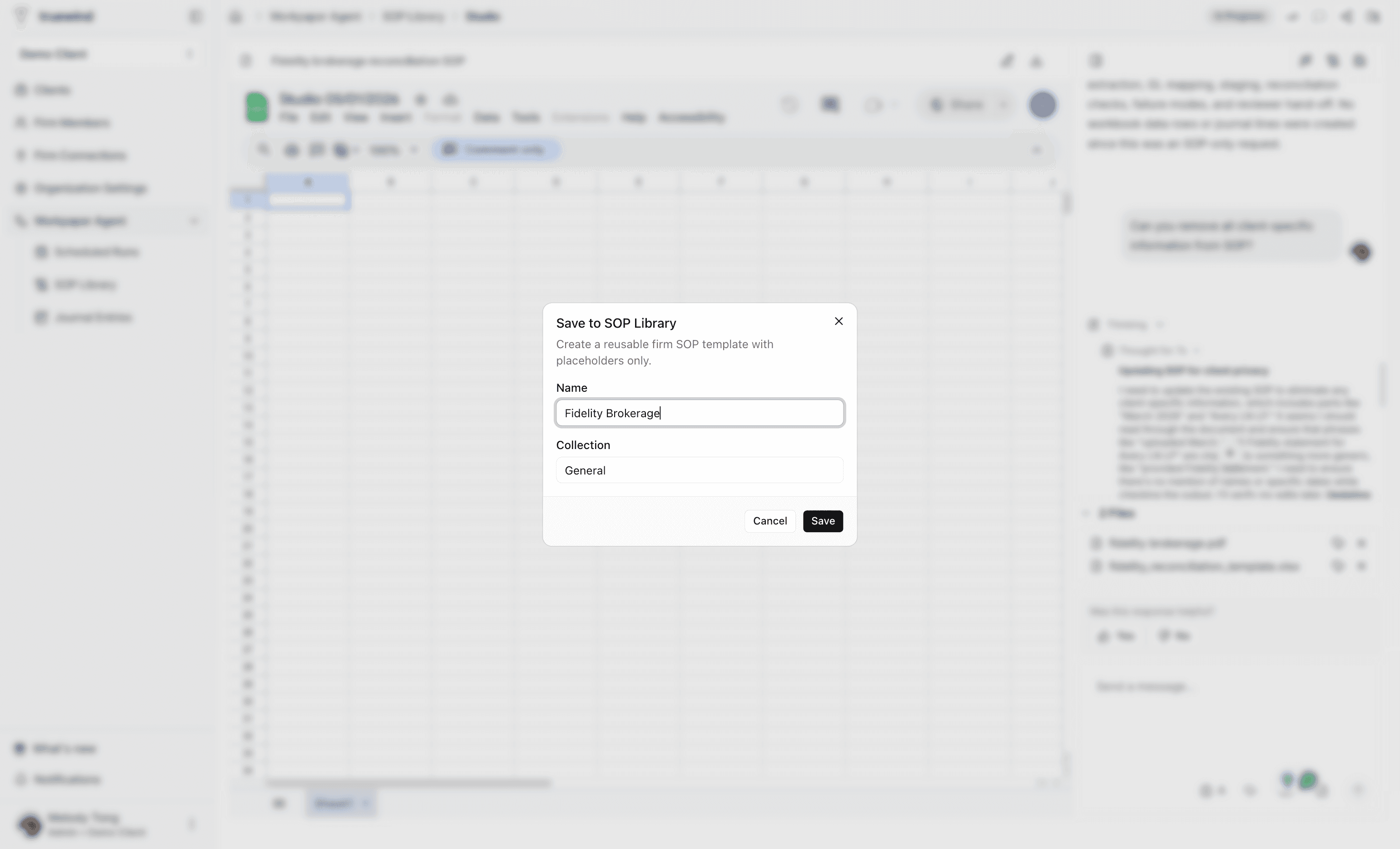
Step 12
Enter a clear name and collection so client teams can identify the SOP later.
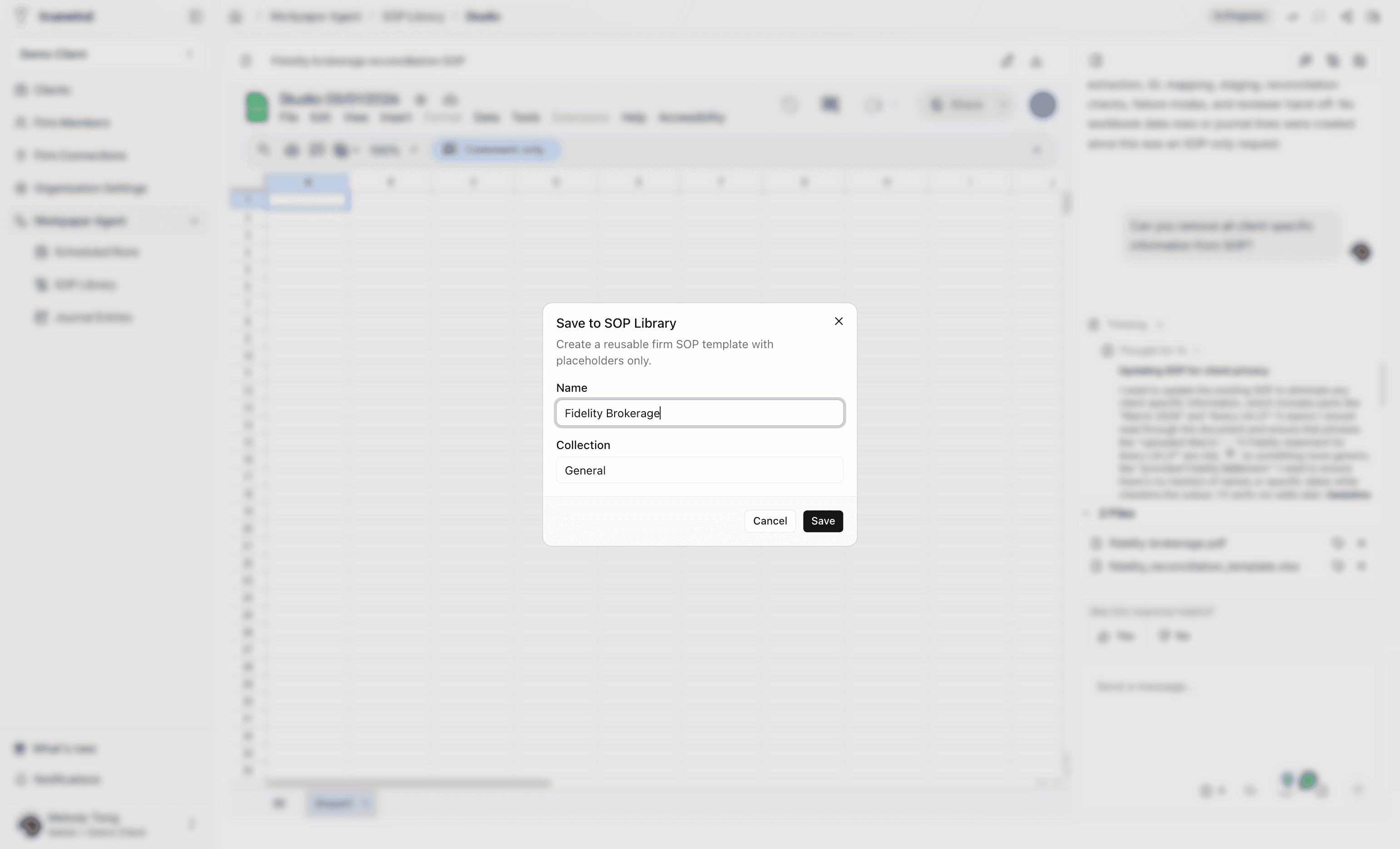
Step 13
Confirm the library entry after the name and collection are set.
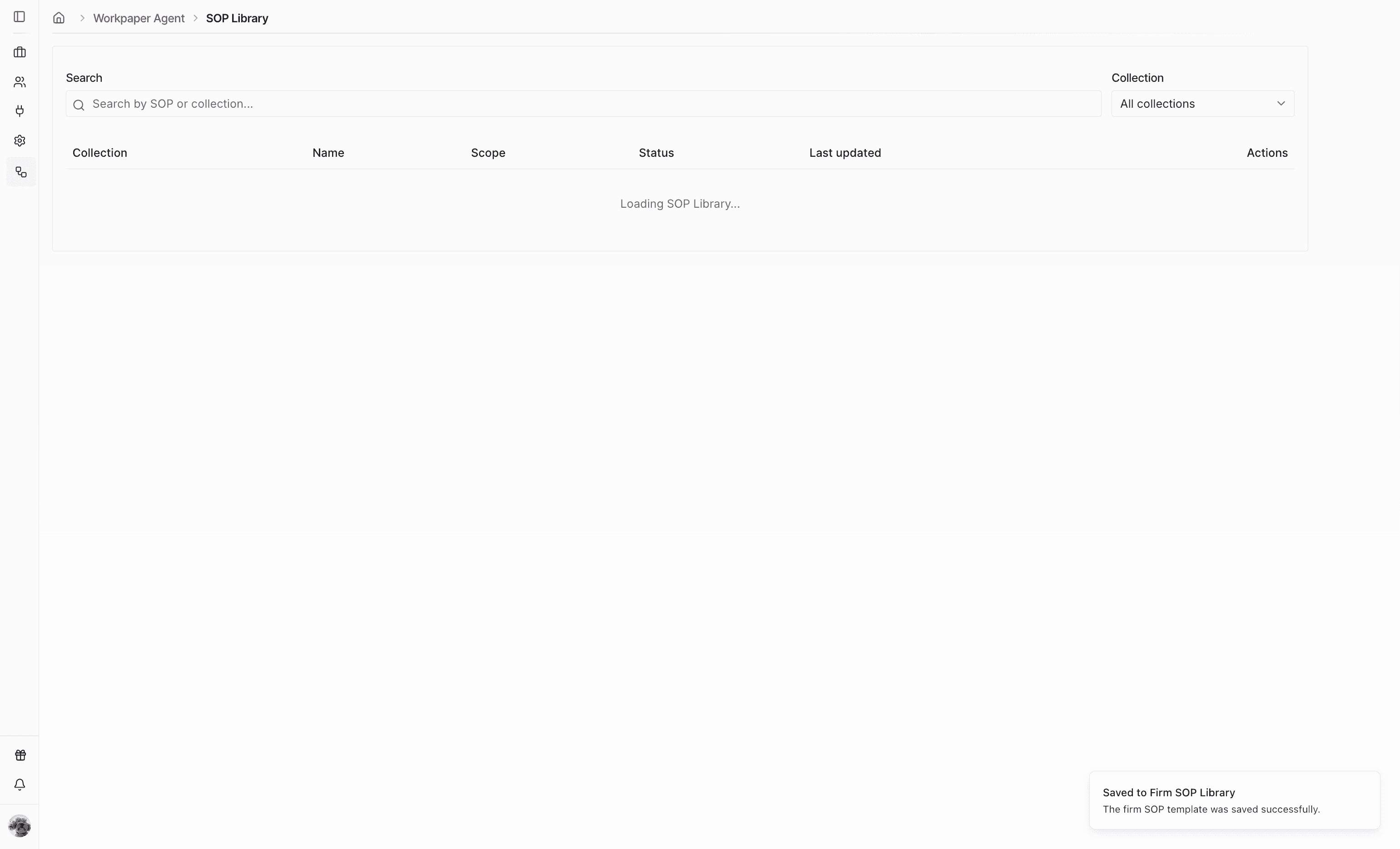
Step 14
Check for the confirmation notification before moving to a client account.
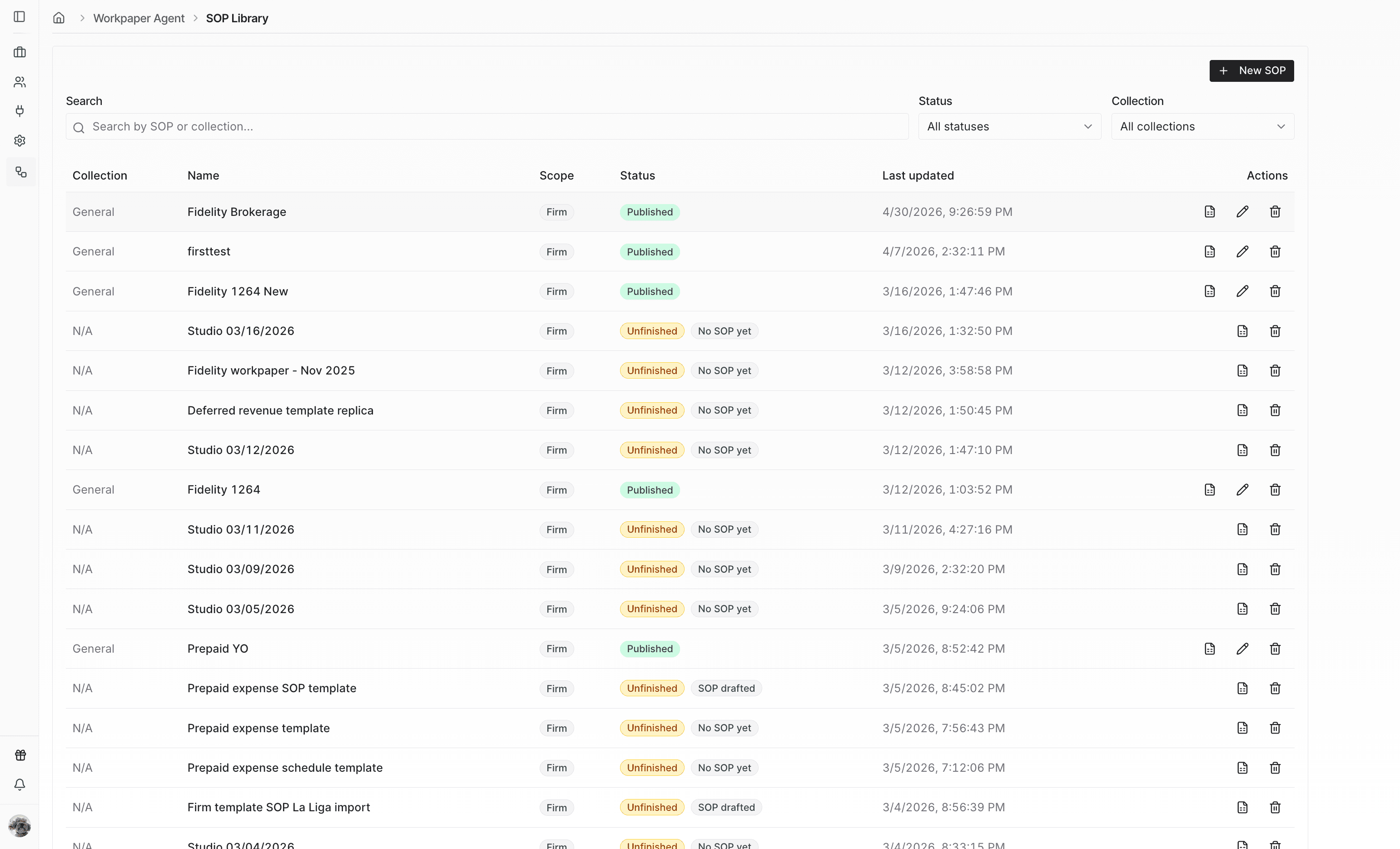
Step 15
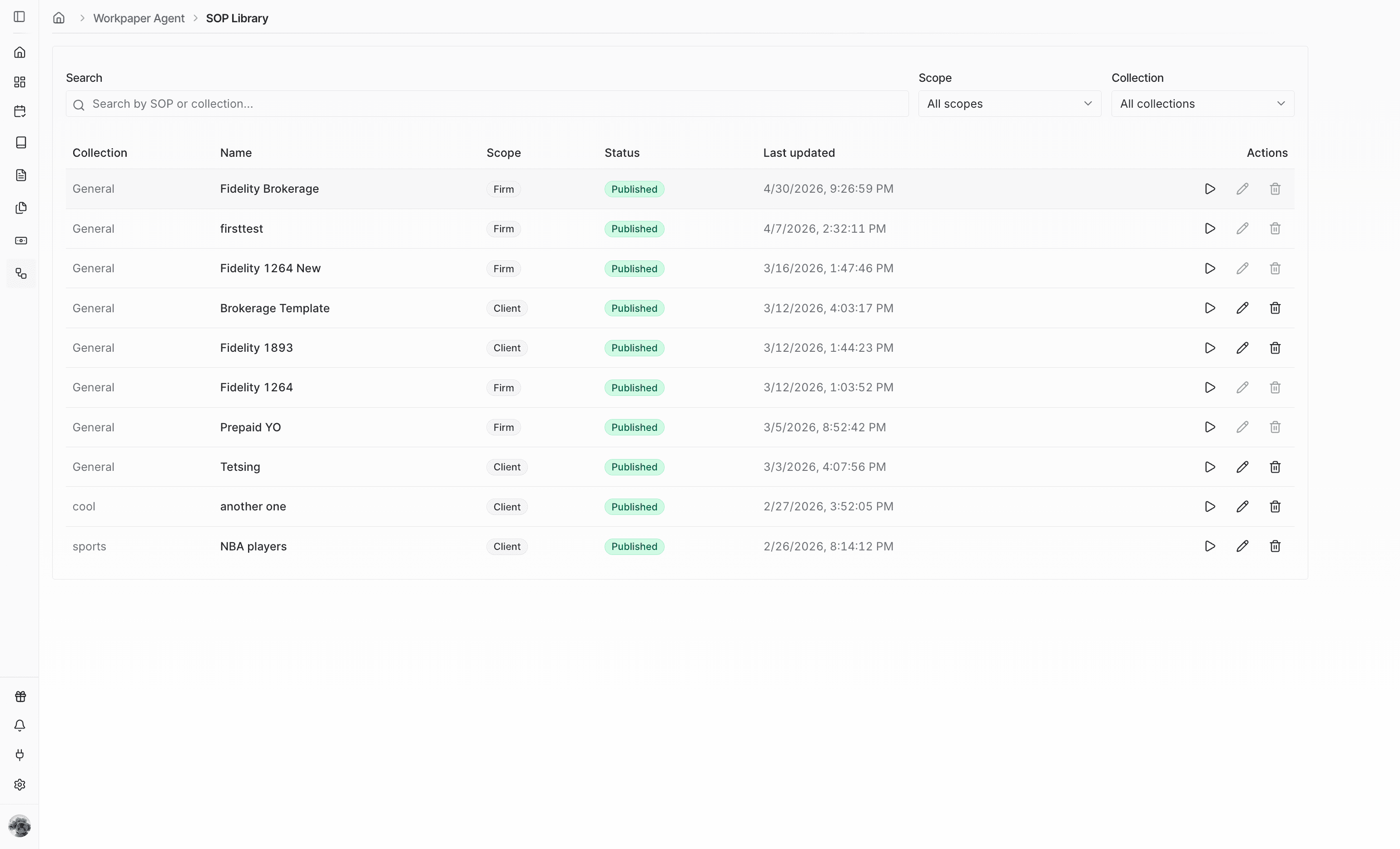
Make sure the firm-level SOP appears as published in the SOP Library.
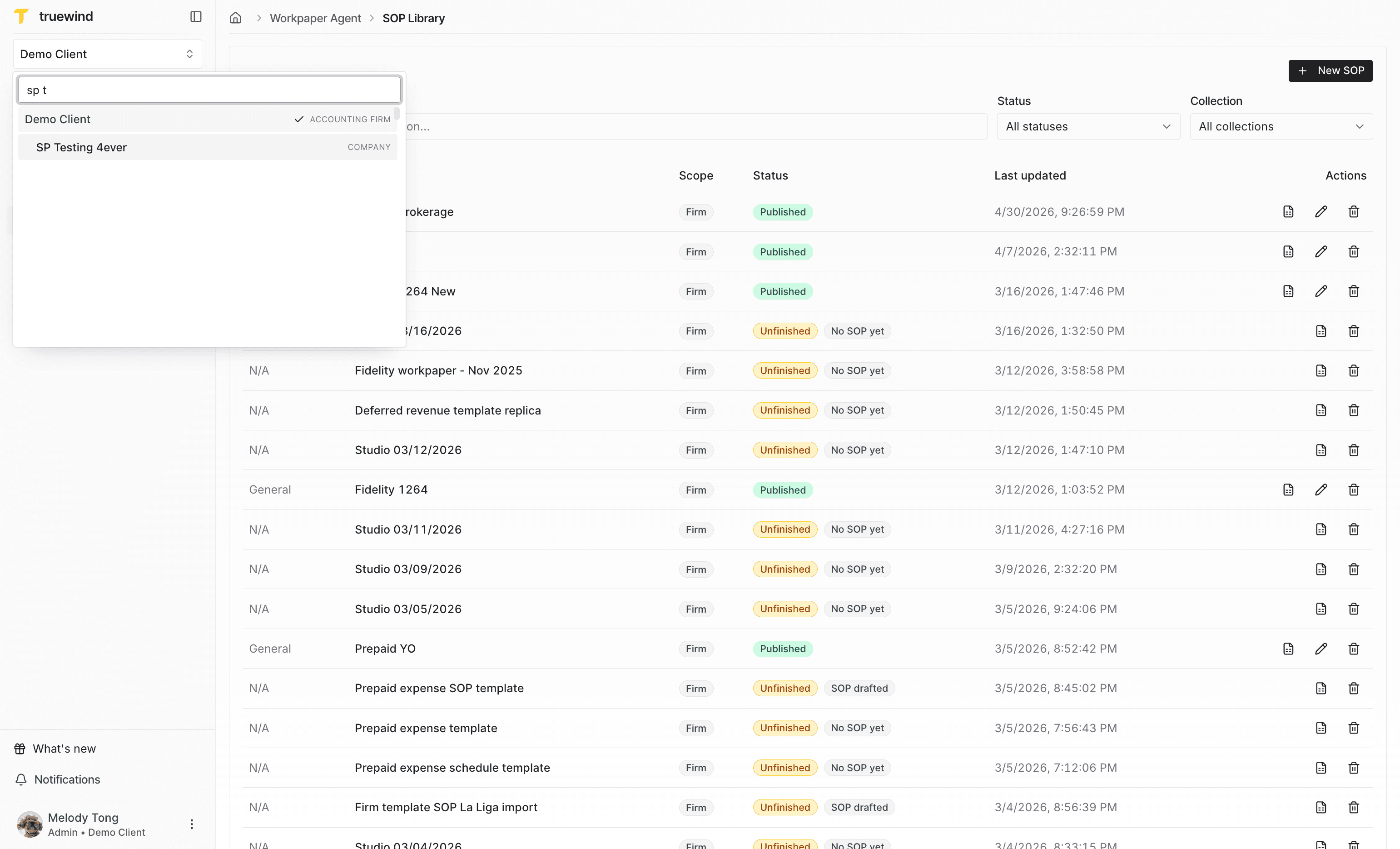
Step 16
Move into the client workspace where you want to reuse the firm-level SOP.
Step 17
Open the client navigation so the Workpaper Agent links are visible.
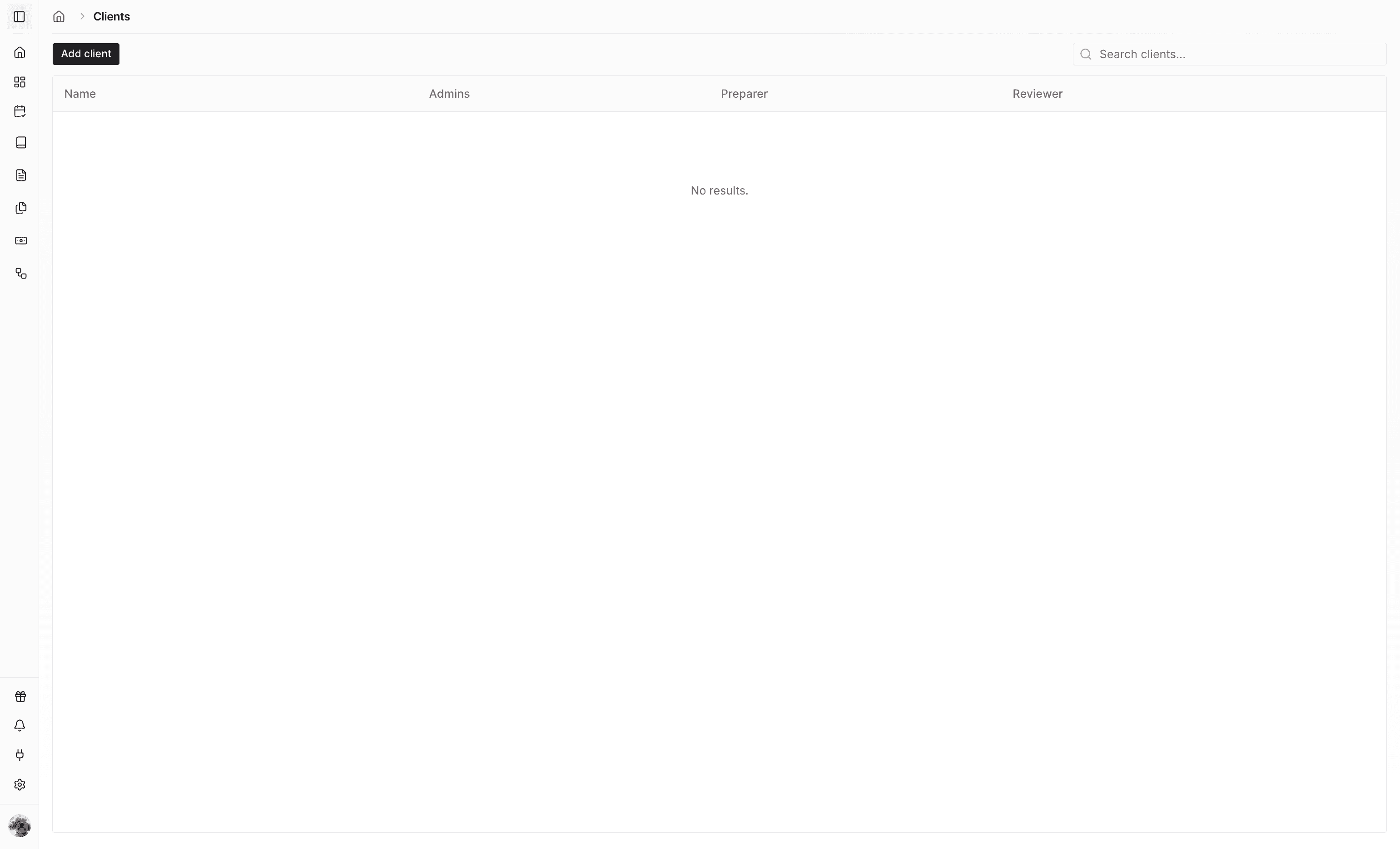
Step 18
Navigate to the client's SOP Library to find SOPs available for that client.
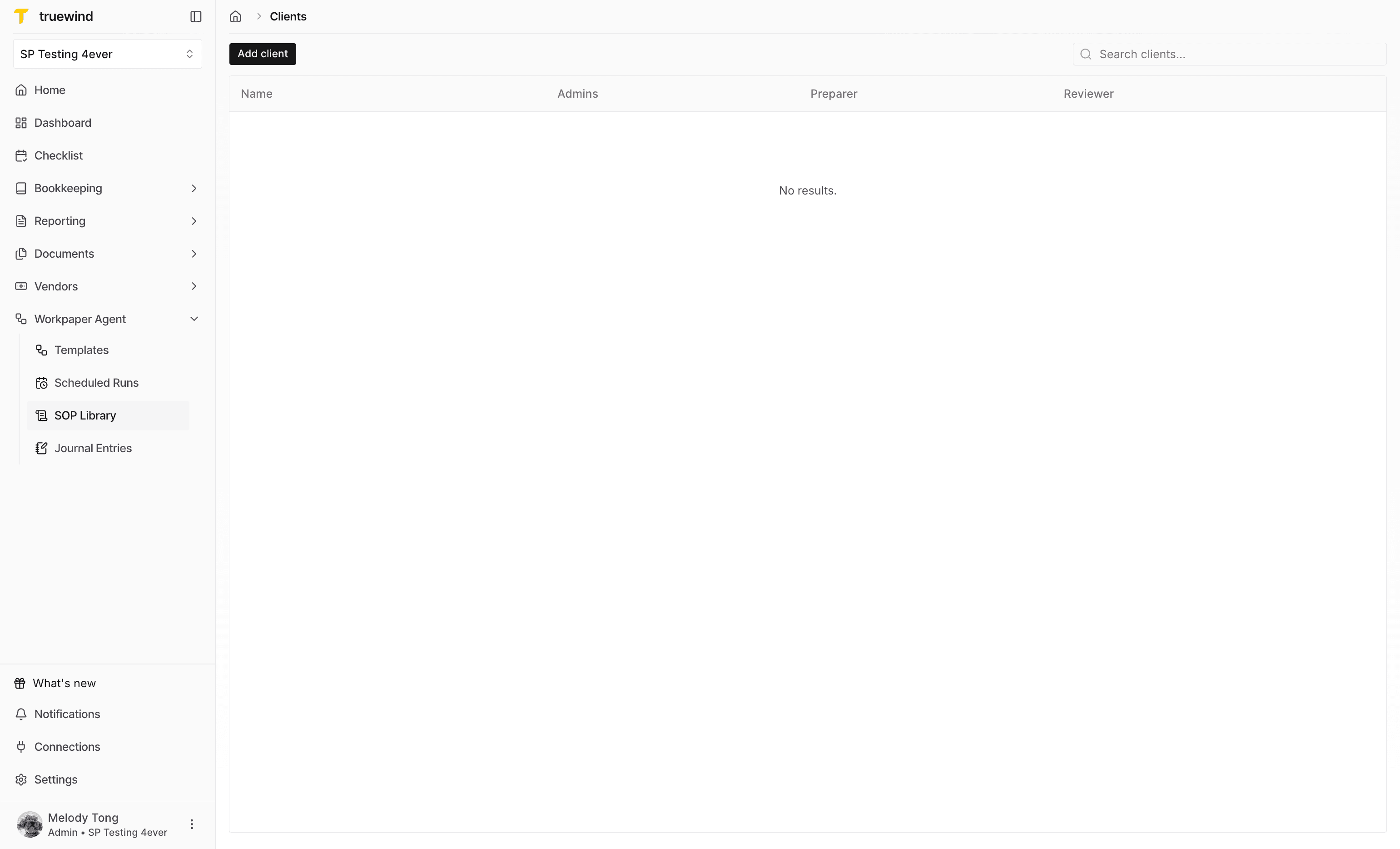
Step 19
Confirm the firm-level SOP is visible from the client account library.
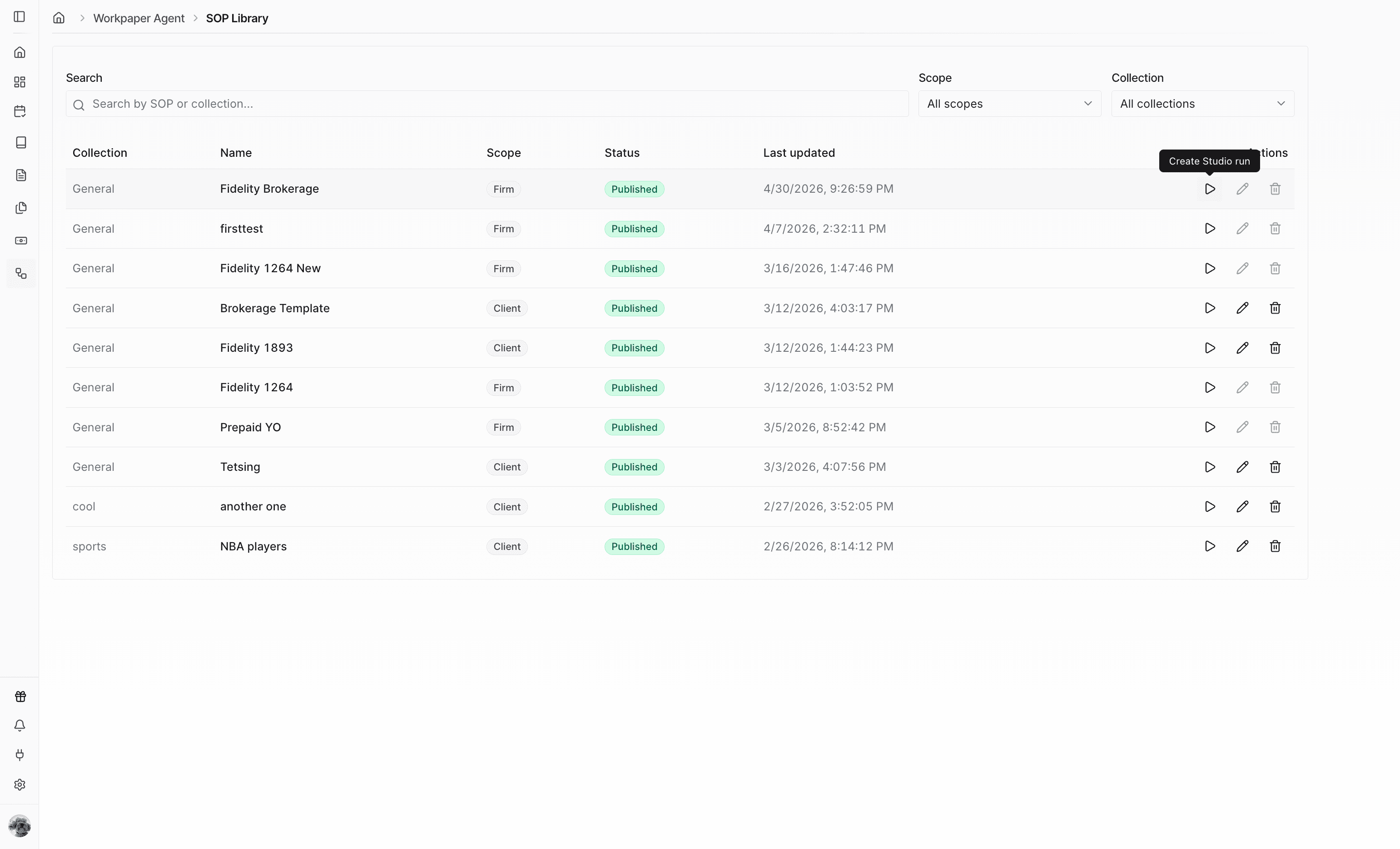
Step 20
Start a new Studio run from the reusable SOP instead of starting from a blank workbook.
Step 21
Provide the client-specific source files the reused SOP should process.
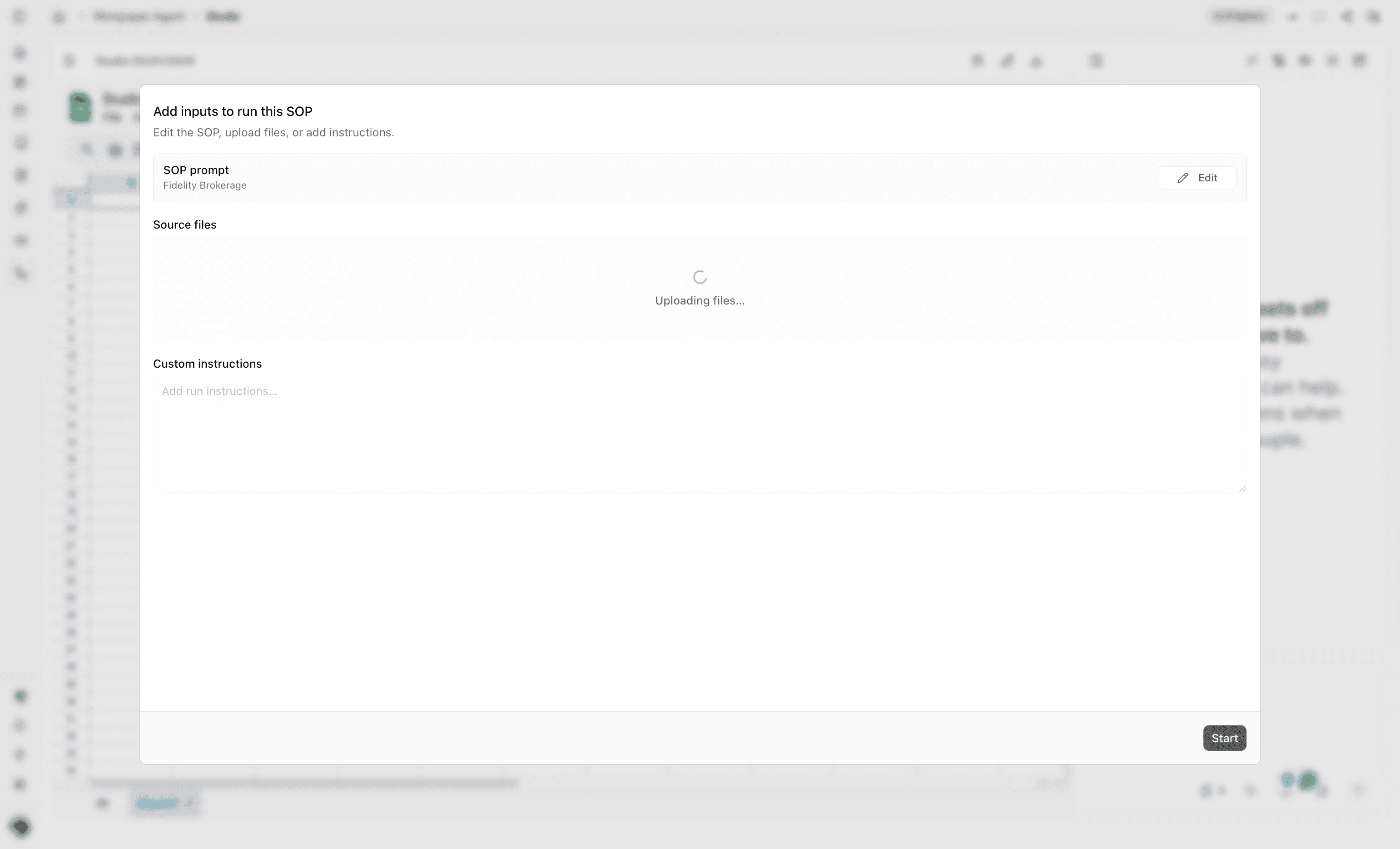
Step 22
Include optional guidance for how the SOP should be applied to this client run.
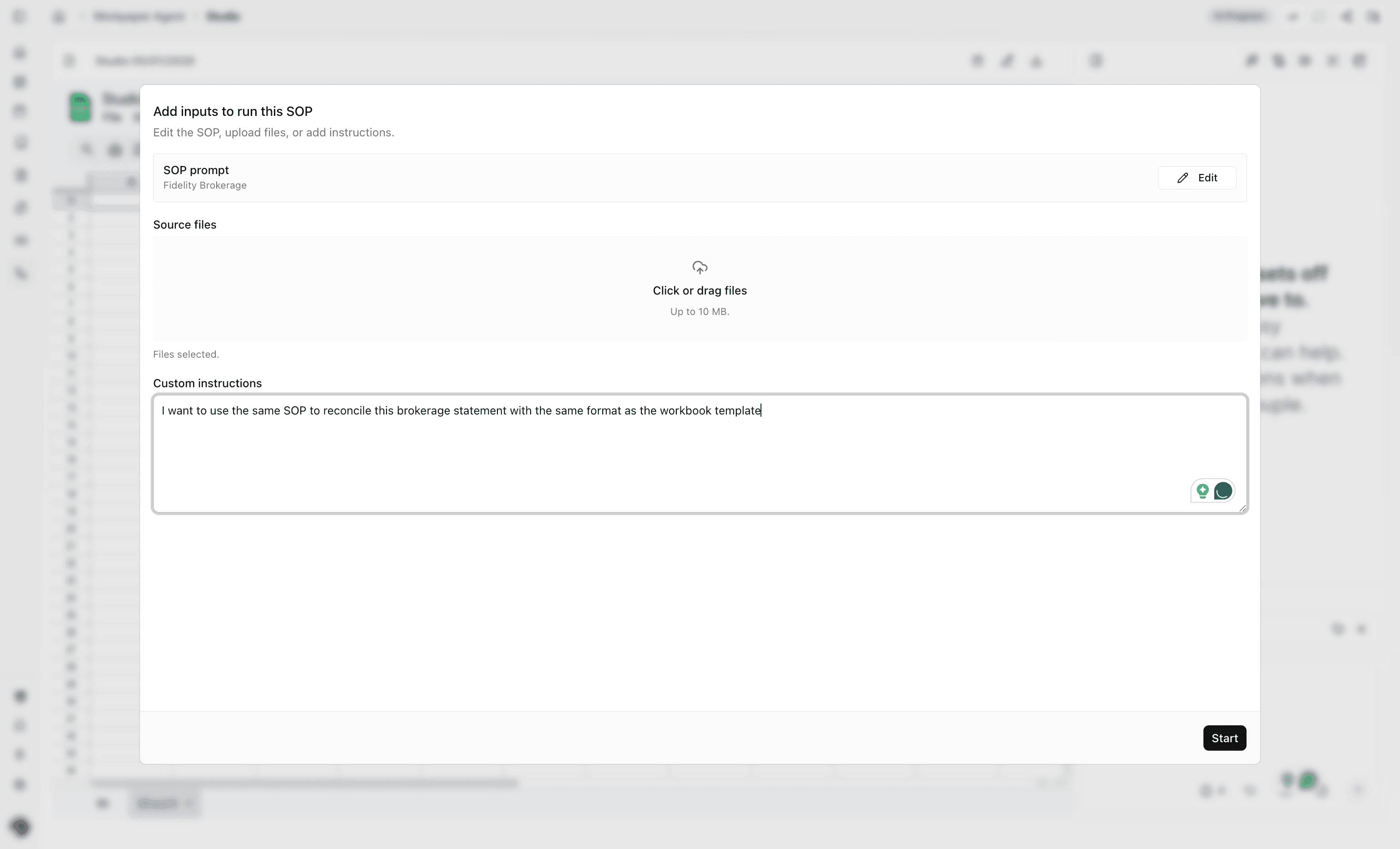
Step 23
Launch the Studio run after the files and optional instructions are ready.
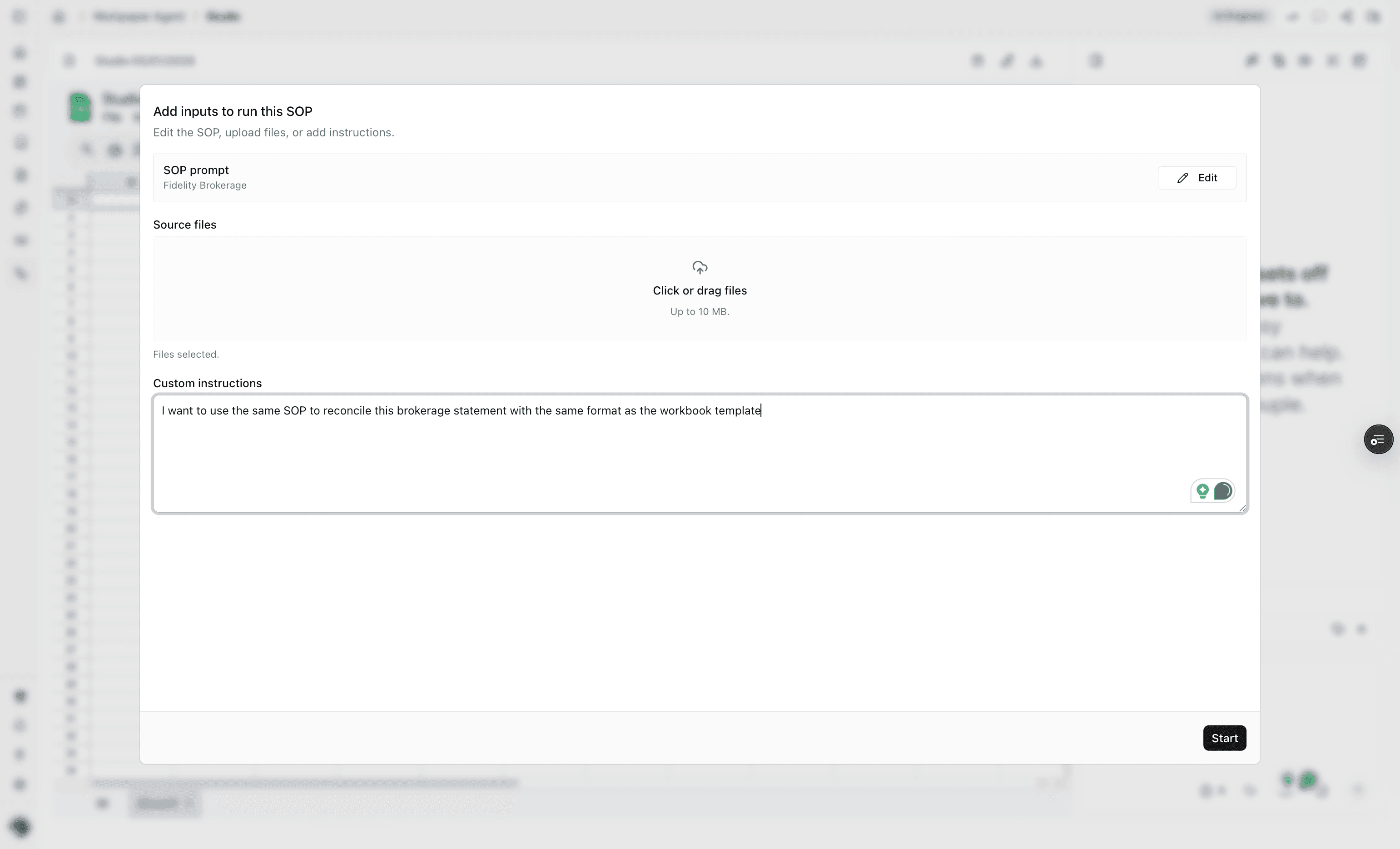
Step 24
Check that Workpaper Agent starts with the selected SOP and your custom instructions.
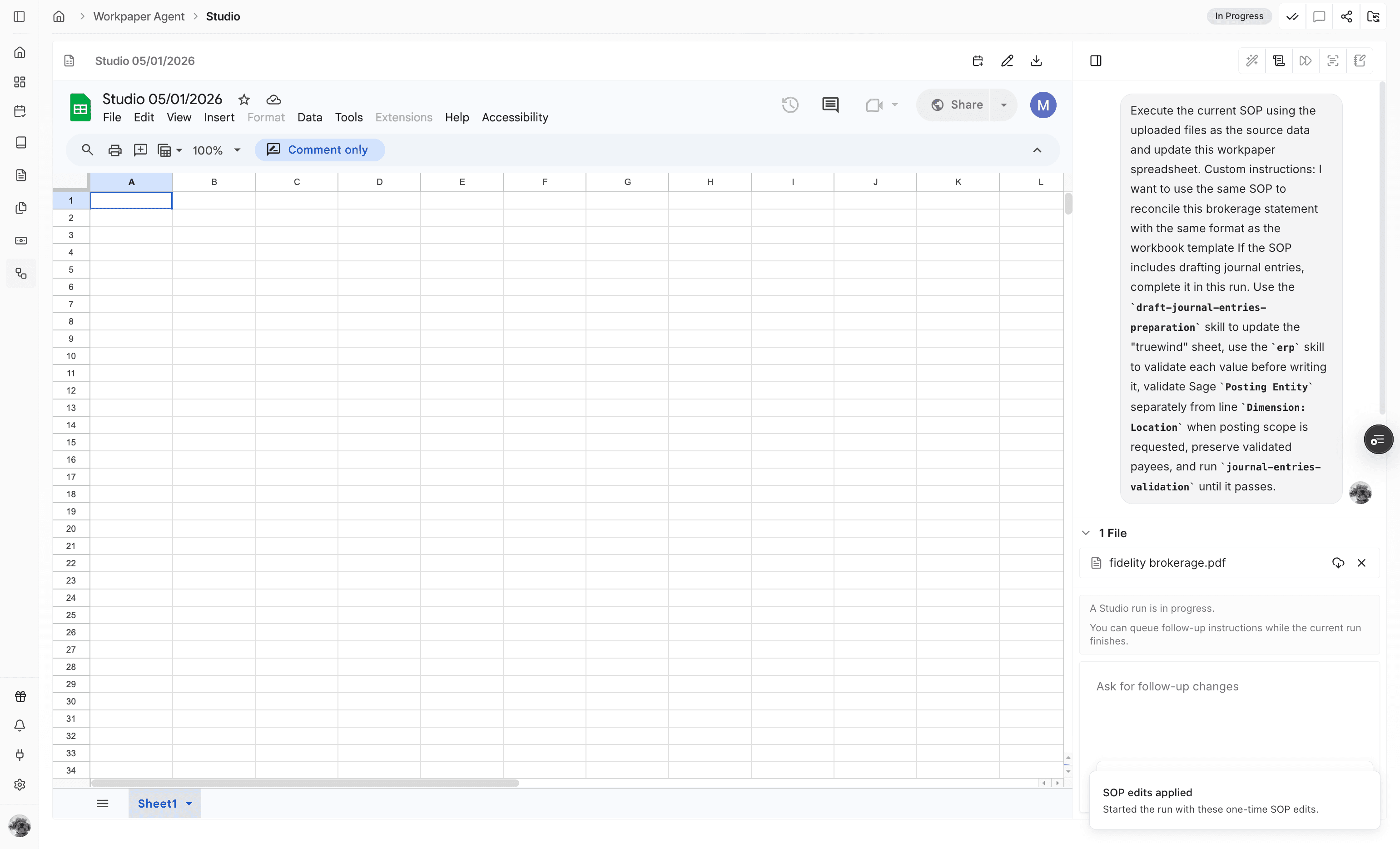
Use this flow when your firm has a workbook pattern that should be reused across multiple client accounts.
Firm-level SOPs are created from the accounting firm workspace and can be reused from client accounts that have access to the firm library.
Yes. Save the reusable procedure as a firm-level SOP when the same workflow should be available across client organizations. Then create a Studio run from the firm-level SOP in each client workspace where that SOP should be reused.
Review and refine the SOP before saving it at firm level so client names, account details, or one-off workbook assumptions are not reused by mistake.
Confirm the SOP was saved from the firm workspace and appears as published in the SOP Library before switching into the client account.
Was this helpful?
Need more help?
Ask for human help about this article and provide any feedback.