
What to verify
- The workflow completes with the expected result.
- The screenshots match the current product flow.
Ask the support agent
Just ask a direct question or search related articles from the Knowledge Base.
Support Center / Bank Transactions / Bank Connections
Check a newly created bank account in Truewind when you need to confirm it exists before mapping or transaction review, resulting in the account visible in the chart of accounts.
Step 1
Start in Truewind on Bookkeeping > Bank Transactions, then click on side menu
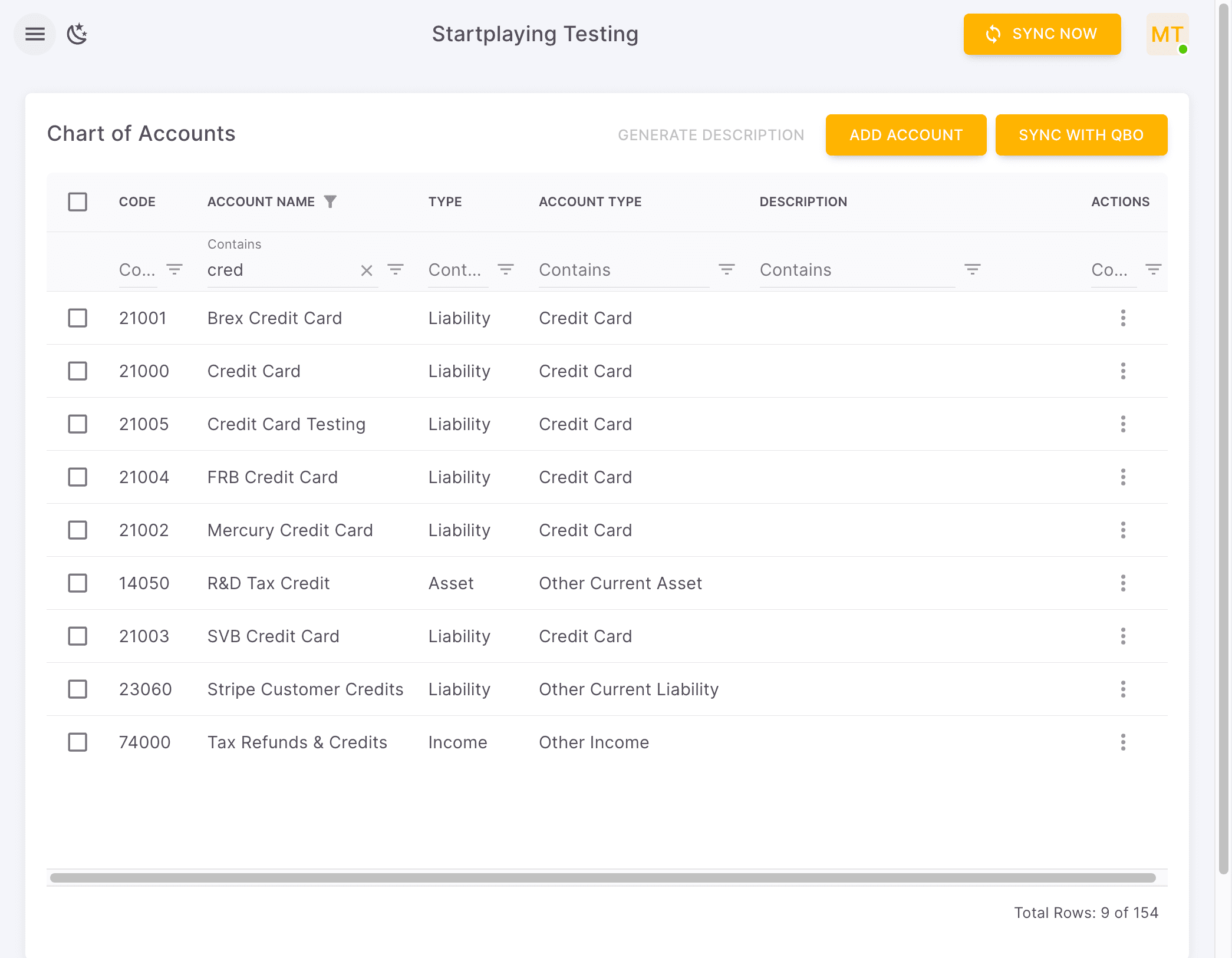
Step 2
Use the Bookkeeping module to reach the ledger views where newly created bank accounts appear.
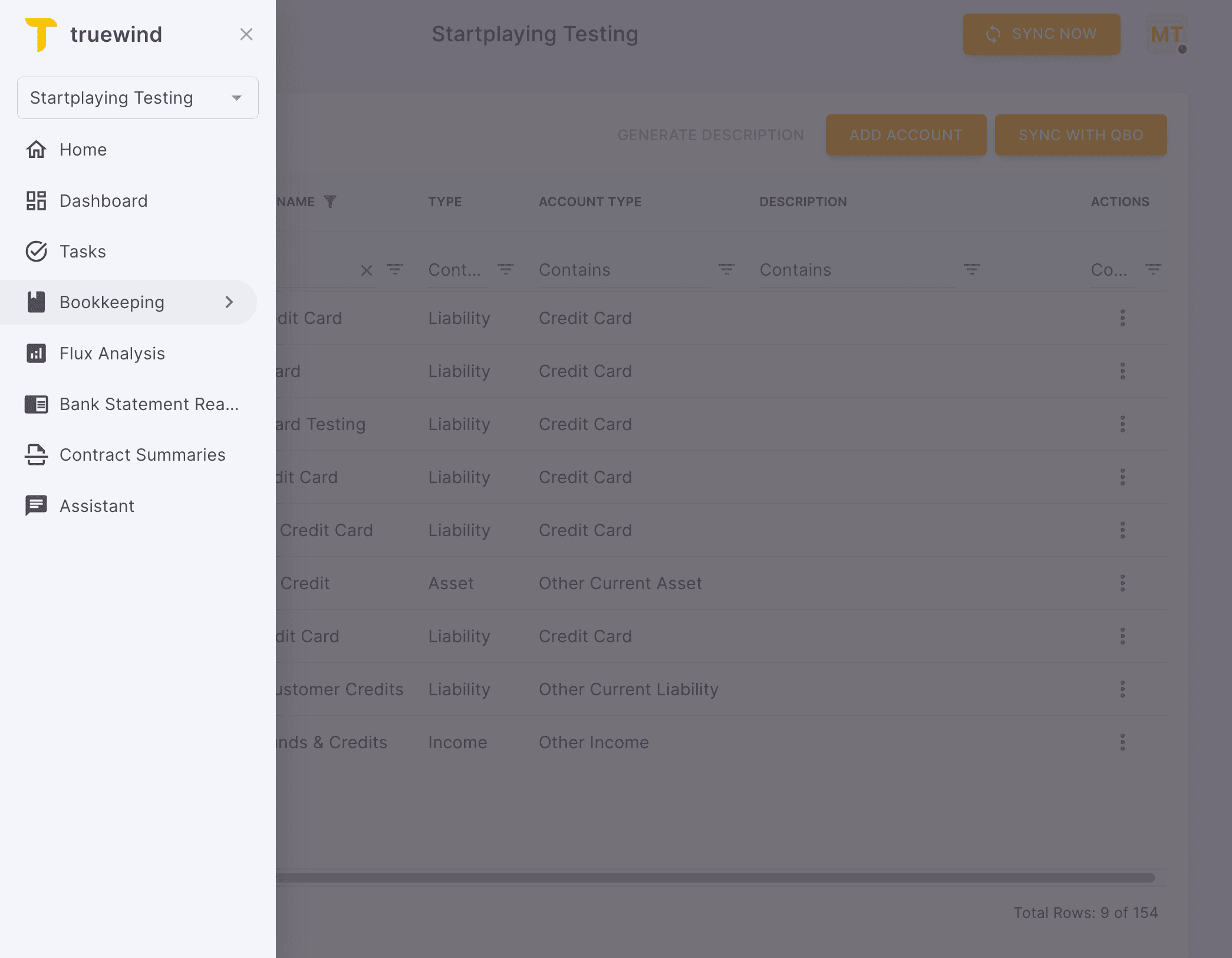
Step 3
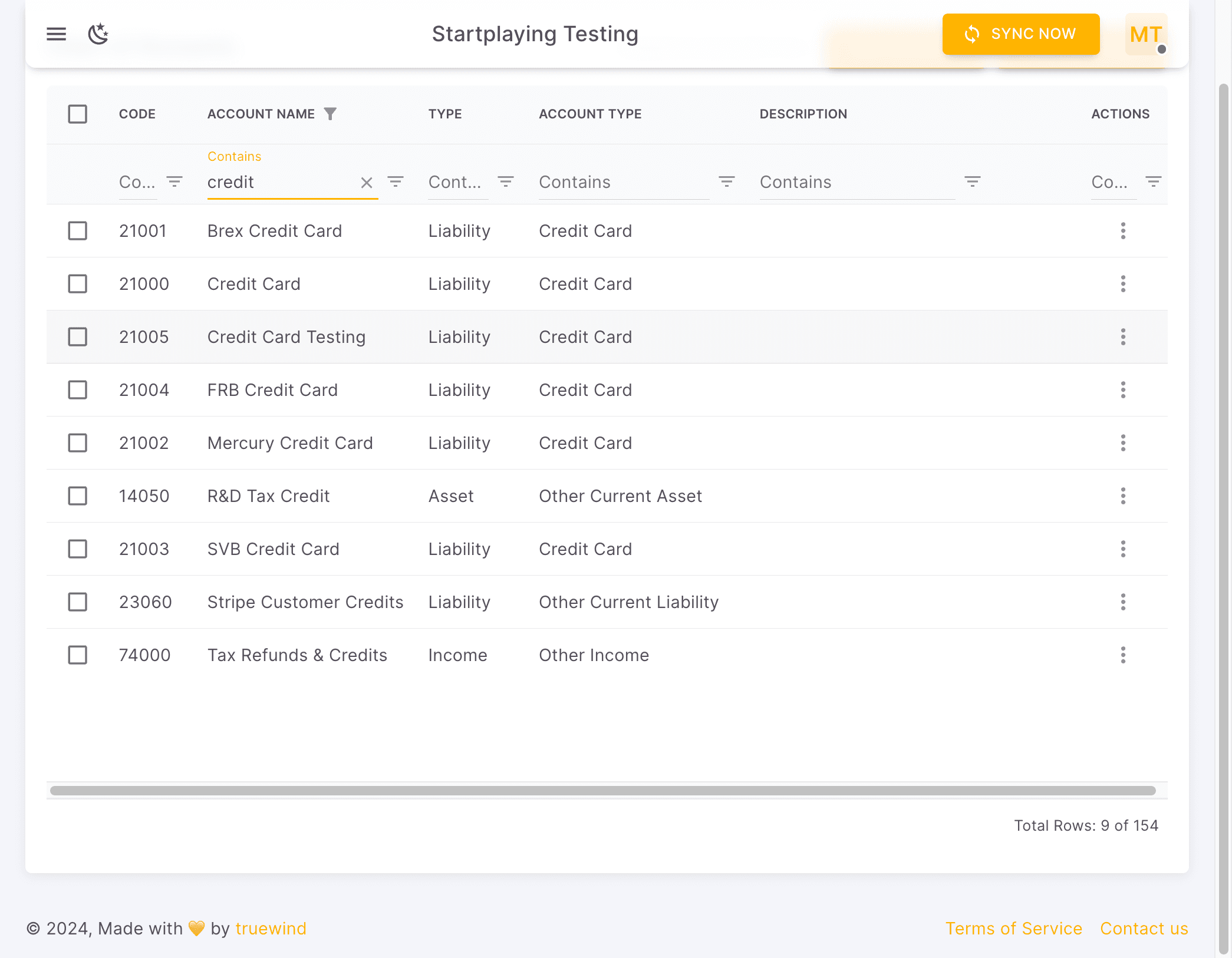
Review the Chart of Accounts list to confirm the new bank account was created in the right ledger group.
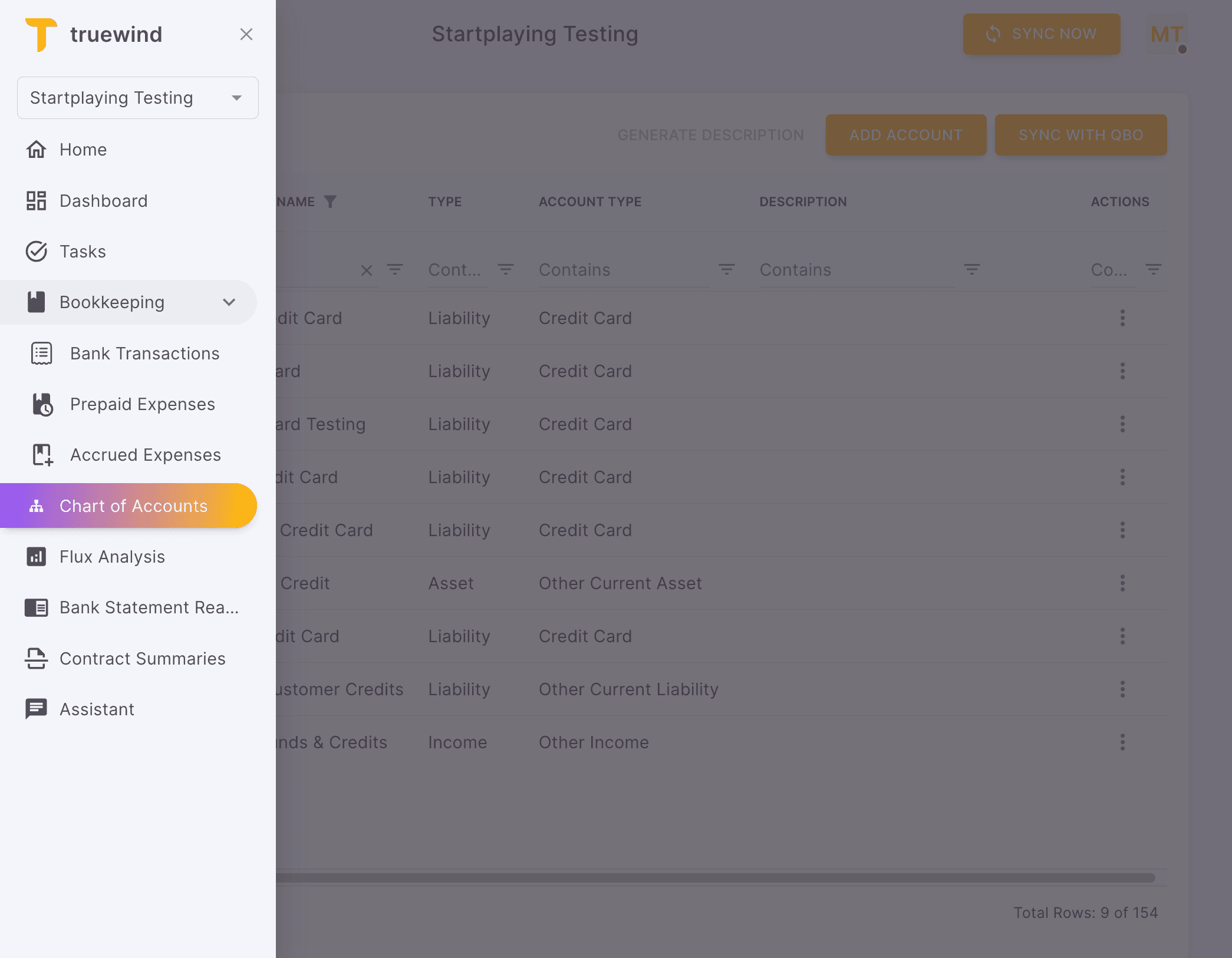
Step 4
Use the Chart of Accounts list to confirm the new bank account was created in the correct ledger structure.
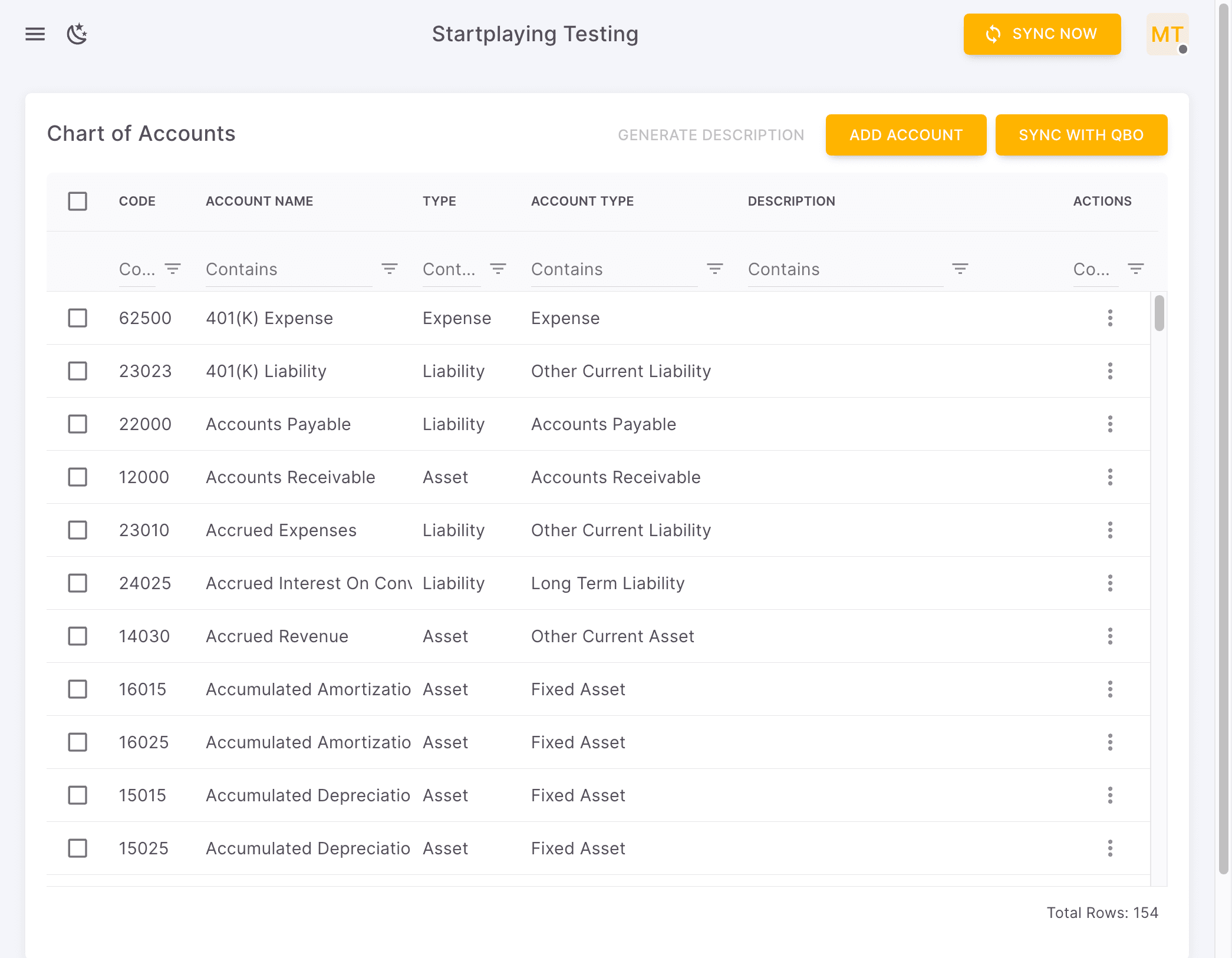
Step 5
Complete this action so you can confirm the new bank account is available for mapping.
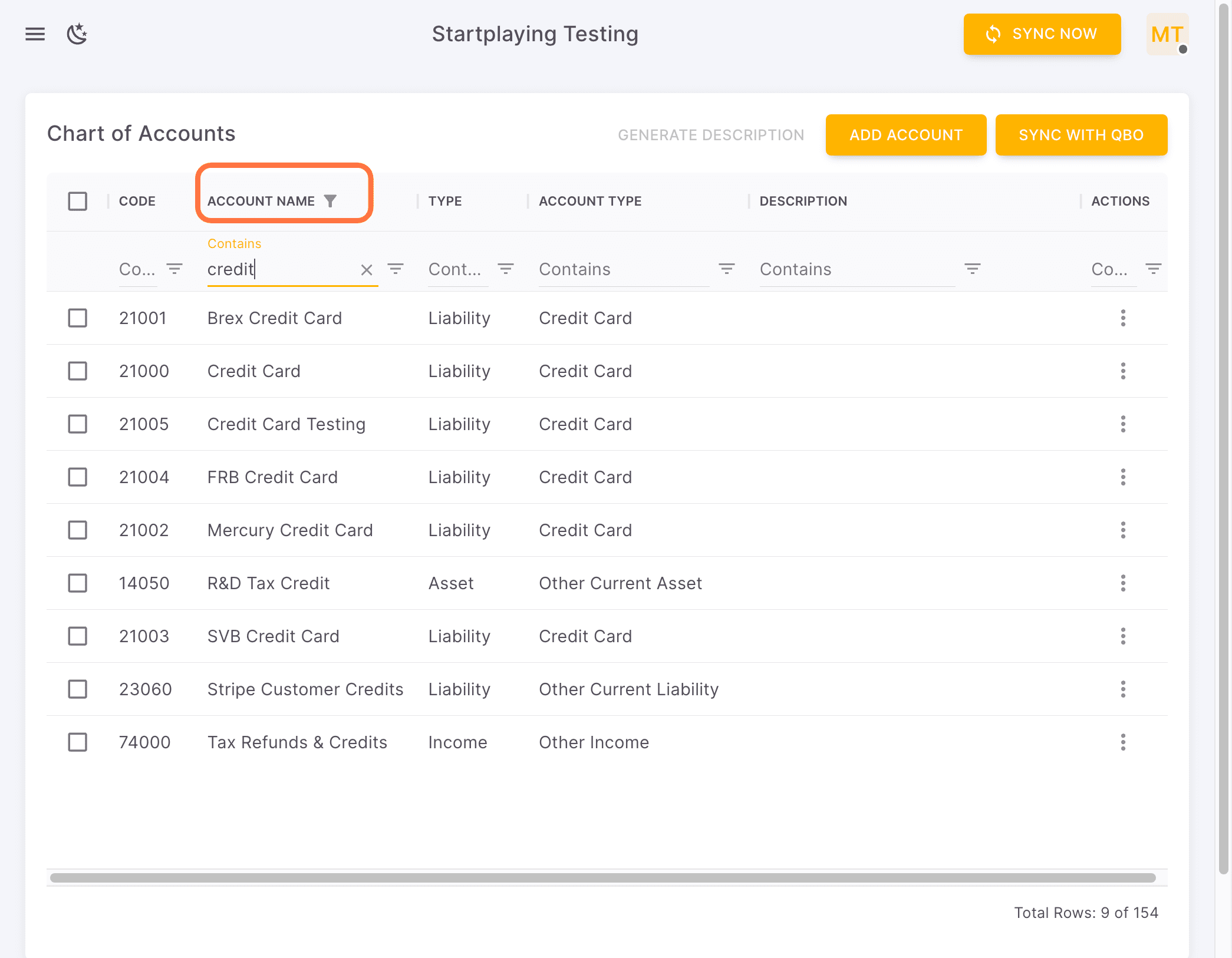
Step 6
Check the saved account directly so you can verify its name, type, and balance settings.
Was this helpful?
Need more help?
Ask for human help about this article and provide any feedback.