
Before you allocate
Verify the transaction really represents a customer payment and not another kind of cash movement that should be handled differently.
Ask the support agent
Just ask a direct question or search related articles from the Knowledge Base.
Support Center / Bank Transactions / Features
Allocate customer payments in Bank Transactions when cash should clear Accounts Receivable, resulting in the correct receivable outcome before sync.
Step 1
Complete this action so customer payments clear the right open invoices.

Step 2
Use the Bookkeeping module to reach both the invoice sync and payment allocation workflows.

Step 3
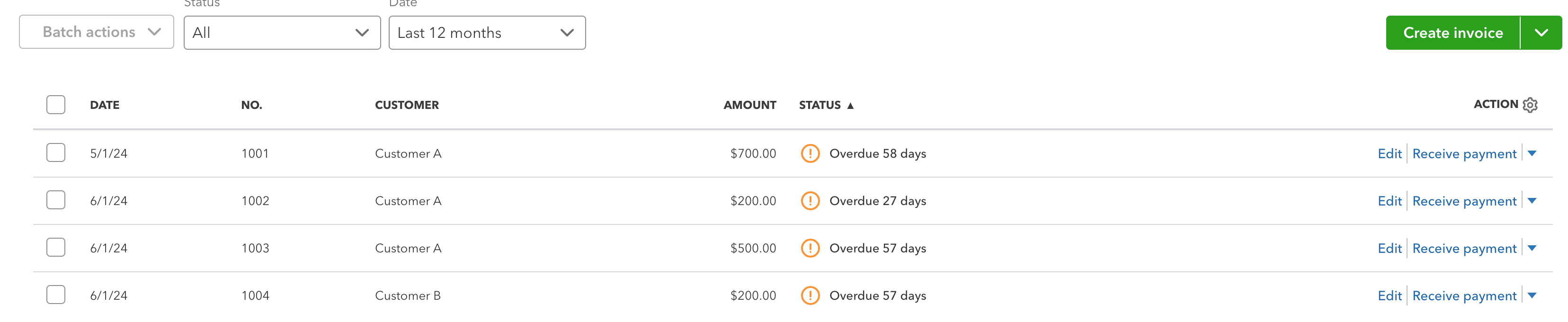
Refresh the invoice list first so open invoices are available when you search for allocations in Truewind.

Step 4
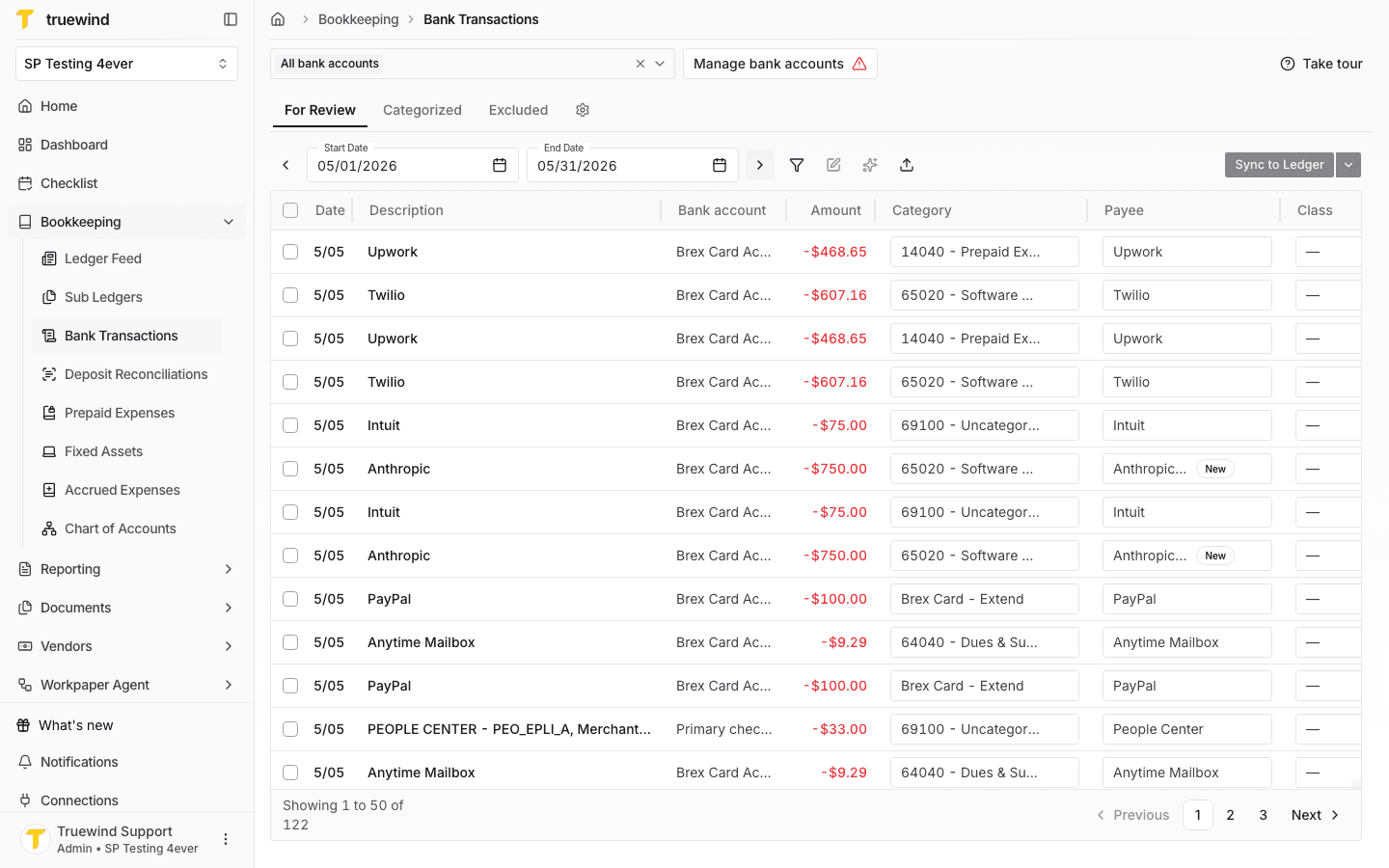
Payment allocations start from the transaction feed where the incoming payment appears.

Step 5
Choose the account that contains the payment you want to allocate against open invoices.

Step 6
Use the review queue to find unapplied payments before they are matched or synced.

Step 7
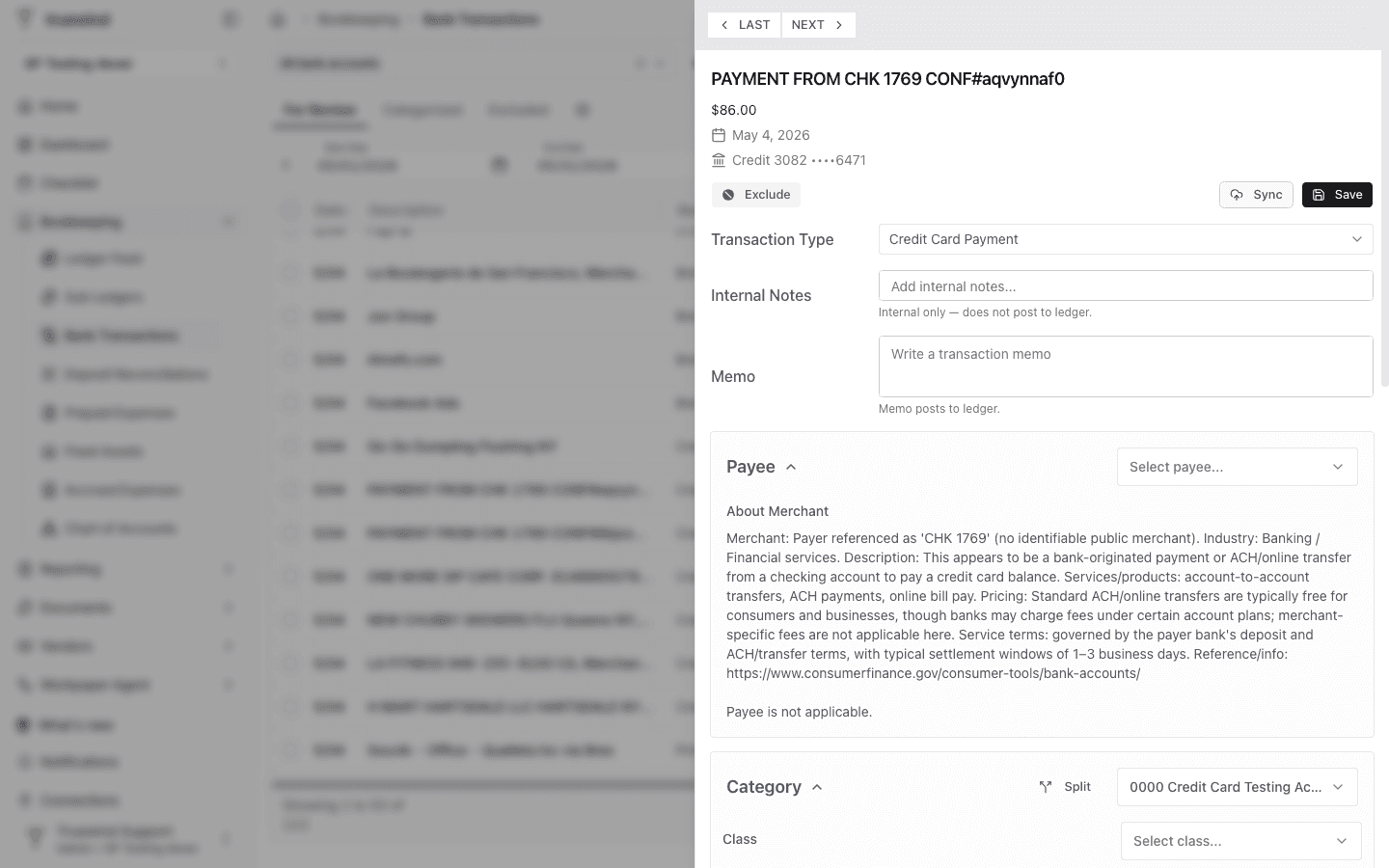
Inspect the payment row directly so you can launch the allocation workflow from the right transaction.

Step 8
The payment details drawer is where the invoice-allocation action becomes available.

Step 9
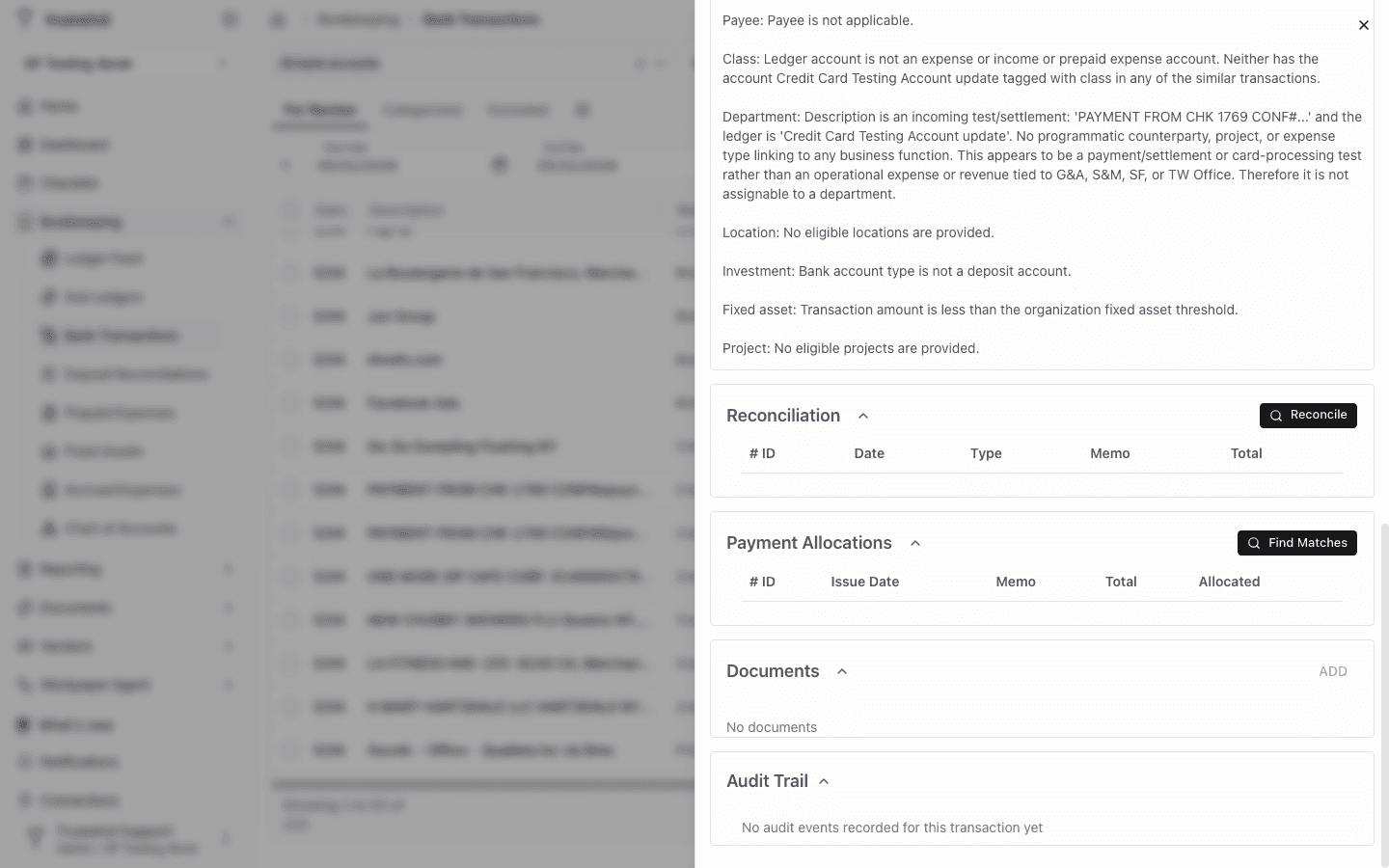
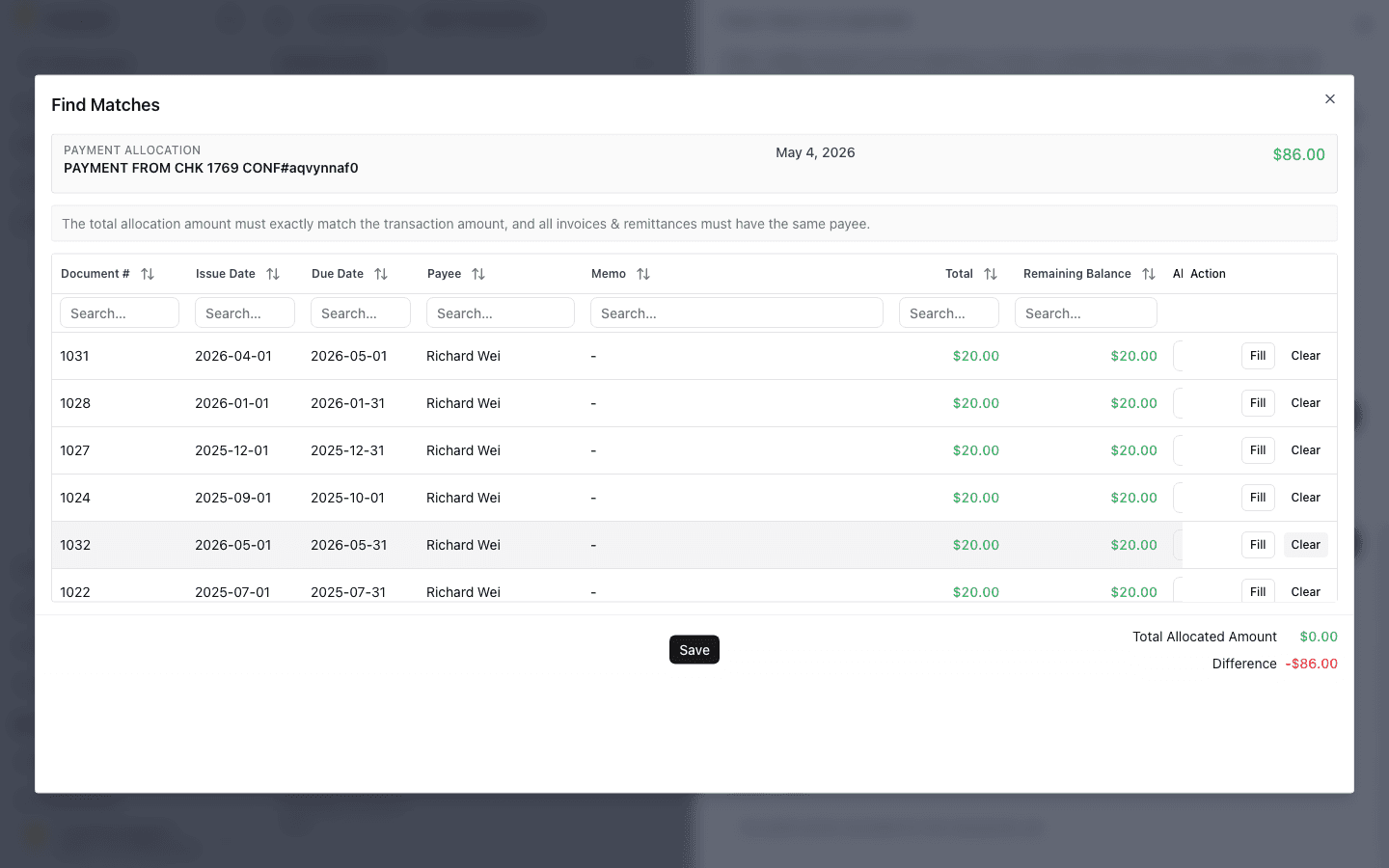
Search the open invoices from here so you can apply the payment to the right receivable balance.

Step 10
Use this checkpoint to verify the current state so customer payments clear the right open invoices.

Step 11
Complete this action so customer payments clear the right open invoices.

Step 12
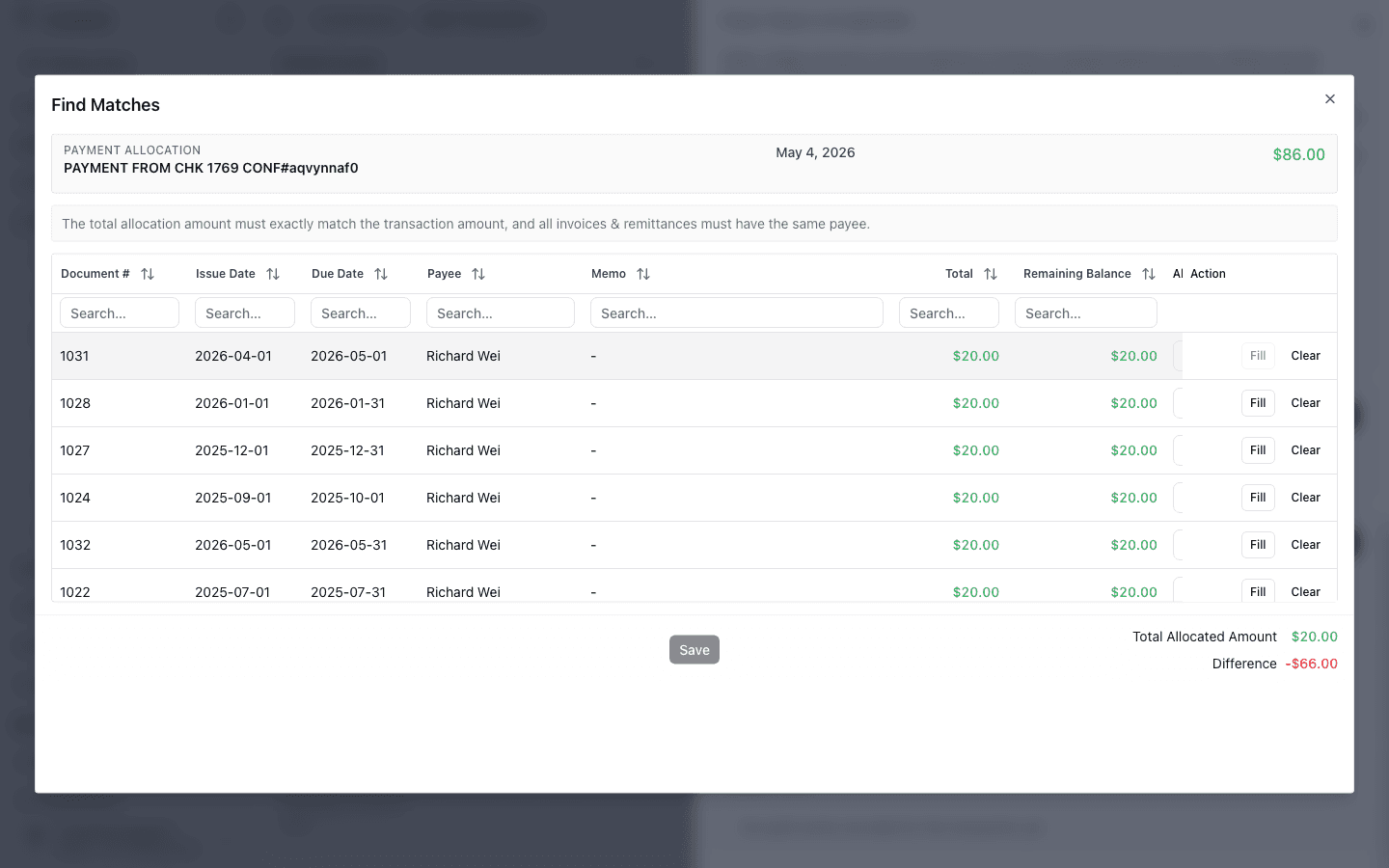
Input the allocation amount.

Step 13
Finalize the invoice allocation only after the selected invoices and amounts look correct.

Step 14
Check for the expected result before moving on so customer payments clear the right open invoices.

Verify the transaction really represents a customer payment and not another kind of cash movement that should be handled differently.
Was this helpful?
Need more help?
Ask for human help about this article and provide any feedback.