
When to use Finicity
Use Finicity when your institution is not available through the embedded Plaid flow or when your team has been instructed to use Finicity for that bank.
Ask the support agent
Just ask a direct question or search related articles from the Knowledge Base.
Support Center / Bank Transactions / Bank Connections
Connect a bank through Finicity when Plaid is not the right path for the institution, resulting in the selected accounts appearing in Truewind.
Step 1
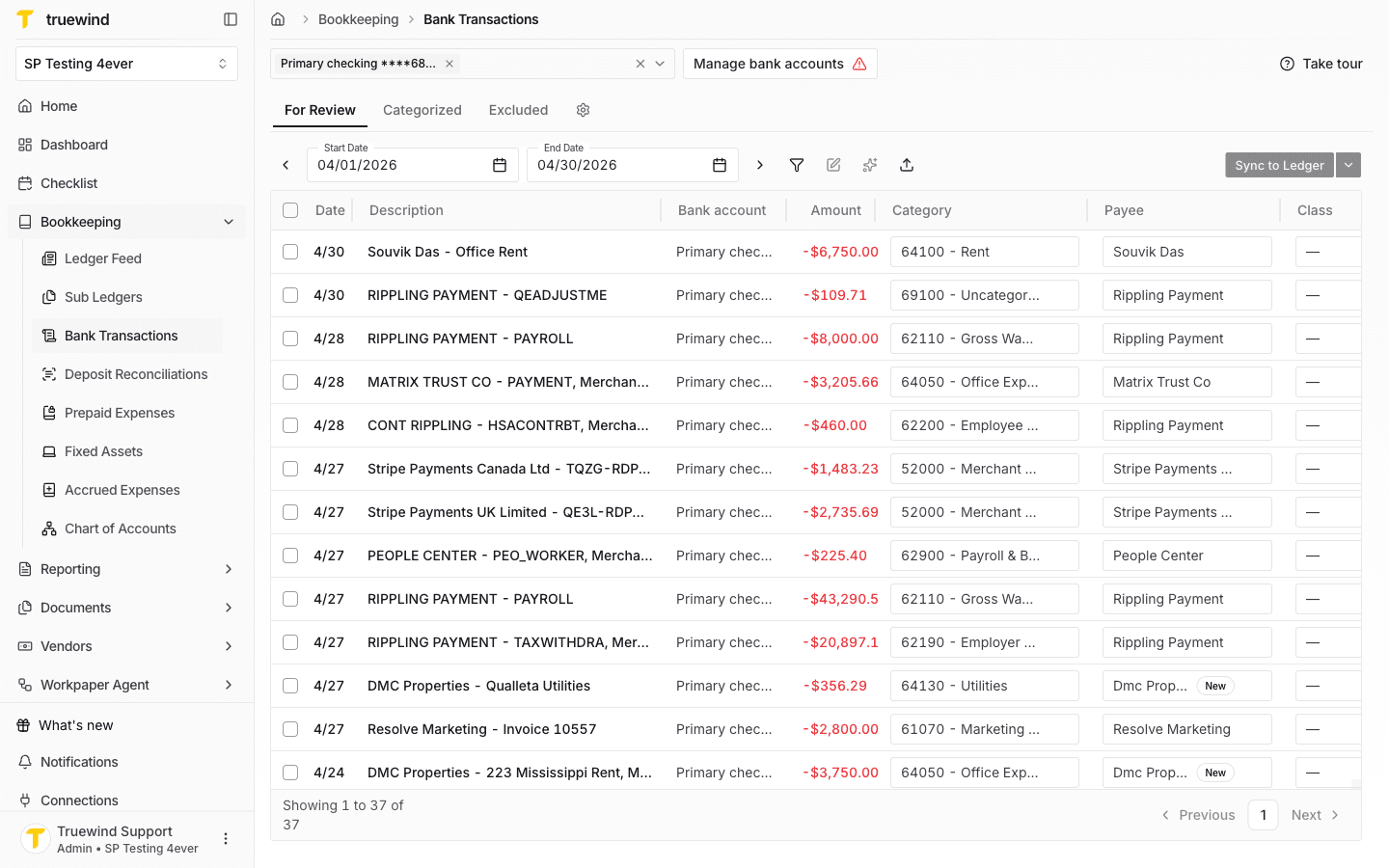
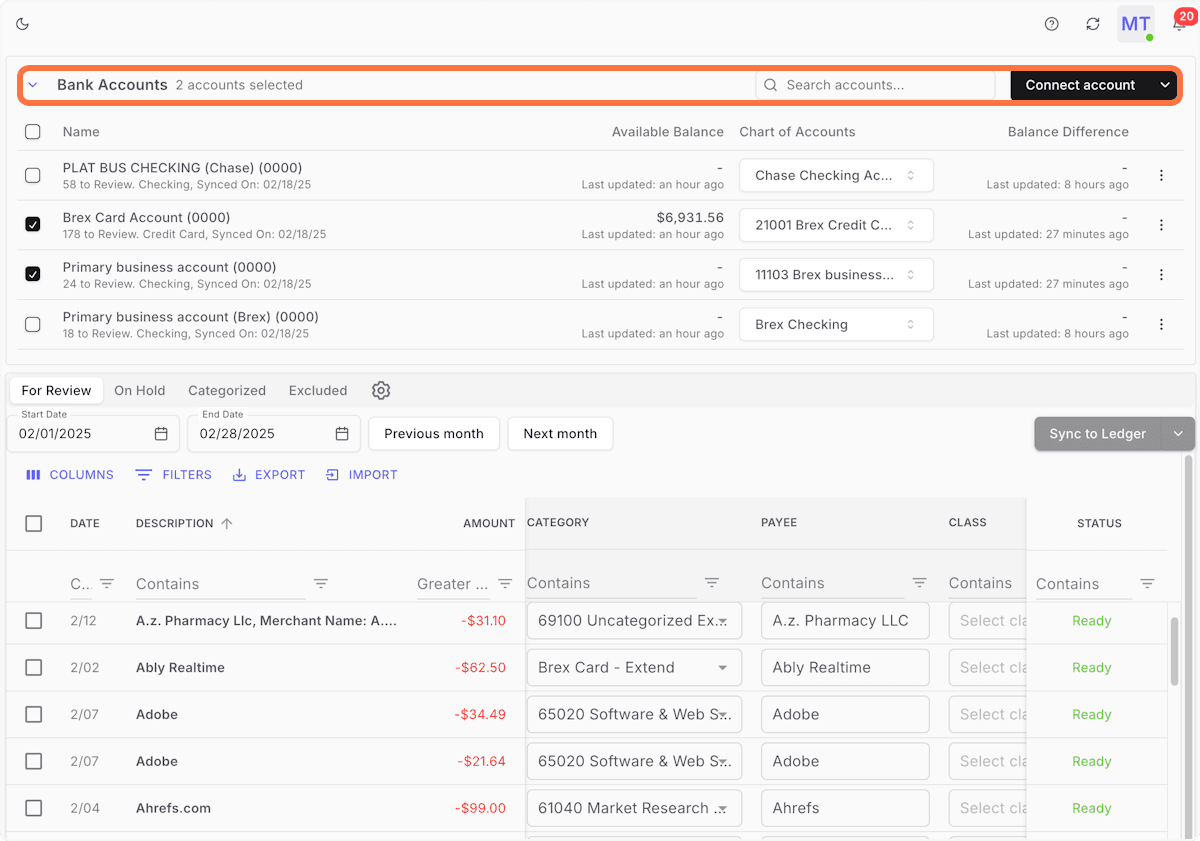
Start in Truewind on Bookkeeping > Bank Transactions, then click on Manage bank accounts button.
Step 2
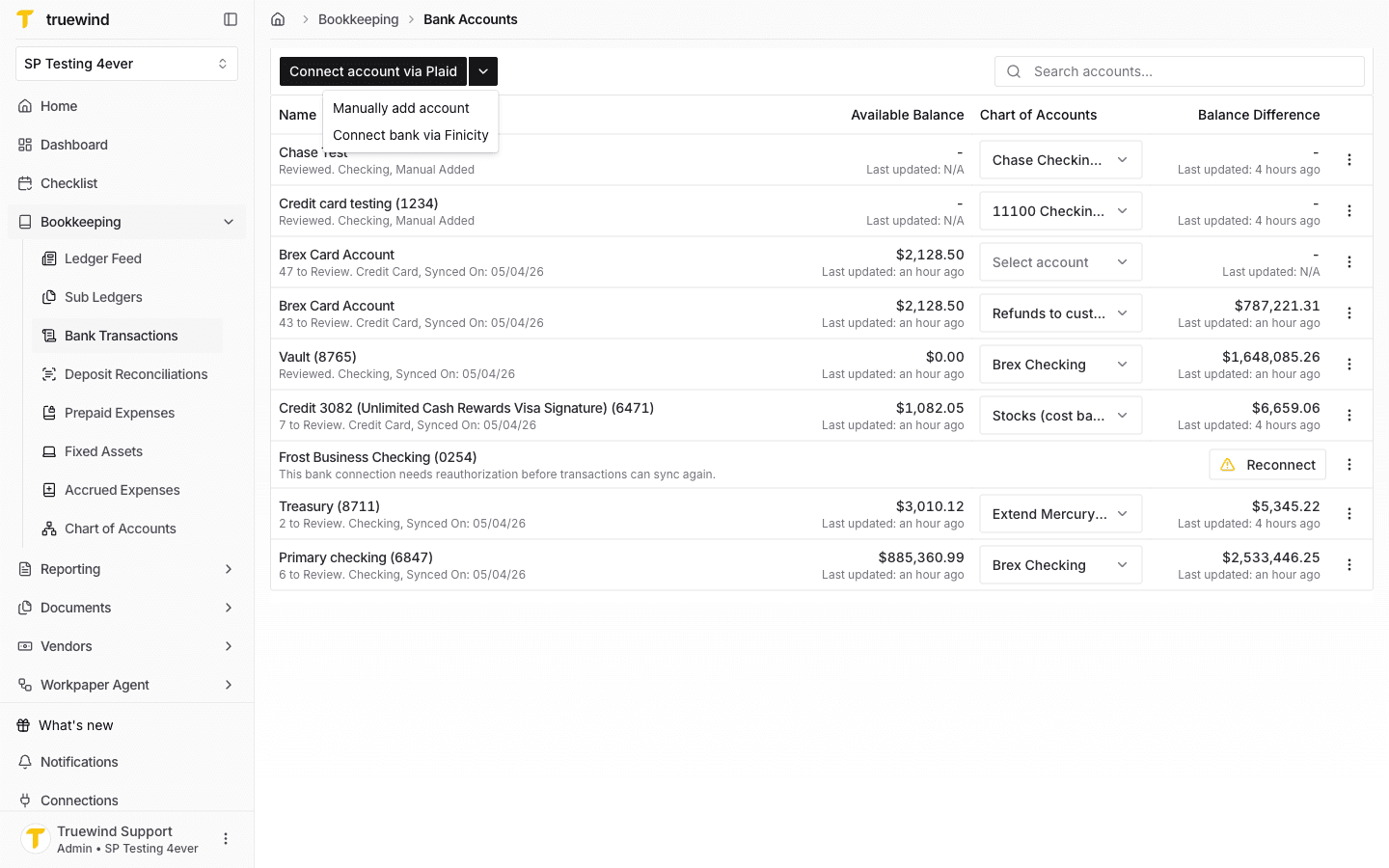
Once there, there's a dropdown button next to Connect account via Plaid. Select Connect account via Finicity.
Step 3
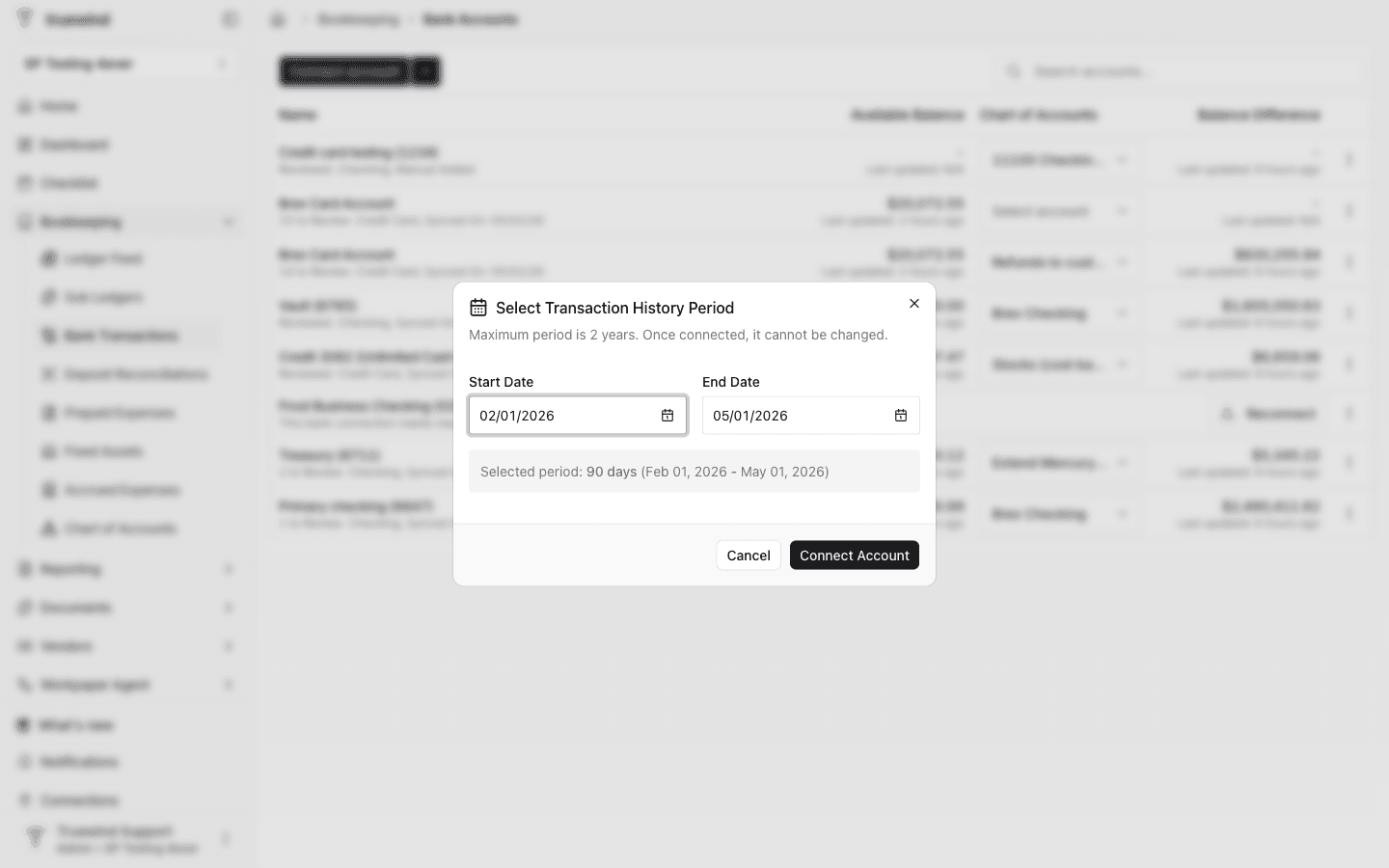
Select a Start data and End date for the transaction history period that will be requested to finicity. Once ready, click on the Connect Account button.
Step 4
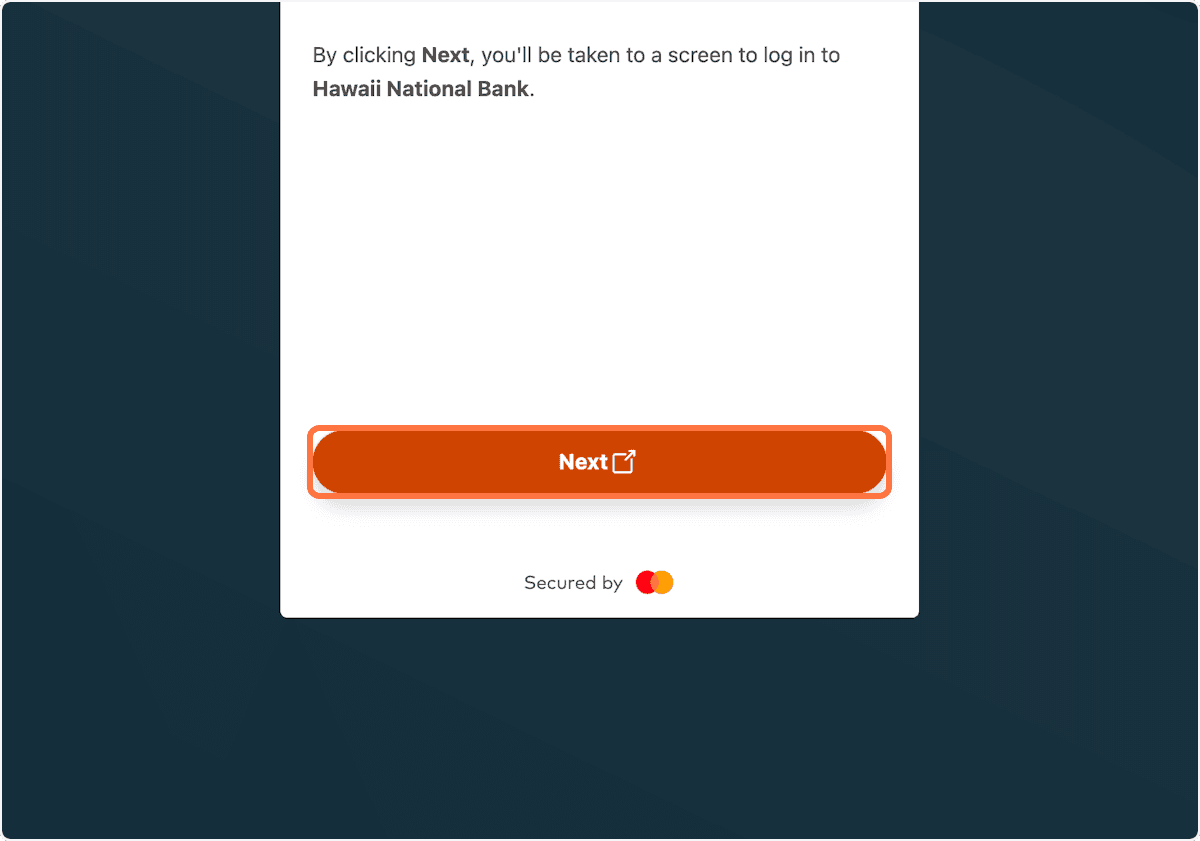
Move forward only after the current screen looks correct so Finicity can return the selected bank accounts to Truewind.
Step 5
Find the institution that actually holds the client accounts so Finicity can send back the correct feed.
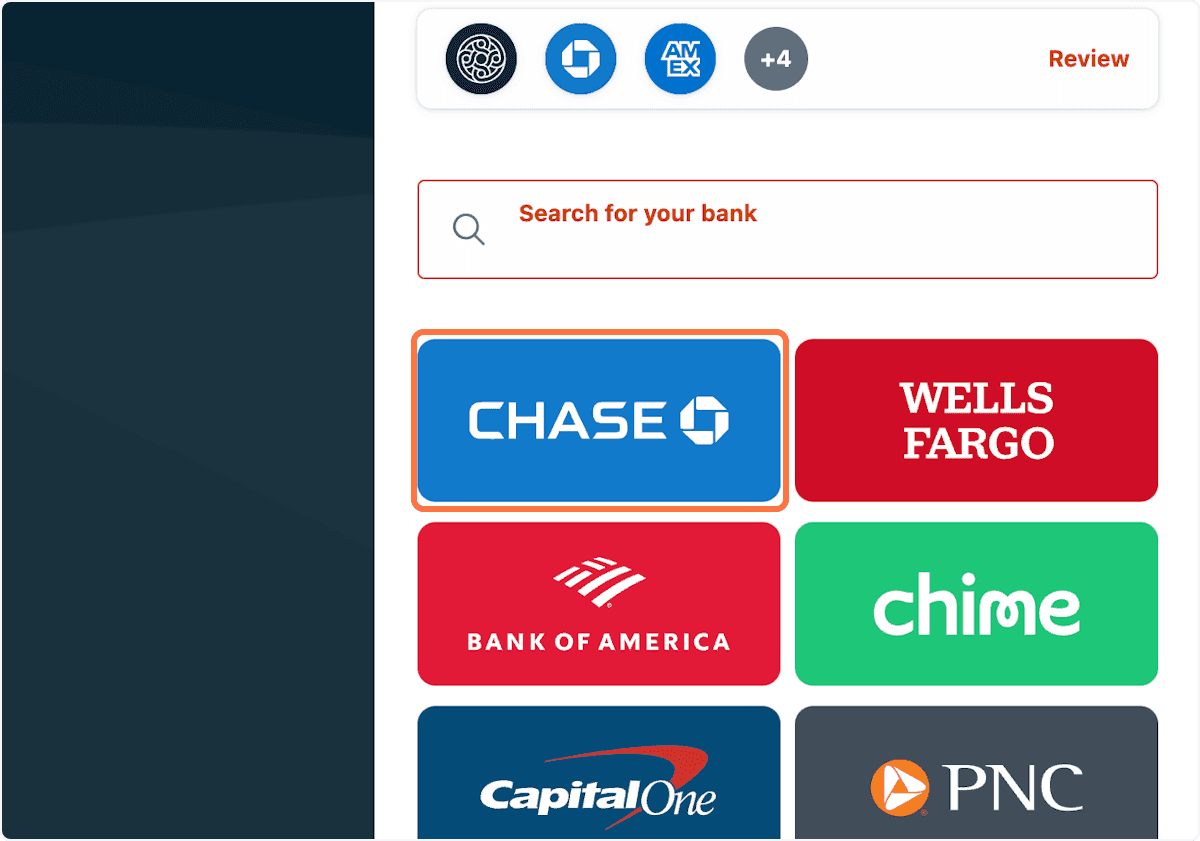
Step 6
It directs to bank account page and asks for log in.
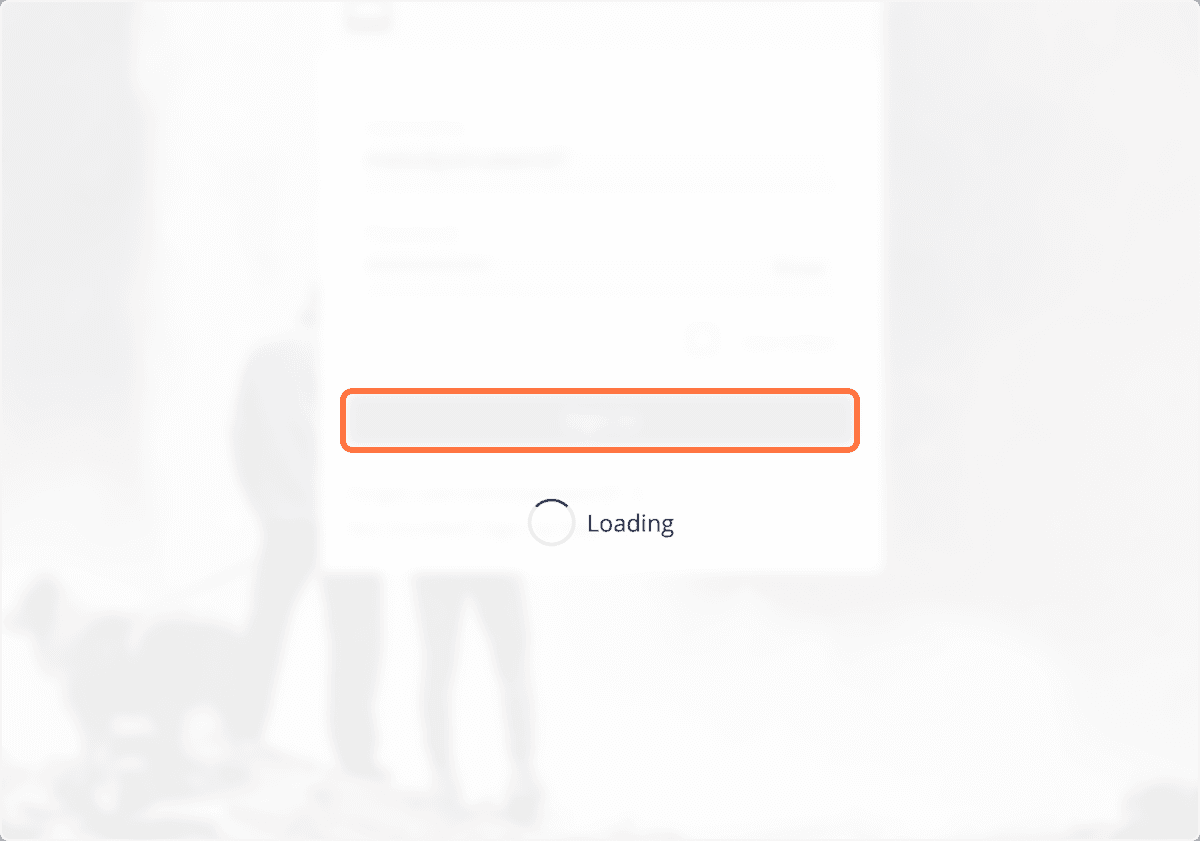
Step 7
Finicity returns you to the connection screen and lists the banks it successfully authorized.
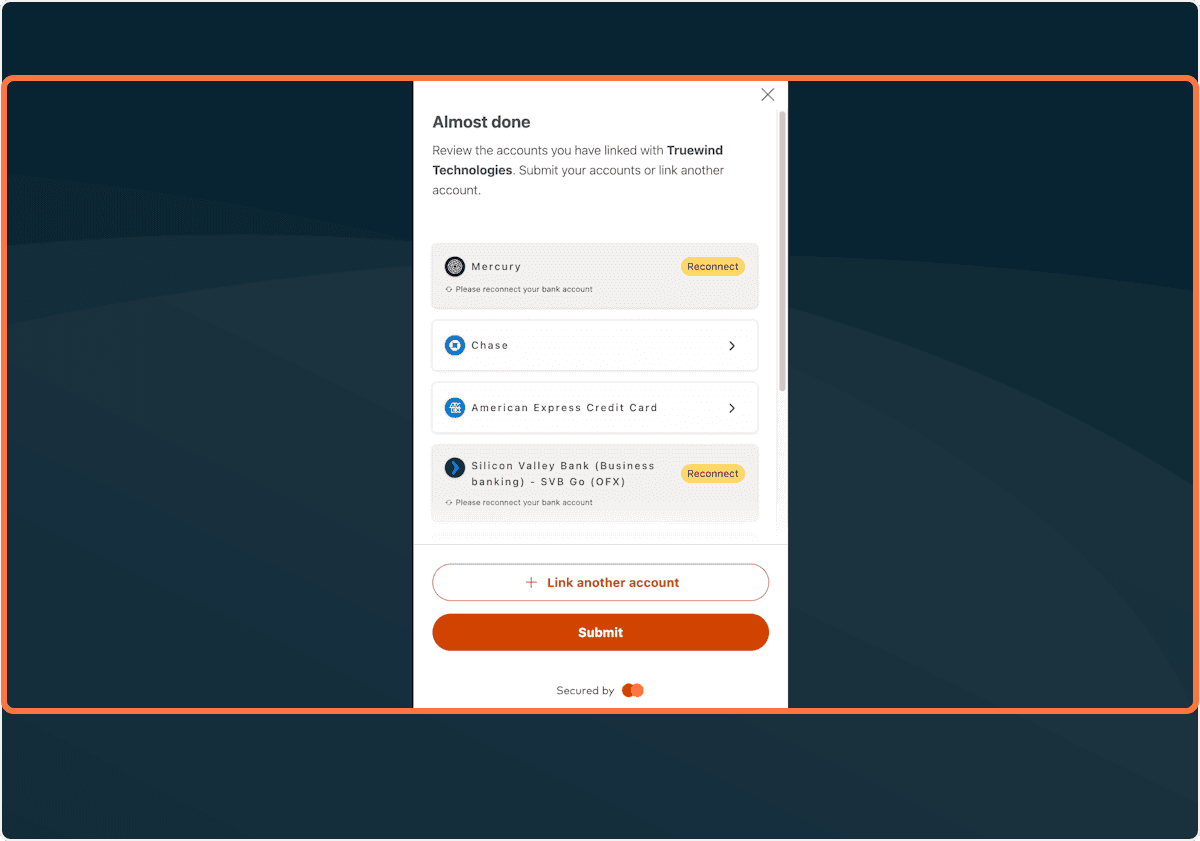
Step 8
This sends the completed setup back to Truewind so Finicity can return the selected bank accounts to Truewind.
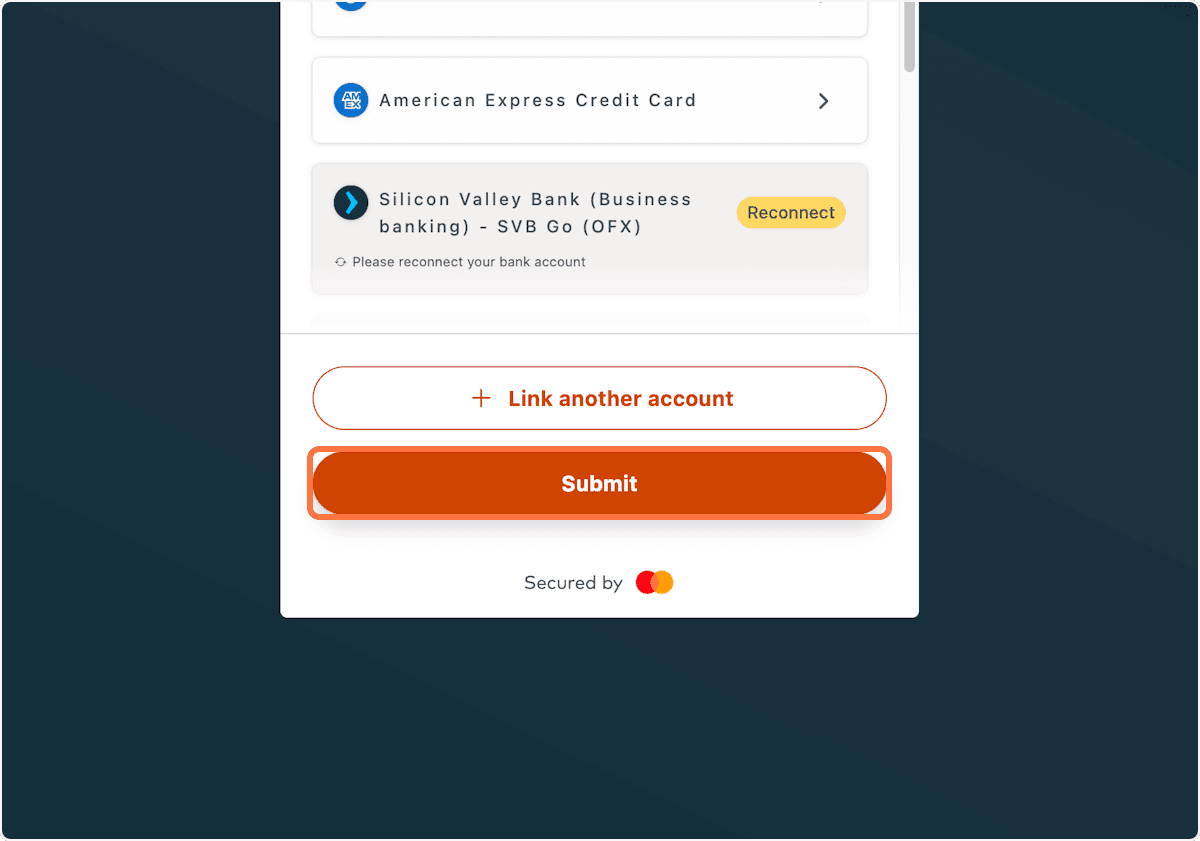
Step 9
After the connection completes, assign each returned bank account to the correct Chart of Accounts account in Truewind.
Use Finicity when your institution is not available through the embedded Plaid flow or when your team has been instructed to use Finicity for that bank.
Was this helpful?
Need more help?
Ask for human help about this article and provide any feedback.