
What this workflow is for
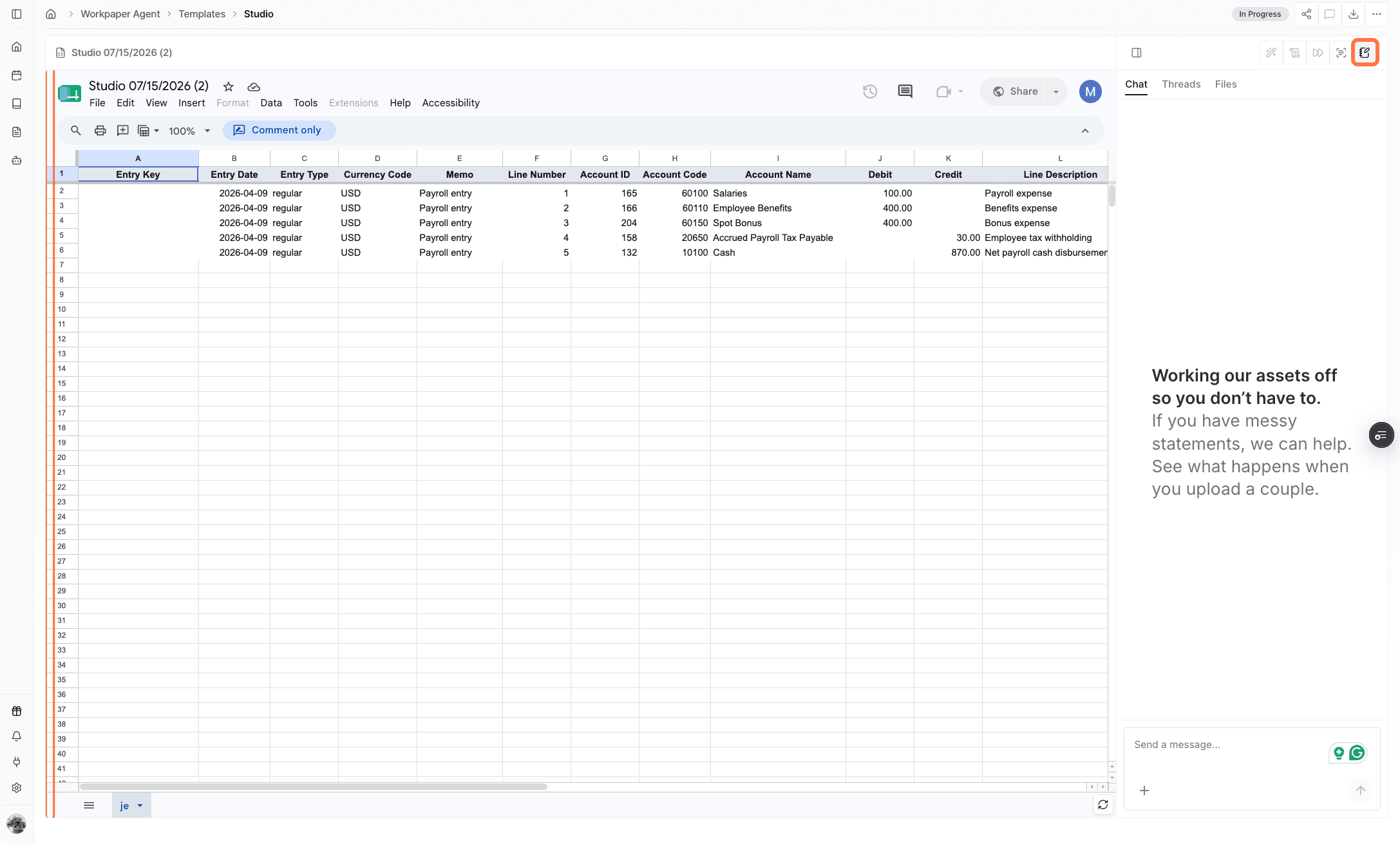
Use this feature when a completed Workpaper Agent workbook is ready to become journal entries in your ERP.
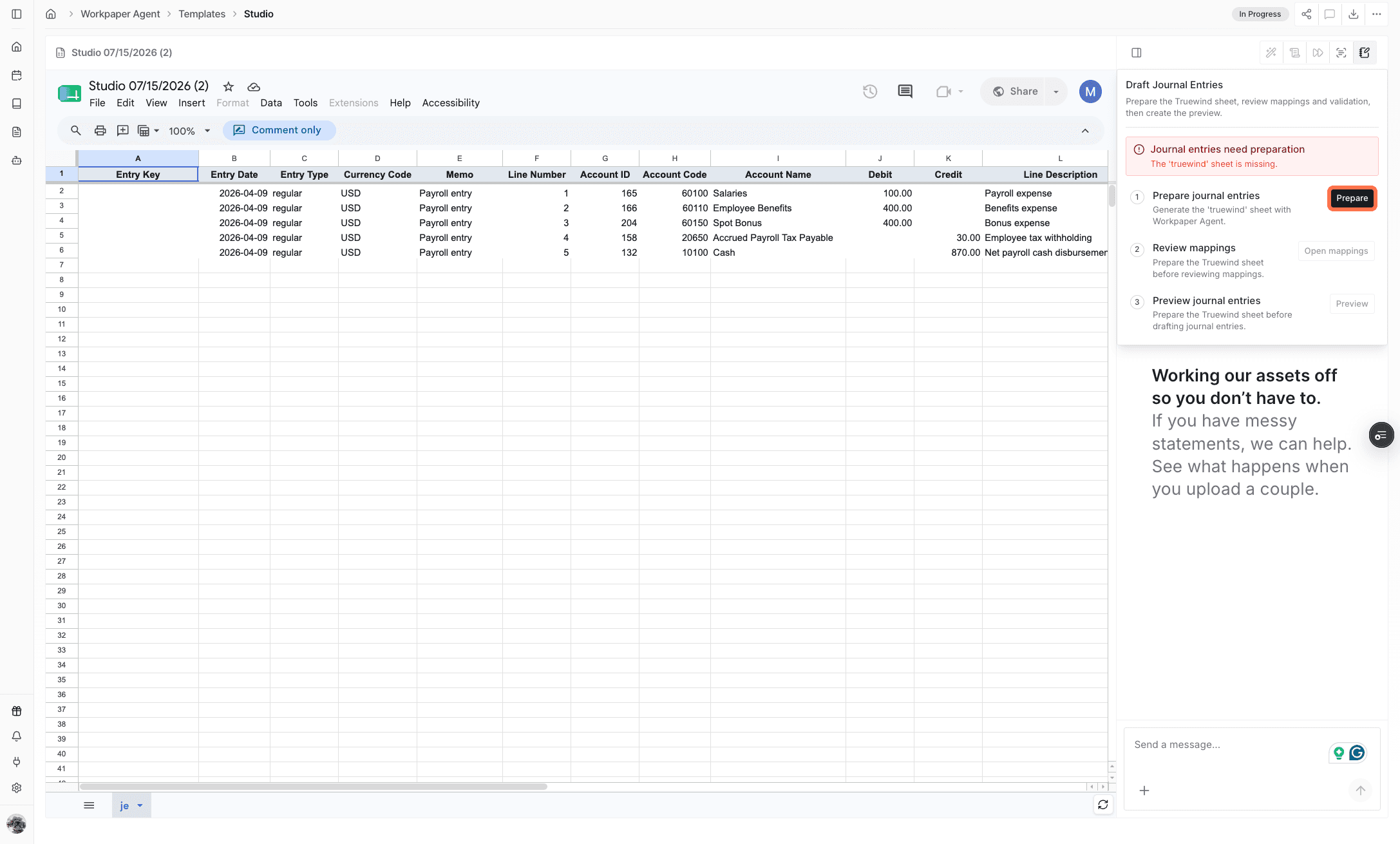
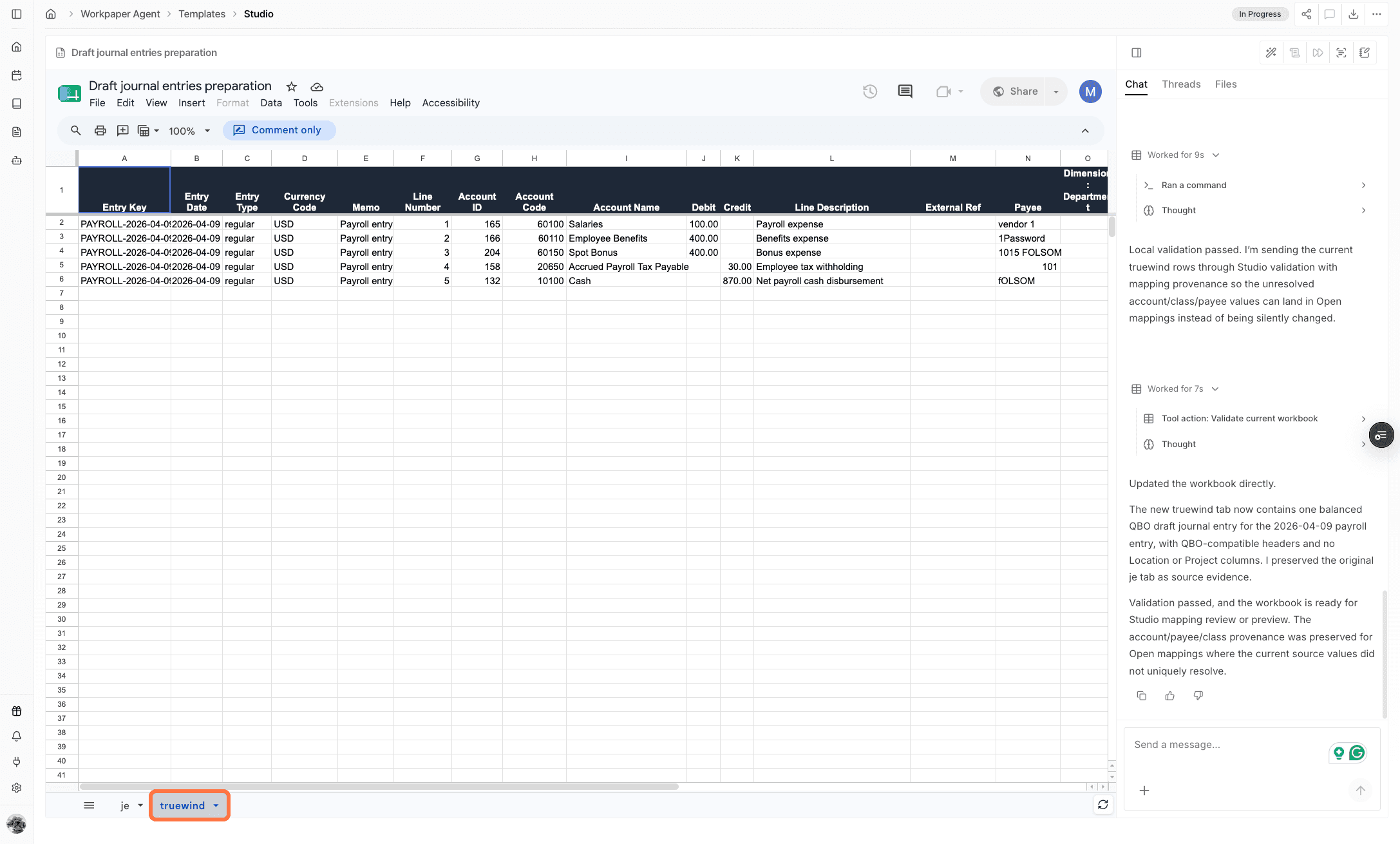
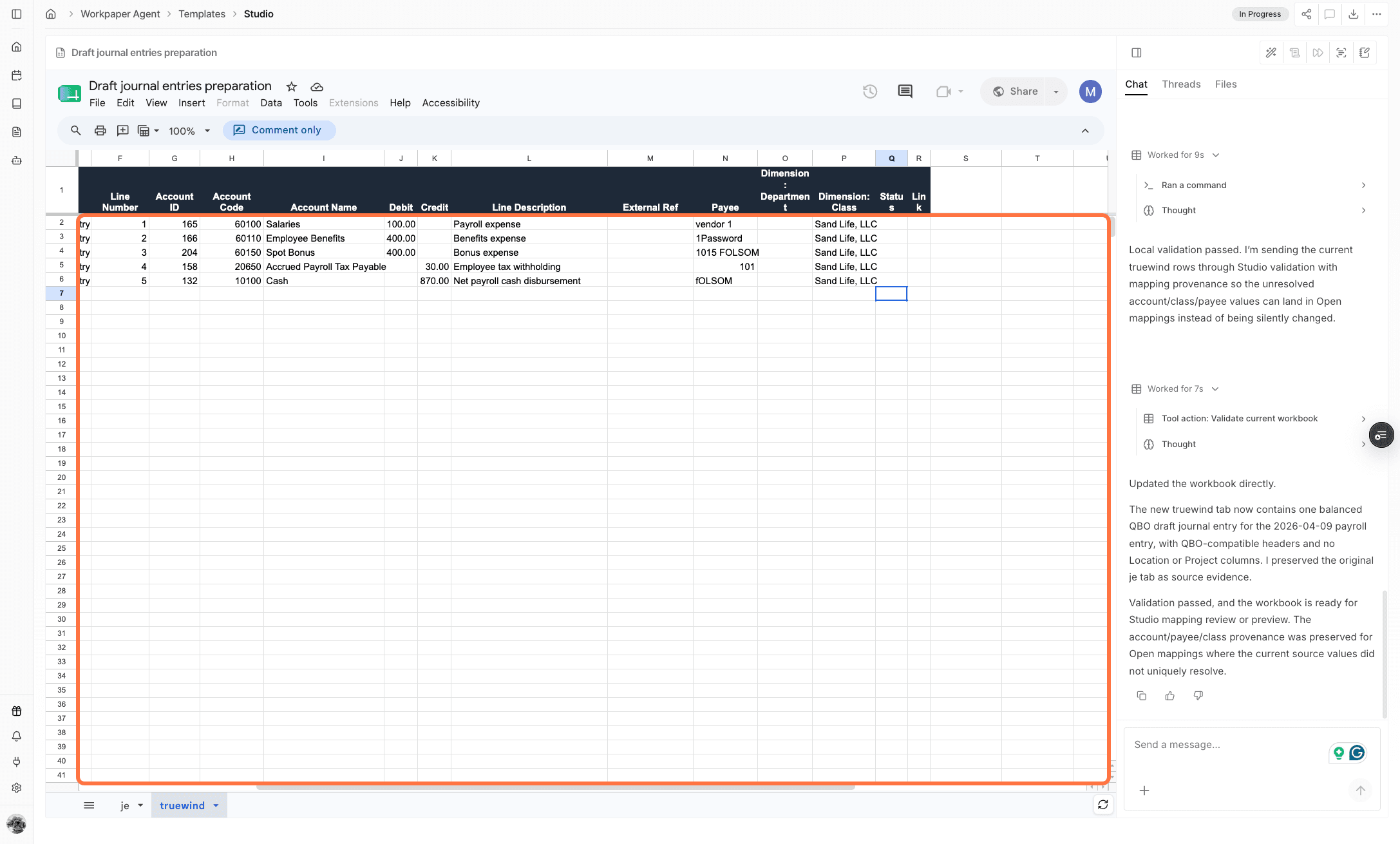
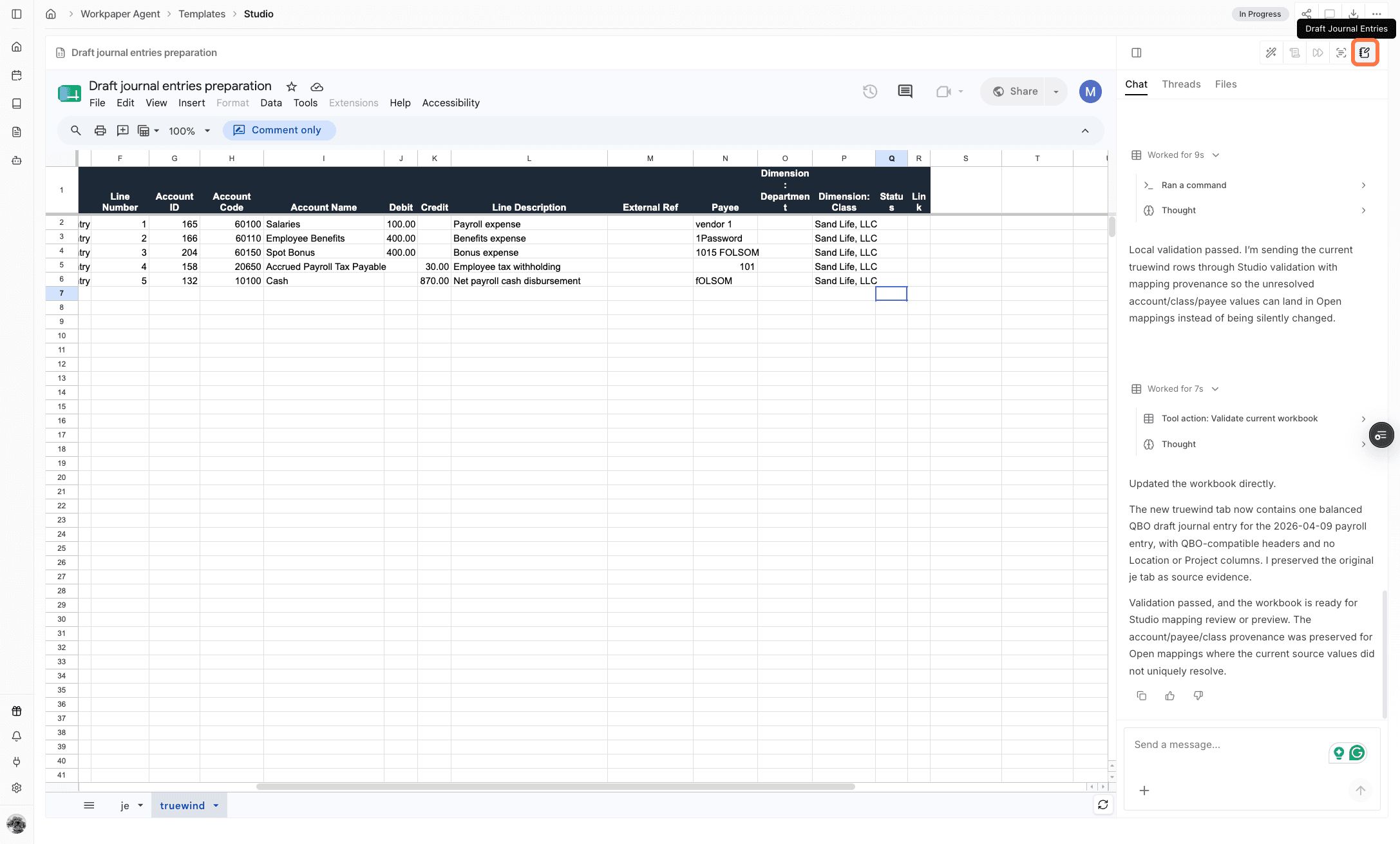
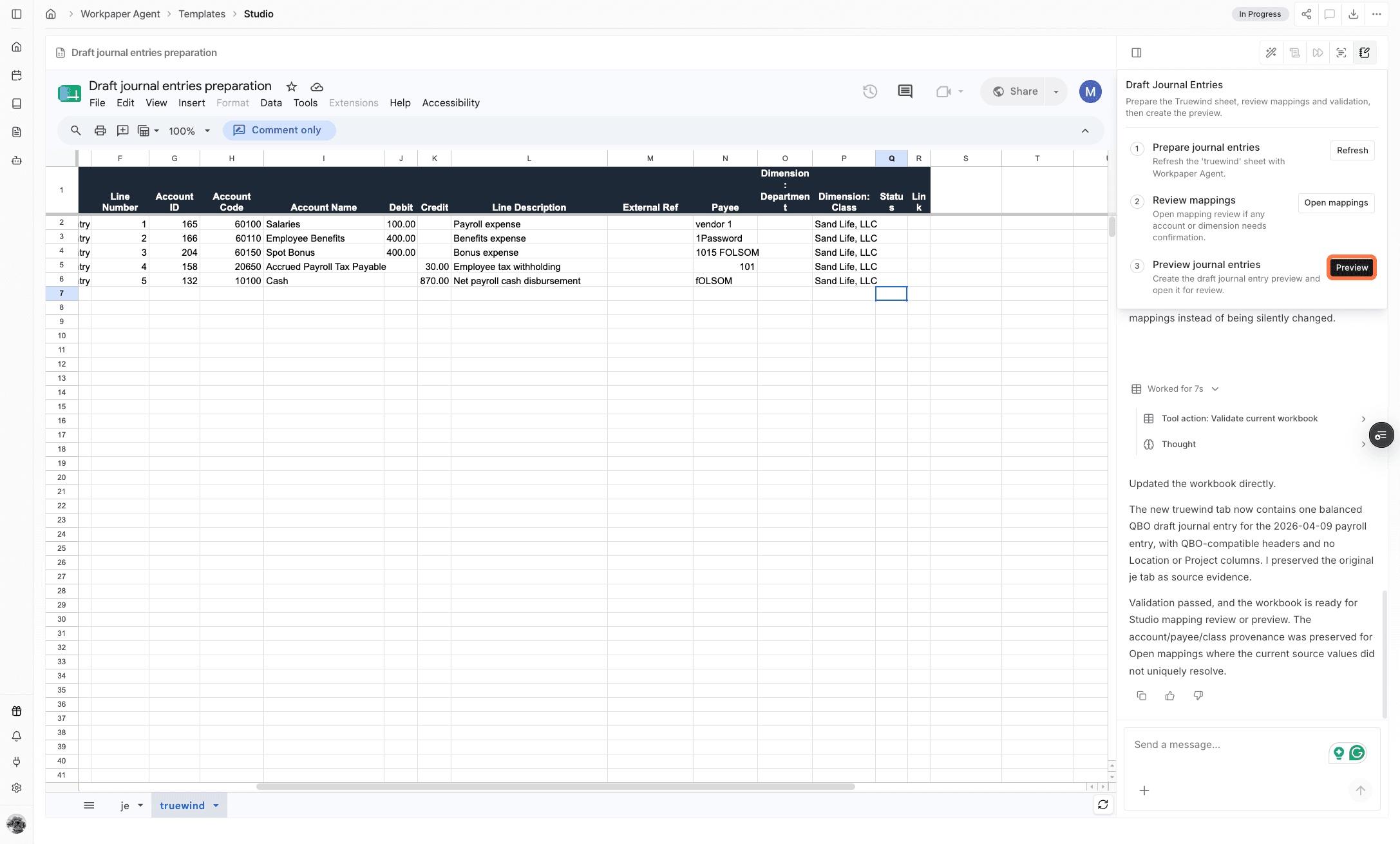
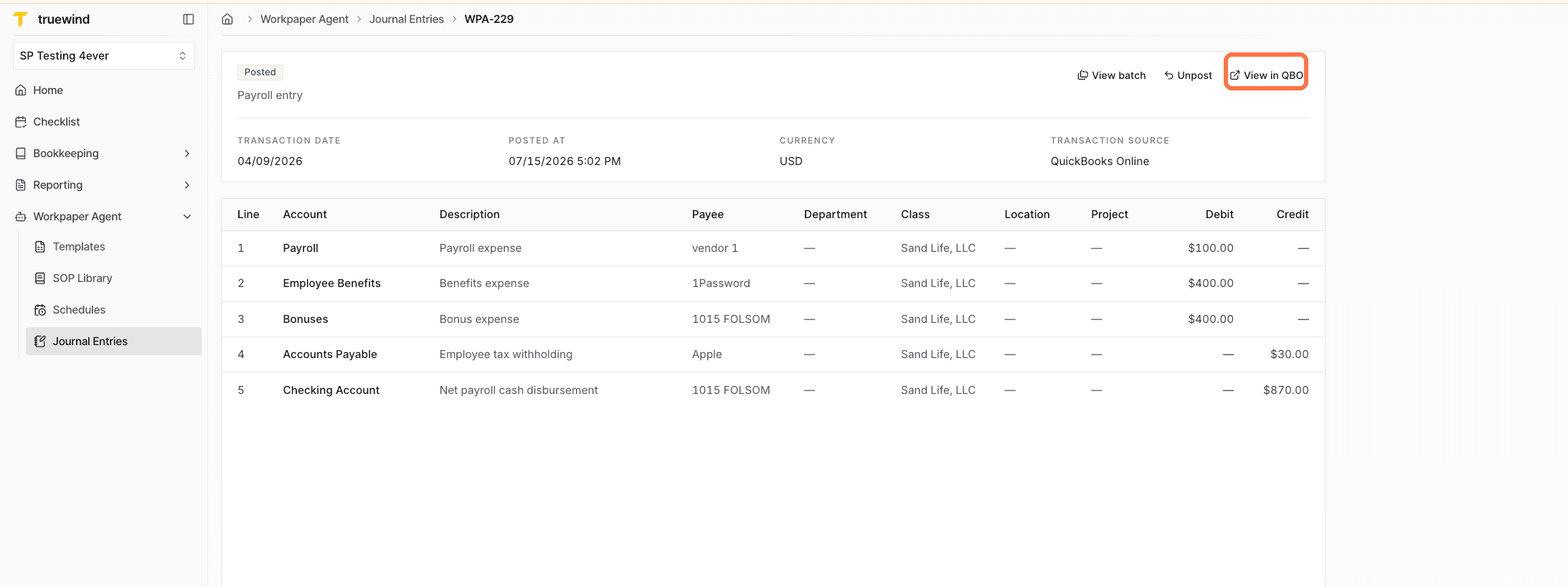
- Draft journal entries from the workbook.
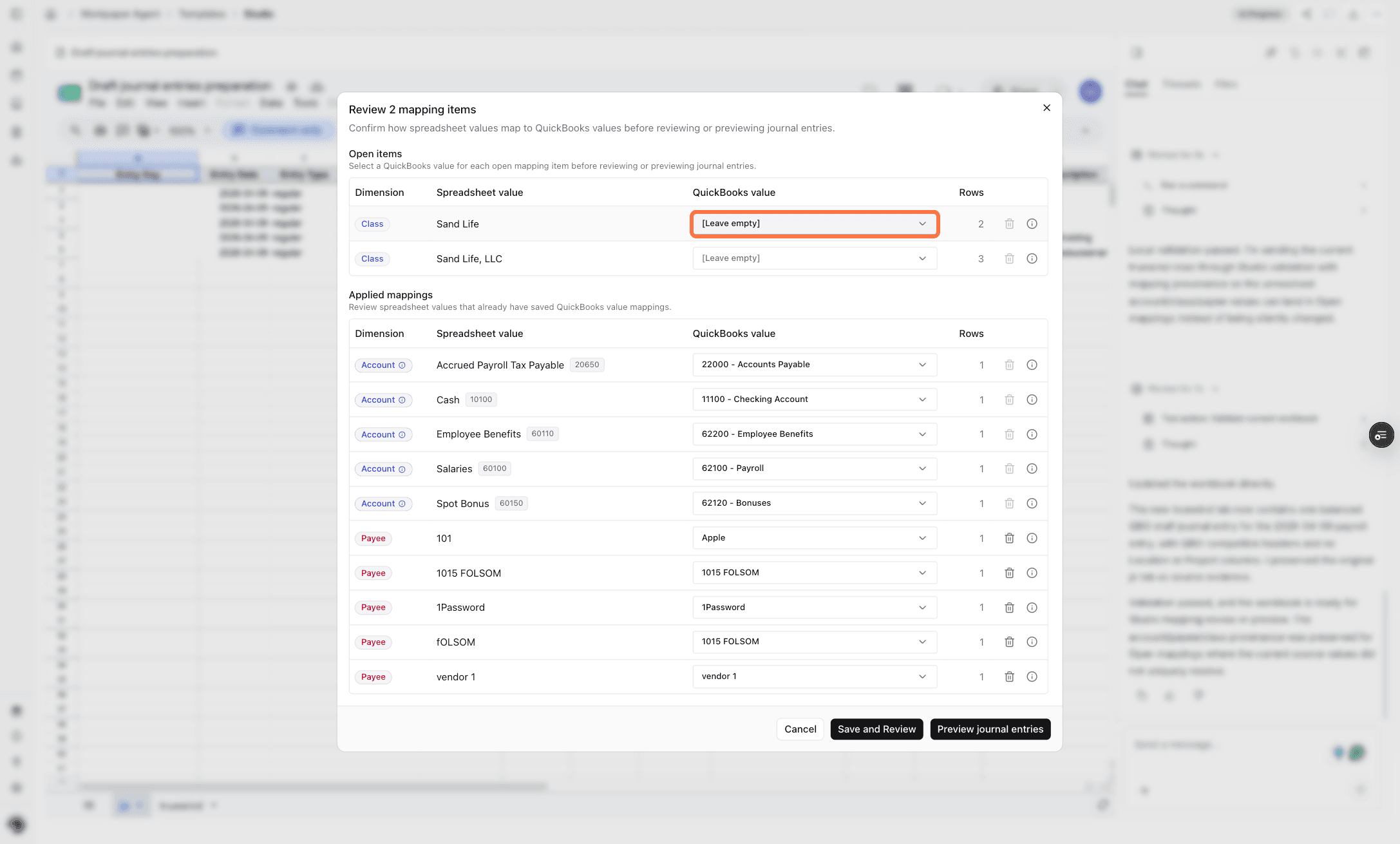
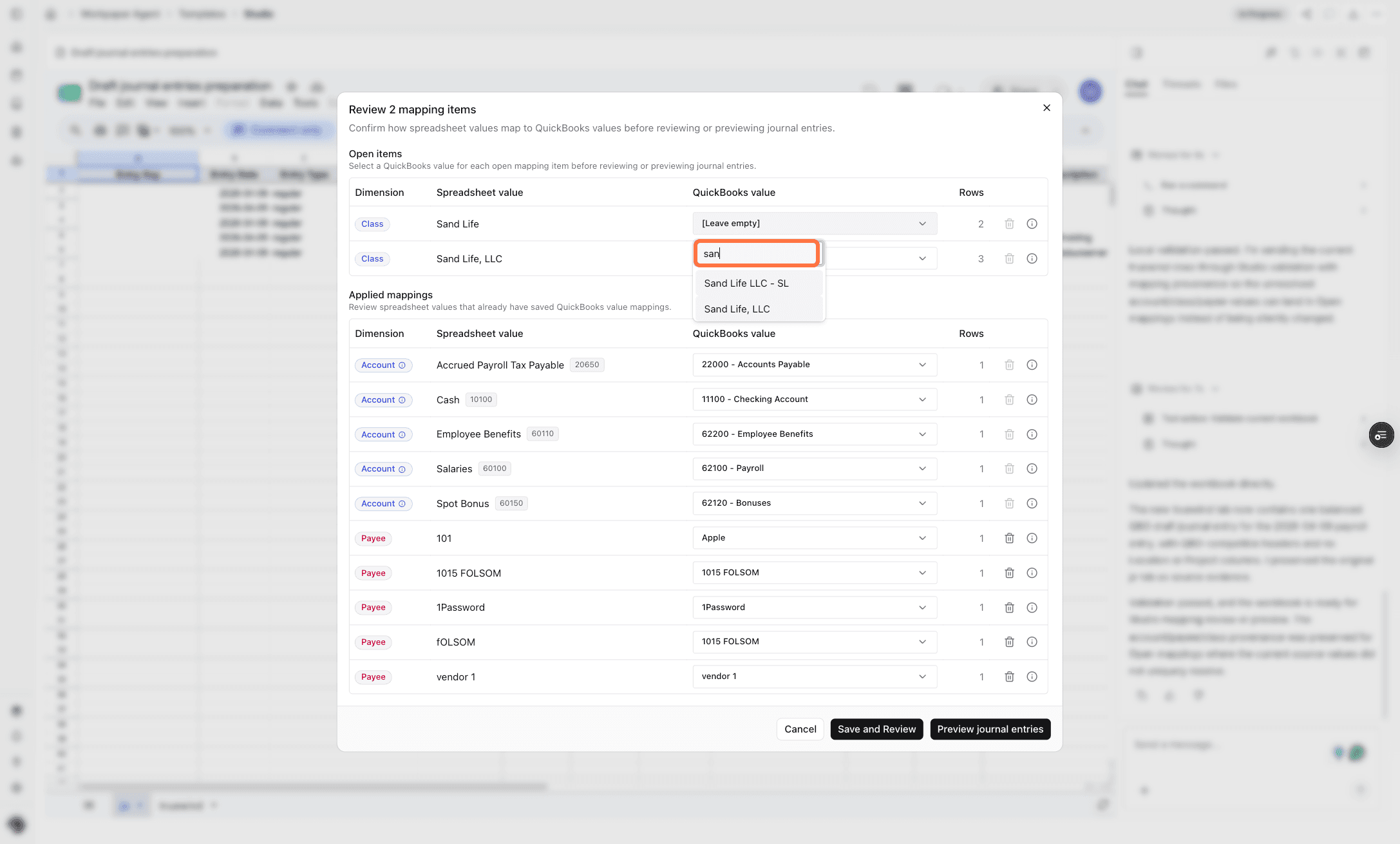
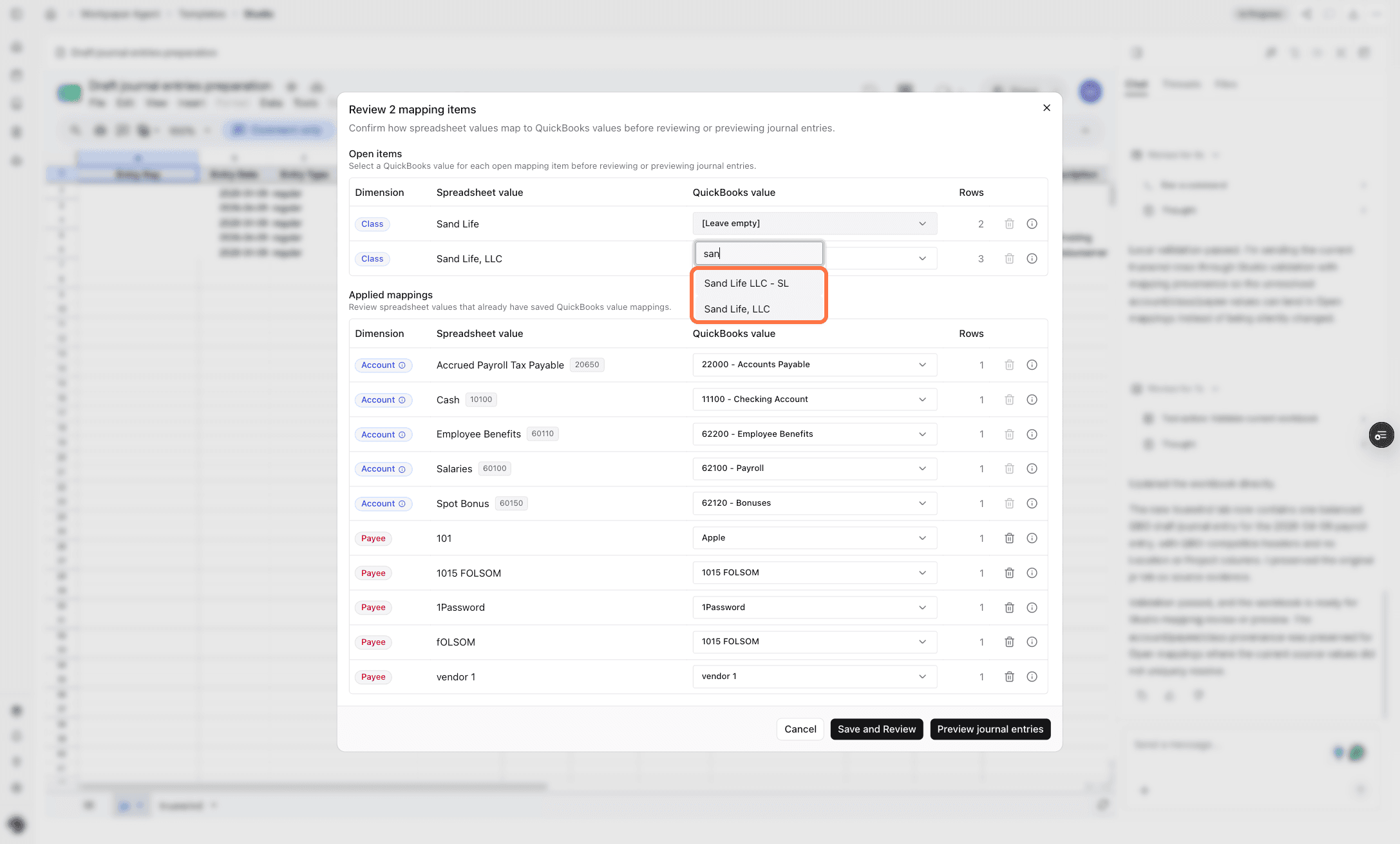
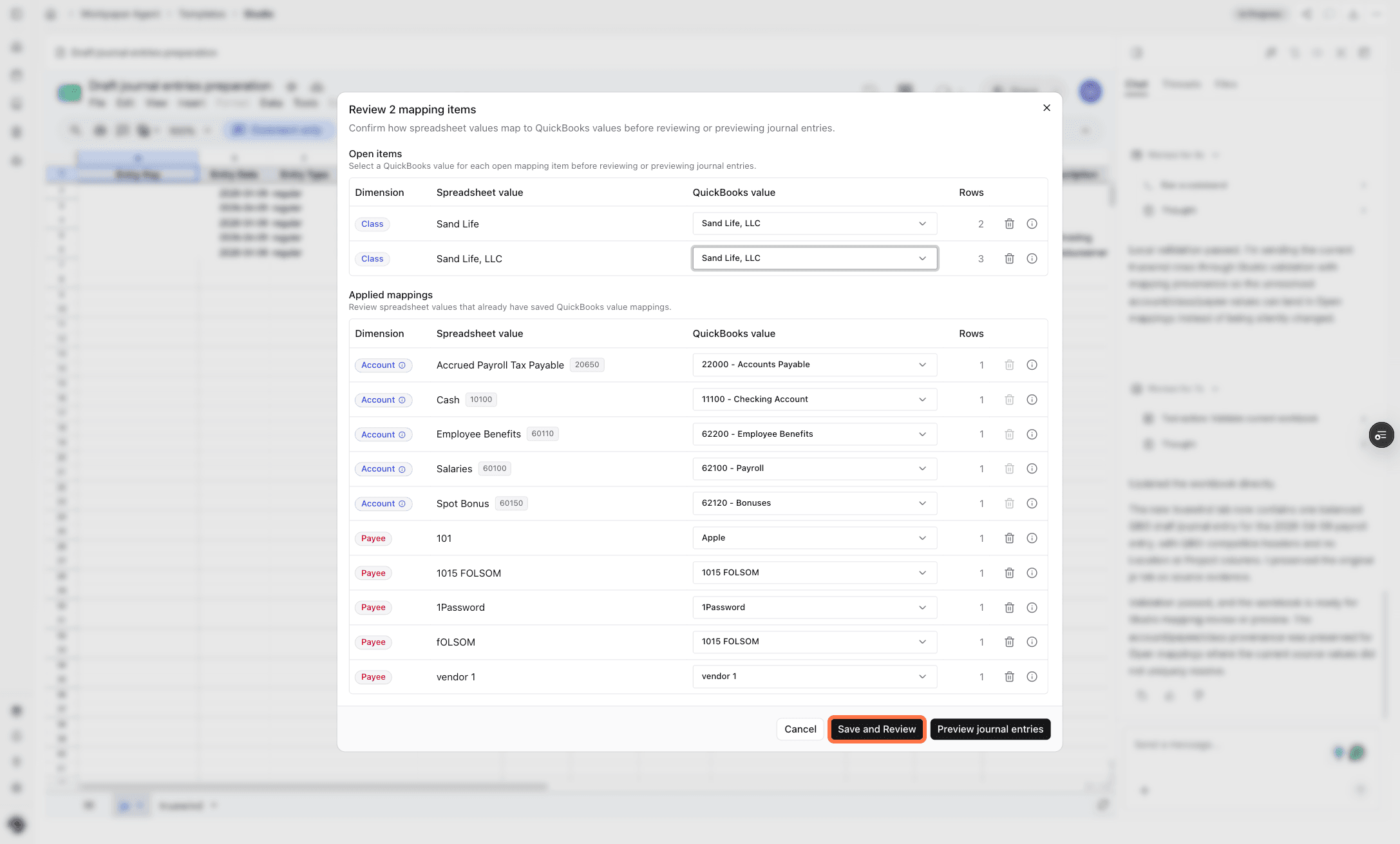
- Map workbook dimensions, payees, and accounts to ERP values.
- Review mappings that Workpaper Agent is not confident about.
- Reuse confirmed mappings in future roll-forwards for the same workbook.
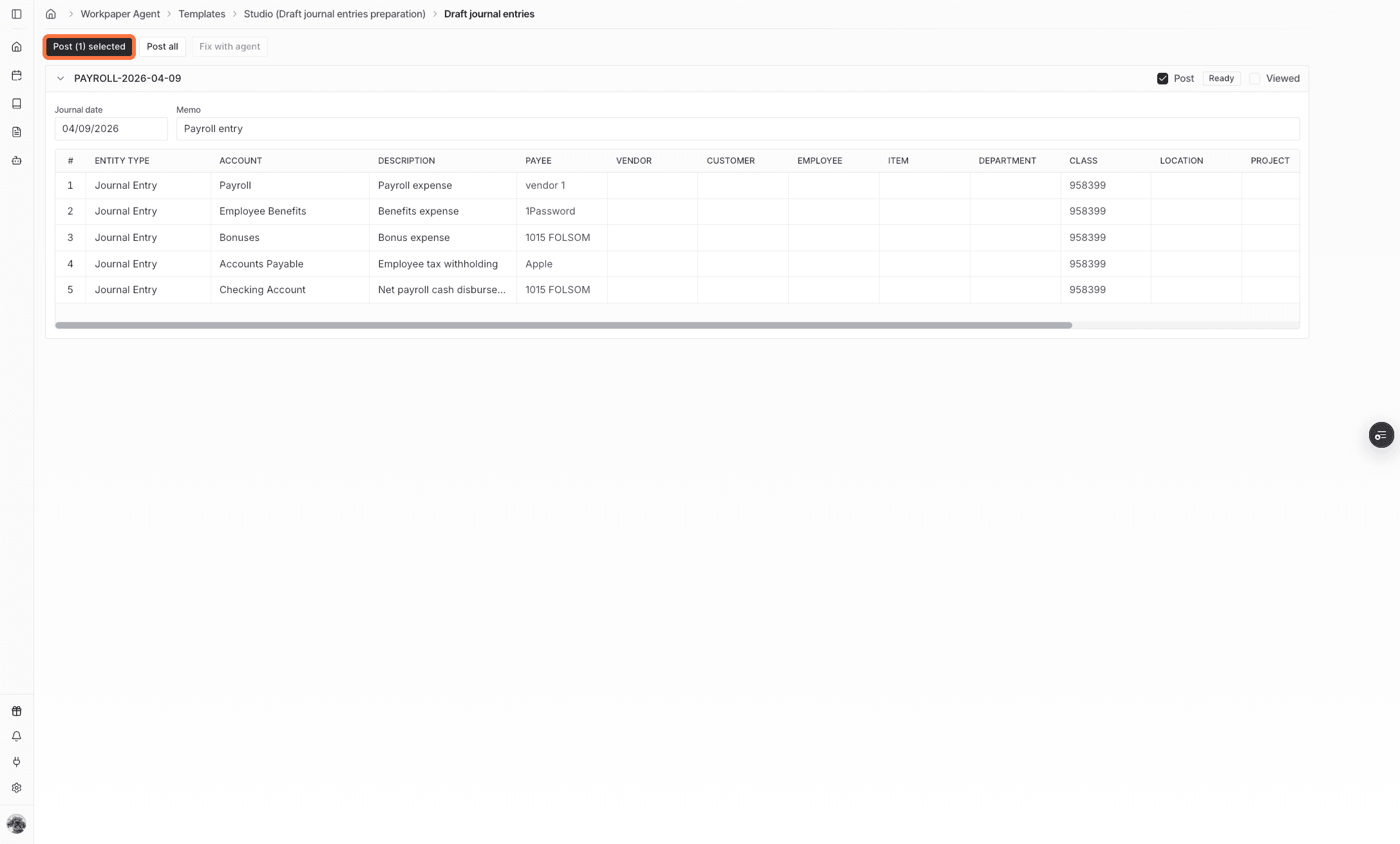
- Preview the drafted entries before posting.
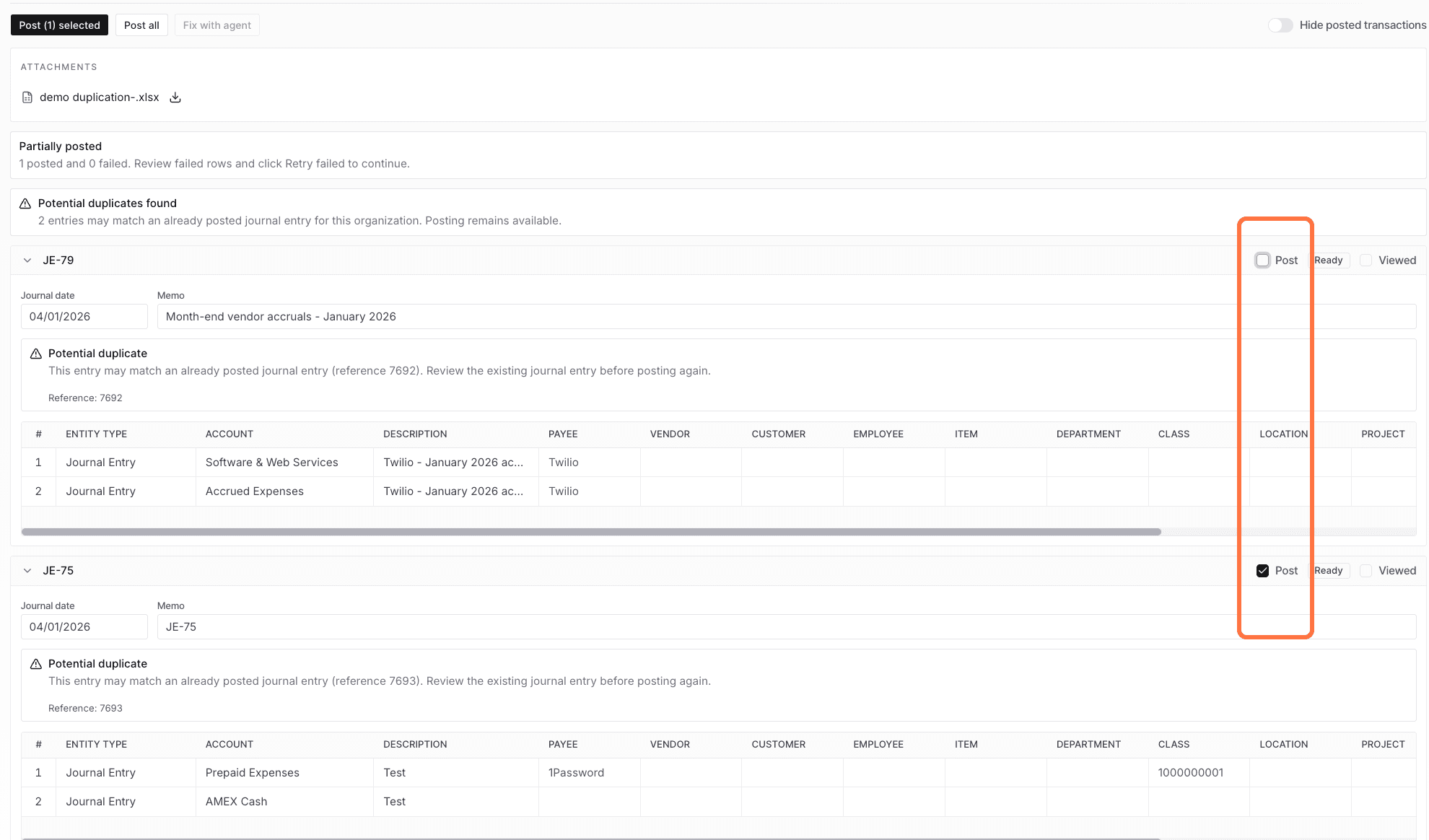
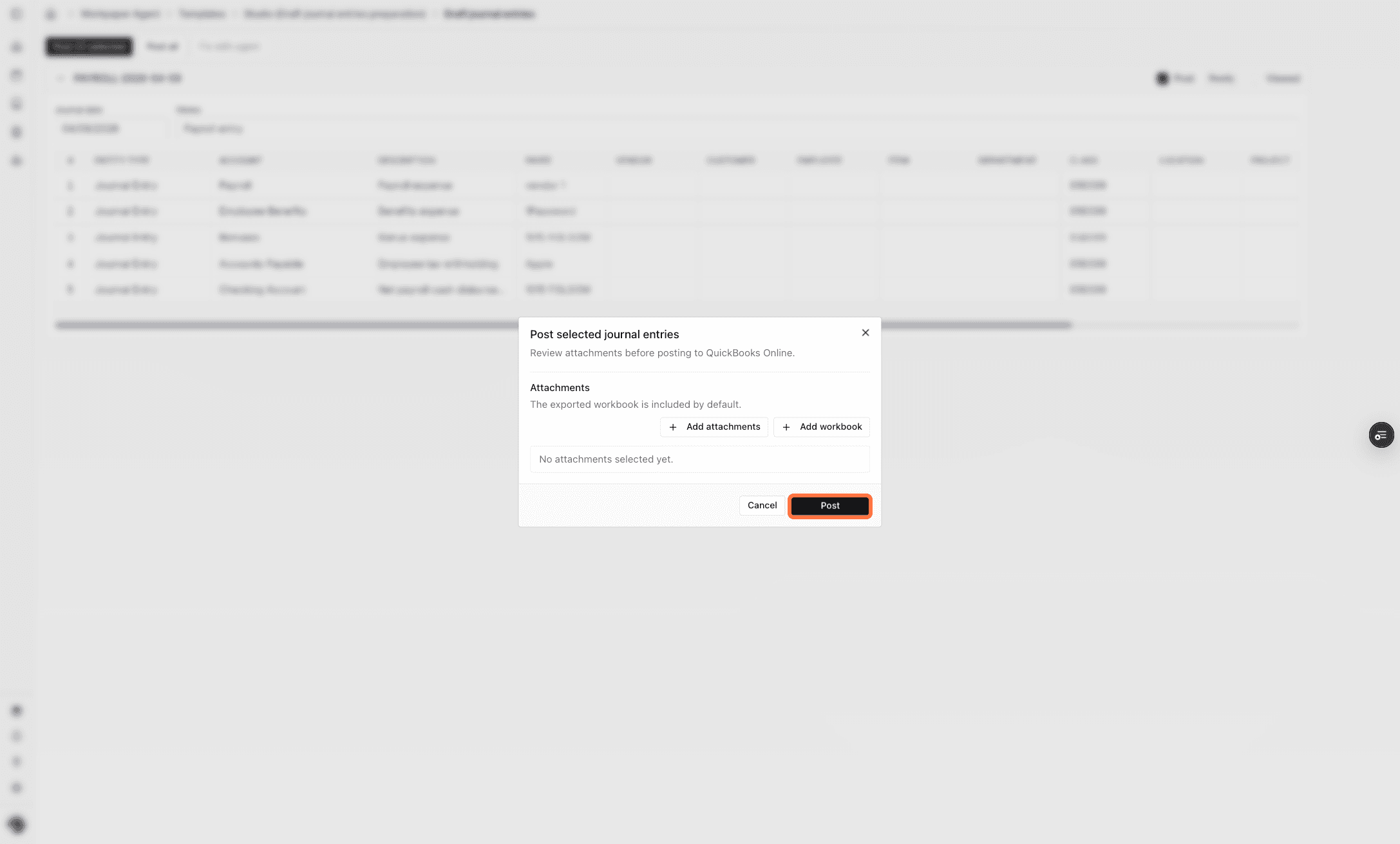
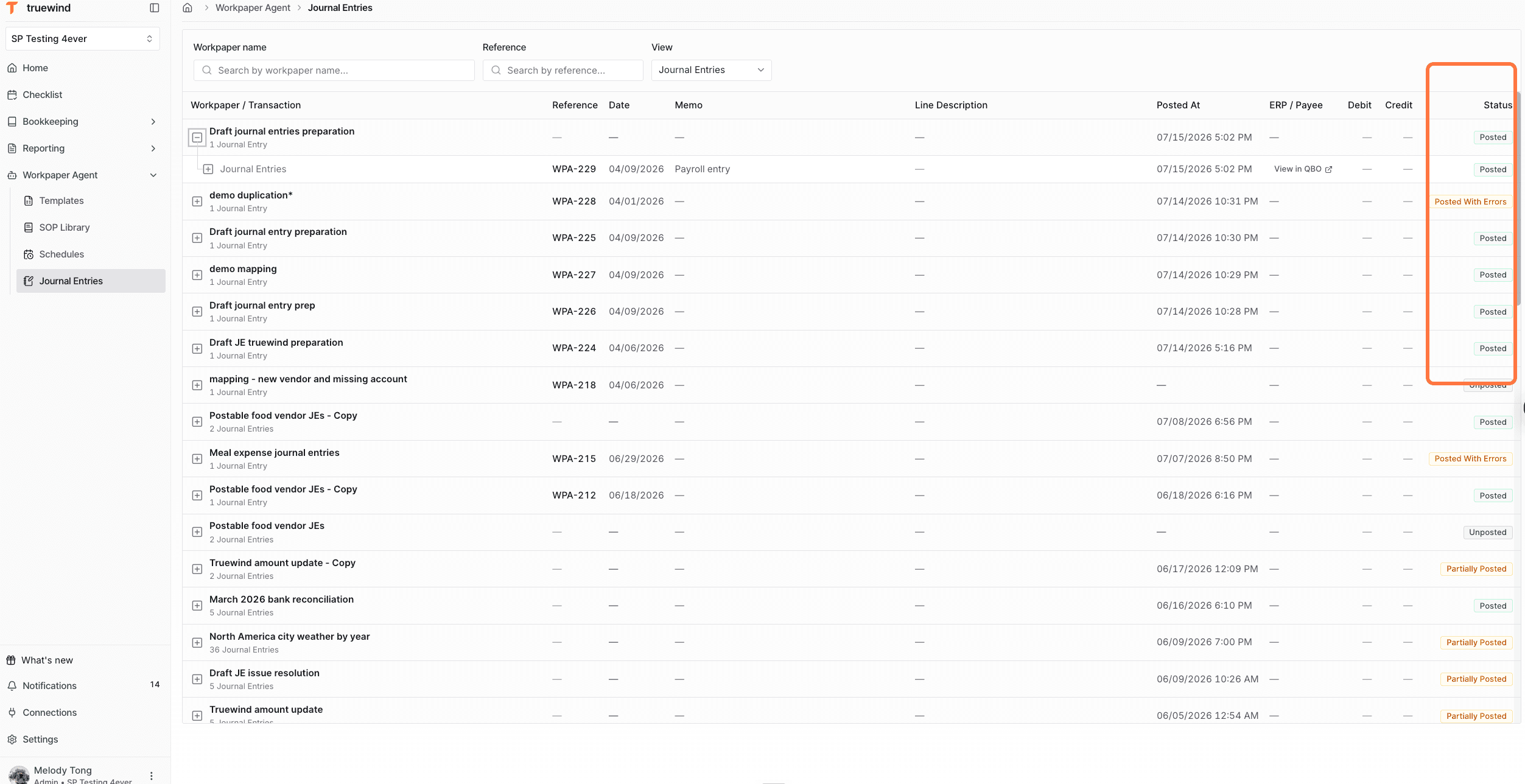
- Post all entries together, or post only the entries that are ready.
Review before posting
Confirm mappings, accounts, dimensions, payees, entry balances, and posting scope before sending entries to the ERP. Use individual posting when only some entries are ready to post.