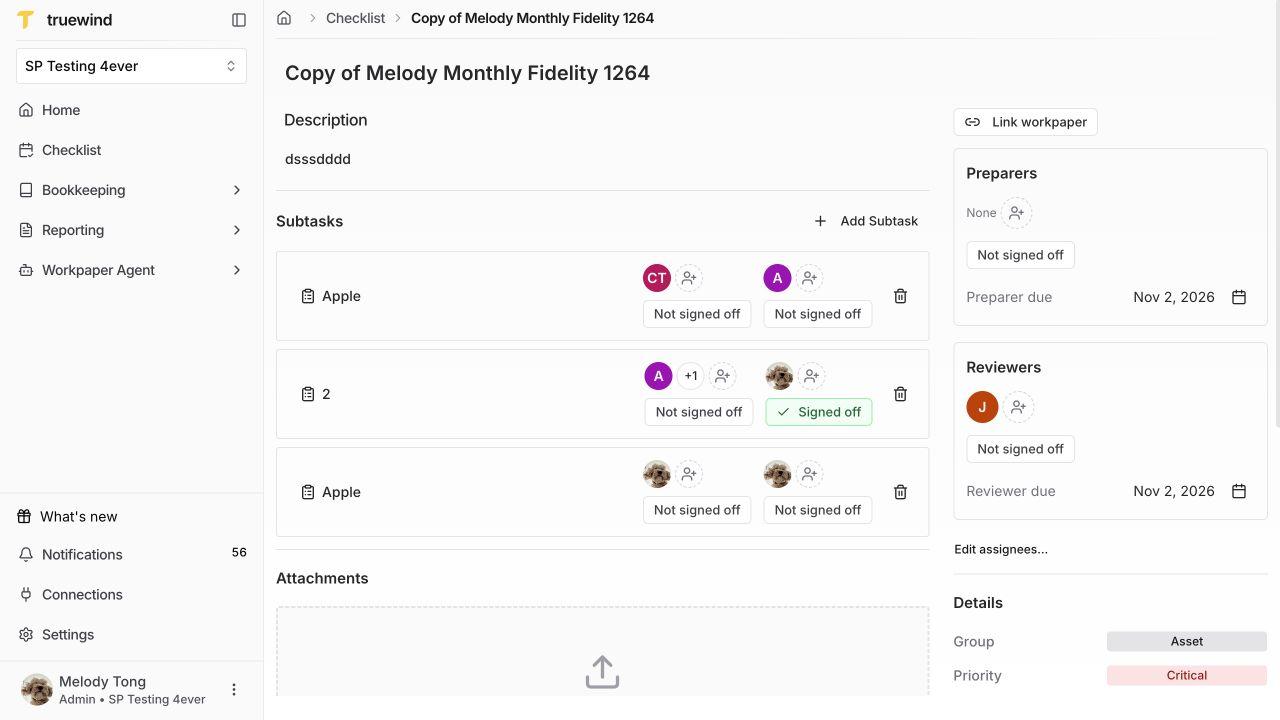
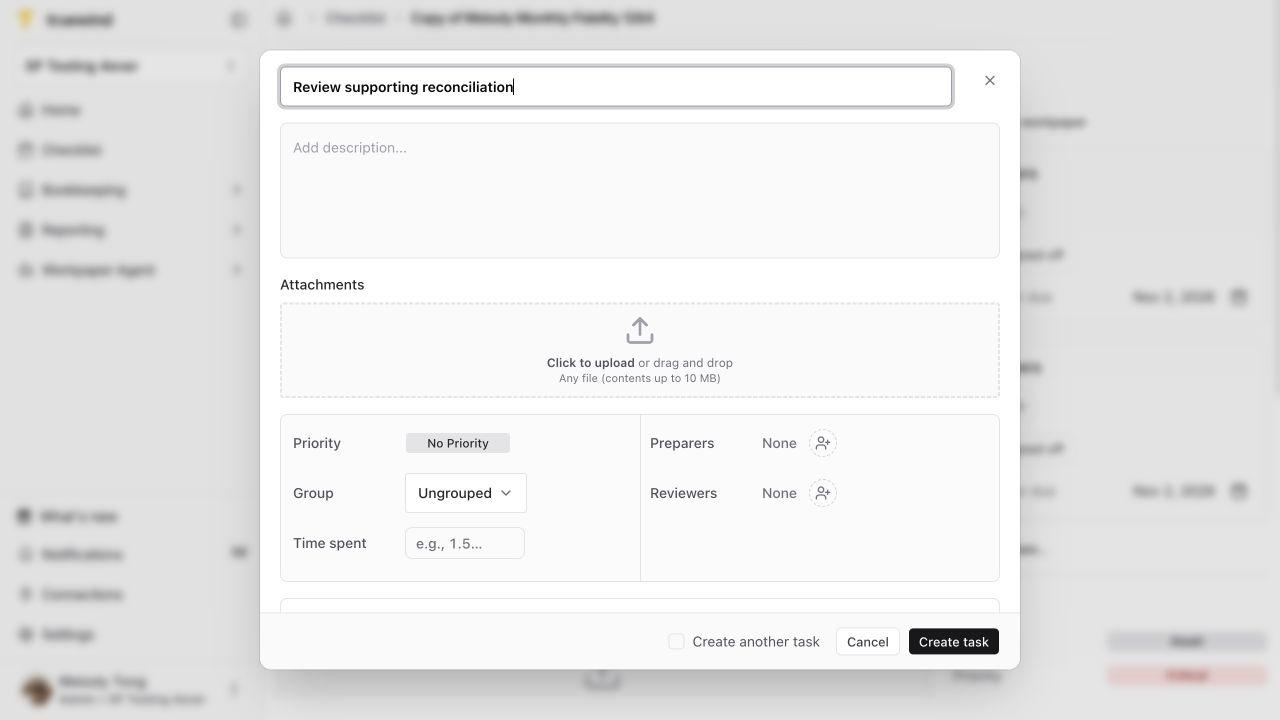
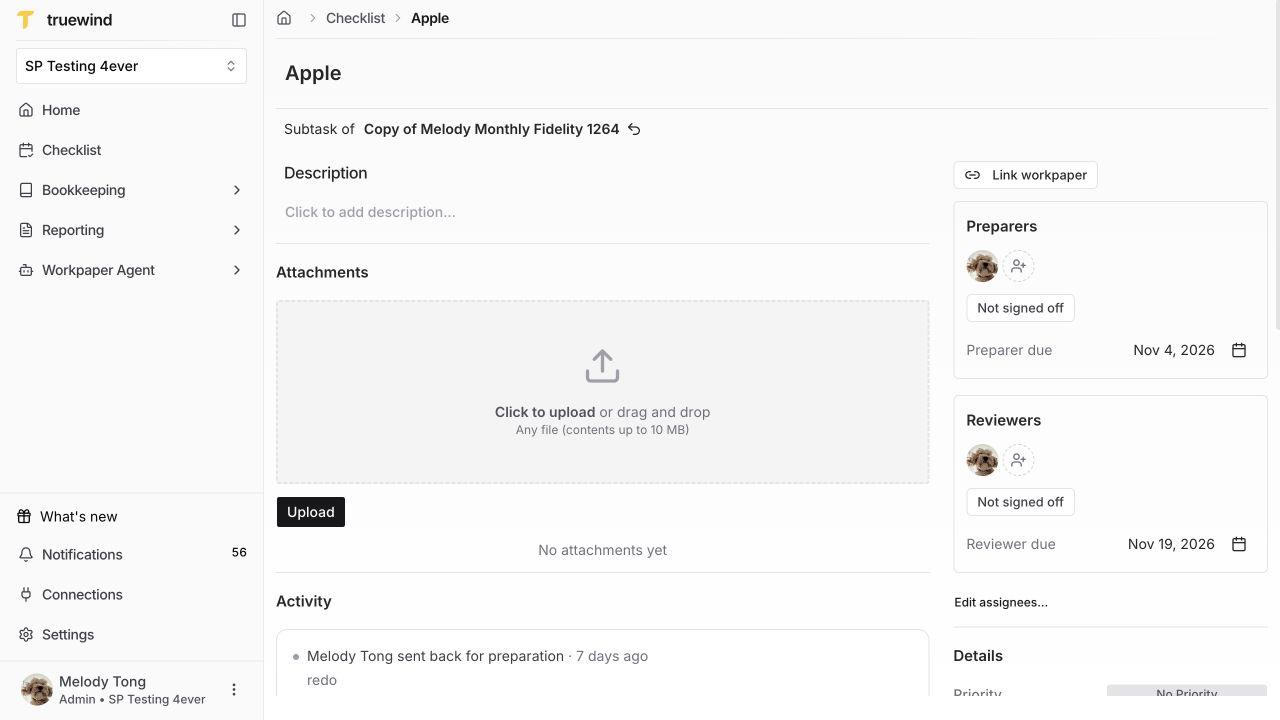
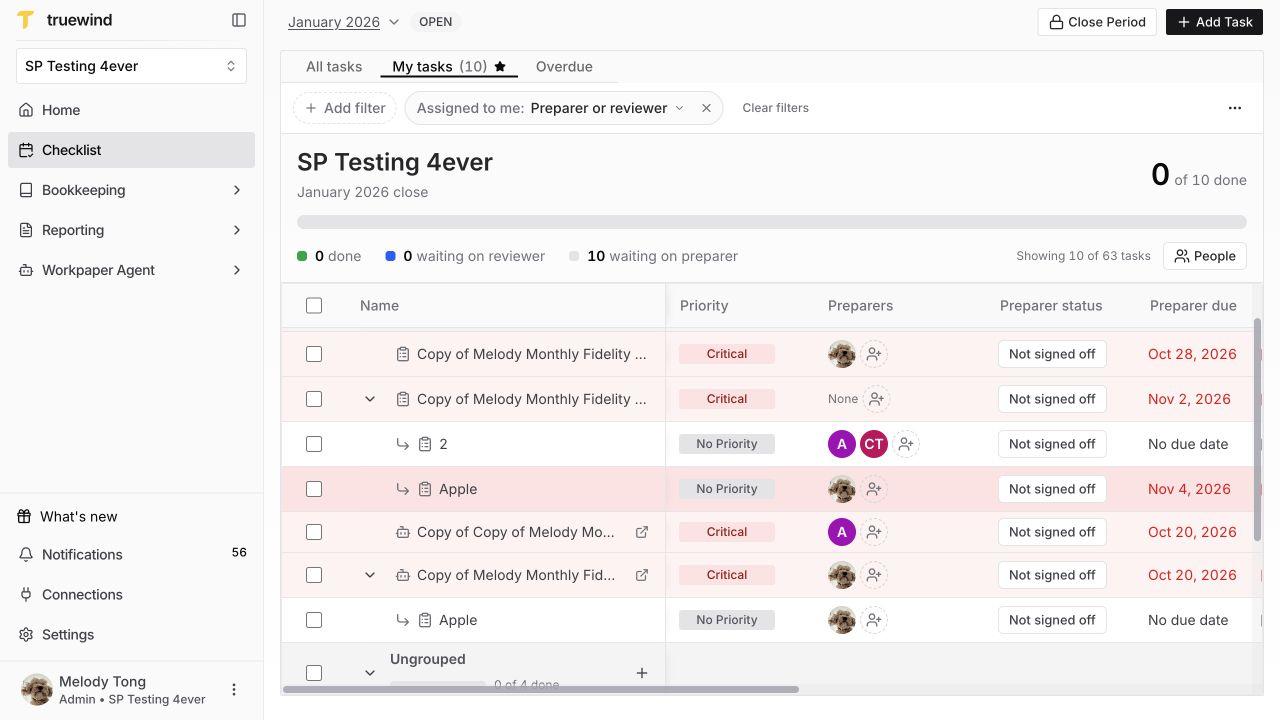
Review the draft, select Create task, and confirm that it appears under the intended parent. Open the subtask name and check Subtask of at the top. Review this child’s preparers, reviewers, deadlines, and separate signoffs. Its own detail page also contains attachments, comments, priority, and activity.
To connect an existing workbook later, select Link workpaper on the child, choose the eligible workbook, and review before confirming. The link applies to this child, not every task under its parent. Once linked, use Open Workpaper to inspect the workbook.
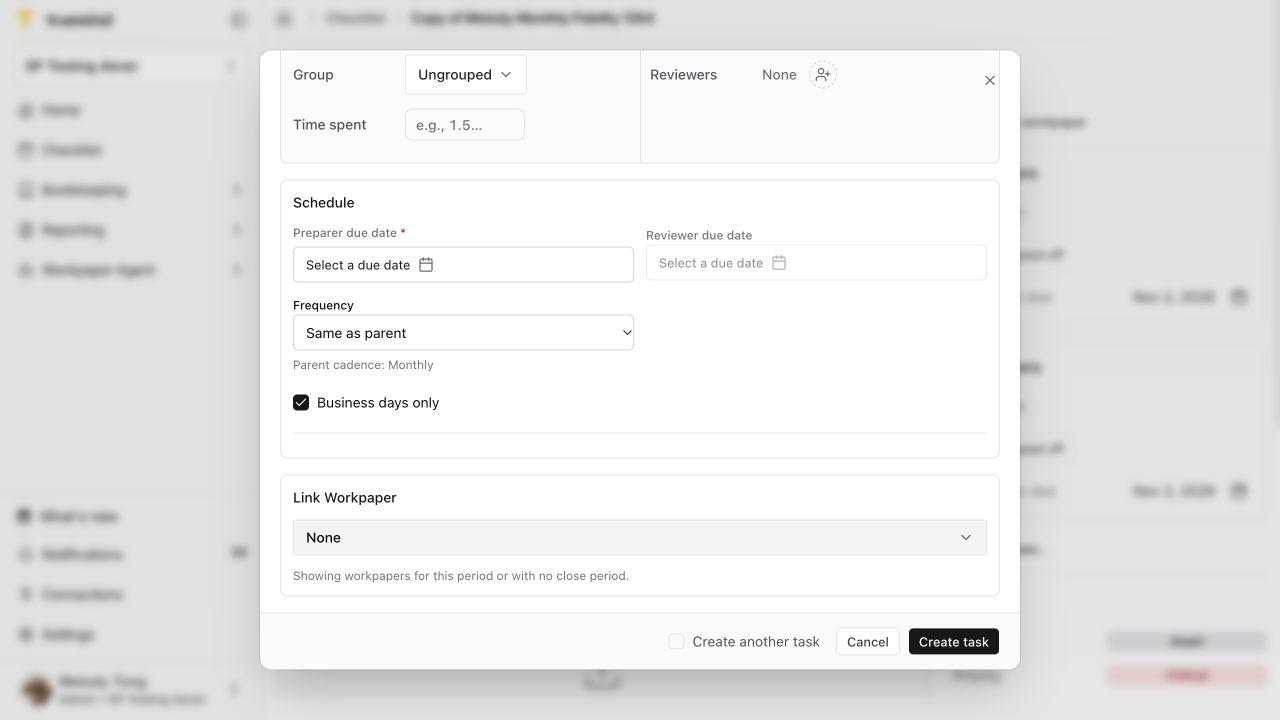
Scroll to Close Schedule to check the close period and Series schedule. A repeating child follows its parent’s cadence; for example, Repeats monthly. Change the parent’s recurrence to change that cadence.
An existing one-time child of a recurring parent can use Repeat with parent when available. This preserves that child’s existing work and adds repetition for future parent occurrences.