
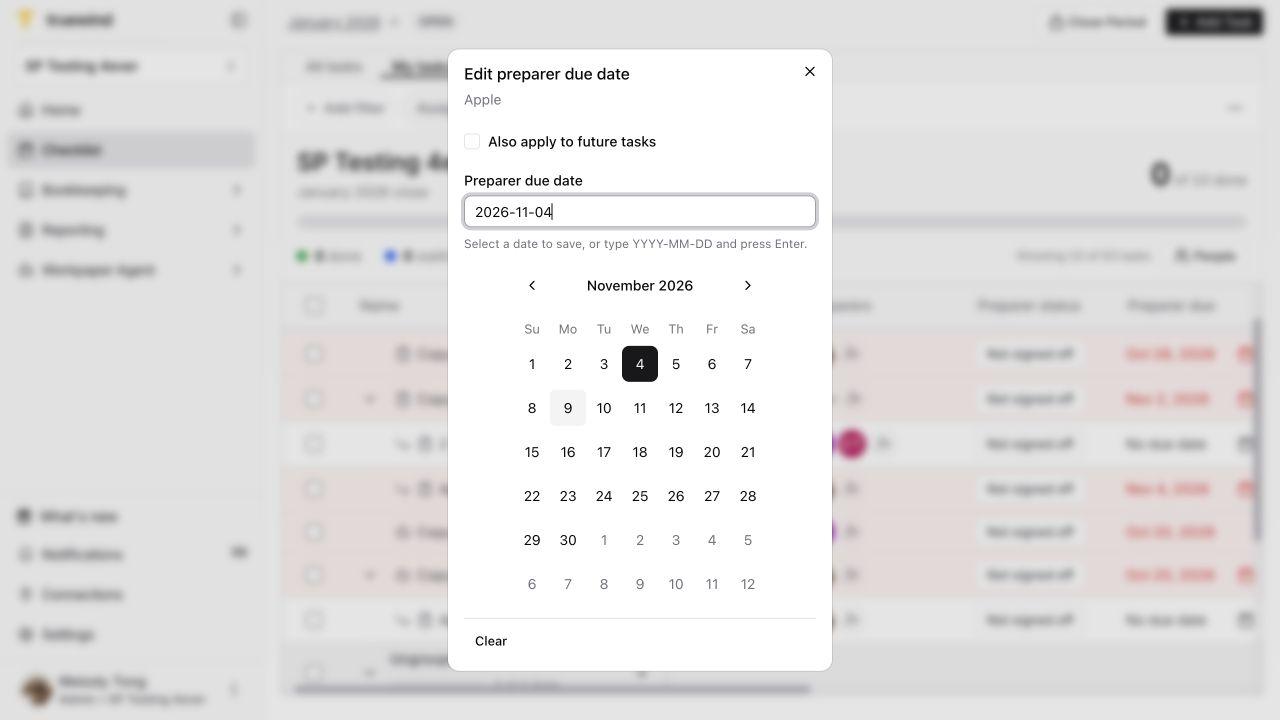
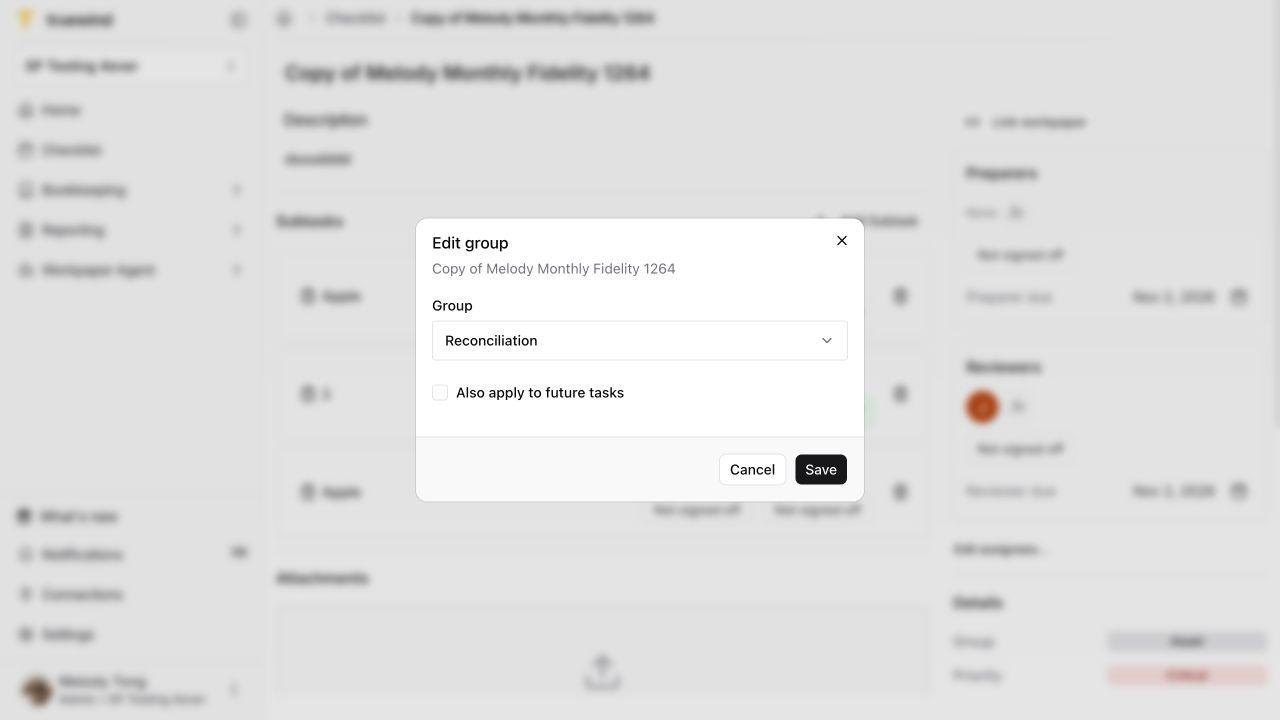
Before editing
Screenshots show a demonstration organization. Confirm your own organization and open close period before making changes. Separate preparer and reviewer controls appear where your organization uses role signoffs.
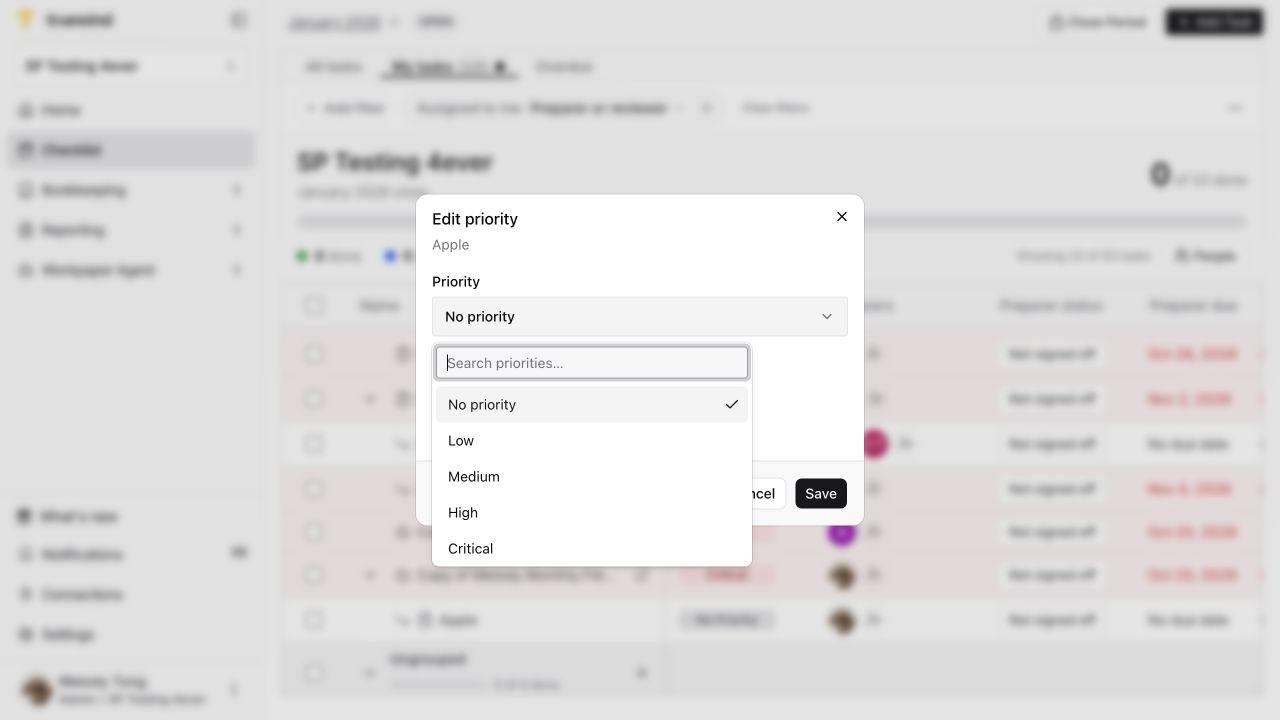
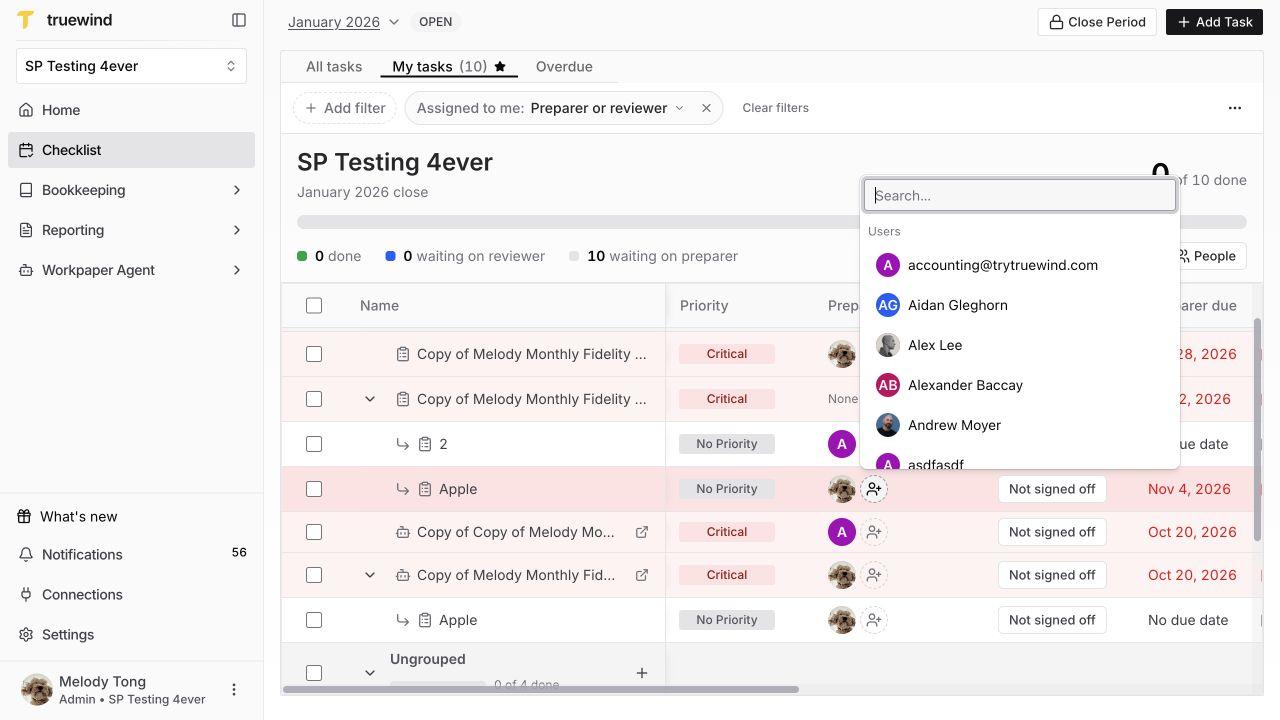
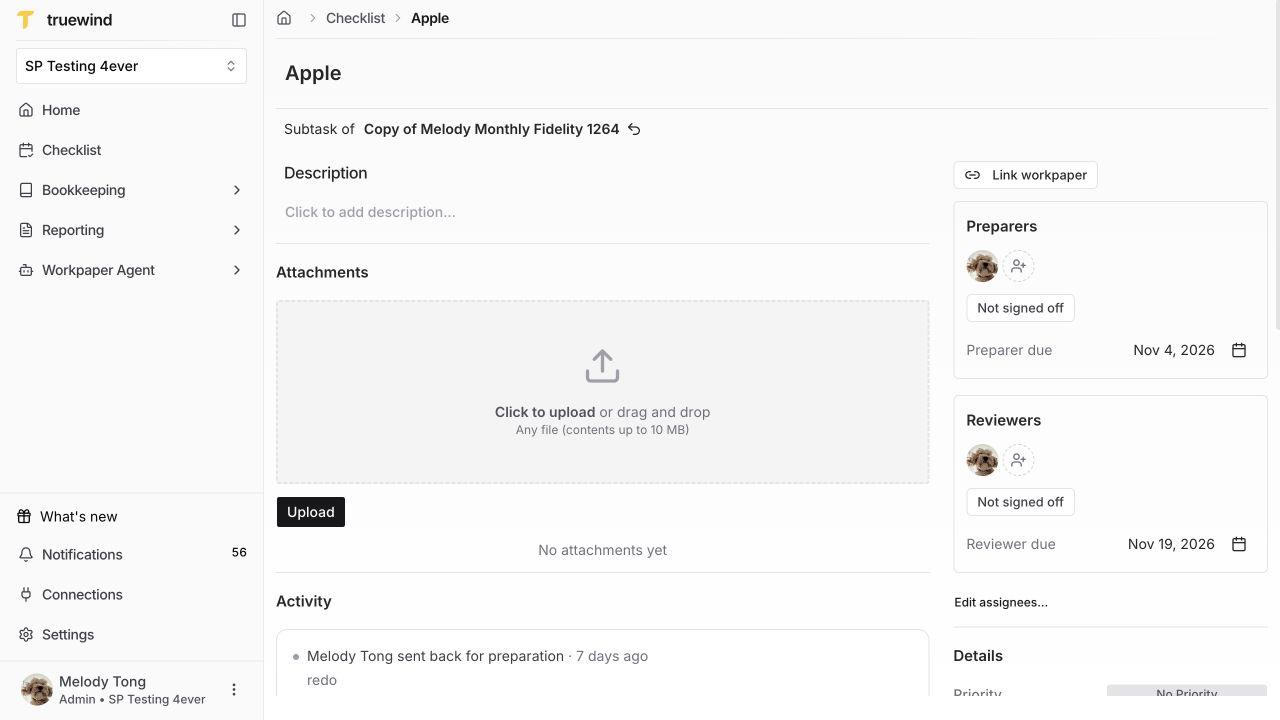
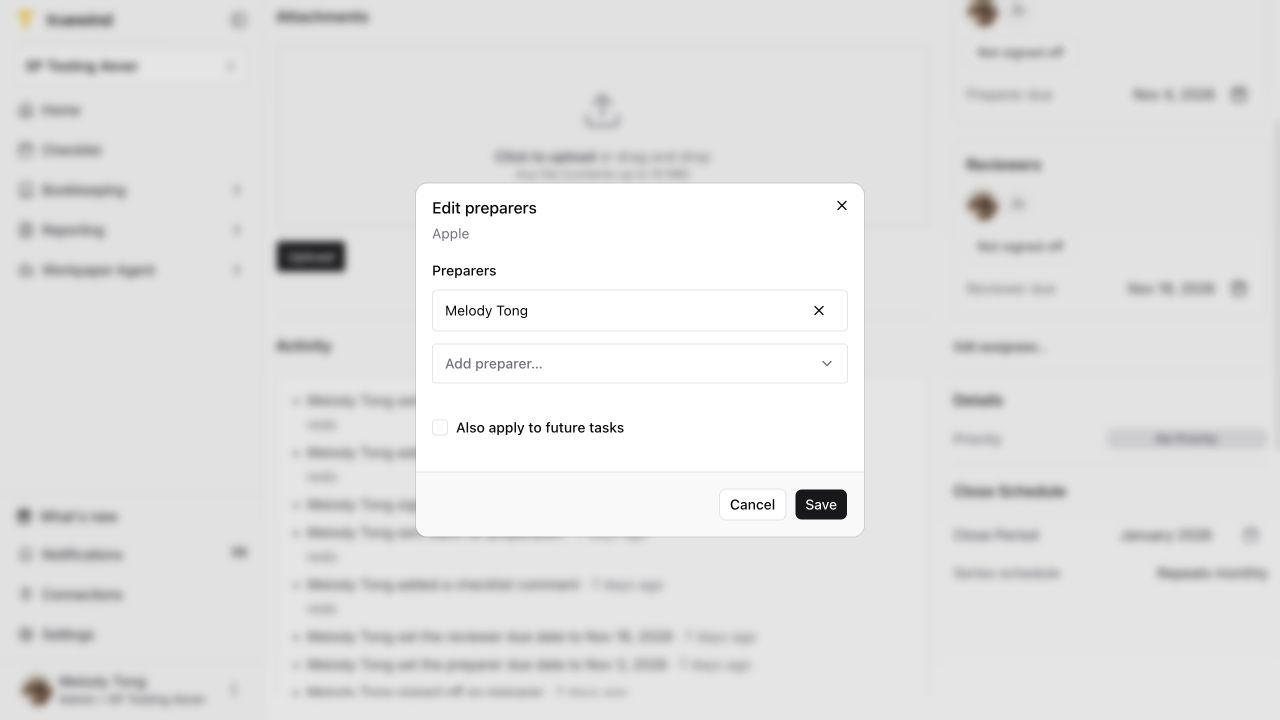
Choose either entry point for a supported field: the main Checklist is useful for quick row edits, while the task detail page keeps instructions, supporting files, and scope controls together. You do not need to repeat the same edit on both screens.
For example, if a reconciliation deadline moves by two days, confirm whether the request concerns only this close or all eligible future closes. For changes across multiple tasks, verify the available controls in your organization before proceeding.