
What changes after deletion
The schedule status returns to an unposted state and the linked journal entry is removed from the ledger or accounting platform where supported.
Ask the support agent
Just ask a direct question or search related articles from the Knowledge Base.
Support Center / Fixed Assets / Journal Entries
Delete posted depreciation journal entries when a Fixed Asset posting needs to be reversed, resulting in the related schedule returning to an unposted state.
Step 1
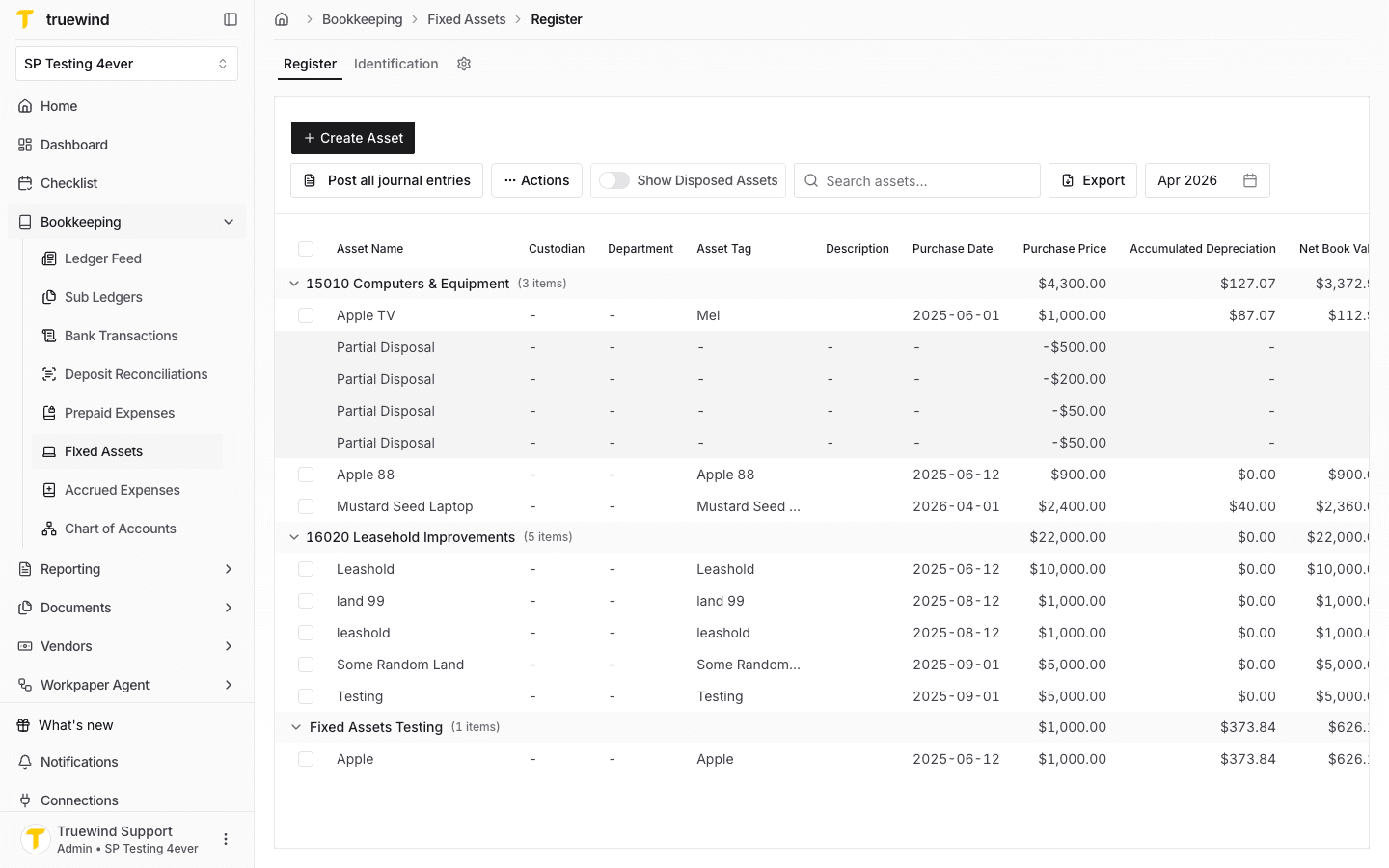
Start in Fixed Assets > Register for the month that contains the posted depreciation entries you need to reverse.
Step 2
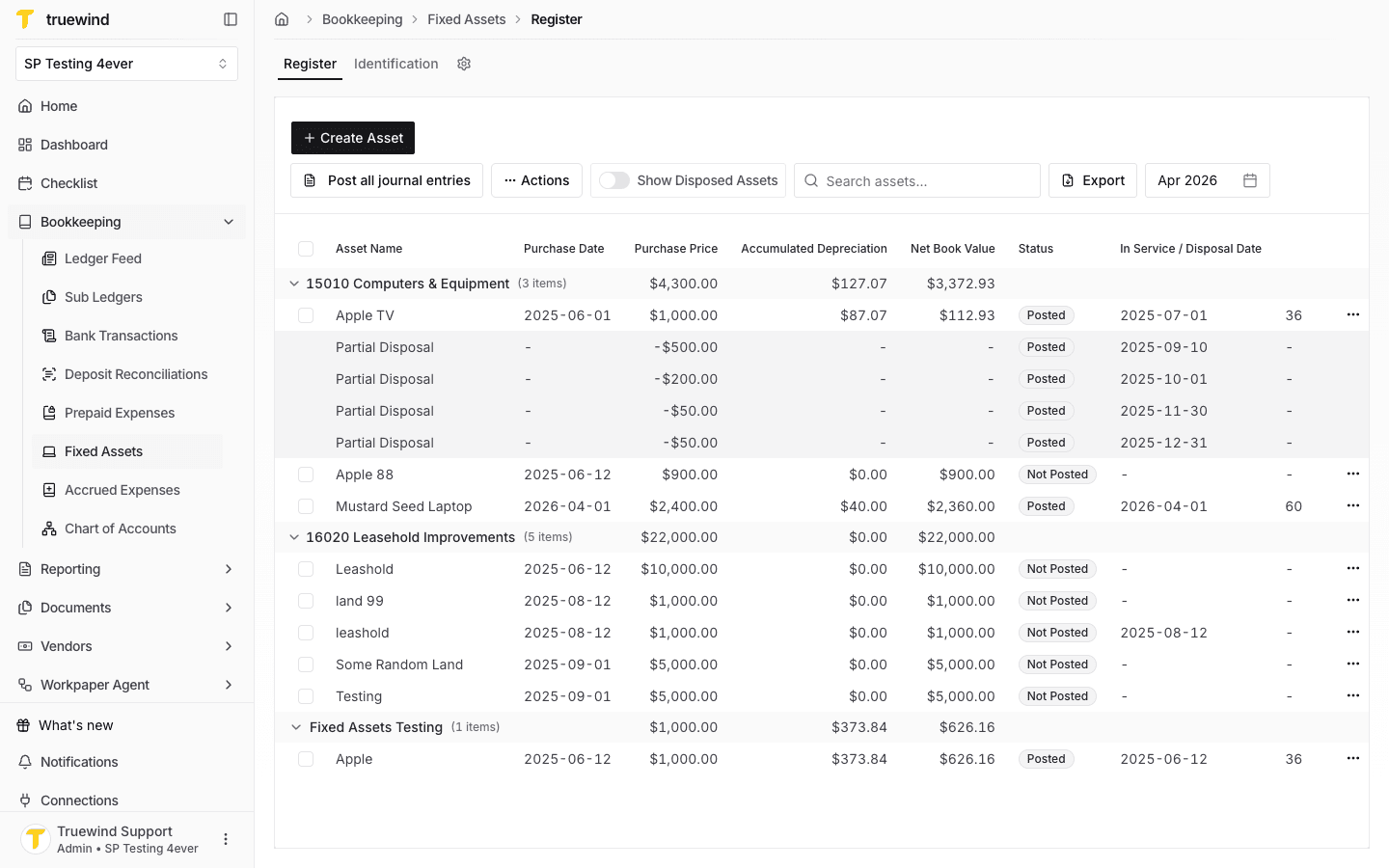
For an entry posted by itself, confirm the asset row shows Posted before opening the row actions.
Step 3
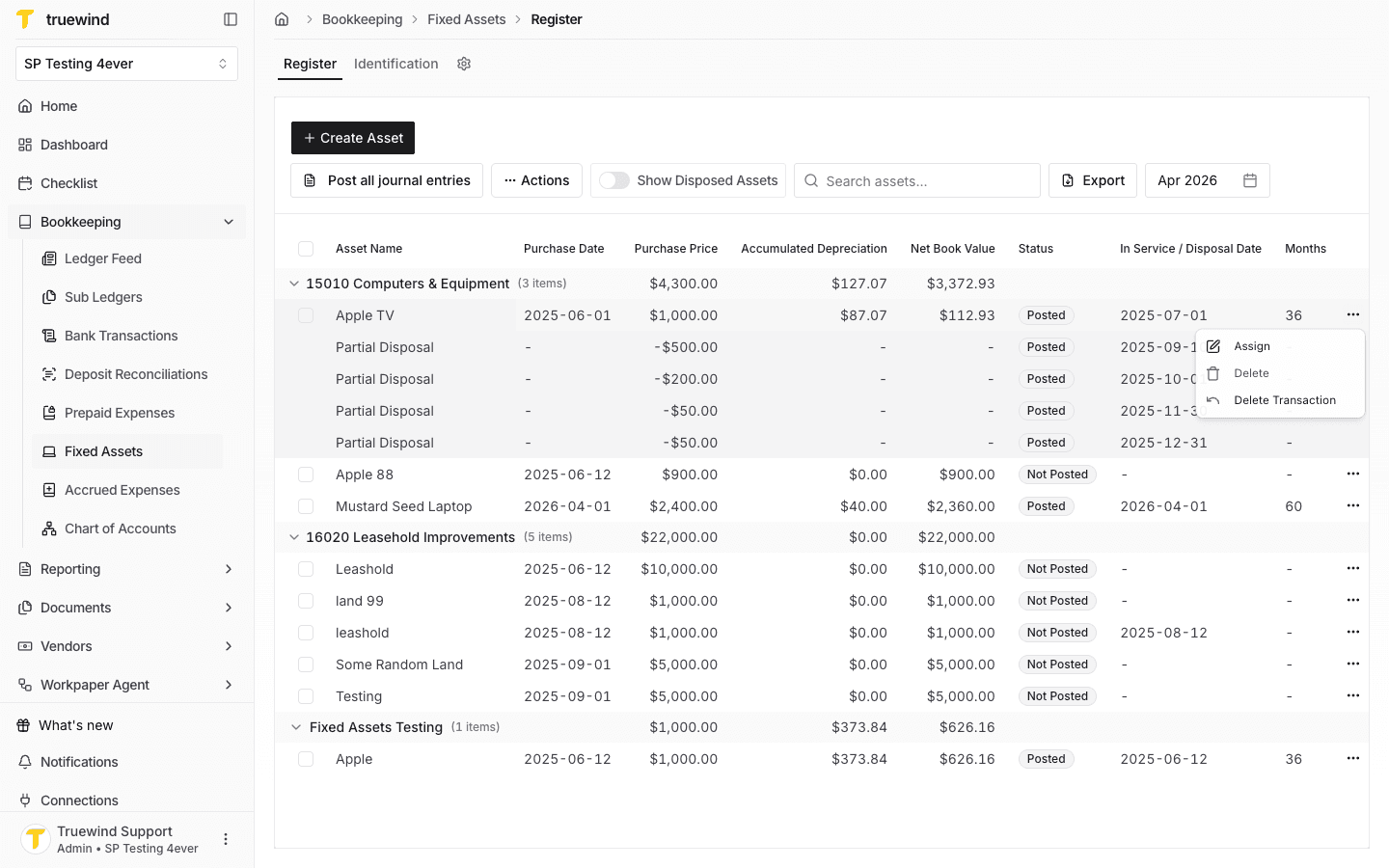
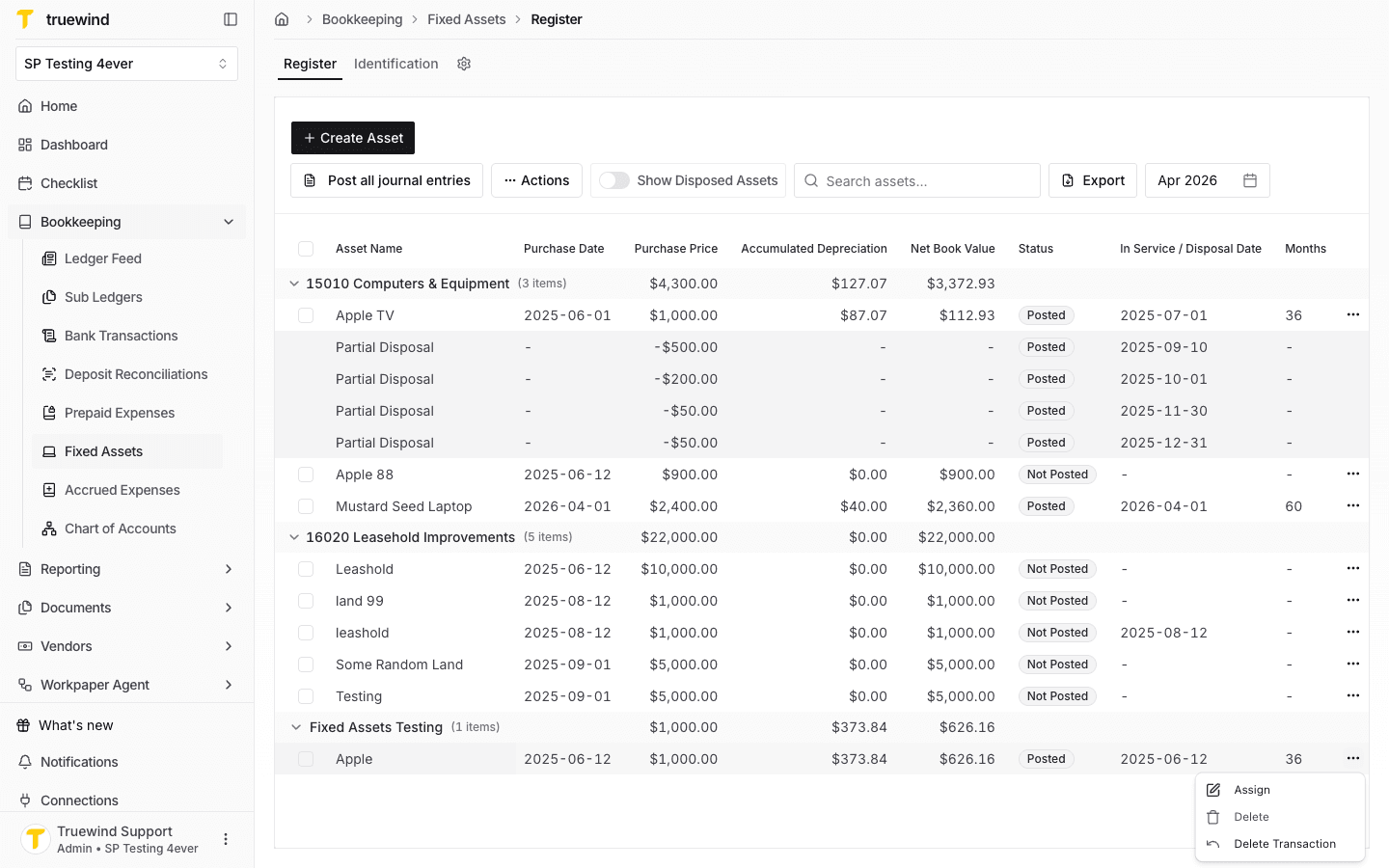
Use the posted asset row menu to access the reversal action for the linked journal entry.
Step 4
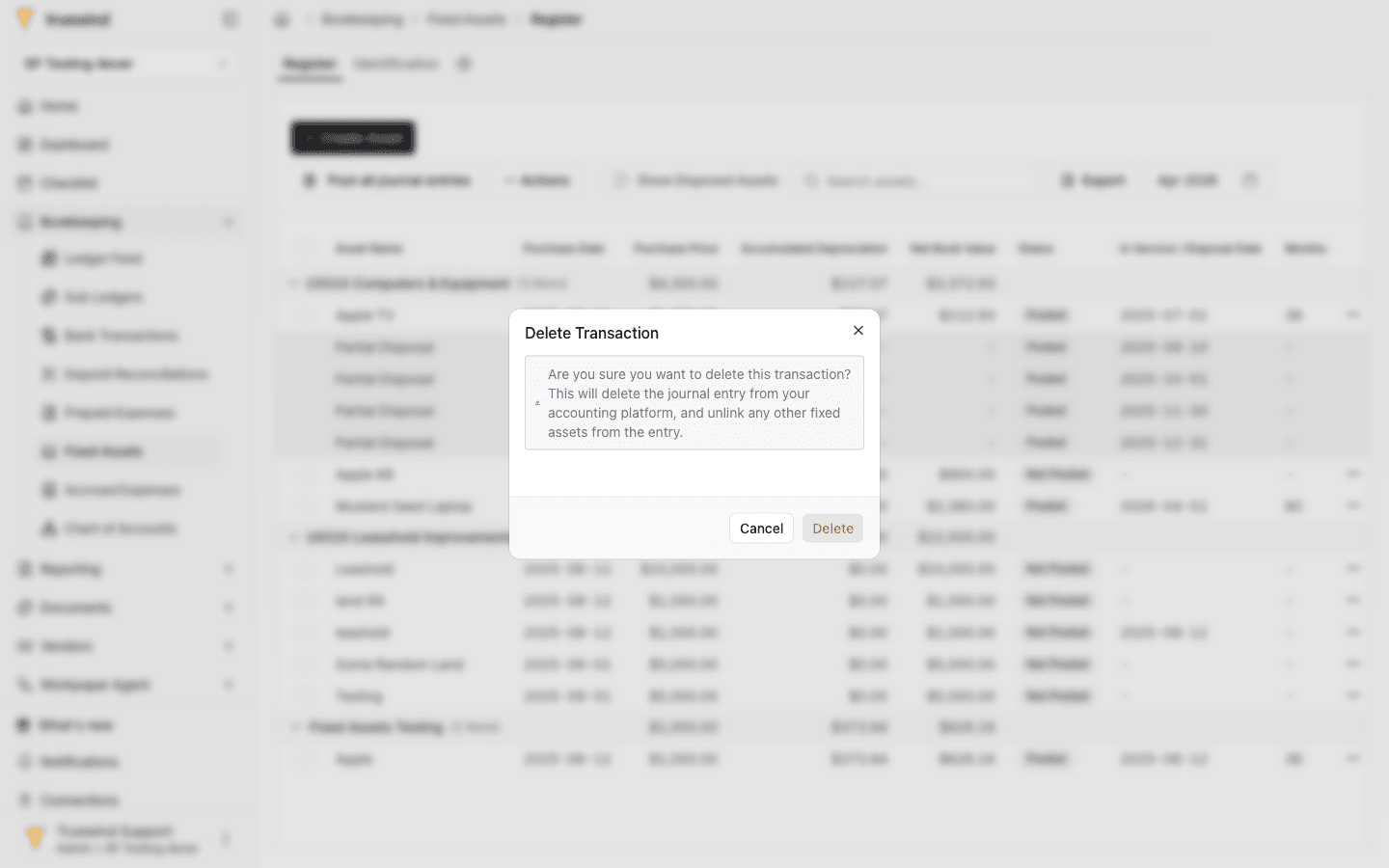
Confirm only after verifying the entry should be removed from Truewind and the connected ledger where supported.
Step 5
Return to the register and confirm the affected schedule is ready to post again if you need to recreate the journal entry.
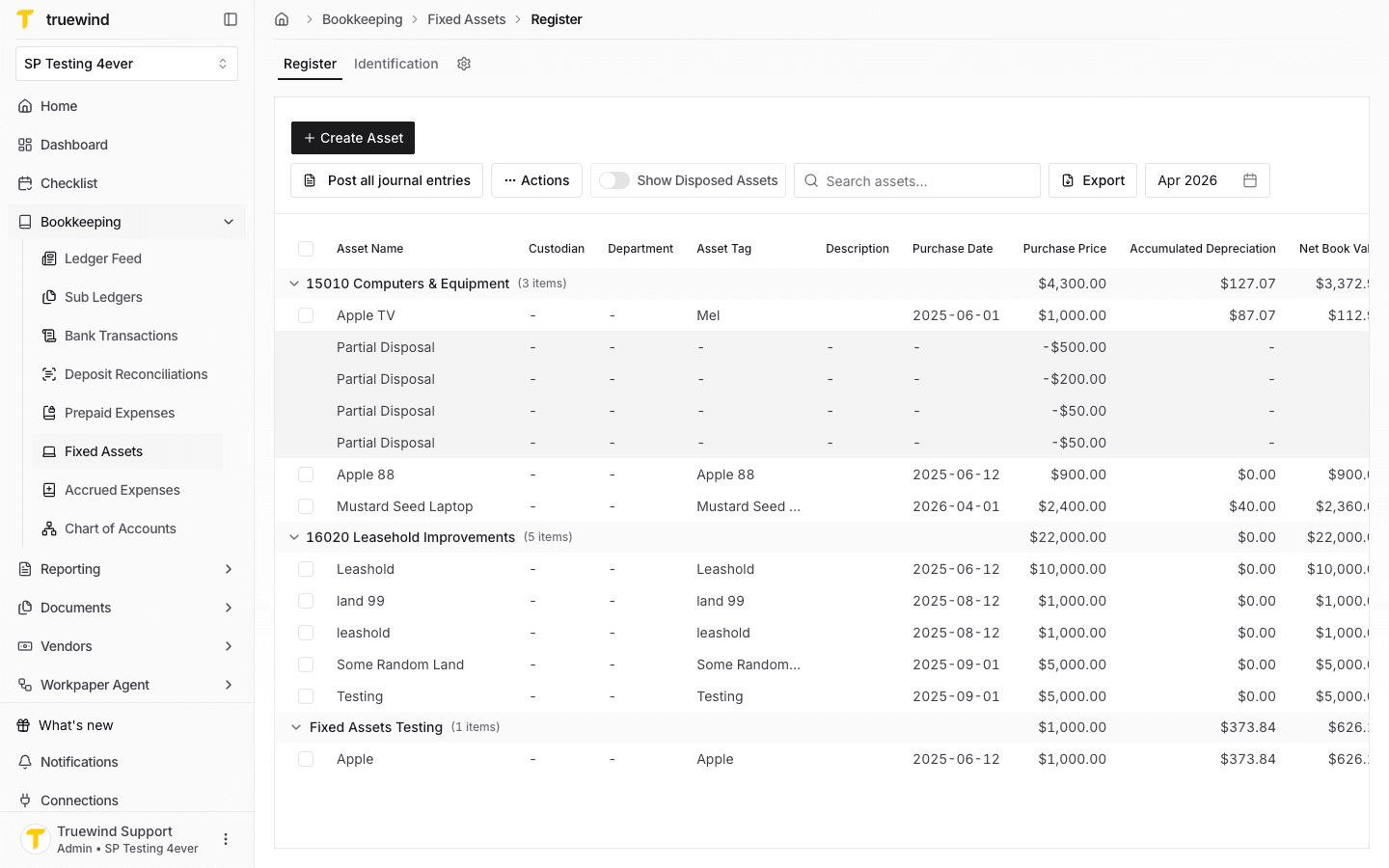
Step 6
For entries posted in bulk, identify an asset line that belongs to the combined journal entry before deleting the transaction.
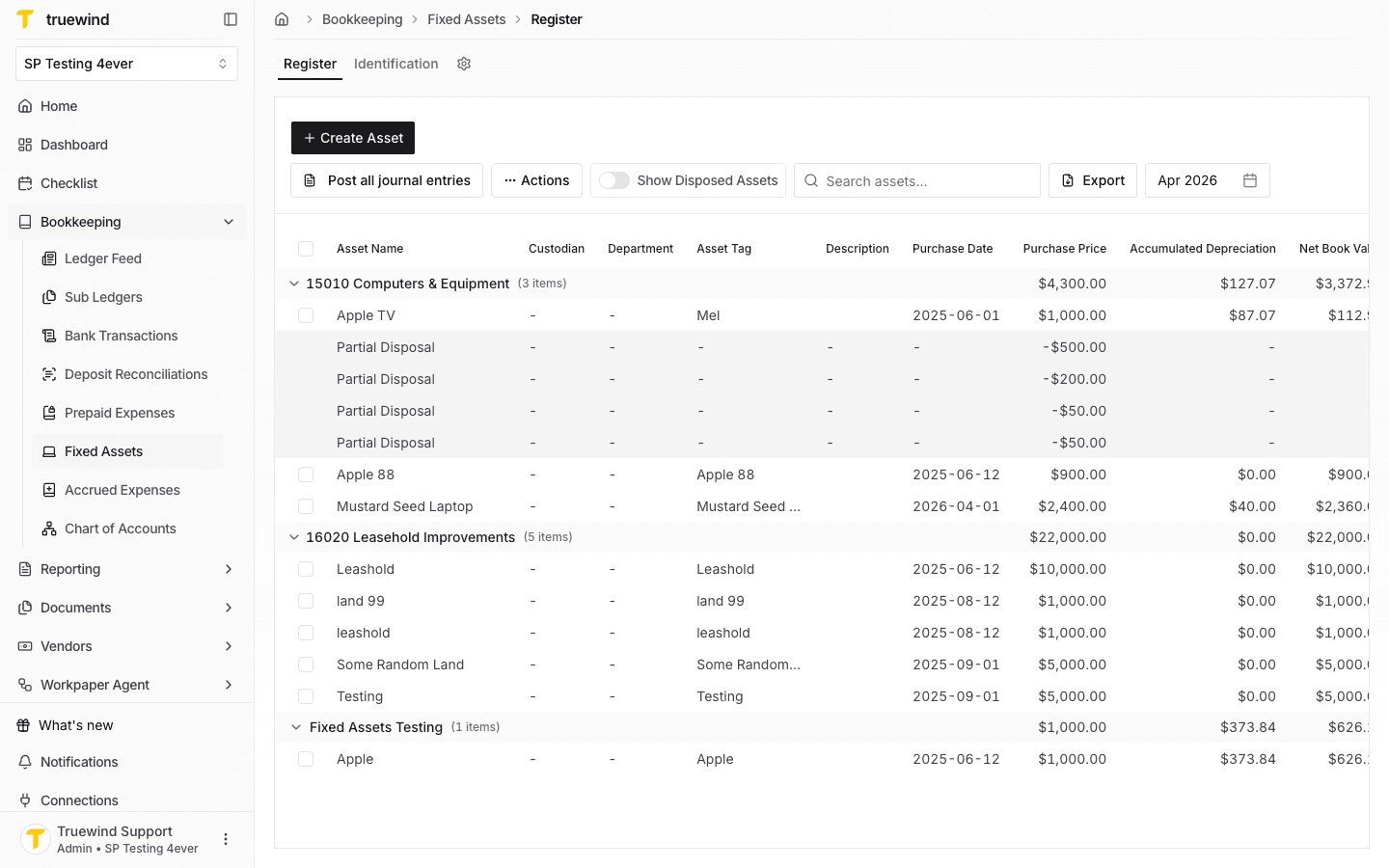
Step 7
In QuickBooks, open the journal entry connected to the bulk posting so you can confirm which assets are included.
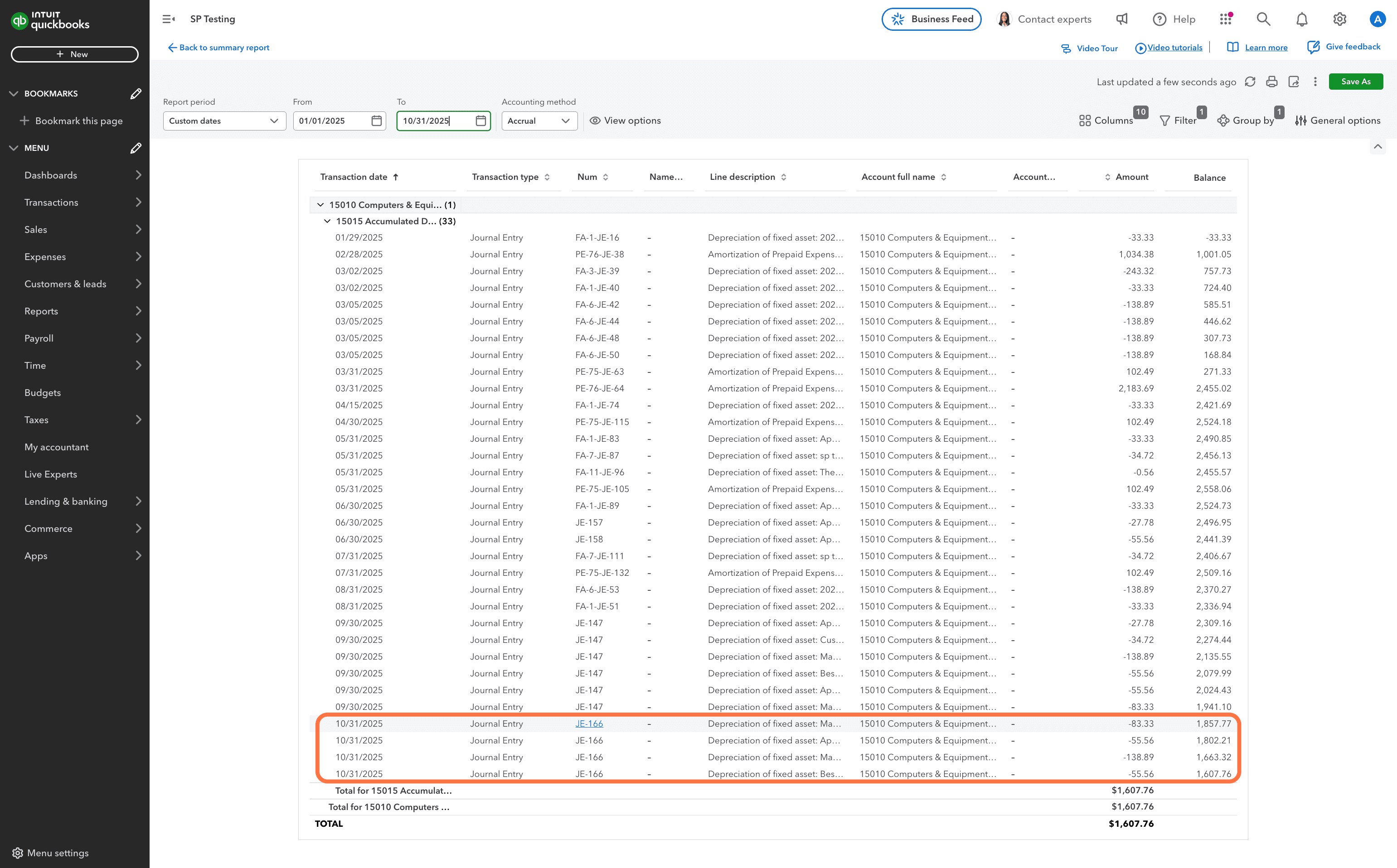
Step 8
Check the QuickBooks journal entry details before returning to Truewind to delete the matching transaction.
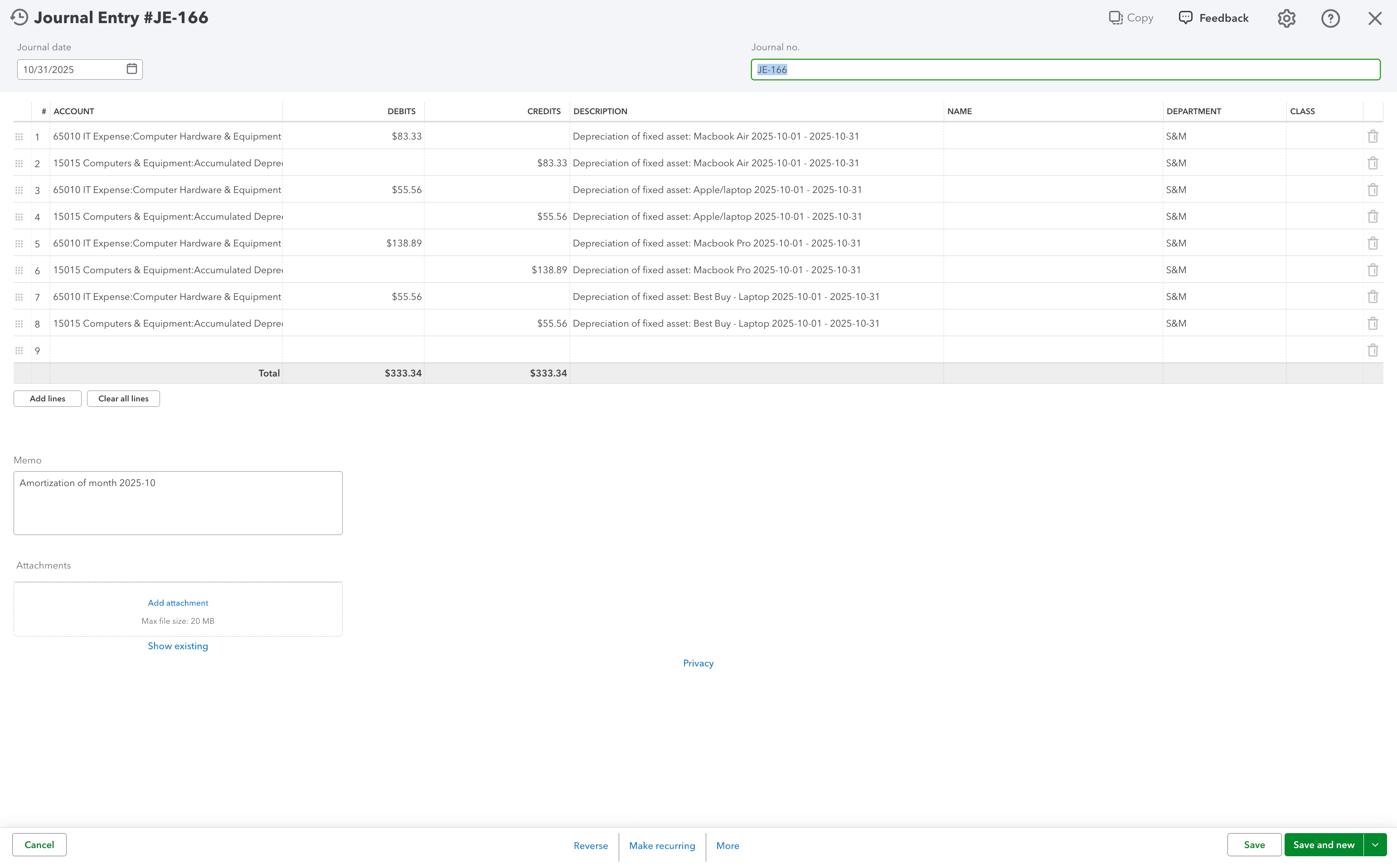
Step 9
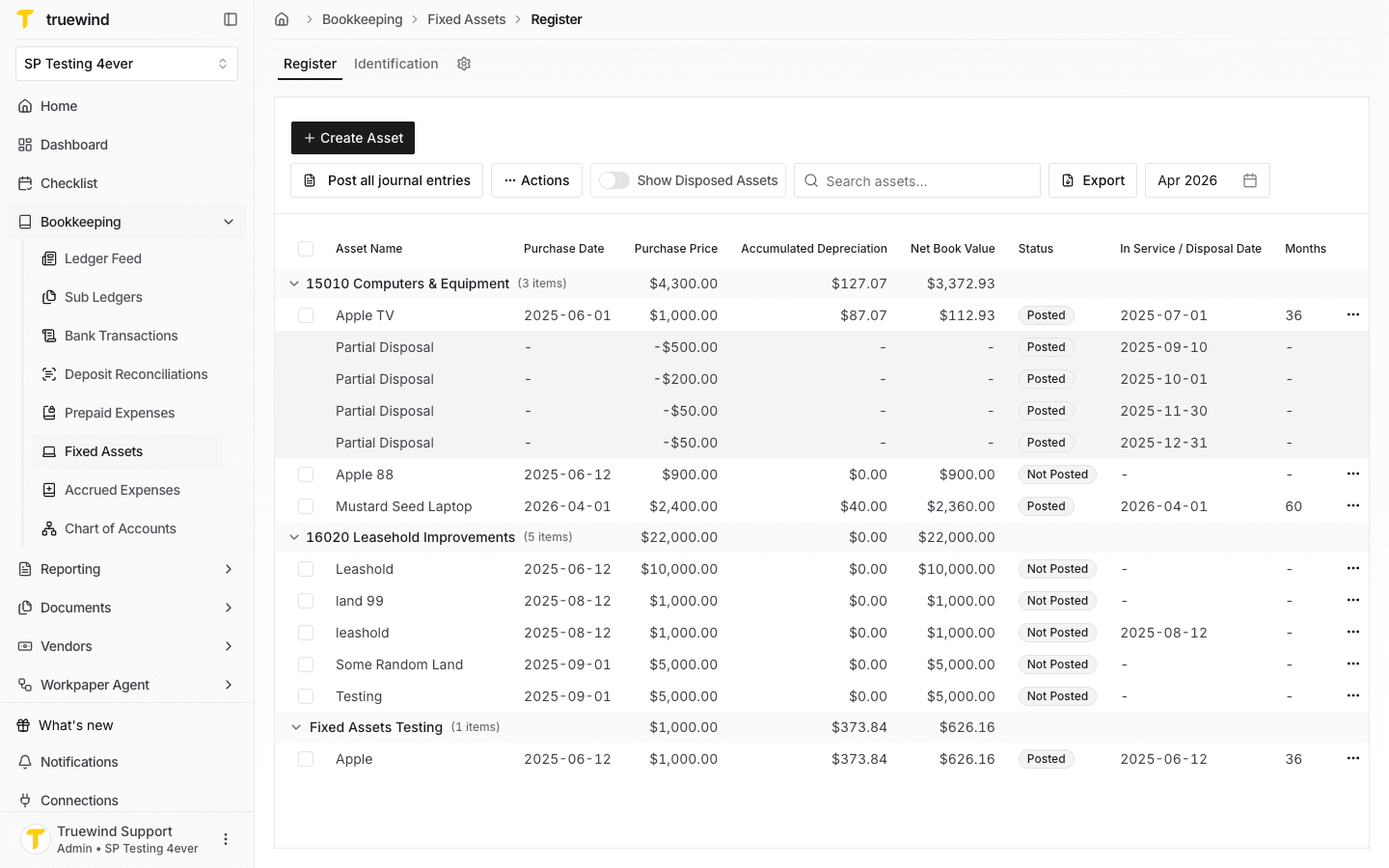
Back in Truewind, select any asset line that belongs to the bulk-posted journal entry.
Step 10
Use the row actions on that asset line to open the reversal option for the shared journal entry.
Step 11
Confirming deletes the bulk-posted journal entry and unlinks the other fixed assets included in that entry.
Step 12
Return to the register and confirm the affected bulk-posted assets are ready to post again if you need to recreate the entry.
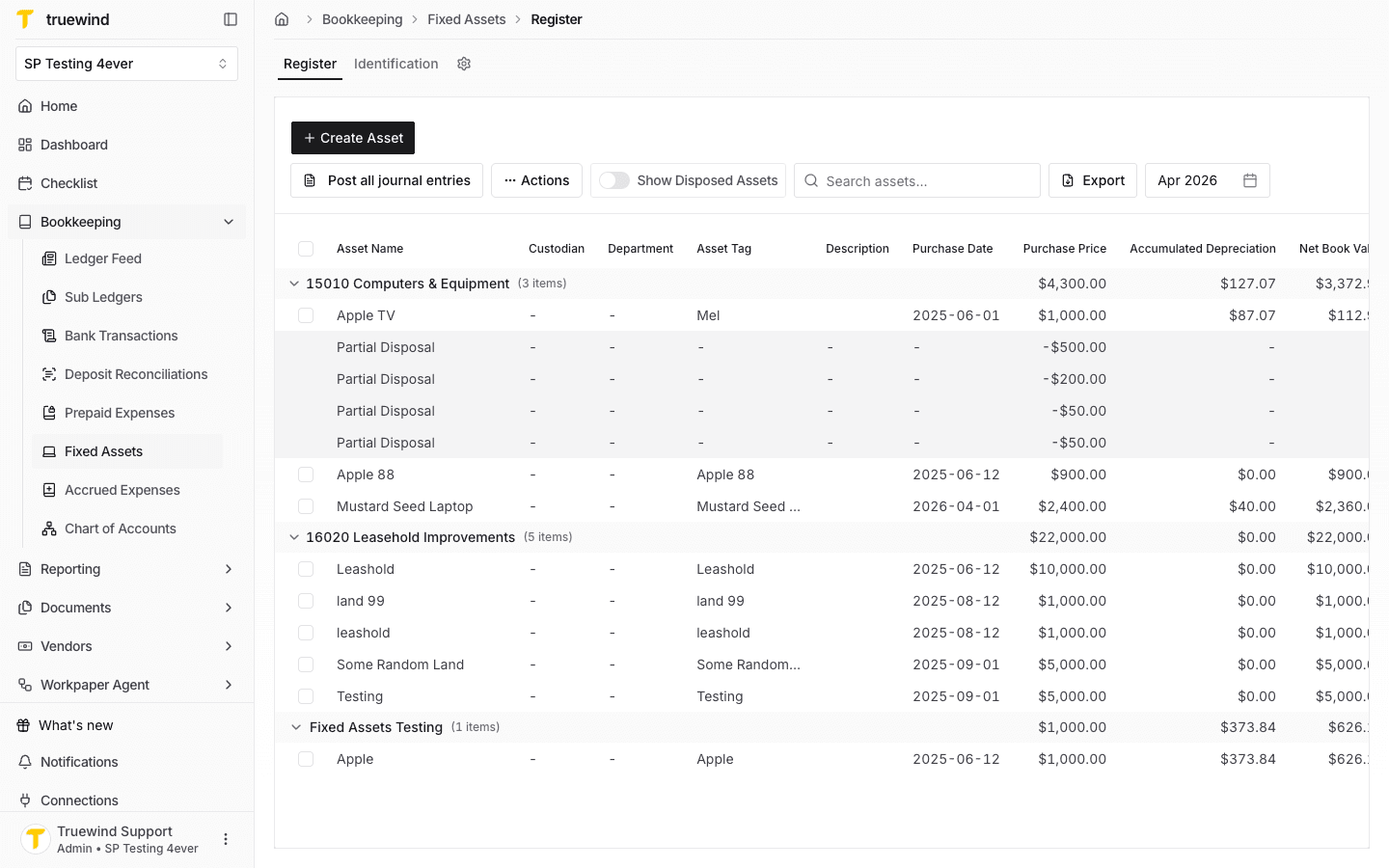
The schedule status returns to an unposted state and the linked journal entry is removed from the ledger or accounting platform where supported.
Was this helpful?
Need more help?
Ask for human help about this article and provide any feedback.