
Availability note
Some dimension switches only become available when the matching Sage Intacct integration is connected.
Ask the support agent
Just ask a direct question or search related articles from the Knowledge Base.
Support Center / Settings / Features
Enable or disable Sage-backed dimensions when categorization workflows need different fields, resulting in the right dimension options during transaction review.
Step 1
Use this checkpoint to verify the current state so Truewind can categorize with the Sage dimensions your team relies on.
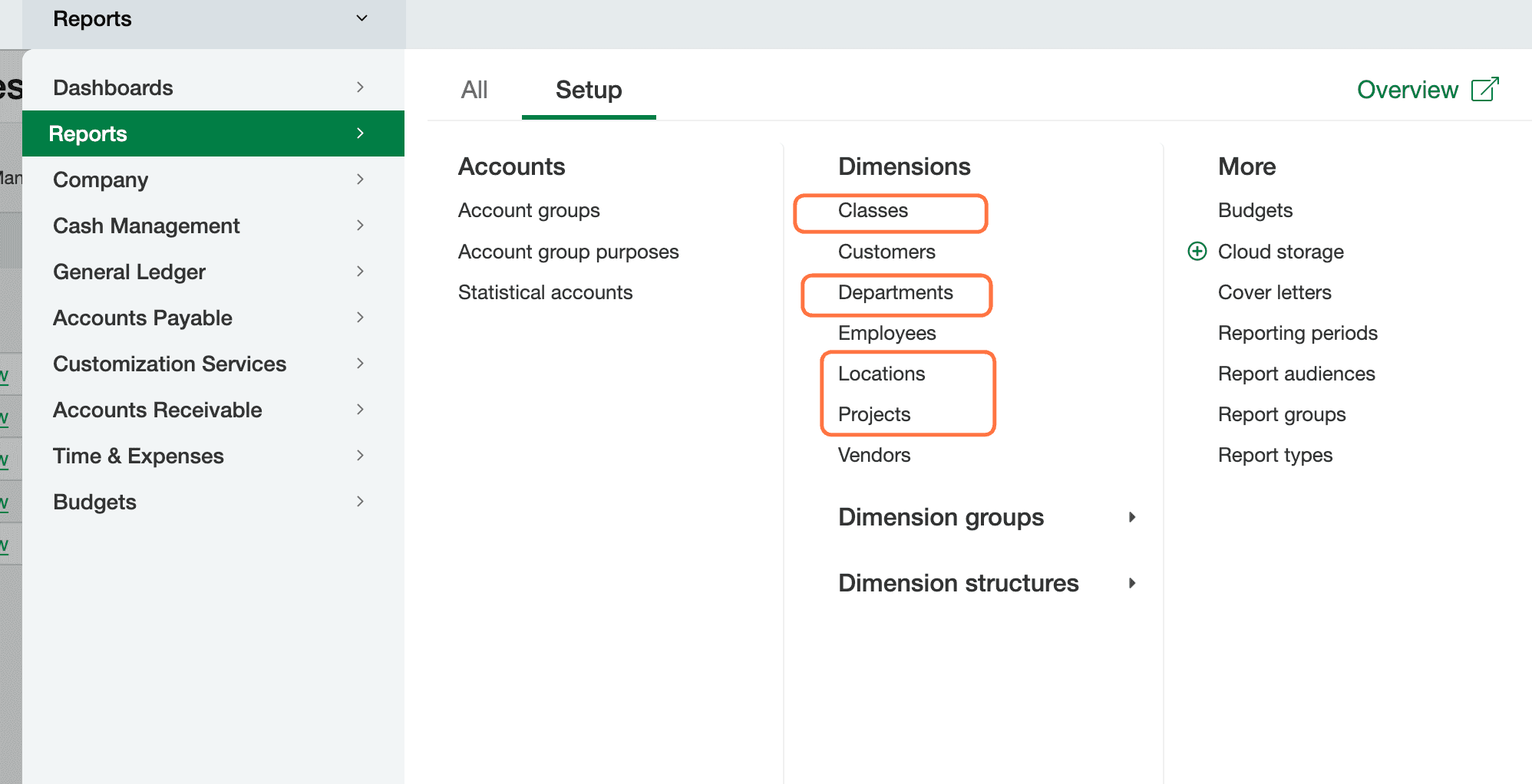
Step 2
Complete this action so Truewind can categorize with the Sage dimensions your team relies on.
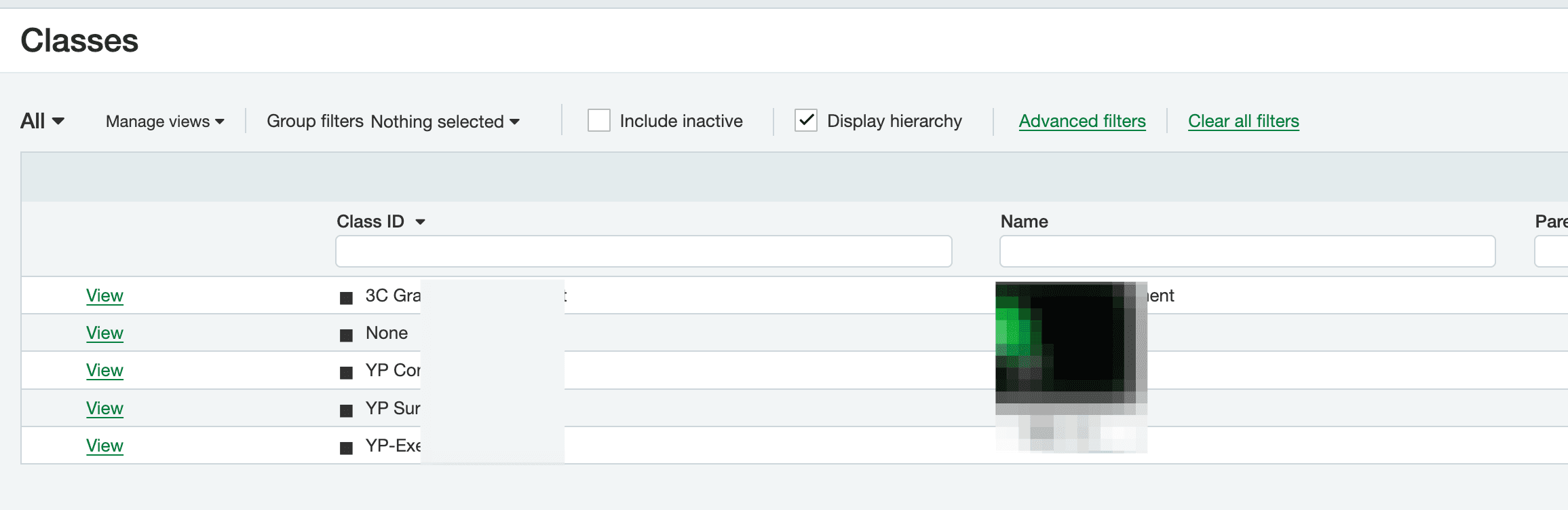
Step 3
Make sure the Sage dimension values already exist before you enable them in Truewind.
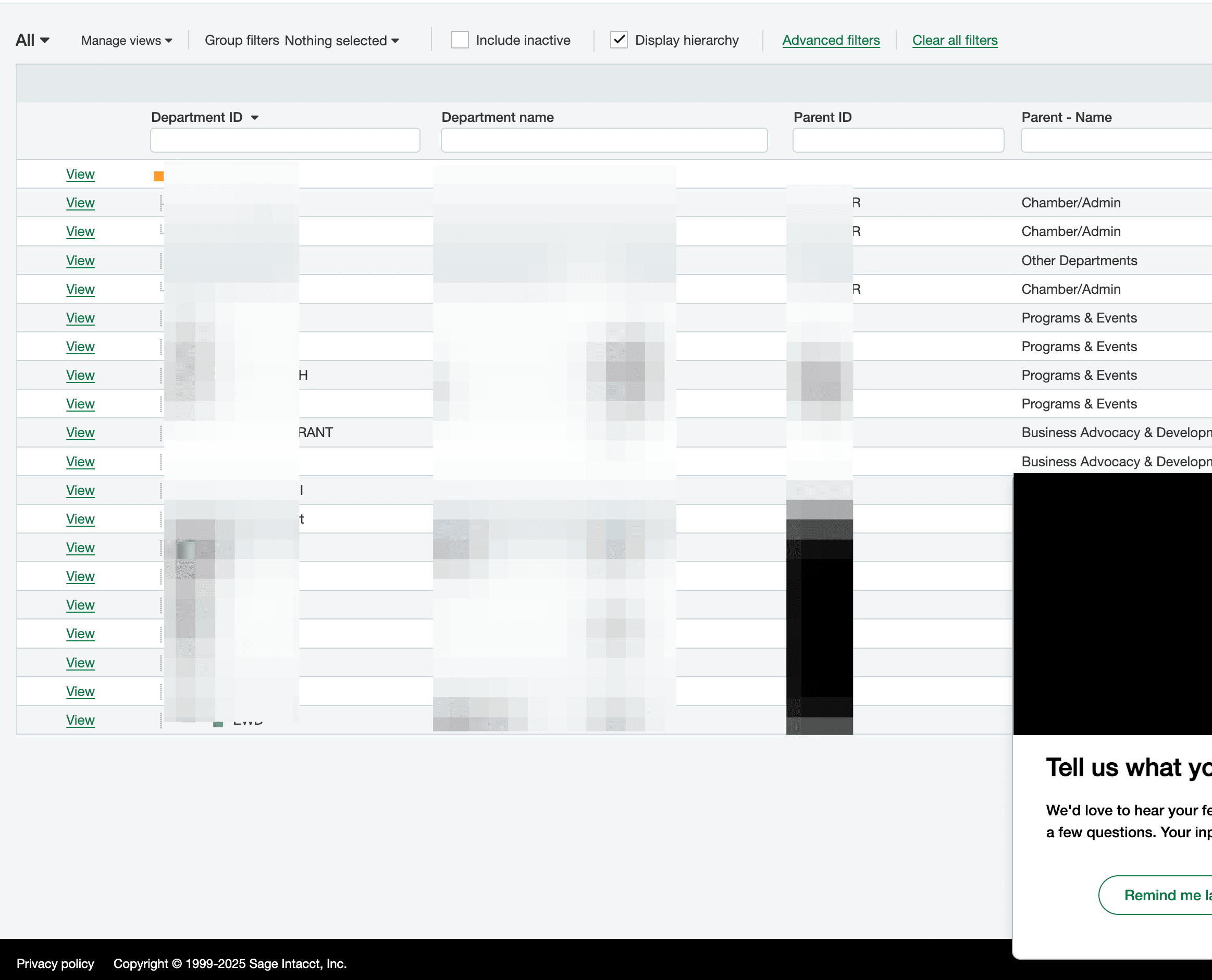
Step 4
Use the Bank Transactions settings area to control which Sage dimensions Truewind should apply.
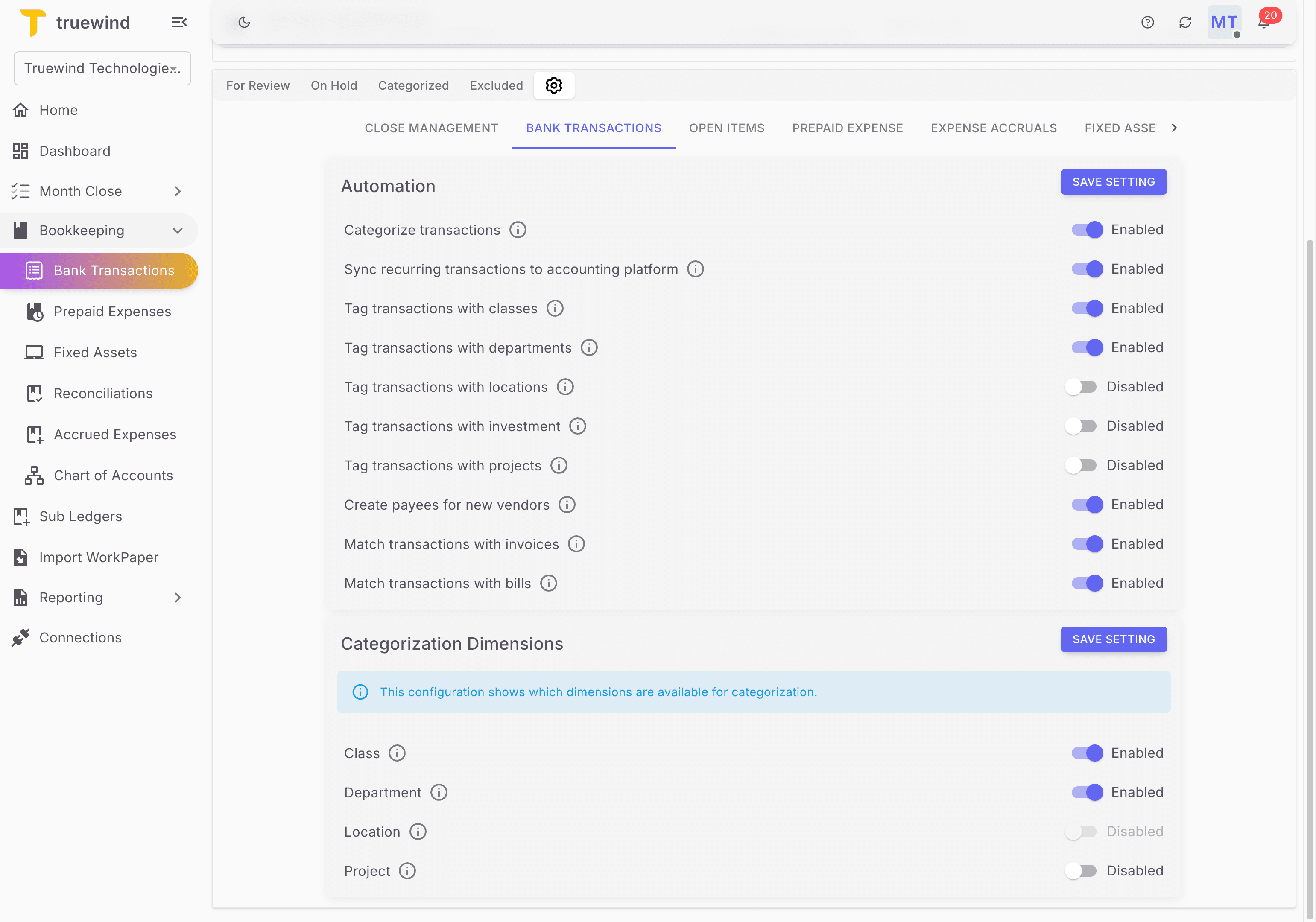
Step 5
The dimension toggles live inside the Bank Transactions settings panel.
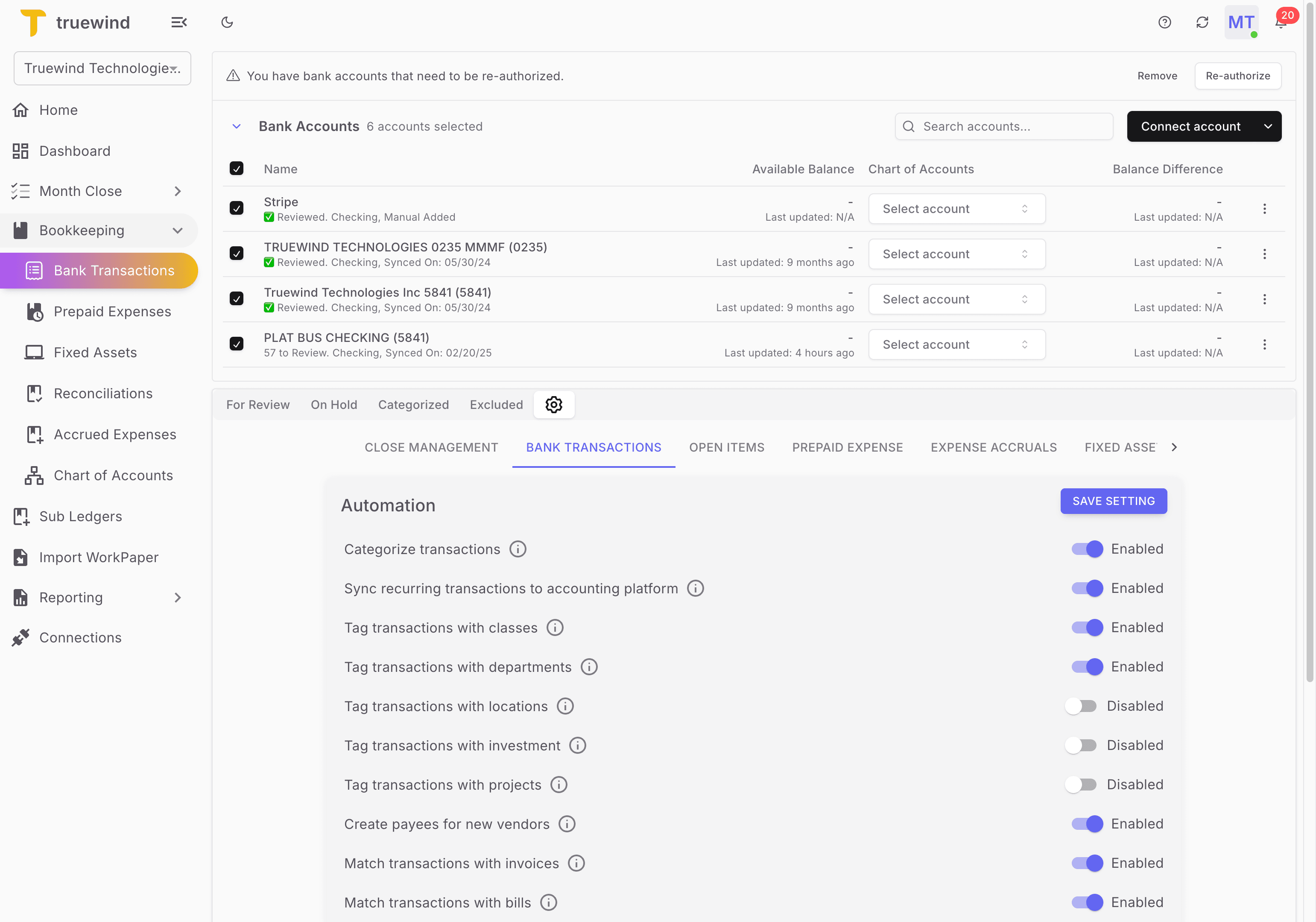
Step 6
Stay in this settings area while you enable the Sage dimensions your team uses.
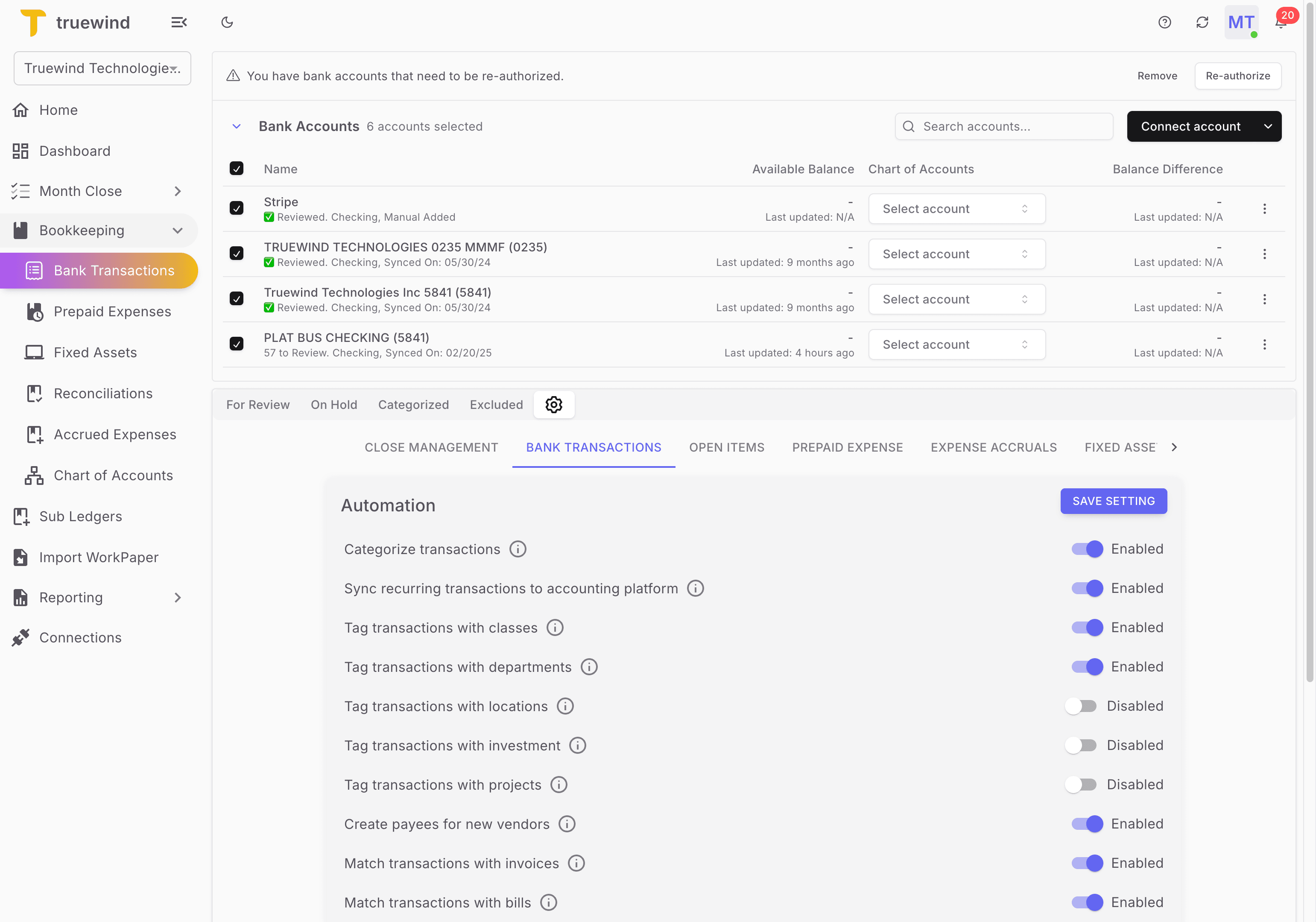
Step 7
Turn this on only for the fields or permissions you want Truewind to use so Truewind can categorize with the Sage dimensions your team relies on.
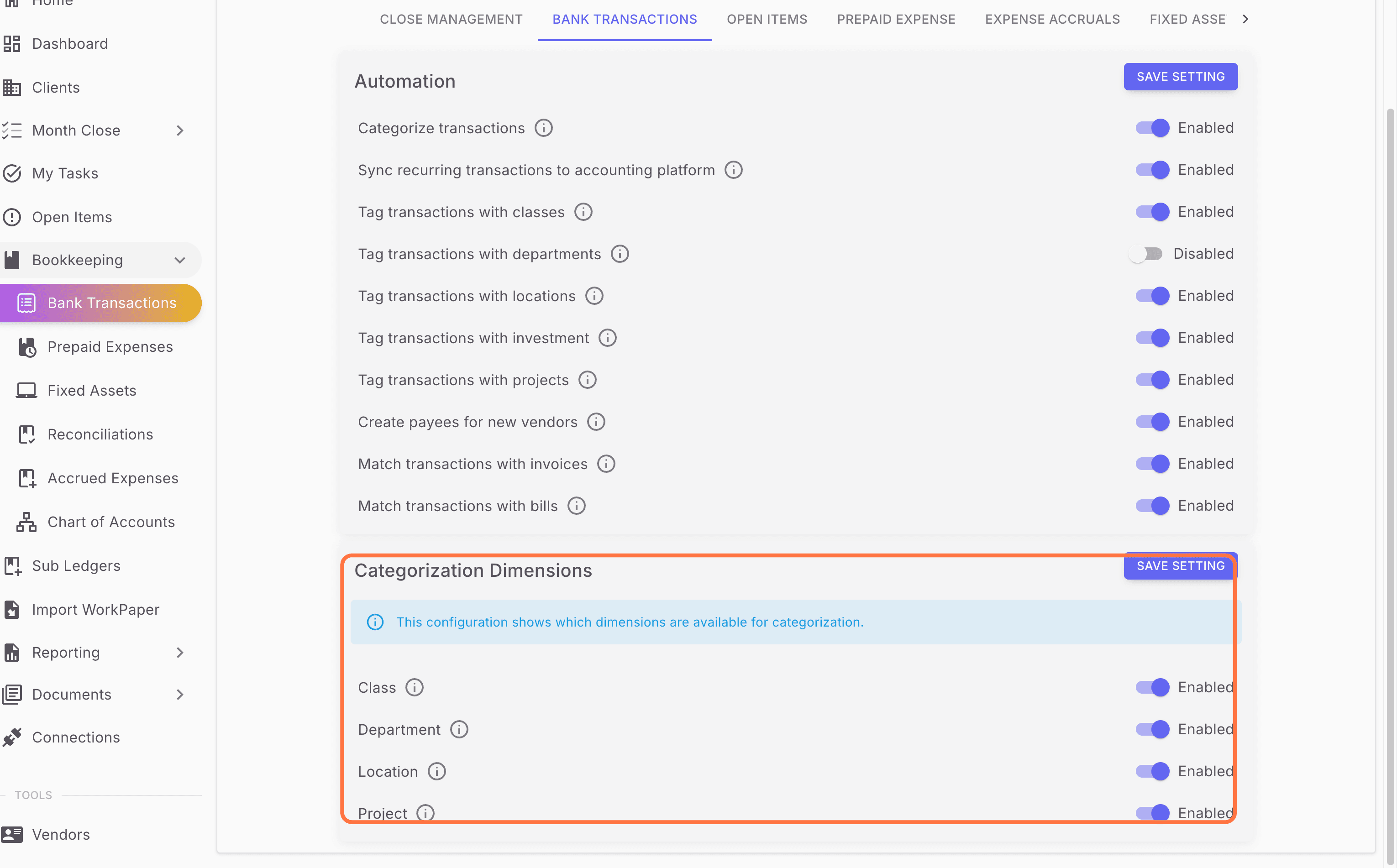
Step 8
Check for the expected result before moving on so Truewind can categorize with the Sage dimensions your team relies on.
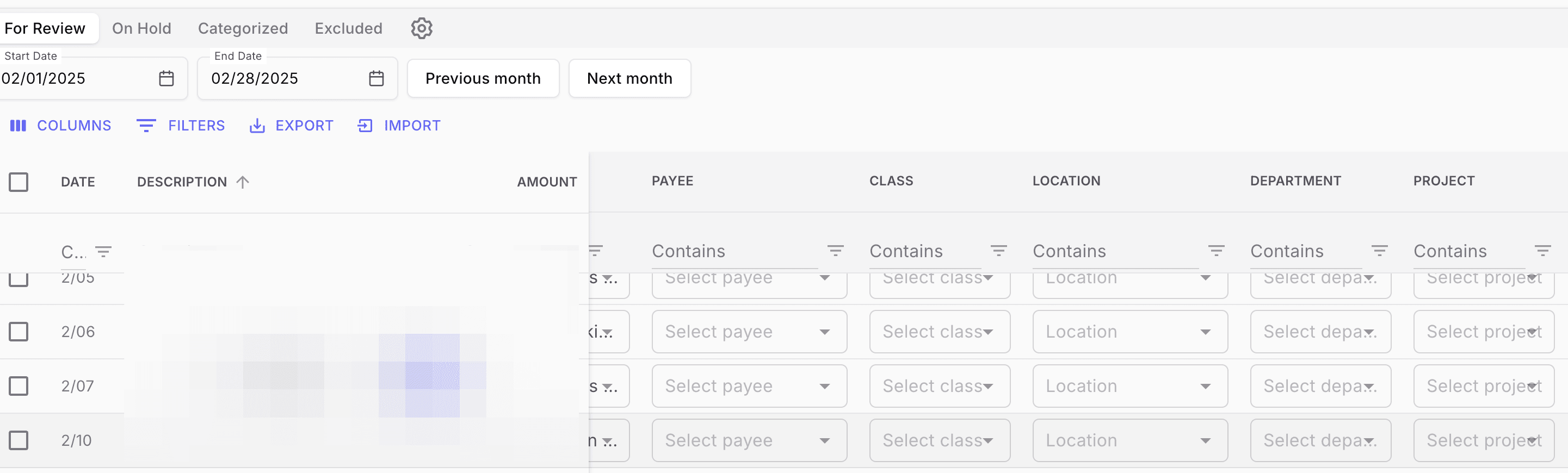
Some dimension switches only become available when the matching Sage Intacct integration is connected.
Was this helpful?
Need more help?
Ask for human help about this article and provide any feedback.