

A vendor invoice pays out from your brokerage custodian. Sage Intacct logs it as settled. The brokerage statement records the same outflow. Now you have two transactions in two systems with nothing connecting them. For family offices managing sage intacct cross account payments across dozens of entities, this scenario repeats every close cycle. Standard duplicate detection doesn't catch it because brokerage ap payments sage treats as separate cash types. Let's walk through why the matching logic fails, how clearing accounts keep both sides clean, and what pre-post controls stop the duplicate before it hits your reconciliation queue.
TLDR:
- Sage Intacct tracks AP payments and bank activity in separate modules with no built-in logic to match brokerage outflows against open bills, creating duplicate entry risk at reconciliation.
- A clearing account absorbs timing gaps between when a brokerage AP obligation posts and when the checking account settles it, netting to zero once both sides clear.
- Configure separate due-from/due-to account pairs for each brokerage and operating entity relationship under Company > Inter-Entity Accounting to prevent consolidation errors.
- Manual controls work for under 10 entities but break down consistently at 50-plus entities with complex account structures.
- Truewind flags cross-account duplicates by comparing vendor, amount, and transaction date across both accounts before posting.
Why Family Offices and Multi-Entity Organizations Face the Cross-Account Payment Challenge in Sage Intacct
Family offices rarely operate from a single checking account. When managing assets across dozens of entities and hundreds of accounts, concentrating cash in brokerage accounts and sweeping funds for vendor payments is standard treasury practice. It keeps cash working and limits idle balances sitting in low-yield checking accounts between investment cycles.
The problem surfaces in Sage Intacct when a vendor bill gets paid from a brokerage account. The AP module records the payment against the open bill. The brokerage custodian captures the same outflow in its monthly statement. Two records, one transaction, no native mechanism in Sage to connect them.
For organizations running 200-plus entities across hundreds of bank and brokerage accounts, this scenario repeats across every close cycle. It is the operating model, and it generates cross-account ambiguity that produces duplicate entries during reconciliation if nothing intercepts them before they post.
Where Sage Intacct's Native Tools Fall Short
Sage Intacct tracks AP payments and bank activity in separate modules. When a payment originates from a brokerage account, the system has no built-in logic to match that outflow against the corresponding open bill already recorded in AP. The result is two records sitting in separate ledgers with no automated tie between them.
This gap is a workflow consequence, not a configuration oversight. Sage was not built to treat brokerage accounts as AP disbursement sources. Teams that try to work around it through manual matching or rule-based imports spend reconciliation cycles chasing entries that should have been connected at the source.
Understanding How Sage Intacct Handles Standard AP Payment Processing
Sage Intacct treats AP payments as a three-step sequence: vendor bill entry, payment selection, and ledger posting. Each step writes to a specific account: accounts payable, cash, and any intermediary clearing account your chart of accounts defines. For most entities, this works cleanly because the cash account on the payment matches the bank account on the vendor record.
The complication surfaces when a family office or fund structure routes payments through accounts that don't share the same entity or cash account type. Brokerage accounts, for instance, carry a different account classification than operating checking accounts. Sage records the credit to whichever cash account you select at payment time, but it does not automatically flag when that account falls outside the expected AP clearing path.
Where the Standard Workflow Breaks Down
Three scenarios consistently cause problems in multi-entity or investment-heavy structures:
- When a payment originates from a brokerage sweep account, Sage posts the credit to that account but leaves the AP liability on the entity's standard payables aging . The vendor record shows paid; the aging report still shows open. Clearing that discrepancy requires a manual journal entry that most month-end checklists don't formally track.
- When intercompany payments cross entities, Sage requires due-to/due-from entries to keep both sides of the ledger balanced. If those entries aren't posted in the same period, the AP balance on one entity overstates and the cash balance on the other understates until someone catches it.
- When the same invoice gets entered in two entities or two periods before the duplicate is spotted, Sage has no native duplicate detection that spans brokerage and checking accounts simultaneously.
The standard AP workflow assumes a one-to-one relationship between vendor, bill, and cash account. Family office structures regularly break that assumption.
The Mechanics of Brokerage Account Payments and Why They Complicate AP Workflows
Brokerage accounts hold securities and cash, but they are not checking accounts. When a family office cuts an AP payment from a brokerage account, the transaction path is different from a standard checking disbursement, and Sage Intacct does not automatically know which account funded the payment.
The core issue is account type mismatch. Sage Intacct treats brokerage accounts and checking accounts as separate cash accounts with separate ledger entries. A payment initiated from a brokerage custodian (through providers such as Fidelity, Schwab, or Pershing) arrives in the GL as a cash outflow, but the originating account may not map cleanly to the vendor's open AP bill.
Three conditions tend to produce duplicate or mismatched entries:
- The custodian records the disbursement on a one to two day settlement lag, while the AP bill is marked paid on the invoice date, creating a timing gap that Sage reads as two separate transactions.
- The brokerage account sits in a different entity than the AP bill, so the intercompany leg goes unrecorded unless someone manually books the due-to/due-from entry.
- Wire confirmations from the custodian use reference numbers that do not match the check or ACH number on the Sage payment record, leaving the matching logic with no common identifier to tie the two sides together.
Each condition alone is manageable. All three appearing on the same payment, which is common in family office AP workflows, produces an open bill, a duplicate cash entry, and a manual cleanup job that can take hours to untangle.
The Duplicate Payment Risk: When the Same Bill Appears in Both Systems
When a vendor invoice exists in both your brokerage system and Sage Intacct, the payment risk is real. AP teams at family offices frequently process bills through two separate workflows: one routed through a brokerage account for investment-related expenses, another through a standard checking account in Sage. Without a reconciliation step between them, the same payable can get approved and paid twice.
The structural problem is that Sage stores what posted through AP. It has no visibility into what cleared through a brokerage custodian. So duplicate detection logic built into Sage, which checks vendor, amount, and invoice number against existing records, only covers half the picture.
Family offices running 10 or more entities face compounding exposure. One missed duplicate per entity per month adds up fast.
Using Clearing Accounts to Bridge Brokerage and Checking Account Payments
A clearing account sits between two sub-ledgers and absorbs the timing gap between when a brokerage AP obligation is recognized and when the checking account actually settles it.
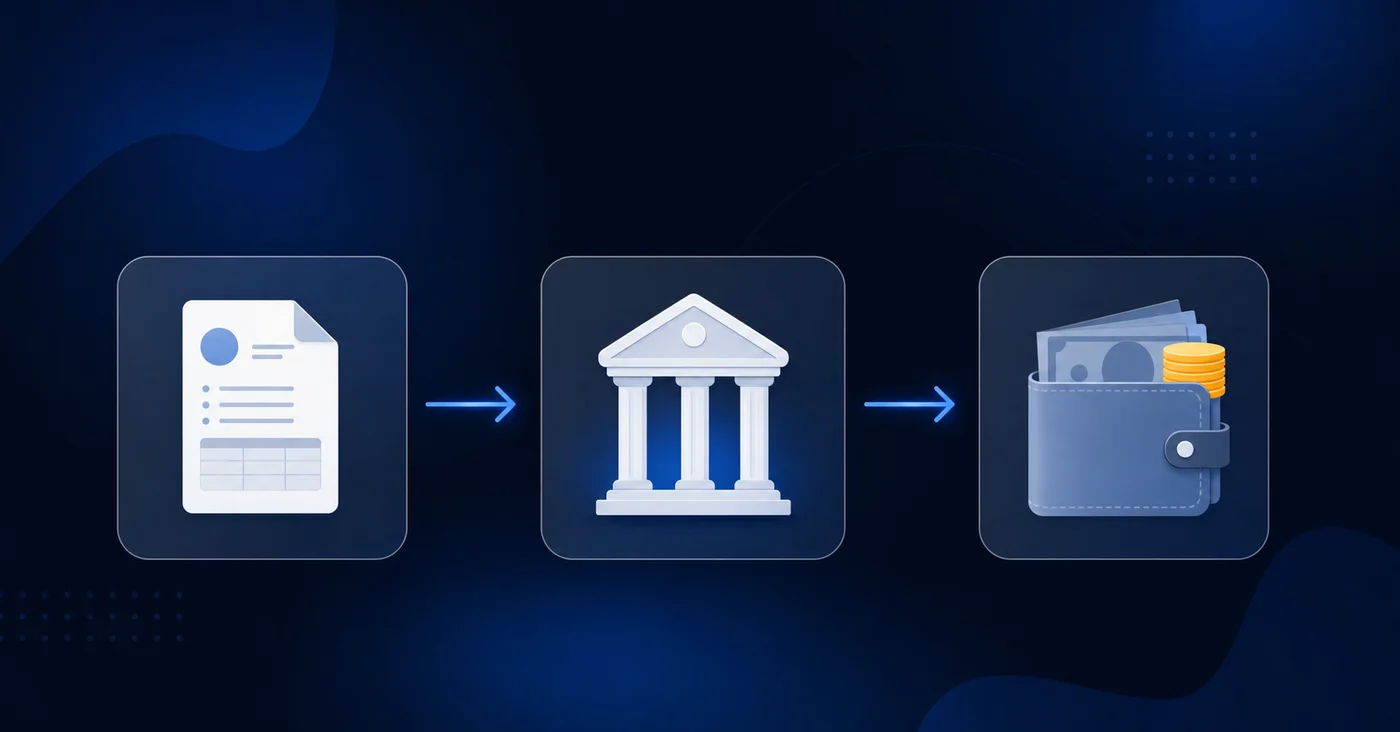
The mechanics work in two journal entries. First, when you approve the AP bill in Sage Intacct, you debit the AP liability and credit the clearing account instead of the checking account directly. Second, when the wire or ACH posts from the brokerage custodian account, you debit the clearing account and credit cash. The clearing account nets to zero once both sides post.
A few details matter here:
- Set the clearing account up as its own GL account with a descriptive name tied to the specific brokerage relationship, so open items are easy to spot .
- Run a weekly aging report on the clearing account balance. Any item sitting open past your expected settlement window is a flag for a missing second entry or a failed wire.
- Keep the clearing account out of your chart of accounts groupings that roll into the income statement. It belongs in current liabilities or current assets depending on your firm's convention, never in an expense category.
The clearing account approach also gives your duplicate detection logic a cleaner signal. Because each AP payment touches the clearing account on the way through, a duplicate entry will show as two debits against the same AP bill instead of two separate cash outflows that might look like distinct transactions to a rule-based filter.
Configuring Inter-Entity Transaction Accounts for Multi-Entity Payment Flows
Sage Intacct's inter-entity framework is the right place to start when AP payments cross between a brokerage and a checking account. Before any transaction posts correctly across entities, you need due-from and due-to accounts configured at the entity level, and those accounts need to map to the right GL segments.
In Sage, this configuration lives under Company > Inter-Entity Accounting. Each entity pair needs a defined relationship, and each relationship needs designated AR and AP offset accounts. Without that setup, cross-entity payments either fail to post or land in a suspense account that requires manual cleanup.
A few configuration points that frequently trip up family office setups:
- The brokerage entity and the operating entity need separate due-from/due-to account pairs . Sharing a single offset account across multiple entity relationships makes reconciliation harder and muddies the audit trail when volumes are high.
- Elimination entries depend on these accounts being consistently coded. If the brokerage side posts to a different inter-entity account than the checking side expects, your consolidated view will carry a false balance until someone manually corrects it.
- Sage's automated inter-entity journal entries only generate when the originating transaction is tagged to the correct entity. A payment entered under the wrong entity skips the inter-entity engine entirely.
Getting this right at the configuration layer is what separates a clean AP workflow from one that produces open items every close cycle.
Building a Reconciliation Process That Catches Cross-Account Duplicates Before They Post
Three control points form the backbone of a pre-post duplicate check when AP crosses account types.
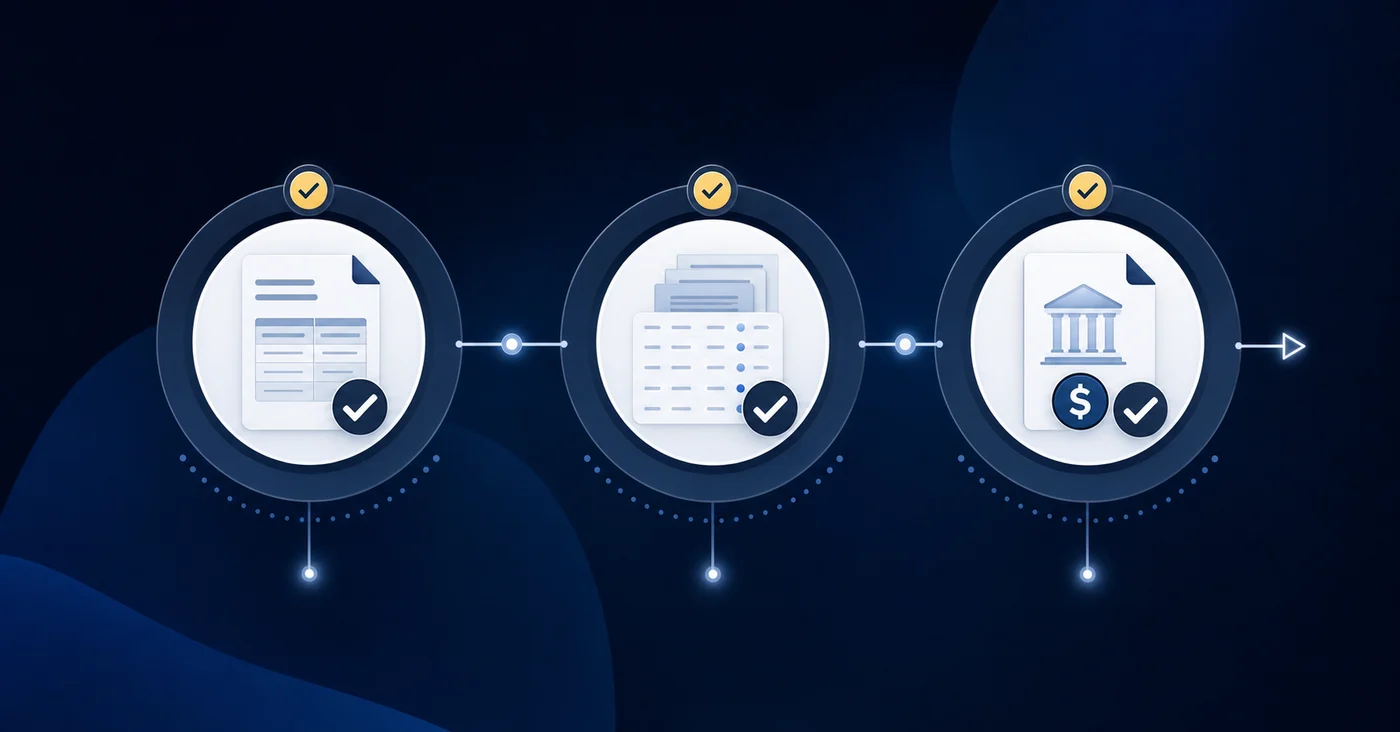
The first happens at statement receipt. When a brokerage custodian delivers its monthly statement, run it against the AP aging report before payment processing. Line items that appear as disbursements in the custodian statement but remain open in the Sage aging are your primary flag. Those are bills that cleared outside the AP module and need to be closed manually before the next payment run processes them again.
The second happens at the AP aging level. Filter for bills older than your standard payment terms. Any invoice sitting open past its expected settlement window deserves a cross-check against brokerage outflows from the same period. Settlement lag between custodian and GL makes these easy to miss if the check runs only at period end.
The third checkpoint sits at payment run approval. Before releasing any batch, verify that each bill on the run has not already cleared through an alternate funding source. A sign-off log that documents which accounts were checked satisfies this step and creates an audit trail. Without it, a payment run launched on the first of the month can duplicate an outflow the brokerage settled on the 29th.
Manual Workarounds vs. Automated Detection: Trade-Offs for Different Organization Sizes
The manual approach holds when entity count stays low and payment cadence is predictable. Three to five entities with one or two custodians is workable with a cross-account review log and the control checkpoints covered in the previous section.
Scale breaks that model. At 10-plus entities with mixed brokerage and checking AP, the same manual steps consume more time than close allows.
| Organization profile | Manual controls | Automated detection |
|---|---|---|
| Under 10 entities, stable payment cadence | Workable with a checklist | Useful but optional |
| 10-50 entities, multiple custodians | Strained at close | Reduces review volume meaningfully |
| 50-plus entities, complex account structure | Breaks down consistently | Required to maintain control |
Risk tolerance shapes this decision as much as headcount does. Manual controls are detective; they surface problems after the statement arrives. Automated detection is preventive; it flags before the wire clears. For organizations where a missed duplicate represents a material AP balance, the timing gap between those two approaches is where real exposure lives.
How Truewind Automates Cross-Account Duplicate Detection for Sage Intacct Users
Truewind sits on top of Sage Intacct as an AI execution layer, reading transaction data through the same API connection it uses for coding and close orchestration. When a payment touches both a brokerage account and a checking account in the same period, Truewind compares the entries across both accounts before anything posts.
The duplicate detection logic checks three fields in combination: vendor, amount, and transaction date. A match on all three triggers an exception flag instead of a silent pass-through. Your team reviews the flagged item and decide next steps.
For family offices running multiple entities with shared AP vendors, this matters most at month-end, when brokerage sweeps and operating disbursements often land in the same close window.
Final Thoughts on Automating Cross-Account Payment Reconciliation
The cross-account gap does not close itself, and manual reviews lose accuracy when entity count climbs past 10. Clearing accounts help with timing, but they do not prevent the same bill from clearing twice across different funding sources. Truewind sits between your brokerage statements and your AP ledger and flags the duplicates that manual workflows miss. The question is whether your current process catches those duplicates before they post, or whether you find them during reconciliation.
FAQ
Sage Intacct cross account payments family office vs standard AP workflows?
Standard AP workflows assume a one-to-one relationship between vendor, bill, and cash account, which breaks down in family office structures where payments route through brokerage accounts, cross entities, or involve intercompany clearing paths. Sage treats brokerage and checking accounts as separate cash accounts with no native logic to match brokerage outflows against open AP bills, requiring manual reconciliation steps that standard workflows don't anticipate.
Can I use clearing accounts to prevent duplicate AP payments across brokerage and checking?
Yes. Set up a dedicated clearing account that sits between your AP module and your brokerage cash account. Debit AP and credit the clearing account when you approve the bill, then debit the clearing account and credit cash when the wire posts from the custodian. The clearing account nets to zero once both entries post and gives your duplicate detection logic a cleaner signal since each payment touches the same account on the way through.
How do I configure Sage Intacct for cross-entity AP payments?
Configure inter-entity transaction accounts under Company > Inter-Entity Accounting before any payments post. Each entity pair needs a defined relationship with designated AR and AP offset accounts; the brokerage entity and operating entity need separate due-from/due-to account pairs to keep the audit trail clean and prevent elimination entries from carrying false balances in your consolidated view.
What's the risk of not catching brokerage AP duplicates before month-end close?
The same bill can get paid twice when it exists in both your brokerage system and Sage Intacct, since Sage only stores what posted through its AP module and has no visibility into what cleared through a custodian. For family offices running 10-plus entities, one missed duplicate per entity per month compounds fast and produces open bills, duplicate cash entries, and manual cleanup that can take hours to untangle.
When does manual duplicate detection break down for multi-entity AP workflows?
Manual controls hold until entity count and custodian complexity exceed what a close cycle allows, typically around 10 entities with multiple custodians. At that scale, the same checklist-based review steps that work for three to five entities consume more time than close windows permit, and the timing gap between detective controls (which surface problems after the statement arrives) and preventive detection (which flags before the wire clears) becomes material exposure.
Turn this into a close-ready workpaper
Start with sample files or upload your own statements to see how Truewind prepares review-ready workpapers and journal entries.