
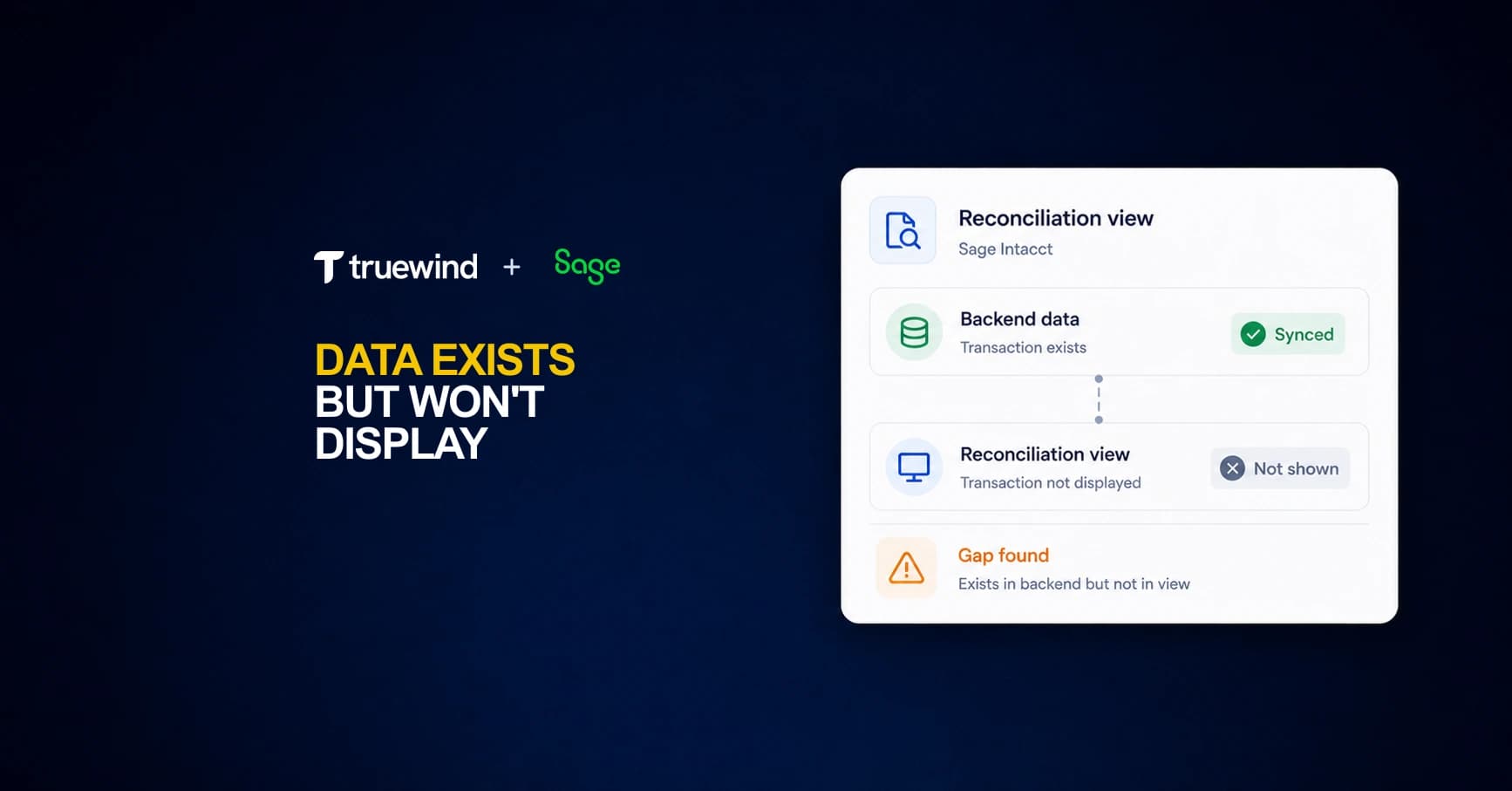
Every month your team confirms the same thing: the data posted to Sage Intacct, the GL balances tie out, but the reconciliation module still won't display half your transactions. This isn't a posting problem or a permissions issue. It's a fundamental limitation in how Sage surfaces data that arrives outside its predefined integration pathways. The result is reconciliation work happening in Excel instead of your GL, which defeats the point of having a GL in the first place.
TLDR:
- Sage Intacct won't display brokerage or custom API data in reconciliation views even when stored in the backend
- The rule engine breaks when transaction descriptions vary slightly, requiring manual recoding
- Teams managing 100+ entities face reconciliation backlogs that stretch close cycles by weeks
- AI-based fuzzy matching resolves vendor name variations without manual rules or maintenance
- Truewind provides API-level Sage integration with full dimension support and automated duplicate prevention
Why Sage Intacct's Reconciliation Module Struggles With Non-Standard Data Feeds
Sage Intacct's reconciliation module was built around a clean assumption: your financial data arrives in structured, predictable formats through supported integrations. When it does, the system performs well. When it doesn't, you run into a wall.
The module relies on predefined connectors and a rigid data schema. Transactions flowing in from non-native sources, custom APIs, or middleware layers often fail to map correctly to Intacct's internal ledger fields. The data exists in your backend. Intacct simply won't surface it in reconciliation views.
This gap shows up most often in three scenarios:
- Revenue data from custom billing engines that doesn't conform to Intacct's expected field structure gets ingested but never appears in reconciliation reports
- Multi-entity consolidations pulling from third-party ERPs can populate the GL but leave reconciliation screens blank or misaligned
- Accrual entries created outside standard workflows may write to the ledger without triggering the reconciliation module's display logic
The Missing Link Between Bank Feeds and Transaction Coding
The absence of a native bank feed is the most commonly cited frustration among Sage Intacct users. QuickBooks Online pulls transactions in automatically and lets reviewers approve with a click. Sage does not. What users get instead: manual uploads, or categorization rules that are fragile by design.
A single description variation breaks them. One accountant managing multiple entities put it plainly: "After I started making the rules in Sage, and it didn't capture half the rules, I had to go back and manually code everything anyway."
This creates a workflow gap that compounds at scale. The more entities your team manages, the more that gap widens, and the more close cycles stretch beyond what a manual process can reasonably absorb.
When Sage's Rule Engine Can't Keep Up With Transaction Variability
Sage Intacct's rule engine runs on exact or near-exact string matching. Write a rule for "United Airlines" and it works until the charge appears as "UA*UNITED AIR 1234567" with a ticket number appended. Same vendor, same expense category, wrong outcome.
The failure modes are predictable:
- Invoice numbers embedded in descriptions change the string enough to break a rule that previously matched correctly.
- Variable merchant name formatting from payment processors means the same vendor can appear a dozen different ways across a fiscal year.
- Amount-based thresholds break when a vendor adjusts pricing mid-year, requiring manual intervention or a new rule from scratch.
For teams managing multiple entities with overlapping vendor relationships, the rule library eventually becomes its own maintenance burden. The gap between what rules can handle and what transactions actually look like does not shrink over time. It compounds. What these workflows need is pattern recognition, not pattern matching. Those are fundamentally different capabilities, and Sage's native tooling only offers one of them.
The Brokerage Reconciliation Problem That Sage Can't Solve
Many venture-backed startups custody assets across multiple brokerages, and each one generates its own transaction feed. Sage Intacct's reconciliation module was built for bank accounts and AR/AP workflows, not for investment portfolios with daily mark-to-market positions, dividend accruals, and multi-leg trade settlements.
The result is a data display gap: your brokerage data may exist somewhere in the system, but Sage Intacct's reconciliation views weren't designed to surface it cleanly. Finance teams end up exporting to spreadsheets, manually mapping custodian feeds, and rebuilding position-level detail outside the GL entirely.
That workaround compounds close risk every month.
How Bank-to-Book Reconciliation Breaks Down at Scale
Scale is where reconciliation workflows break. A single entity with two bank accounts is manageable manually. Add ten entities, multiply the accounts, and the math changes fast.

Bank reconciliations are cited as a bottleneck by 60 to 70% of companies. Daily reconciliation is the recommended cadence to prevent month-end pressure from accumulating, but most Sage Intacct teams are matching transactions monthly, under deadline, manually.
For organizations managing 100+ entities or 300+ bank accounts, Sage's native tools weren't designed for that surface area. The workflow assumes a human is checking each account in sequence. At that volume, no team can keep up without shortcuts. Entries get deferred. Exceptions pile up. By the time close arrives, the backlog is the bottleneck.
Continuous reconciliation stops being a best practice at that point. It becomes a requirement.
The Cost of Manual Workarounds for Sage Reconciliation Gaps
Every workaround has a cost. 25 hours a week on manual reconciliation, diverting attention from higher-value strategic work. Spreadsheets compensating for Sage's display gaps need time to build, time to maintain, and a senior accountant accountable when they break.
That person should be reviewing entries, not rebuilding pivot tables from scratch each month.
Automated bank reconciliation and transaction matching can reduce close cycle time by 30 to 50%. Teams running manual workarounds pay the inverse of that every single close cycle. The less visible cost is error exposure: miscategorizations that skip detection until an auditor finds them, at which point the fix costs more than the original entry ever should have.
| Reconciliation Capability | Sage Intacct | QuickBooks Online | Truewind + Sage |
|---|---|---|---|
| Bank feed automation | Manual upload required. No native bank feed. Data may exist in backend but fails to surface in reconciliation views. | Automatic transaction pull with one-click approval. Built-in bank feed for supported institutions. | Automatic connection via Plaid and Finicity. Transactions sync to Sage with full dimension mapping across account, class, department, location, and custom fields. |
| Transaction matching logic | Exact string matching rules that break when vendor names include invoice numbers, ticket codes, or processor formatting variations. | Basic fuzzy matching for common vendors. Learns from user categorization patterns over time. | AI-based fuzzy matching reads transaction intent across name variations. Confidence scores flag edge cases for review instead of silent misfiling. |
| Brokerage reconciliation | Module built for bank accounts and AR/AP workflows. Investment data may post to GL but reconciliation views were not designed to surface brokerage feeds, dividend accruals, or multi-leg trade settlements. | No brokerage account support. Limited to basic banking and credit card reconciliation. | Pulls brokerage data from portfolio management systems like Addepar. Matches against GL entries already in Sage to provide the reconciliation layer Intacct cannot. |
| Multi-entity scale handling | Workflow assumes human review of each account in sequence. At 100+ entities or 300+ bank accounts, manual reconciliation becomes the close bottleneck. | Supports multiple entities but reconciliation still requires per-account review. Performance degrades with volume. | Continuous reconciliation across all entities. Duplicate detection prevents double-posting when team members work across both Truewind and Sage simultaneously. |
| Custom data source support | Relies on predefined connectors. Revenue from custom billing engines, third-party ERP consolidations, and accrual entries created outside standard workflows often fail to map to internal ledger fields. | Limited to supported integrations. Custom API data requires manual mapping or third-party middleware. | WorkPaper agent converts raw source documents from any system into Sage-ready journal entries. Maintains every dimension configured in client Sage instance without manual reformatting. |
Building a Reconciliation Layer Outside Your GL
When Sage Intacct's reconciliation module reaches its limits, finance teams typically build workarounds outside the GL. Spreadsheets, shared drives, and manual tie-out workflows fill the gap, but each layer added outside your core system creates a new reconciliation problem of its own.
The pattern repeats across growing companies: data exists in the backend, reports confirm it's there, yet the reconciliation view stays blank or incomplete. Teams spend hours validating that the system isn't wrong before they can even begin actual close work.
That friction compounds at scale. The more entities and accounts, the worse it gets.
How AI Classification Replaces Rigid Reconciliation Rules
AI-based fuzzy matching reads transaction intent, not exact strings. "UA*UNITED AIR 1234567" and "United Airlines" resolve to the same GL category without a manually written rule connecting them. Confidence scores surface edge cases for human review instead of silently misfiling them into incorrect accounts.

Historical GL data seeds the model at connection, so accuracy improves each close cycle. Every correctly categorized transaction feeds back into the next period's classification logic, which is the inverse of how rigid rule sets behave: those degrade as new vendors, formats, and exceptions accumulate.
The practical result is fewer escalations to senior staff and a shorter list of items requiring manual override before close.
What Truewind's Sage Integration Solves That Others Miss
Most vendors claiming Sage integration deliver an Excel upload and call it a day. Truewind maintains only two production-grade GL integrations: QuickBooks Online and Sage Intacct. A dedicated engineering team focuses on Sage exclusively, and Truewind holds official Sage partner status, beyond merely a listing in a marketplace directory.
That depth shows up in the specifics. Every dimension configured in a client's Sage instance comes across: account, class, department, location, payee, project, and any custom fields beyond those. Transactions already coded directly in Sage get flagged as excluded automatically, so nothing posts twice even when two team members are working across both interfaces simultaneously. The WorkPaper agent converts raw source documents, whether brokerage statements, payroll registers, or donation exports, into Sage-ready journal entries without any manual reformatting.
Two integrations done right beats twenty done poorly.
Final thoughts on Sage Intacct's reconciliation constraints
Most teams hit a wall with Sage Intacct reconciliation limitations once they scale past a handful of entities or add non-standard data sources. The module assumes clean feeds and predictable formats, but your transactions don't arrive that way. Book a demo to see how Truewind's AI classification handles merchant name variations and brokerage feeds without building fragile rule libraries. Your senior accountants can review entries instead of maintaining pivot tables, and your close stops stretching because reconciliation can't keep up.
FAQ
Sage Intacct reconciliation module vs Truewind for brokerage accounts?
Sage Intacct's reconciliation module wasn't built for investment portfolios—brokerage data may exist in your backend but won't surface in reconciliation views. Truewind pulls brokerage data from portfolio management systems like Addepar and matches it against GL entries already in Sage, serving as the reconciliation layer Intacct can't provide.
Can I get a bank feed experience in Sage Intacct without switching ERPs?
Yes. Truewind connects your bank accounts and credit cards via Plaid and Finicity, pulls transactions automatically, classifies them with AI across all your Sage dimensions, and syncs approved entries directly to your Intacct instance—giving you the one-click categorization workflow that Sage doesn't offer natively.
What causes the sage intacct data display issue where transactions exist but don't show in reconciliation?
Revenue from custom billing engines, multi-entity consolidations from third-party ERPs, and accrual entries created outside standard workflows often write to the GL but fail to map correctly to Intacct's internal ledger fields. The sage intacct reconciliation module relies on predefined connectors and rigid data schemas, so non-native sources frequently populate your backend without triggering display logic in reconciliation views.
How does AI classification handle transaction variations that break Sage's rule engine?
AI-based fuzzy matching reads transaction intent instead of exact strings, so "UA*UNITED AIR 1234567" and "United Airlines" resolve to the same category without manual rules. Confidence scores flag edge cases for review instead of silently misfiling them, and the model learns from your historical GL data at connection to improve accuracy each close cycle.
When should I build a reconciliation layer outside Sage Intacct?
If you're managing 100+ entities or 300+ bank accounts, Sage's native tools won't scale to that surface area. Teams at this volume spend more time validating why reconciliation views stay blank than actually closing books—continuous reconciliation stops being optional and becomes required to prevent month-end backlog from accumulating.
Turn this into a close-ready workpaper
Start with sample files or upload your own statements to see how Truewind prepares review-ready workpapers and journal entries.