

Sage Intacct may hold the final balance for one client, while another client keeps its books in QuickBooks Online. The preparation around those ledgers is less consistent. One client sends processor exports; another sends custodian PDFs; a nonprofit client adds donor-platform detail and fund rules. Your staff still has to combine the files, preserve client-specific dimensions, reconcile activity, and build the support a manager expects. That is where a CAS practice runs into scale.
Growth does not just add transactions. It adds another set of source files, naming conventions, accounting treatments, and reviewer expectations. Standardizing everything around a rigid template can erase the client rules that matter. Leaving every workflow bespoke keeps critical knowledge with individual preparers and makes manager review harder to scale.
The useful question is not whether AI can produce a journal entry. It is whether the workflow can reproduce the preparation your firm already trusts, show where every number came from, and route judgment items to the right reviewer. A finance leader's checklist should test those mechanics before it tests any promise about capacity or margin.
The real bottleneck sits between the source file and the ledger
A modern accounting stack can cover AP, payroll, expenses, billing, the GL, and the close checklist while recurring preparation still happens in spreadsheets. Staff download statements, roll prior workpapers forward, apply client-specific coding, check completeness, and explain differences before a manager can review anything. The final entry is not usually the difficult part. Getting the work into a reviewable state is.
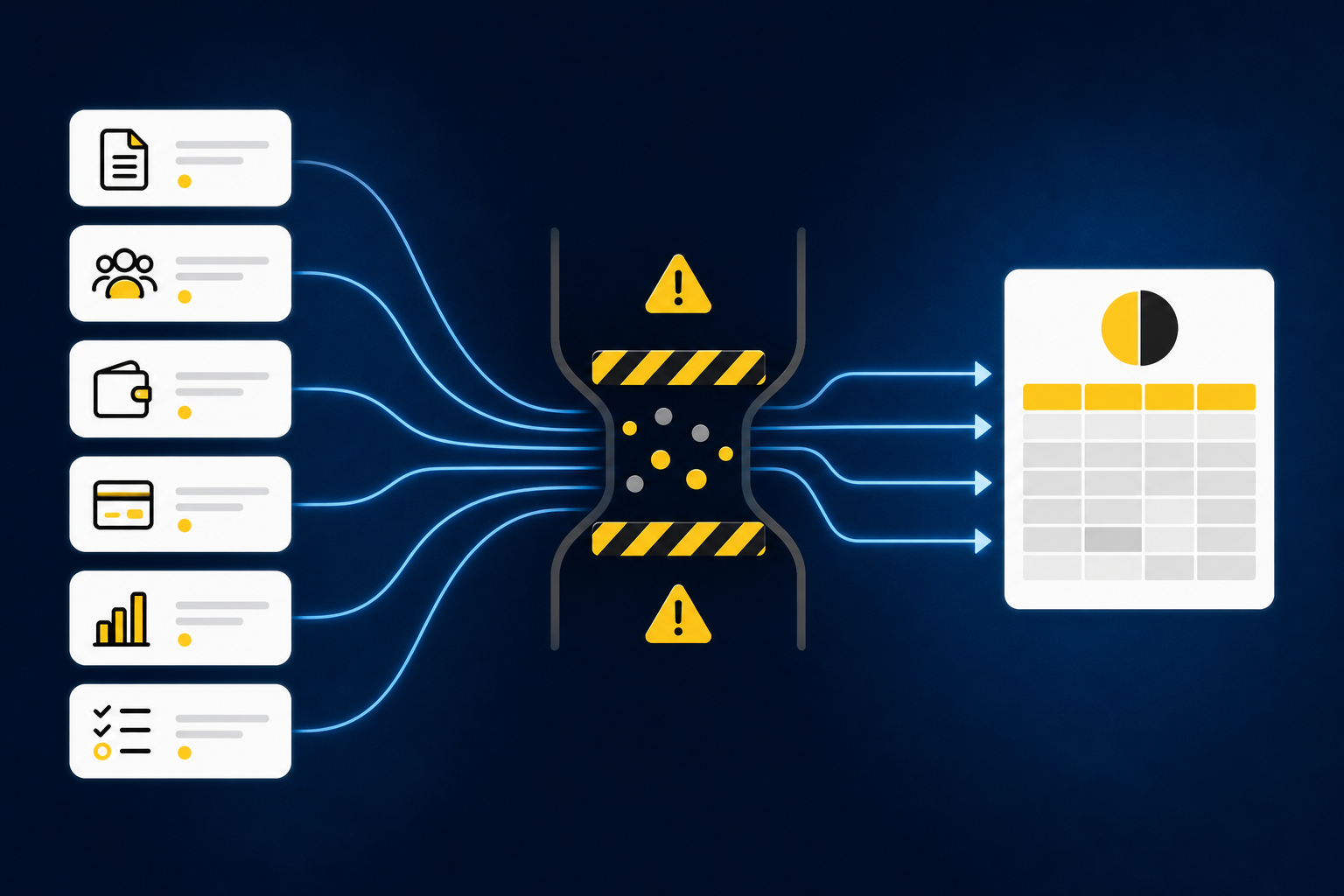
CAS practices feel that gap across every client. A processor report and a bank deposit may describe the same activity differently. A custodian statement may require entity-specific treatment that is not visible in the bank feed. A donor export may carry fund or campaign detail that has to survive the reconciliation. Generic extraction does not complete that work because the accountant still has to decide what the document represents and how it belongs in the client's books.
The first evaluation question should therefore be concrete: can the system take the source files your staff already receives and prepare the exact workpaper your manager expects? A useful output should show the source, calculation, accounting treatment, exceptions, and reviewer sign-off together. Without that review surface, a polished reconciliation can create more checking rather than less.
An accounting-firm customer described the preparation burden plainly: “Truewind automates a huge chunk of that busywork.” The point was not to remove the accountant. As the same customer put it, “It's not just about making bookkeeping simpler; it's about freeing up teams, and helping them focus on higher-value projects.” A product walkthrough should follow that preparation from source file to reviewer sign-off, so See Truewind in action with one real recurring workpaper in mind.
A finance leader's checklist for evaluating the workflow
The checklist should begin with work the firm already understands. Broad claims about autonomous accounting are difficult to test and do not match a reviewer-led close. A bounded workflow gives your staff a known input, a known result, and a clear place to inspect differences.
1. Is the first workflow recurring and bounded?
Choose work that happens every period and follows a recognizable process. A processor reconciliation, brokerage rollforward, prepaid schedule, or recurring coding workflow gives the team something specific to reproduce. The inputs should be identifiable, the expected output should already exist, and a reviewer should know what acceptable work looks like.
Avoid starting with a process that changes every period or depends on unresolved accounting policy. AI preparation can apply established mappings, cutoffs, classifications, and review conventions. It should not invent those decisions. A narrow first workflow makes that boundary visible and gives the team a credible basis for expansion.
The test is simple: can you place last period's source files, approved workpaper, entry, and reviewer notes beside the newly prepared result? If not, the team may be trying to automate a process it has not defined clearly enough to evaluate.
2. Can it preserve each client's accounting logic?
CAS scale does not come from pretending every client works the same way. Two clients can run the same type of reconciliation and still use different account mappings, dimensions, cutoffs, allocation rules, and review conventions. A common operating layer has to preserve those differences while giving managers a consistent review experience.
Ask what operating context the workflow uses. Prior workpapers, prior entries, SOPs, and reviewer corrections should inform how the current period is prepared. When a manager changes a classification or confirms an allocation, that decision should remain attached to the workflow so the next period does not begin from a blank prompt.
Client-specific logic also needs boundaries. Historical treatment can guide preparation, but it cannot decide a new accounting policy or materiality judgment. Novel items belong with the accountant who owns the client relationship and the result.
3. Does the output arrive as a workpaper or an answer?
An answer tells you the proposed result. A workpaper lets you review how the result was produced. For a CAS manager, that distinction determines whether automation reduces preparation or simply moves the manual work into review.
Inspect whether each prepared output includes the underlying source, calculation, treatment, exceptions, and sign-off. A reviewer should be able to trace a line back to the supporting document and understand why the workflow classified it that way. The same standard applies to reconciliations, supporting schedules, and journal-entry drafts.
Reviewability also protects consistency across staff changes. When the logic stays in the workflow rather than in one preparer's memory, another team member can inspect the prior treatment and continue the process. The manager still owns approval, but the firm is less dependent on reconstructing the work from folders, email, and undocumented spreadsheet changes.
Once you have selected a bounded workflow and gathered its approved prior-period support, Book a Truewind demo and use those materials to test the review path rather than a generic sample.
4. Are routine preparation and judgment items separated?
Exception-based review only works when the system shows what does not fit the established process. Missing statements, unexpected balance changes, mixed activity, timing differences, and inconsistent classifications should not be forced into agreement. They should arrive with the source context a reviewer needs to make a call.
Ask how exceptions are identified and where they appear. Your manager should not have to recheck every prepared item to find the few that require judgment. At the same time, the workflow should never resolve an exception on its own simply because a prior-period pattern exists.
A visible exception queue is not evidence that the automation failed. It is evidence that the workflow knows where its boundary is. For a practice leader, that boundary matters because review quality cannot depend on whether a clean-looking output happens to conceal an unusual item.
5. Does the process protect reviewer sign-off and the GL?
Sage Intacct and QuickBooks Online should remain the systems of record. The preparation layer can structure source files, apply established coding, build schedules, prepare reconciliations, and draft entries. Nothing should reach the ledger without accountant confirmation.
During evaluation, follow one item all the way through. Identify who prepared it, which sources supported it, what the reviewer changed, and what action moved the approved output into the GL. If the workflow cannot show that sequence, the firm will have difficulty distinguishing automation from autonomous posting.
The same control should apply when a reviewer sends work back. Corrections need to stay attached to the client workflow rather than disappear into a separate spreadsheet or message. Captured decisions can then inform later periods without changing policy outside the firm's review process.
6. Can the firm expand through controlled iteration?
A credible rollout starts with comparison, not trust by declaration. Prepare one recurring workflow using known source files, compare the result with the approved answer, inspect every difference, and capture the reviewer's corrections. Expand only after the team can explain the output and repeat the process.
That approach also exposes implementation work early. Source availability, SOP quality, entity structure, reviewer ownership, and ERP configuration all affect whether a workflow can be reproduced. A sales demonstration cannot resolve missing operating context after handoff.
Controlled iteration gives staff a specific reason to trust the system. They see which rules were applied, which exceptions were surfaced, and whether prior corrections returned in the next period. Confidence comes from an inspectable record of preparation and review, not from being asked to turn the system on and walk away.
Where Truewind fits in a CAS practice
Truewind sits between the source files a practice receives and the Sage Intacct or QuickBooks Online ledger where the client books live. It ingests recurring source materials, including processor exports, donor-platform files, custodian statements, prior workpapers, and operational exports. It then structures those inputs for coding, reconciliation, schedule preparation, and workpaper generation.
Historical examples give the workflow the client's established context. Truewind applies captured mappings, classifications, allocation rules, and reviewer corrections to the current period. Multi-source reconciliation aligns activity described differently across operational systems, processors, custodians, bank records, and ERP balances. Timing differences and unreconciled items remain visible for accountant review.
Prepared work appears with source links, exceptions, and reviewer actions. Accountants can confirm, adjust, or return the output before anything is used downstream. After sign-off, structured output can move to Sage Intacct or QuickBooks Online with coding and dimensions preserved. Truewind does not replace the GL, change accounting policy, or post without reviewer confirmation.
Customer language is useful here because it describes the practical standard buyers apply. One customer said, “It's essentially perfect.” The same customer explained what that meant in the workflow: “Categorization is accurate, and we stopped having to double-check everything.” Those statements describe that customer's experience, not a universal result, but they point to the right evaluation question. The value is not that AI produced a category. The value is that the proposed treatment fit the established process closely enough for review to change.
Another customer summarized the broader experience by saying, “If I had to describe Truewind in one word: Lifechanging” A separate customer put it more simply: “Truewind has been amazing.” Strong customer language still needs to be tested against your firm's workpapers, client rules, and review requirements. The checklist is what turns a positive reaction into an operational decision.
Know when the model is not a fit
A preparation layer needs an established close, recurring source flow, prior examples, and an accountant who owns review. A very small business without a dedicated close or reviewer may not have enough structure to support that model. A buyer looking to replace the GL is evaluating a different category.
The same is true for teams seeking unsupervised posting. Truewind requires accountant sign-off and routes exceptions to a person rather than resolving them autonomously. Firms that want an agent to make policy decisions and post without review will find that boundary intentional.
Source readiness matters too. The workflow is designed for the PDFs, spreadsheets, processor exports, statements, and prior workpapers that accounting teams already handle. Each source still has to be connected to a defined client process. If the firm cannot identify who owns the workflow, what the approved output looks like, or which rules govern it, implementation should begin by documenting those decisions.
If your practice can provide that operating context and keep reviewer sign-off in place, Get a Truewind demo around the first recurring workflow you want to test.
Make the first workflow prove the case
The right evaluation does not begin with the most ambitious automation claim. It begins with a recurring workpaper your team knows well. Bring the source files, the prior approved result, the client-specific rules, and the manager who signs off. Then inspect what the system prepares and where it asks for judgment.
For a CAS practice, scale cannot mean erasing client differences or lowering review standards. It has to mean applying each client's established process in a repeatable form, giving staff a clear preparation workflow, and giving managers a consistent surface for review. The ledger remains the system of record. The accountant remains responsible for the result.
What changes is the work before judgment begins. Source files become structured inputs. Historical treatment becomes operating context. Exceptions arrive with support. The firm can then expand from one proven workflow to the next without asking managers to surrender control.
Frequently Asked Questions
How do I ensure my workflow is repeatable?
To make your workflow repeatable, start by selecting a recurring task that follows a clear process, like a processor reconciliation or prepaid schedule. Ensure you have identifiable inputs and an expected output that your team is already familiar with. This way, when you compare last period's source files and approved workpapers with the new results, you can easily spot differences and make necessary adjustments. Using Truewind can help structure these inputs effectively, but always involve your team in the review process to maintain control.
What if my clients have different accounting rules?
If your clients have different accounting rules, it's crucial to preserve those unique requirements in your workflow. Document each client's specific mappings, classifications, and review conventions. When using Truewind, ensure that the historical treatment and prior entries inform the current period's preparation. This way, you maintain consistency while respecting each client's distinct accounting logic, allowing for a smoother review process.
Can I automate my journal entry preparation?
You can streamline journal entry preparation by using a structured workflow that organizes your source files. With Truewind, you can turn raw data into review-ready workpapers. However, remember that automation does not replace the need for human review. Each journal entry must still go through an accountant's approval before posting to the general ledger, ensuring accuracy and compliance with your established accounting practices.
When should I separate routine preparation from judgment items?
You should separate routine preparation from judgment items during the review process. Routine tasks, such as standard reconciliations, should be prepared using established templates, while any unusual or exceptional cases should be flagged for further review. Truewind helps surface these exceptions, allowing your team to focus on items that require judgment without getting bogged down by routine checks. This separation enhances the efficiency and quality of your review process.
Turn this into a close-ready workpaper
Start with sample files or upload your own statements to see how Truewind prepares review-ready workpapers and journal entries.