
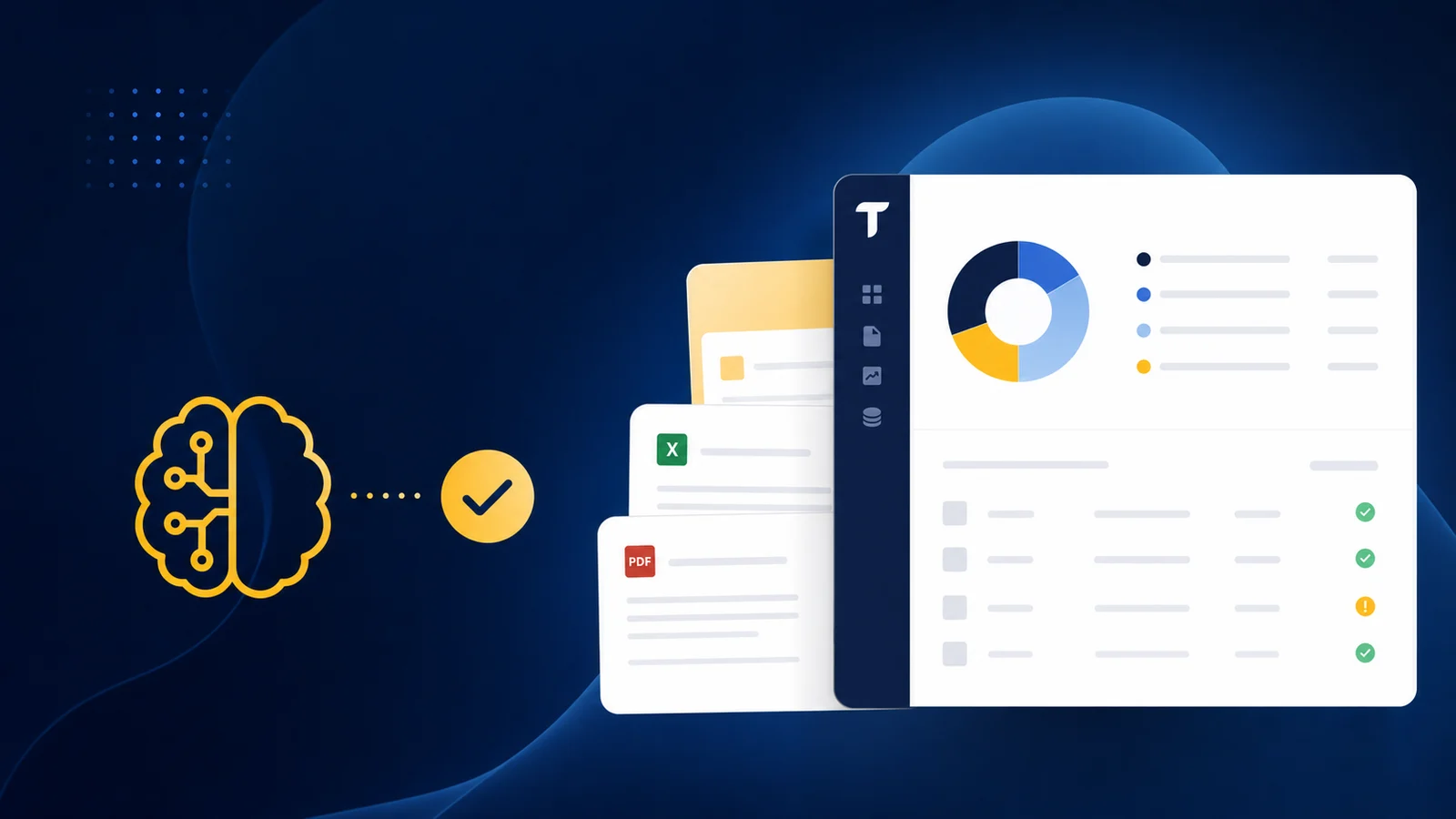
When a contract gets modified mid-term, someone on your team manually recalculates the unrecognized balance, reallocates it across the remaining periods, and updates the recognition template in Sage. Do that for fifty contracts a month and you're rebuilding schedules instead of reviewing them. Sage Intacct deferred revenue automation reads the updated contract terms and redistributes unrecognized balances across revised obligation periods without manual template edits. The catch-up entry posts with a direct link to the triggering modification, so the audit trail documents itself.
TLDR:
- Sage Intacct's native deferred revenue tools handle basic schedules but lack reconciliation depth for contract modifications and multi-element arrangements
- ASC 606 compliance breaks down when managing contract changes manually: 70% of spreadsheets contain errors that create audit exposure
- AI-powered automation builds recognition schedules from contract data and recalculates on modifications without manual template edits
- Truewind connects to Sage Intacct via API to automate prepaid and deferred revenue schedules with audit-ready journal entries
- Truewind is an AI-powered digital staff accountant that automates close management, reconciliation, and transaction coding for Sage Intacct users
Understanding Deferred Revenue in Sage Intacct
Deferred revenue is cash you've collected but haven't yet earned. Until the service is delivered or the performance obligation is met, that money sits on your balance sheet as a liability, not revenue. For SaaS companies, nonprofits, and subscription-based businesses on Sage Intacct, this distinction matters every single month.
Sage Intacct handles a lot well. But managing deferred revenue schedules, the ongoing process of recognizing revenue as obligations are fulfilled, is where teams consistently hit friction. The system can store the data. Moving it correctly and on time is a different problem.
ASC 606 Compliance Requirements for Deferred Revenue
ASC 606 replaced industry-specific revenue guidance with a single five-step model: identify the contract, identify performance obligations, determine the transaction price, allocate it to each obligation, and recognize revenue when each obligation is satisfied. Clean in theory. Messy in practice, especially when managing recurring contracts with variable pricing, renewals, and modifications.
The compliance risk lives in the execution layer. 70% of spreadsheets contain errors, yet 39% of SaaS companies still rely on them for revenue recognition. For Sage Intacct users running deferred revenue schedules manually, that's a real audit exposure. A misallocated transaction price or a skipped obligation step is exactly what auditors flag.
Every contract modification also potentially triggers a reallocation across remaining obligations. Doing that manually, across hundreds of contracts, is where compliance breaks down.
Native Deferred Revenue Capabilities in Sage Intacct
Sage Intacct's revenue recognition module covers more ground than many teams expect. Understanding its actual scope helps clarify where automation gaps tend to appear.
What the Revenue Recognition Module Includes
- Schedule-based recognition tied to contract start and end dates
- Templates for common patterns like straight-line, percentage of completion, and event-based recognition
- Multi-element arrangement support for splitting revenue across performance obligations
- Automated journal entry generation once a schedule is active
- ASC 606 and IFRS 15 compliance framework built into the workflow
Where It Works Well
For fixed-fee annual subscriptions with monthly straight-line recognition, the native tooling handles the work cleanly. Templates reduce setup time, and once a schedule runs, entries post without manual intervention. The audit trail on posted recognition entries satisfies basic compliance documentation for contracts that stay simple and unchanged.
The Honest Limitation
The module shows strain when contracts get complex. Prospects have described Sage's built-in tools as "not really a reconciliation." The gap appears in ongoing management: handling contract modifications, tracking rollforward balances across periods, and matching recognized amounts against the deferred revenue liability account. That reconciliation layer is where manual work returns.
| Feature | Sage Intacct Native Tools | Automated Solutions (e.g., Truewind) |
|---|---|---|
| Initial Schedule Setup | Manual template configuration required for each contract. Templates support straight-line, percentage of completion, and event-based patterns. | Automated schedule generation from invoice and contract data. Recognition patterns identified and mapped to GL codes without manual entry. |
| Contract Modifications | Requires manual template edits for each modification. Reallocation of unrecognized balances across revised periods done manually. | Automatic recalculation when contract terms change. System redistributes unrecognized balance across revised obligation periods and posts catch-up entries with audit documentation. |
| Multi-Element Arrangements | Supports splitting across performance obligations but requires separate manual schedules that must be tied back to contract record. | Automatically splits transaction price across multiple performance obligations with unified tracking back to originating contract. |
| Deferred Revenue Rollforwards | Not included in native module. Teams build rollforwards in Excel tracking beginning balance, new deferrals, recognized amounts, and ending balance manually each period. | Automated rollforward generation with beginning balance, new deferrals, recognized amounts, and ending balance calculated and matched to liability account automatically. |
| Multi-Entity Management | Each entity requires separate configuration. Consistent policy enforcement and intercompany eliminations handled manually across subsidiaries. | Uniform recognition logic applied across all entities from single configuration. Intercompany eliminations run against shared rulesets automatically. |
| Audit Trail Documentation | Basic audit trail for posted recognition entries. Documentation of contract modifications and reallocation rationale requires manual tracking. | Complete audit trail with every journal entry linked to recognition schedule, contract terms, and approving reviewer. Documentation built automatically at point of modification. |
Common Deferred Revenue Challenges for Sage Intacct Users
Even with Sage Intacct handling your core accounting, deferred revenue management often stays stubbornly manual. The ERP gives you structure, but the recognition work itself still lands on your team.
The Rollforward Problem
Teams typically build deferred revenue rollforwards in Excel, tracking beginning balance, new deferrals, recognized amounts, and ending balance across every contract period. Each month requires manual updates and GL reconciliation. One missed contract or late recognition entry throws the entire schedule off.
Contract Modifications Break the Template Logic
Mid-contract upgrades, downgrades, or extensions make the original recognition schedule wrong. Transaction price reallocation and shifting performance obligations require someone to manually edit templates, which introduces errors and creates an inconsistent audit trail.
Multi-Element Arrangements Are Still Manual Work
Splitting a single contract across multiple performance obligations, such as upfront implementation fees and monthly subscription revenue, requires separate schedules that tie back to one contract record. Keeping both balanced to the correct liability balances falls outside what Sage handles automatically.
Volume Amplifies Everything
One or two complex contracts is manageable. Fifty is not. SaaS companies running hundreds of active contracts in Sage find that every modification, renewal, or cancellation requires individual manual attention, a problem that compounds quickly as the business grows.
Manual Processes That Create Revenue Recognition Risk
45% of accountants say hunting for errors is their toughest revenue recognition task, and 40% of Controllers report frustration with the manual effort still required just to finish the process. That's a workflow problem baked into how deferred revenue gets managed day to day.
Manual journal entries introduce risk at every touch point: spreadsheet references that may not match what's in Sage, contract records that may not reflect the latest modification, and judgment calls that go undocumented. Each gap is an auditor's question waiting to happen.
"Intacct doesn't have the capability to run racks, like for example, for prepaid or deferred revenue. They have something, but this is not really a reconciliation."
When recognition errors only surface at audit, the remediation cost is far higher than catching them during close.
Automating Deferred Revenue Schedules
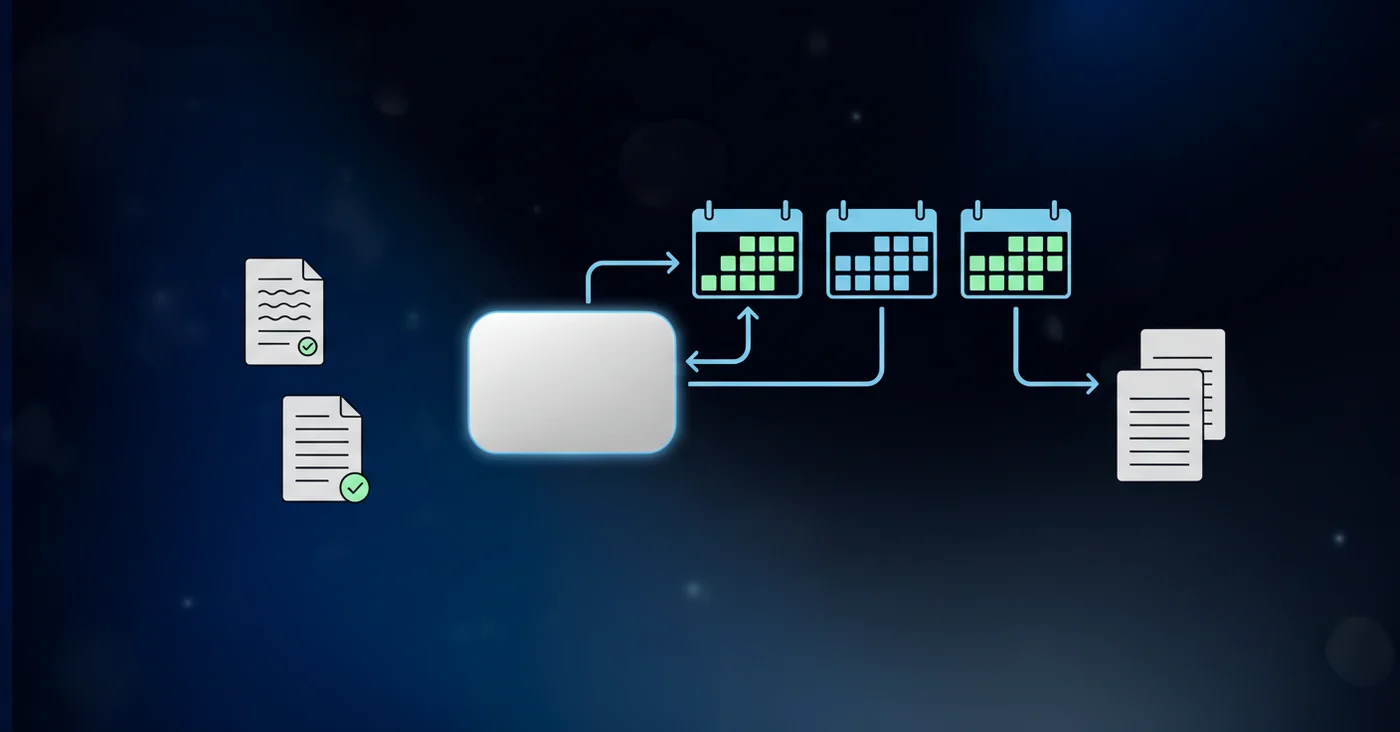
Automation handles three things manual workflows cannot do consistently at scale: mapping invoices to recognition schedules without human setup, recalculating those schedules when contract terms change, and allocating revenue across periods without a spreadsheet in the middle.
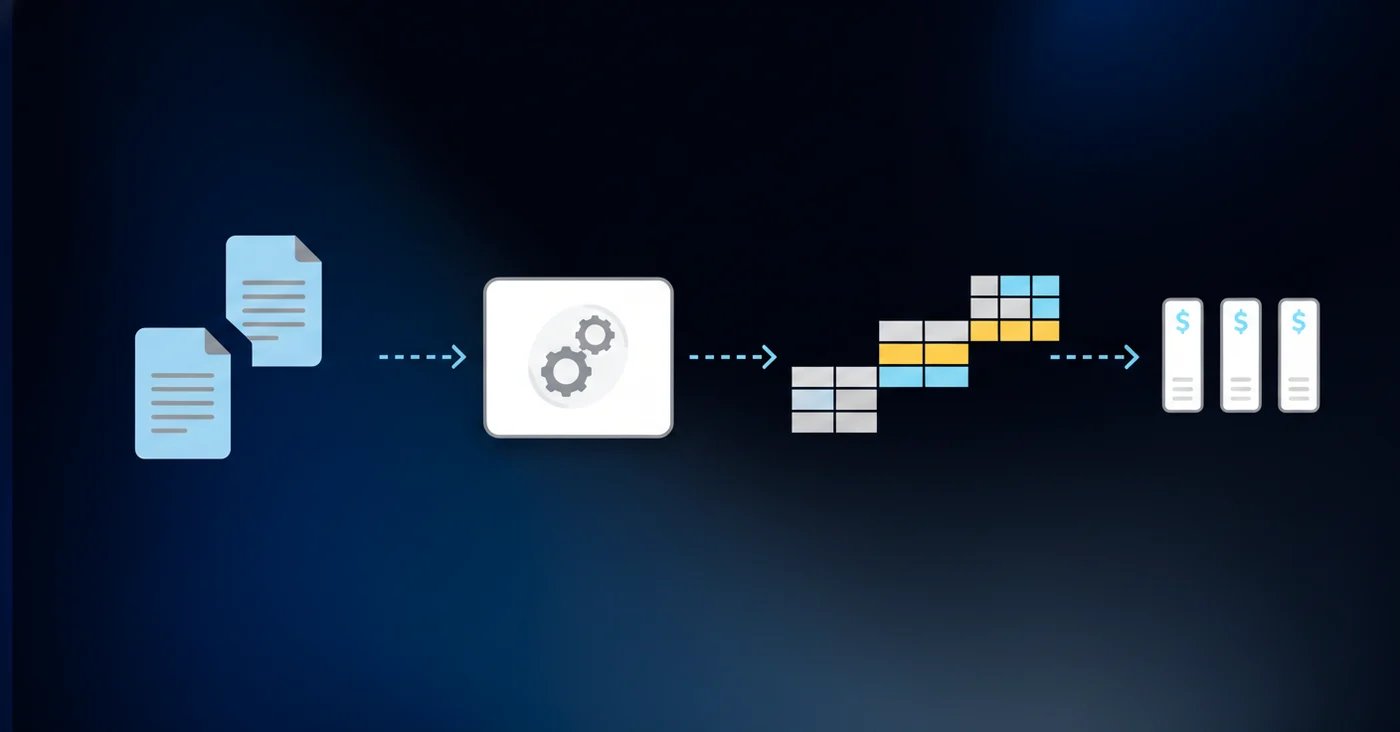
How Invoice-to-Schedule Mapping Works
When a new contract or invoice comes in, automation reads the contract terms, identifies the performance obligations, and builds the recognition schedule directly. Start date, end date, total transaction price, and recognition pattern are extracted and mapped to GL codes without manual entry. The schedule lives in the system, not a file on someone's desktop.
Recalculation on Contract Changes
A mid-contract modification triggers a recalculation automatically. The remaining unrecognized balance is reallocated across the revised obligation period. No manual template edits, no side spreadsheets tracking the delta.
Multi-Period Allocation Without Spreadsheets
For Sage Intacct users, prepaid and deferred revenue schedule preparation runs as part of workpaper automation. Invoices and contract data feed in. Clean rollforwards come out, with journal entries mapped to the chart of accounts and dimensions, ready to sync directly into Sage. The recognized and deferred amounts tie to the liability account automatically each period.
What changes practically: your team reviews the schedule output instead of building it.
Contract Modifications and Revenue Reallocation
Mid-contract changes break recognition schedules in two distinct ways, and which method applies depends on whether the modification creates a new contract or changes an existing one.
Prospective vs. Retroactive Adjustments
A modification treated as a separate contract leaves the original schedule intact and creates a new one. A modification to an existing contract requires either prospective adjustment from the change date or a cumulative catch-up, restating prior periods to reflect what revenue should have been. Getting that determination wrong misstates both current and historical revenue.
Cumulative Catch-Up Requirements
Cumulative catch-up accounting compounds fast across a contract portfolio. Each affected period needs restated recognition entries, and each restatement needs documentation tying back to the original contract terms. Without automation, that requires a manual audit of every impacted schedule, period by period.
Automation handles the reallocation at the point of modification. The system reads the updated contract terms, identifies the remaining performance obligations, recalculates the unrecognized balance, and redistributes it across revised periods. The catch-up entry posts with a clear link to the triggering modification, so the audit trail is built in.
Human review stays in the loop for judgment calls on contract classification. But the recalculation work, and the documentation of it, runs without manual intervention.
Multi-Entity Deferred Revenue Management
Multi-entity deferred revenue in Sage Intacct compounds every single-entity problem. Each subsidiary carries its own recognition schedules, chart of accounts, and close timeline. Intercompany transactions add further exposure: revenue deferred in one entity may require elimination at consolidation, and timing mismatches between books create distortions in the consolidated view.
Consistent policy enforcement is where these environments typically break down. Different teams apply the same recognition template differently across entities, and by the time consolidation runs, resolving those variances consumes more time than the original close work.
Automation resolves this by applying uniform recognition logic across every entity from a single configuration. Schedule templates, allocation methods, and posting rules stay consistent regardless of which entity holds the contract. Intercompany eliminations run against a shared ruleset instead of a manual checklist refreshed each month.
Integration Architecture for Deferred Revenue Automation
Truewind connects to Sage Intacct via API-level read/write access, not a file import. That distinction matters for deferred revenue work because schedule automation requires reading your existing chart of accounts, dimensions, and posted entries before writing anything back.
The data flow runs in one direction at a time. Truewind reads contract data, historical GL entries, and dimensional structure from Sage. It builds recognition schedules, generates journal entries, and maps each entry to the correct account, class, department, location, and any custom dimensions configured in your instance. Then it writes those entries back through the API.
Sage stays the system of record throughout. Nothing in the ledger changes until a reviewer approves the sync.
Audit Trail and Compliance Documentation
Auditors reviewing deferred revenue want one thing: a clear line from contract to journal entry. Every recognition event should trace back to the originating obligation, the transaction price allocated to it, and the period it was satisfied. When that chain breaks, you get findings.
Three things auditors consistently flag in deferred revenue reviews:
- Journal entries that can't be tied to a specific contract or modification
- Schedule balances that don't tie to the deferred revenue liability account
- Manual overrides with no documented rationale
Automation builds the audit trail automatically. Each journal entry carries a link to the recognition schedule, the contract terms that drove it, and the reviewer who approved the sync to Sage. No retroactive documentation required.
Human review stays in the workflow before anything hits the ledger, which means the approval record exists by default.
Automating Deferred Revenue with AI-Powered Workflows
AI handles the execution work that judgment currently gets buried under. For Sage Intacct users, that execution layer covers three things manual workflows struggle to keep pace with: classifying incoming contract data into recognition schedules, recalculating those schedules when terms change, and routing only the exceptions that need human eyes.
What AI Handles vs. Where Human Review Stays
Some tasks belong to automation. Others belong to your team.
- Reading invoice and contract data to identify performance obligations and recognition patterns
- Building schedules mapped to your Sage chart of accounts and dimensions automatically
- Flagging contract modifications and recalculating unrecognized balances at the point of change
- Posting recognition entries with confidence scores attached, so reviewers see why each entry was generated
Contract classification calls, modification treatment decisions, and any entry flagged below the confidence threshold route to a reviewer queue. Nothing posts until approved.
Final Thoughts on Automating Deferred Revenue With Sage Intacct
The recognition work that bogs down your close gets resolved when Sage Intacct deferred revenue automation reads contract terms and builds schedules without manual setup. Your rollforwards stay balanced, modifications recalculate unrecognized balances automatically, and the audit trail connects every journal entry back to the originating contract. Contract volume stops being a capacity constraint when schedule management runs outside spreadsheets. See a demo built on your contract data to understand what changes.
FAQ
Can I automate deferred revenue schedules in Sage Intacct without building spreadsheets?
Yes. Automation reads contract data from your invoices, builds recognition schedules mapped to your Sage chart of accounts, and generates journal entries ready to sync directly into Intacct. Your team reviews the output instead of building rollforwards manually each period.
Sage Intacct deferred revenue automation vs manual Excel rollforwards?
Automation pulls contract terms, calculates recognition across periods, and recalculates schedules when modifications happen without manual template edits. Excel-based workflows require someone to track beginning balance, new deferrals, recognized amounts, and ending balance manually every month, which introduces errors and breaks down at scale.
How does automation handle contract modifications for deferred revenue recognition?
When contract terms change, automation recalculates the remaining unrecognized balance and reallocates it across the revised performance obligation periods automatically. The system posts catch-up entries with documentation tied to the triggering modification, so the audit trail exists without manual tracking.
What happens to deferred revenue schedules when you have multi-entity environments in Sage Intacct?
Automation applies uniform recognition logic across all entities from a single configuration, so schedule templates and posting rules stay consistent regardless of which subsidiary holds the contract. Intercompany eliminations run against shared rulesets instead of manual checklists refreshed each month.
How do auditors verify deferred revenue entries in an automated workflow?
Each journal entry carries a link to the recognition schedule, the contract terms that generated it, and the reviewer who approved the sync to Sage. The approval record and documentation exist by default because human review happens before anything posts to the ledger.
Turn this into a close-ready workpaper
Start with sample files or upload your own statements to see how Truewind prepares review-ready workpapers and journal entries.