
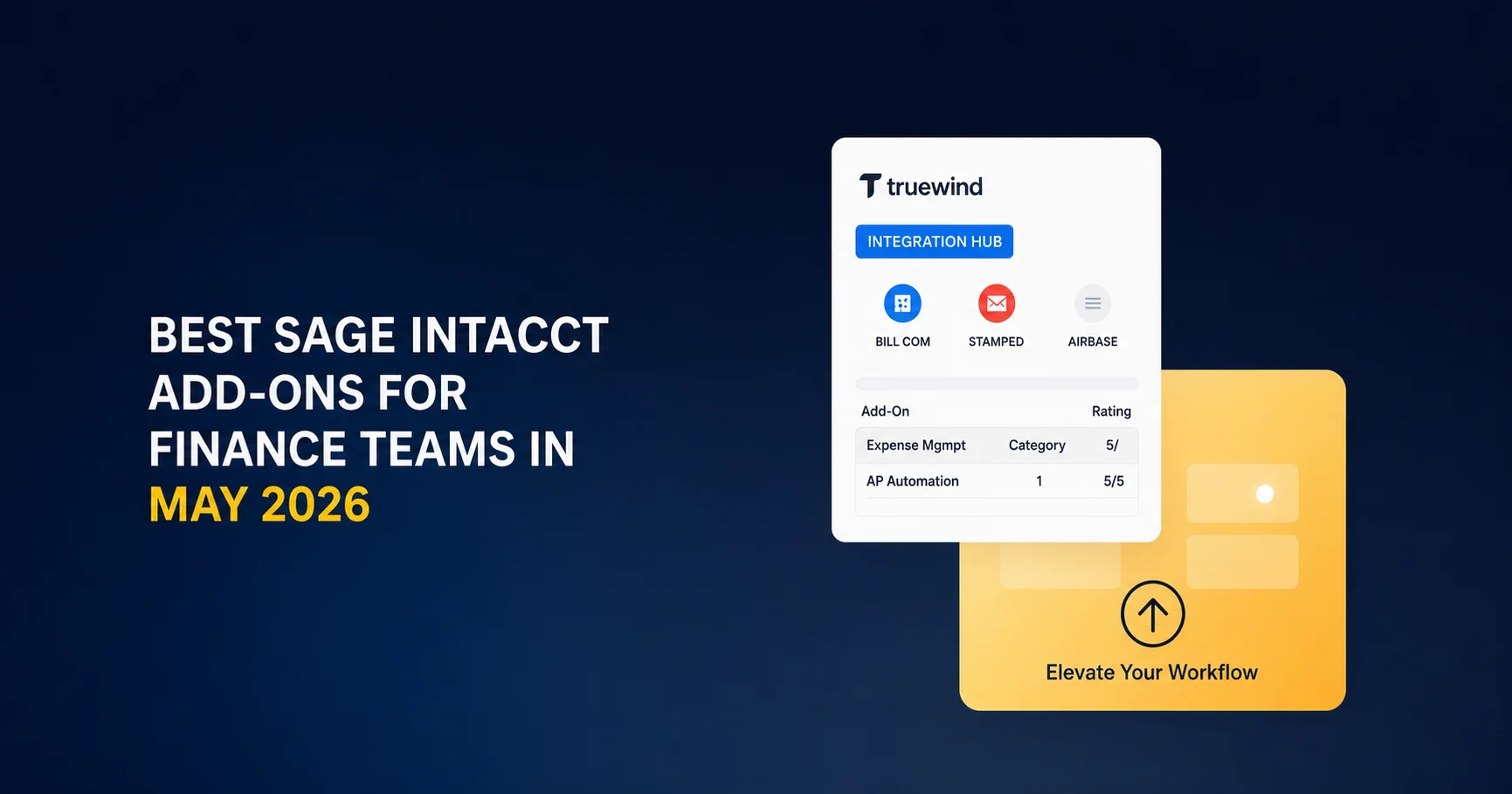
You're probably using Sage Intacct because the GL layer works exactly how you need it to. What it doesn't do is code your bank feed, route invoices through approvals, or manage your close checklist without manual intervention. That's the tradeoff. Sage stays focused on financial management, and you bring in add-ons for everything else. Truewind is one of the best Sage Intacct add-ons for AI-based transaction processing, but depending on your workflow, you'll need a different mix of tools. Here's what actually matters.
TLDR:
- Sage Intacct excels at GL management but requires specialized add-ons for AP automation, close management, and transaction processing
- Tools like Ramp, FloQast, and SAP Concur fill workflow gaps without replacing Sage as your system of record
- Truewind automates bank transaction coding and reconciliation via API with AI-powered classification that handles description variations
- Most Sage users see week-one value from automated transaction processing, saving 75% on categorization time
- Truewind provides API-level Sage integration with full dimension support for close management and GL-ready journal entries
Why Finance Teams Need Sage Intacct Add-Ons
Sage Intacct is built around a best-in-class philosophy: do financial management exceptionally well, then let specialized tools handle the rest. That design choice is a feature, not a limitation. More than 75% of Sage Intacct customers have integrated two or more solutions to meet their specific needs.
The gaps show up fast in practice. Sage handles the GL with precision, but areas like AP automation, expense tracking, close management, and brokerage reconciliation often require a dedicated tool to work well at scale. An accountant managing multiple entities needs something that processes, classifies, and routes transactions automatically.
The right add-ons extend Sage without disrupting it. Sage stays the system of record. The add-on handles execution. Understanding how these systems interact is the architecture worth knowing before picking any tool on this list.
| Add-On | Primary Function | Ideal Use Case | Key Capabilities | Integration Approach |
|---|---|---|---|---|
| Truewind | AI-powered transaction processing and close automation | Teams losing time on bank transaction coding, reconciliation, and prepaid schedules during close | LLM-based transaction classification with fuzzy matching, automated prepaid and accrual scheduling, close checklist management, multi-dimension support | API-level integration with real-time sync, duplicate detection, and full dimension mapping |
| Ramp | Corporate card and AP automation | Teams managing both card spend and vendor invoices in consolidated interface | Bill pay, vendor management, expense categorization, automatic GL code sync, policy enforcement | Direct API connection for transactions and GL codes |
| FloQast | Close management and reconciliation | Teams with multiple preparers and reviewers needing structured close orchestration | Live account balance pulls, reconciliation checklists with assigned owners, automatic variance flags, sign-off tracking | Direct Sage Intacct connection for real-time GL data |
| Stampli | Invoice-centric AP workflow | Teams with complex approval routing or multiple approvers per invoice | Invoice-based collaboration, configurable approval chains, GL coding before posting, audit trail | API integration for invoice posting to Sage |
| BlackLine | Enterprise account reconciliation | Organizations with complex entity structures or rigorous audit requirements | Account reconciliation, journal entry controls, compliance documentation, variance analysis | Enterprise-grade API with multi-entity support |
| SAP Concur | Enterprise expense and travel management | Larger teams with travel-heavy employees requiring policy enforcement and per diem rules | Receipt capture, policy enforcement, approval routing, reimbursement, GL category mapping | Connector maps expense categories to GL structure for clean journal entries |
| Planful | Collaborative budgeting and workforce planning | Budget cycles involving department heads outside of finance with multiple contributors | Driver-based models, collaborative budgeting, workforce planning, scenario analysis | Syncs actuals from Sage for budget variance analysis |
AP Automation Add-Ons for Sage Intacct
AP automation sits at the top of the ROI conversation for most finance teams on Sage Intacct. Manual invoice entry is slow, error-prone, and scales badly. The tools below connect to Sage via API to handle document capture, PO matching, and payment execution without pulling someone away from higher-value work.
Ramp
Ramp combines corporate card management with AP automation in one interface. It handles bill pay, vendor management, and expense categorization, then syncs transactions and GL codes directly to Sage Intacct. Teams managing both card spend and vendor invoices in one place tend to find the consolidation worthwhile.
MineralTree
MineralTree focuses on invoice-to-pay workflows. It captures invoices, routes them through configurable approval chains, and executes payments with a direct Sage Intacct connection. A strong fit for teams where payment controls and audit trails matter most.
Stampli
Stampli centers the workflow around the invoice itself. Approvals, comments, and GL coding all happen on the invoice record before it posts to Sage. Finance teams with multiple approvers or complex routing rules tend to prefer this model over email-based approval chains.
Close Management and Reconciliation Add-Ons
FloQast, Numeric, and BlackLine all solve a specific gap: Sage Intacct manages the GL well, but the orchestration layer sitting above it (task ownership, sign-off tracking, reconciliation status) requires a dedicated tool.
FloQast
FloQast connects directly to Sage Intacct, pulls live account balances, and runs reconciliation checklists with assigned owners and deadlines. Variance flags surface automatically, which removes the back-and-forth that slows teams down when multiple preparers and reviewers are working in parallel.
Numeric
Numeric covers close checklists, reconciliation tracking, and flux analysis in one place with a lighter setup burden than most alternatives. It works well for lean accounting teams that need structure without committing to a long implementation cycle.
BlackLine
BlackLine is the enterprise-grade option, built for account reconciliation, journal entry controls, and compliance documentation at scale. Organizations with complex entity structures or rigorous audit requirements will find it covers ground that lighter tools skip.
The right choice depends on team size, entity complexity, and how much configuration overhead your team can realistically absorb before the next close.
Expense Management and Travel Add-Ons
SAP Concur handles the full expense lifecycle: receipt capture, policy enforcement, approval routing, and reimbursement. Its Sage Intacct connector maps expense categories and department codes directly to your GL structure, so approved reports post as clean journal entries without manual rekeying. A solid choice for larger teams with travel-heavy employees where per diem rules and policy flags need to run automatically.
Expensify
Expensify is the lighter-weight option for teams that want receipt scanning, card reconciliation, and reimbursement approvals without a lengthy implementation. Expensify's SmartScan pulls merchant data and amounts from photos, pre-populates expense fields, and routes submissions through your approval chain before syncing to Sage. Where Concur leans enterprise, Expensify works well for mid-market teams that want fast setup and predictable monthly costs.
Ramp (Expense Focus)
Ramp's corporate card product also covers the expense side independently of its AP automation. Card transactions sync automatically to Sage with GL codes attached, receipts are collected via SMS nudge, and policy violations get flagged before the close. If your team is already using Ramp for bill pay, the expense module comes with it, so there is no duplicate vendor to manage.
The common thread across all three: policy violations caught before reimbursement, not after. That distinction matters when matching expense categories against budget and preparing for audit. Manual expense reports fail because exceptions slip through unreviewed, not simply because of volume.
Reporting and Business Intelligence Add-Ons
Sage Intacct's native reporting works well for standard financial statements, but teams that need multi-source dashboards, Excel-based models, or cross-entity consolidation quickly hit a ceiling.
Velixo
Velixo pulls live Sage Intacct data directly into Excel, letting teams build financial models without manual exports or stale snapshots. The connection is read-only and refreshable, so formulas reference actual GL balances instead of copied values. For finance teams that already live in Excel, this removes the export-and-paste step that quietly eats hours every reporting cycle.
Vena
Vena sits between BI and FP&A. It pulls Sage data into a spreadsheet-native environment for budgeting, forecasting, and management reporting, with version control and audit trails built in. Teams that need consolidated reporting across entities without migrating their Excel workflows tend to find Vena a better fit than a full data warehouse approach.
Sage Intacct Interactive Visual Explorer
Worth noting: Sage's native Interactive Visual Explorer handles basic dashboards and KPI tracking reasonably well for single-entity setups. If your reporting needs are straightforward, a third-party BI tool may not be necessary at all.
The deciding factor is usually consolidation complexity. Single-entity teams with standard reporting needs can often stay native. Multi-entity teams pulling from Sage alongside payroll systems, CRMs, or brokerage data will need an external layer to make the numbers coherent across sources. Truewind's integration with Sage Intacct brings AI-native automation to these workflows.
FP&A and Budgeting Add-Ons
Sage Intacct handles actuals well. What it doesn't give teams is a collaborative environment for building budgets, running scenarios, or managing rolling forecasts. That's where dedicated FP&A tools come in.
According to Gartner, 59% of finance organizations now use AI in their planning workflows, and 67% of those users are more confident in its value than a year ago. Driver-based models and variance analysis are the main pull.
Two tools worth considering, depending on your team's structure and forecasting approach.
Planful
Planful syncs actuals from Sage Intacct and layers collaborative budgeting and workforce planning on top. Multiple contributors can work against the same model without version conflicts, which matters when budget cycles involve department heads outside of finance.
Jirav
Jirav connects Sage data with HR and CRM inputs to build integrated financial models. For teams focused on close operations, Sage Intacct and Truewind work together for continuous close automation. It's a strong fit for teams that want rolling forecasts tied to headcount and revenue drivers instead of static annual budgets locked to a single data source.
How Truewind Extends Sage Intacct for AI-Powered Close and Transaction Processing
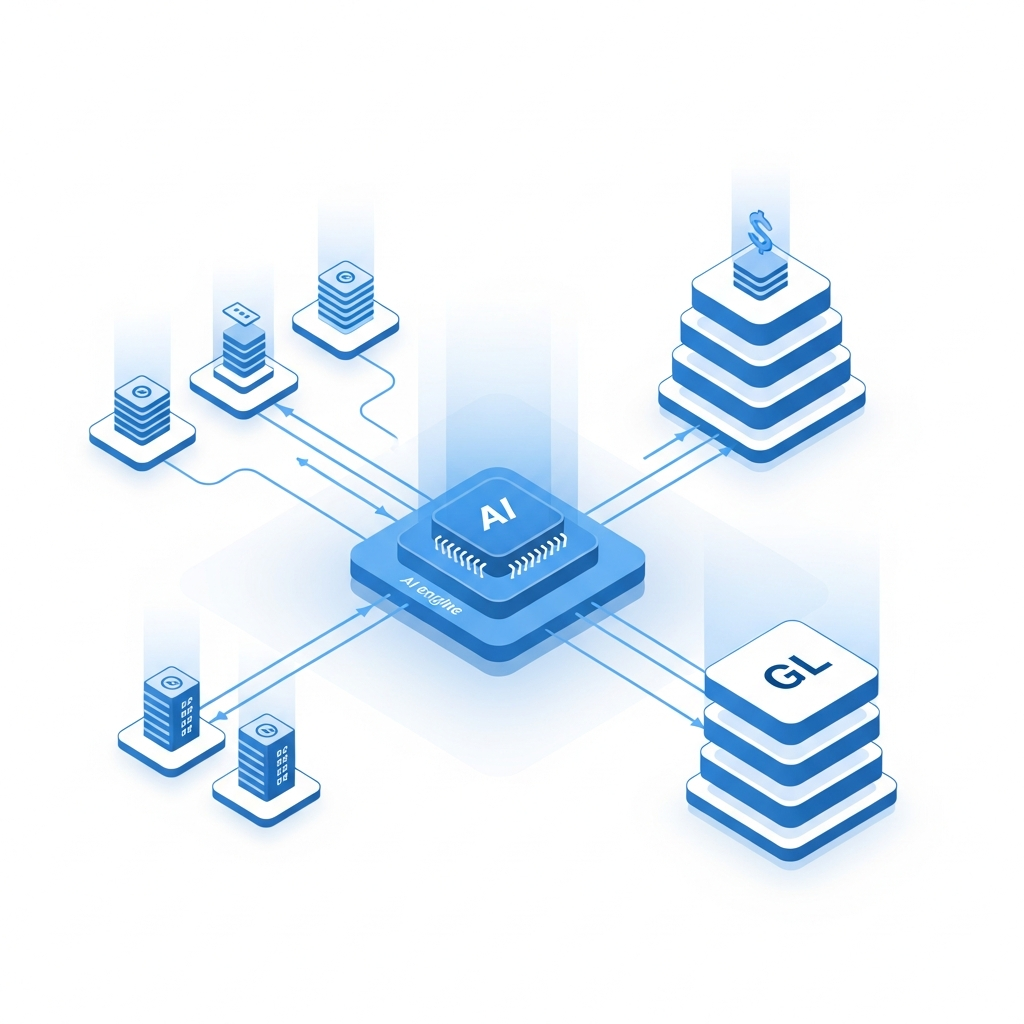
Truewind covers the execution layer that Sage Intacct leaves open across several workflows simultaneously, not just a single gap.
Three issues come up consistently with Sage users:
- No native bank feed for transaction coding, leaving teams to manually import and code transactions each period
- A rule engine that breaks on minor description variations, requiring constant rule maintenance to avoid miscoding
- Limited prepaid and deferred revenue scheduling tied to source documents
Truewind solves all three. It connects bank accounts and credit cards via Plaid and Finicity, classifies transactions using LLM-based fuzzy matching instead of rigid rules, and automates prepaid and accrual schedules from source documents. Every classification includes a confidence score and explanation before anything touches Sage.
The architecture matters here. Truewind reads and writes to Sage via API, respects every configured dimension (class, department, location, project, custom), and flags transactions already posted in Sage as excluded to prevent duplicates. Sage stays the system of record throughout. Learn more about Truewind's integration with Sage and how it works.
"We integrate with two things, QuickBooks Online and Sage Intacct, and we do those phenomenally well."
Most teams see value in week one from bank and credit card coding alone. Close checklist and reconciliation modules layer in from there.
Truewind also covers workflows that other tools on this list handle separately. The same interface that codes bank transactions runs close checklists, tracks reconciliation status, and surfaces variance analysis through flux reporting. Anomalies get flagged before close, not after. Workpapers come out audit-ready with evidence linked to each posting decision. For teams that would otherwise need a separate BI tool just to get flux visibility or a separate close tool just to track sign-offs, Truewind consolidates those into the same workflow already connected to Sage. AP coding, close orchestration, reconciliation, and reporting-level variance analysis run from one place without adding another vendor to manage.
Final Thoughts on Extending Sage Intacct
Your choice of Sage Intacct add-ons should map directly to where your team loses time during close. AP automation matters if invoice approval chains bottleneck. Close management tools matter if reconciliation sign-offs drag. Transaction coding matters if your team rebuilds GL entries every period. See how Truewind automates close workflow without replacing what Sage already does well. Build your stack around execution gaps, not feature lists.
FAQ
How does Truewind's Sage Intacct integration prevent duplicate transactions?
Truewind monitors what's already posted in Sage and automatically flags those transactions as "excluded" in its interface. The system matches on transaction IDs to catch duplicates even when team members code entries directly in Sage while others work in Truewind, preventing double-posting across both systems.
What Sage Intacct limitations do these add-ons solve?
Sage Intacct lacks native bank feeds for transaction coding, uses a rigid rule engine that breaks on description variations, and provides limited prepaid and deferred revenue scheduling. Add-ons like Truewind, FloQast, and Ramp fill these gaps by handling transaction classification, close orchestration, and automated schedule preparation that Sage doesn't cover natively.
Can I use multiple add-ons with Sage Intacct simultaneously?
Yes. More than 75% of Sage Intacct customers integrate two or more solutions because Sage is designed around a best-in-class philosophy. Sage handles the GL while specialized tools manage AP automation, close management, expense tracking, and reporting. The key is choosing add-ons that sync via API instead of requiring manual file uploads.
How long does it take to see value from a Sage Intacct add-on?
Most teams see immediate value from bank and credit card coding tools like Truewind in week one. AP automation tools like Ramp and Stampli typically deliver results within the first billing cycle. Close management platforms like FloQast and Numeric require one to two close cycles to build repeatable workflows and baseline metrics.
What's the difference between Planful and Jirav for FP&A?
Planful focuses on collaborative budgeting and workforce planning with multiple contributors working against the same model without version conflicts. Jirav builds integrated financial models by connecting Sage data with HR and CRM inputs for rolling forecasts tied to headcount and revenue drivers instead of static annual budgets.
Turn this into a close-ready workpaper
Start with sample files or upload your own statements to see how Truewind prepares review-ready workpapers and journal entries.