

Tuesday's close meeting starts with a question Sage Intacct can't answer: who still has the processor statement? The bank feed is in. The ledger is open. Yet your accountant is searching email, comparing CSV columns, and checking whether last month's coding still applies. By then, the month-end close feels broken, even though the GL is working exactly as designed.
The visible delay shows up at review. The actual delay begins earlier, where source files have to be collected, understood, mapped, reconciled, and turned into workpapers someone can approve. Adding another checklist won't repair that layer. You need a repeatable preparation process that carries prior accounting treatment forward, shows what changed, and puts exceptions in front of the accountant who owns the decision.
Key Takeaways:
- Trace close delays back to source collection and preparation, not just final review.
- Use prior workpapers and reviewer corrections as operating context for each new period.
- Define the expected workpaper before choosing what to automate.
- Treat exceptions as review items, not failures the system should hide.
- Keep Sage Intacct or QuickBooks Online as the system of record.
- Expand automation only after reviewers can trace and re-perform the prepared work.
Why the Month-End Close Feels Broken Before Review
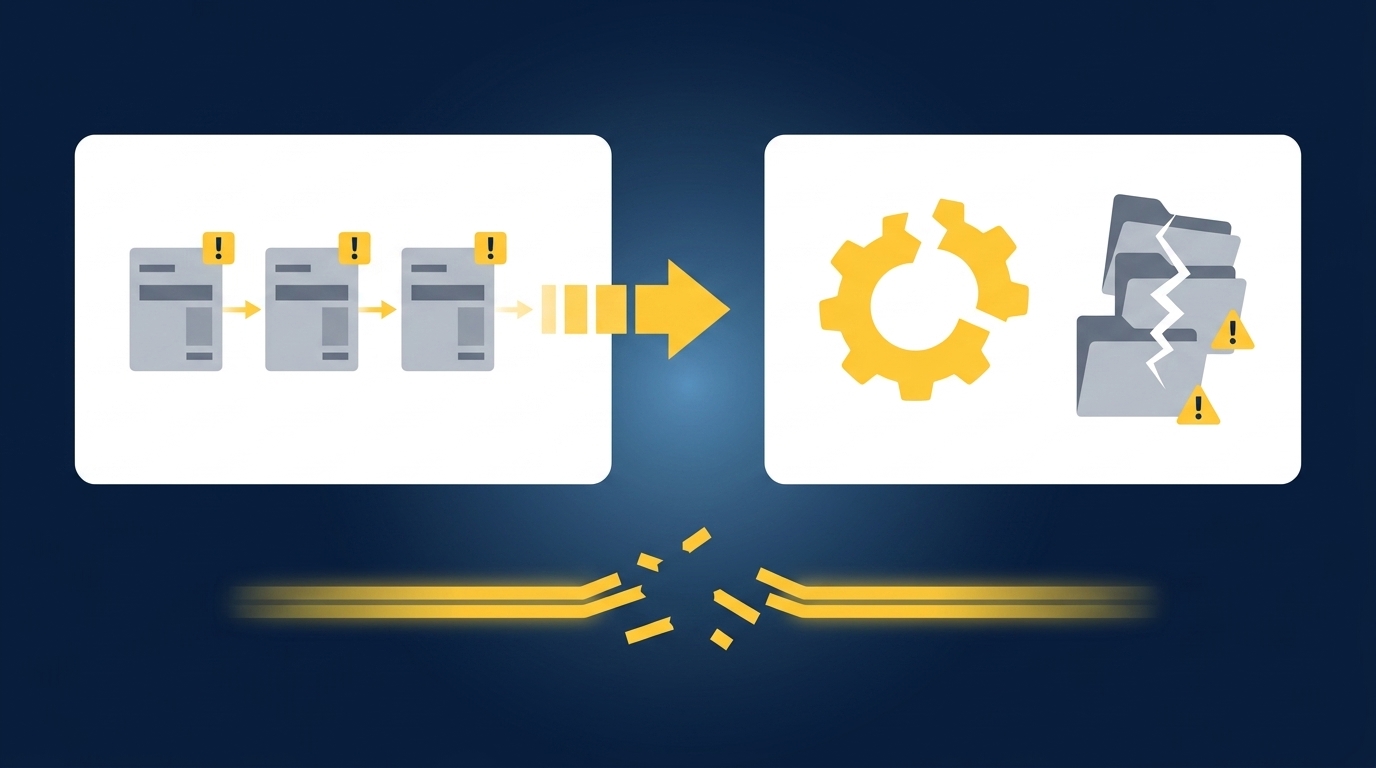
The close usually breaks before an entry ever reaches the ledger. Source files arrive in different formats, prior treatment lives scattered across workpapers and reviewer notes, and preparers rebuild the process from scratch each period. Review starts late because preparation never became a controlled workflow, not because the GL failed.
Manual Visibility Is Not Operational Control
Spreadsheets have real strengths. They're flexible, familiar, and easy to adjust when a custodian changes its statement or a donor platform adds a column. That matters. An accounting team can preserve a complicated process in Excel long after a rigid point tool has stopped fitting the work.
Familiarity can still hide risk. When mappings sit in formulas, cutoff decisions live in email, and reviewer corrections never make it back into the next rollforward, the team can see every file without seeing the process as a whole. Someone has to remember why a line was treated differently last quarter. If that person is on vacation the week of close, review turns into reconstruction, and a two-day reconciliation becomes a five-day one because the institutional memory walked out the door.
The Close Breaks Between Source and Ledger
One mid-market Sage Intacct team had already covered AP, payroll, billing, expenses, and its close checklist with purpose-built systems. Recurring prepaids, accruals, deferred revenue, and account reconciliations still ran through Excel. The remaining problem wasn't recording the final transaction. It was assembling support, rolling workpapers forward, checking dimensions, and explaining the prepared entry.
That pattern matters because an ERP records approved accounting output; it doesn't prepare every source file that feeds the output. A processor report may show gross settlements and fees while the bank shows net deposits. A custodian statement may combine trades, income, and fees under a layout that changed from the prior period. The work between those sources and the GL is where the close starts to break.
To inspect how a source-linked workpaper keeps that preparation visible, See Truewind in action.
Exceptions Belong in Front of the Accountant
Exceptions aren't a temporary flaw in accounting automation. A missing statement, an unexpected balance change, mixed personal and business activity, or a classification that conflicts with prior treatment requires judgment. Hiding the item may produce a cleaner queue, but it also removes the evidence a reviewer needs to make the call.
Clean API feeds are useful when the workflow is narrow and the accounting treatment is stable. That's a fair case for direct automation, and for a team pulling a single bank feed into a single account, it may be all they need. The close feels broken when a team applies that same assumption to PDFs, operational exports, prior workpapers, and transactions whose treatment depends on entity or fund context. The process needs a stopping point where uncertainty becomes visible.
A close built around silent completion asks the reviewer to trust what they can't inspect. A close built around visible exceptions gives the reviewer something concrete to approve. Which of those two does your current process actually run on?
How to Rebuild Close Preparation Around Reviewable Work
Repairing a broken close requires a preparation process that begins with known inputs and ends with a defined review artifact. Each recurring workflow should carry prior treatment forward, separate expected work from exceptions, and preserve the path from source to reviewer decision. Automation comes after those boundaries are clear.
Diagnose Where the Close Actually Breaks
Start with the first moment someone has to interpret or rebuild information. If the team spends review time searching for support, the problem is source completeness. If the source is present but coding changes by preparer, the problem is missing treatment rules. If every number ties but the reviewer can't explain the calculation, the workpaper is the problem. Each symptom points at a different fix, and treating all three as one generic close problem is why so many teams add a checklist that changes nothing.
Walk through one recent workflow from source receipt to sign-off. Don't begin with the close calendar; begin with the files and decisions. Ask who located each source, which prior artifact guided treatment, where dimensions were applied, and what caused the reviewer to send work back. The first manual reconstruction point is usually where preparation should become repeatable.
Use these questions to locate it:
- Can the preparer identify every required source before starting?
- Can the reviewer see which prior treatment was applied?
- Does the workpaper show the calculation behind the journal-entry draft?
- Are missing or unusual items separated from expected activity?
- Does a correction survive into the next period?
Choose a Workflow With a Known Answer
What should you automate first? Pick recurring work with stable boundaries, available source files, a prior approved workpaper, and a reviewer who knows what acceptable output looks like. A donation reconciliation, brokerage rollforward, processor settlement reconciliation, or prepaid schedule can fit because the team already has evidence of how the work should run.
The most impressive workflow is rarely the right starting point. A complicated multi-entity process may promise broad coverage, yet it also creates too many variables for the reviewer to isolate what worked. A bounded workflow produces a cleaner comparison between prepared output and the known result. Controlled iteration is slower than a turnkey promise. It is also how the team earns evidence it can use.
A practical rollout follows this order:
- Select one recurring workflow with prior-period support.
- Gather the source files, approved workpaper, and final entry.
- Reproduce the known treatment for the current period.
- Compare differences with the preparer and reviewer.
- Capture corrections before running the next period.
Make Prior Workpapers Part of the Process
A generic template starts from what two accounting teams have in common. A learned workflow starts from where they differ. Two organizations may prepare the same accrual schedule while using different cutoff rules, account mappings, dimensions, and reviewer conventions. Those differences aren't edge details. They are the accounting process.
Prior workpapers, entries, SOPs, and reviewer corrections should become inputs, not archive material. For each recurring account, identify the treatment that carried forward, the decisions that changed, and the exceptions that required review. The next period should begin from the last approved state rather than a blank workbook and someone's memory.
Treat the rollforward like a controlled accounting record:
- Preserve the prior approved balance and supporting schedule.
- Attach current-period source files to the same workflow.
- Carry forward confirmed mappings and dimensions.
- Record changed treatment as an explicit reviewer decision.
- Keep exceptions separate from established rules.
Define the Workpaper Before Automating the Task
A workpaper is the chain of custody for prepared accounting work. It connects the source to the calculation, the accounting treatment, the exceptions, and the reviewer's sign-off. Remove one link, and a clean journal entry can still leave the reviewer rebuilding how it was produced.
Before automating a reconciliation or schedule, write down what the reviewer expects to see. Name the source files, tie-out, calculation, account treatment, dimensional coding, open items, and approval action. Here is the test that saves teams weeks: if you can't describe the expected artifact in one page before turning on any tool, the automation boundary isn't ready. The system may generate an answer, but the accountant will still have to prepare the workpaper around it.
For a recurring reconciliation, the review package should answer five questions:
- Which sources describe the activity?
- How were records matched across those sources?
- Which fees, refunds, timing items, or allocations explain differences?
- What remains unreconciled?
- Who approved the treatment before posting?
If your team wants to test that source-to-sign-off path against a real recurring workpaper, Book a Truewind demo.
Route Exceptions by the Judgment They Require
Not every exception belongs in the same queue. A missing statement needs follow-up, an unexpected balance movement needs investigation, and a changed allocation rule needs accounting approval. Grouping all three as generic errors makes review longer because the accountant must first determine what kind of decision sits behind each item before touching it.
Route exceptions with the source and prior treatment attached. The reviewer should see what the current file shows, how similar activity was treated before, and which rule no longer fits. That context doesn't make the decision for the accountant. It removes the clerical search that has to happen before judgment can begin.
A useful routing rule is simple:
- If a required source is absent, stop preparation and request it.
- If totals don't reconcile, show the unmatched items and source records.
- If treatment conflicts with history, surface both treatments for review.
- If a new rule is approved, record the reviewer's decision for later periods.
- If the item affects policy or materiality, keep it with the accountant.
Expand Only After Review Becomes Repeatable
A successful first run isn't proof that a workflow is ready to expand. The reviewer needs to understand why the output matched, where it differed, and whether corrections were preserved. One good period may reflect a clean source file. Repeatability appears when the next period arrives with a changed layout or a new exception and the review surface still makes sense.
Expansion should follow evidence, not enthusiasm. Add another account or entity when the required sources are known, the workpaper format is accepted, prior corrections carry forward, and exceptions reach the right reviewer. If those conditions fail, hold the boundary where it is. More coverage won't repair an unclear process.
Use a review gate before expanding:
- Confirm the prepared output ties to source.
- Re-perform the key calculation from the workpaper.
- Check that dimensions and classifications match approved treatment.
- Verify that exceptions were surfaced rather than resolved without review.
- Confirm that reviewer corrections appear in the next run.
The close stops feeling broken when each period begins from approved work instead of reconstructed memory.
How Truewind Builds Reviewable Preparation Workflows
Truewind sits between recurring source files and Sage Intacct or QuickBooks Online. It applies the team's established accounting process, prepares the workpaper and related output, and routes exceptions to an accountant. The ledger remains the system of record, and nothing moves downstream without reviewer confirmation.
Historical Treatment Carries Into the Next Period
Historical-Example Learning records confirmed coding decisions, allocation choices, classification splits, and reviewer corrections against the recurring workflow. The current period can then be prepared using that captured treatment. Reviewers can inspect what changed, while policy decisions remain with the accounting team.
Workpaper Generation and Rollforward brings the prior workpaper, current-period source documents, and ERP balances into the same preparation flow. Balances roll forward, supporting schedules update, and any journal-entry draft remains tied to source. One customer described the broader change in direct terms: "If I had to describe Truewind in one word: Lifechanging". Another accounting firm put the mechanism more plainly: "Truewind automates a huge chunk of that busywork."
Those are customer descriptions, not a promise that every workflow produces the same experience. The fit depends on having recurring work, prior examples, and a reviewer who owns the result.
Reviewers See the Work and the Exceptions
Multi-Source Reconciliation matches activity across connected source exports using historical treatment, then prepares the reconciliation, supporting schedule, and required journal-entry draft. Unreconciled items stay visible. Proactive Anomaly Detection compares current preparation with the learned process and prior workpapers, then sends missing statements, unexpected changes, and inconsistent classifications to the reviewer with source context.
The Human-in-the-Loop Review Workflow keeps prepared work beside source links, exception queues, and reviewer actions. Accountants can confirm, adjust, or return an item to preparation. After sign-off, reviewed output can move to Sage Intacct or QuickBooks Online with coding and dimensions preserved. The product doesn't post on its own, and it doesn't replace the ledger.
To test the workflow with one recurring, example-rich close problem, Get a Truewind demo.
Build the Close Around Prepared Work
When the month-end close feels broken, the ledger is often the wrong place to start looking. Trace the work backward to the source files, prior treatment, workpaper structure, and exceptions that reached review too late. Then choose one bounded workflow and make its preparation repeatable.
The goal isn't autonomous accounting. It is a close where expected work arrives prepared, unusual items arrive with context, and the accountant keeps control of treatment and sign-off. Sage Intacct or QuickBooks Online remains the source of truth. The preparation layer makes the work ready to enter it.
Frequently Asked Questions
How do I handle edge cases effectively?
To manage edge cases in your month-end close, start by documenting the unique rules and exceptions that apply to your specific accounting practices. Use Truewind's Proactive Anomaly Detection feature to identify items that don't fit your established patterns, such as missing statements or unexpected balance changes. This feature helps route these exceptions to the appropriate accountant, ensuring they have the necessary context to make informed decisions.
Can I automate my month-end close process?
Yes, you can automate parts of your month-end close using Truewind. Begin by identifying recurring workflows that have stable inputs and prior approved workpapers. Truewind's Automated Data Ingestion can help you streamline the intake of various source documents, such as bank statements and credit card activity, turning them into structured workflows ready for accounting tasks. Keep in mind that while automation can reduce manual work, human review is still essential before posting to your general ledger.
What if my source documents are inconsistent?
If your source documents vary in format, Truewind's Automated Data Ingestion feature can help. It organizes messy financial data from different sources into a structured workflow, making it easier to work with. By standardizing inputs, you can reduce the time spent on manual data entry and ensure that your month-end close process starts with organized and consistent data.
When should I review exceptions during the close?
You should review exceptions as soon as they are identified in your month-end close process. Truewind's Proactive Anomaly Detection surfaces these exceptions, allowing your accountant to address them promptly. This way, you can ensure that any unusual items are visible and can be resolved before finalizing the close, preventing delays and ensuring a smoother review process.
How can I ensure my team follows the same accounting rules?
To maintain consistency in your accounting practices, use Truewind's Historical-Example Learning feature. This captures how your team has treated recurring preparation in the past, including coding decisions and reviewer corrections. By applying this historical treatment to current periods, your team can ensure that everyone follows the same rules, reducing variability and improving the reliability of your month-end close.
Turn this into a close-ready workpaper
Start with sample files or upload your own statements to see how Truewind prepares review-ready workpapers and journal entries.