

The close tracker says the reconciliation is complete. The reviewer opens the workpaper and finds a different story: one source file is missing, a processor export changed columns, and several items were coded using last month’s assumptions. The task moved to green because someone checked the box. The accounting work did not become review-ready.
A checklist can tell you what needs to happen and who owns it. It cannot determine what a new source file represents, apply the right dimensional coding, or explain why a current-period exception differs from prior treatment. Those decisions still happen in spreadsheets, inboxes, and reviewer comments outside the checklist. Making the list shorter does not make that preparation repeatable.
That is the basic reason faster close checklists fail. They manage the sequence of the close while leaving the work inside each task largely manual. If you want the close to change, you have to work on the preparation layer between the source documents and the GL.
A checklist cannot prepare the work
Most close checklists begin after the difficult part has already started. A task might say “reconcile processor activity,” but the person assigned to it still has to collect the processor report, compare it with the bank activity, identify fees and timing differences, apply the correct coding, and prepare support a reviewer can follow. The checklist tracks that process as one row. The accountant experiences it as a chain of accounting decisions.
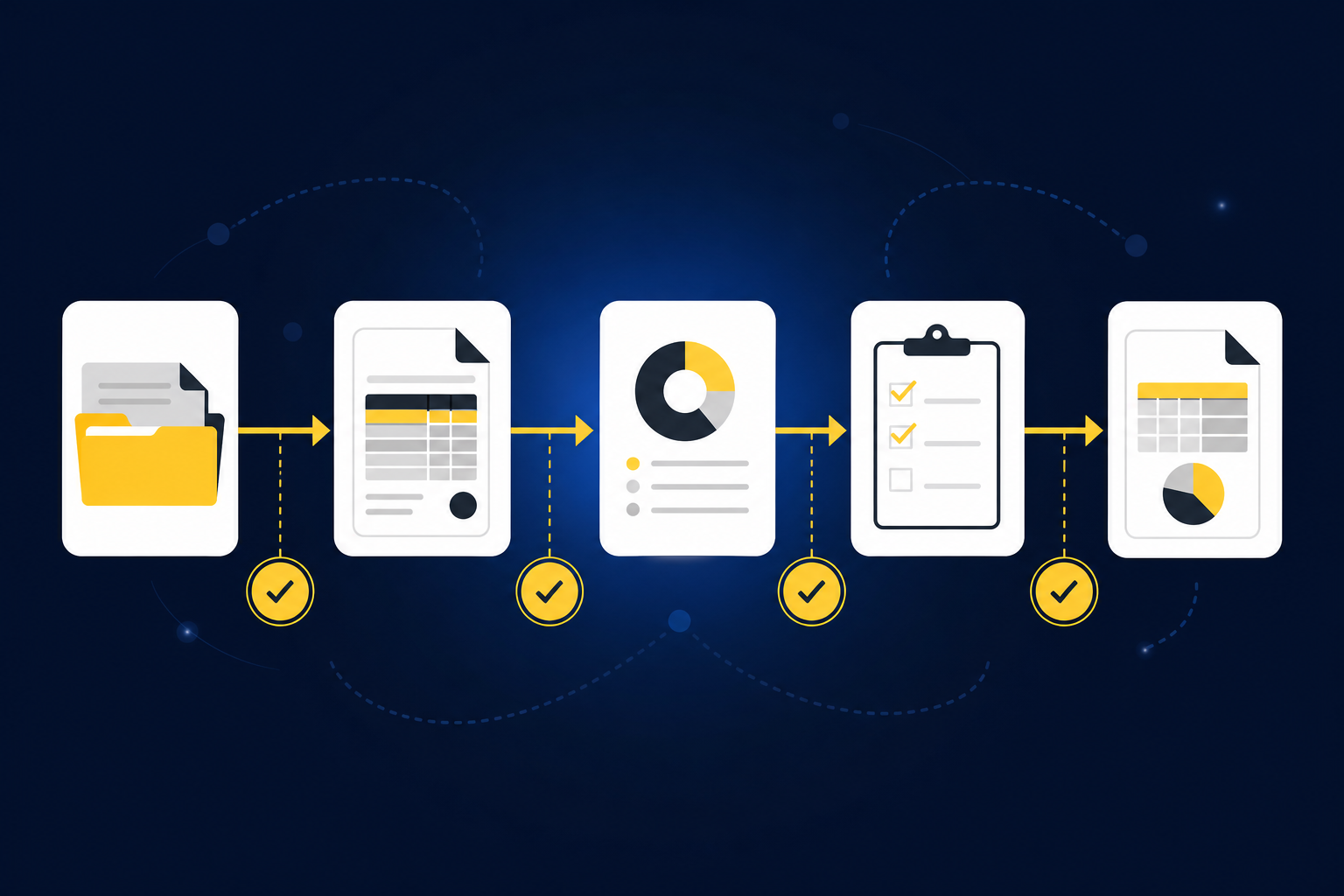
The same gap appears in recurring schedules. “Roll forward prepaids” sounds like a defined task, but completing it requires the prior workpaper, current-period invoices, the ERP balance, and the team’s existing amortization treatment. If any input is missing or the treatment changed, the preparer has to investigate before the schedule can move forward. Changing the due date or adding another subtask does not resolve the dependency.
Exceptions make the weakness more visible. A missing statement, an unexpected balance change, mixed personal and business activity, or an inconsistent classification should stop the normal preparation path and reach an accountant with the relevant source context. A checklist can flag the task as blocked, but it usually cannot identify the exception or package the evidence needed to resolve it. The reviewer still has to reconstruct what happened.
A faster close therefore needs more than task management. It needs a workflow that reads the source material, applies the team’s established treatment, prepares the expected workpaper, and separates ordinary recurring work from items that require judgment. To see how that preparation works before the checklist status changes, See Truewind in action.
The missing layer is accounting logic
Recurring accounting work is not generic. Two companies can prepare the same type of accrual schedule while using different cutoffs, account mappings, dimensions, and review conventions. Even inside one company, the correct treatment may differ by entity, department, fund, or account.
A checklist does not retain that logic. It may link to an SOP or prior workbook, but the preparer still has to interpret those materials and reproduce the treatment. When a reviewer corrects the work, the decision often stays in a comment, an email, or the final version of the spreadsheet. The next preparer has to find it and understand why it mattered.
Generic templates do not solve the problem either. A template can preserve column names and formulas, but it cannot assume that every processor settlement, brokerage statement, or donation export should receive the same accounting treatment. The useful context lives in prior approved workpapers, prior entries, SOPs, and reviewer corrections. Those materials show how the accounting team has handled the workflow, including where the standard process ends and judgment begins.
That distinction matters because clean-looking output can create more review work, not less. If a reconciliation ties but does not show which sources produced the totals, how timing differences were handled, or who approved the treatment, the reviewer has to re-perform the preparation. The task may be complete in the checklist while the underlying work is still not acceptable.
The better unit of automation is the recurring workflow. It starts with known inputs and a prior approved result, follows the team’s existing logic, and produces the artifact the reviewer already expects. The checklist can still manage ownership and deadlines. It just stops carrying responsibility for work it was never designed to perform.
What a repeatable preparation workflow needs
Replacing a spreadsheet with a generic AI prompt does not fix the close. The system has to preserve the accounting process around the spreadsheet, including source context, historical treatment, exceptions, and reviewer approval. Four requirements matter.
Start with the actual source files
Preparation begins with the materials the team already receives: bank statements, credit-card activity, payout reports, PDFs, spreadsheets, prior workpapers, and operational-system exports. Those files describe related activity in different structures. The processor may report gross sales and fees, while the bank shows one net deposit.
The work is not limited to pulling fields from those documents. The preparer has to determine what each file represents, whether the period is complete, how the activity maps to the ledger, and what changed from the prior period. A useful workflow retains the source files and carries their context into coding, reconciliation, and workpaper preparation.
Apply the team’s prior treatment
Prior workpapers are not just examples of formatting. They contain the account mappings, allocation choices, classification splits, and review decisions that define how the team runs the close. A repeatable workflow uses that history when preparing the next period rather than resetting to a generic default.
Reviewer corrections matter here. When the accountant changes a proposed category or adjusts an allocation, that decision should remain attached to the workflow and inform later preparation. The system can then reproduce established treatment while leaving policy changes and novel items with the reviewer.
One accounting firm described the effect on recurring categorization in direct terms: “Truewind automates a huge chunk of that busywork.” The customer was referring to its own experience, not a universal result. The next sentence makes the point more precisely: “It's not just about making bookkeeping simpler; it's about freeing up teams, and helping them focus on higher-value projects.” What moved was the preparation effort. Accounting judgment stayed with the team.
Prepare a workpaper, not an answer
A reviewer needs more than a proposed journal entry. The workpaper should show the source, the calculation, the accounting treatment, the exceptions, and the person who approved the result. Without that structure, the output is only a conclusion the reviewer has to verify from the beginning.
Reviewability also changes how exceptions are handled. The goal is not to force every item through the standard path. The workflow should identify what does not fit prior treatment and present it with enough source context for an accountant to decide. Exceptions are not evidence that the workflow failed. They are the point where automation should stop and judgment should begin.
When you want to examine how source-linked preparation and exception review fit around an existing close process, Book a Truewind demo and bring one recurring workpaper your team already reviews.
Require approval before the GL
Sage Intacct and QuickBooks Online should remain the systems of record. Preparation happens upstream, where source files are combined, mappings and dimensions are applied, totals are checked, and review support is assembled. Only approved output should move into the ledger.
That boundary is important. An accounting workflow should not change policy, resolve a novel exception, or post an entry without reviewer confirmation. The accountant owns the treatment and the final result. Automation prepares the work and records how it was prepared.
How Truewind fits between the source files and the ledger
Truewind is a preparation layer for recurring accounting work. It ingests the source files connected to a workflow, structures them for accounting preparation, and uses the team’s historical examples and captured corrections when proposing current-period treatment. The output is a workpaper, reconciliation, schedule, or journal-entry draft prepared for accountant review.
Multi-source reconciliation addresses activity that is described differently across systems. For a processor workflow, Truewind can align processor exports with bank activity, account for fees, refunds, and timing differences, and prepare a reconciliation tied to the underlying sources. It does not force unreconciled items to agree. Differences reach the accountant with their source context.
Workpaper generation and rollforward use the prior workpaper, current-period documents, and ERP balances to prepare the next period. Balances and supporting schedules are updated according to the team’s existing treatment, and any required journal-entry draft remains linked to its support. Truewind does not create accounting policy. The reviewer confirms the treatment, corrects the work where needed, and signs off.
Exception detection compares current-period preparation with the learned workflow and prior workpapers. Missing statements, unexpected balance changes, mixed activity, and inconsistent classifications become review items rather than disappearing inside a completed task. Reviewer decisions are captured so established treatment can carry into later periods, while new judgment remains explicit.
One approved customer example shows what that can feel like in a bounded transaction-coding workflow. The customer said, “Categorization is accurate, and we stopped having to double-check everything.” The same customer also said, “It's essentially perfect.” Those statements describe that customer’s experience with its workflow. They are not a promise that every accounting process will produce the same result, especially when source quality, historical examples, and review requirements differ.
After approval, Truewind can push structured output to Sage Intacct or QuickBooks Online with coding, dimensions, and source references preserved. Nothing posts without accountant confirmation. The ledger remains the system of record, and the workpaper remains the place where preparation meets review.
Start with a workflow the team can prove
The first workflow should not be the broadest or most impressive process in the close. It should be recurring, bounded, supported by known inputs, and easy for a reviewer to compare with a prior approved result. A processor reconciliation, prepaid rollforward, fixed-asset schedule, or recurring transaction-coding workflow can provide that shape when the source materials and review rules are already established.
Begin with the prior workpaper and the current source flow. Identify which mappings, dimensions, cutoffs, and classifications should carry forward. Then document the points where the workflow must stop for review, including missing support, changed rules, and items without a clear historical treatment. The goal is not to remove exceptions. It is to make them visible before the output reaches the GL.
Run the prepared output against a known answer. Review the differences, capture corrections, and confirm that the workpaper shows enough evidence for the reviewer to understand and re-perform the important steps. Expansion should follow only after the team sees that the workflow is repeatable and the review surface fits its control requirements.
The fit also has limits. A team without a recurring close, prior workpapers, or an accountable reviewer may not have enough process structure for this approach. A buyer seeking autonomous posting without approval is evaluating a different model. Truewind is built for established accounting teams that want preparation automated while keeping judgment and sign-off with the accountant.
If you have a bounded workflow with prior-period support and a reviewer who owns the result, Get a Truewind demo and use that workflow as the basis for the conversation.
Keep the checklist, change what happens underneath it
A close checklist still has a job. It coordinates owners, dependencies, due dates, and review status across the accounting team. The mistake is expecting it to standardize the preparation hidden inside each row.
A faster close becomes more plausible when recurring tasks begin with organized source materials and end with review-ready workpapers. Historical treatment carries forward. Exceptions reach the accountant with supporting context. Reviewer decisions remain attached to the workflow instead of getting lost between spreadsheets and email.
The checklist then records real progress. “Prepared” means the sources are present, the calculations are visible, the established treatment has been applied, and the exceptions are waiting for judgment. “Reviewed” means an accountant has inspected the work and approved what can move downstream.
That is a more useful division of labor. The checklist manages the close. The preparation layer does the recurring work between source and GL. The accountant owns the decisions that matter.
Frequently Asked Questions
How do I ensure my close checklist is effective?
To make your close checklist more effective, start by clearly defining each task and its dependencies. Ensure that the checklist tracks not just completion but also the quality of the work done. For example, instead of simply marking a task as complete, include notes on any exceptions or issues encountered. This helps maintain visibility on what's truly ready for review. Additionally, use a system like Truewind to automate the preparation of workpapers and reconciliations, ensuring that all necessary source documents are organized and ready for review.
What if my source files are inconsistent?
Inconsistent source files can create challenges during the close process. To address this, first, standardize your data intake process by using a tool like Truewind, which organizes raw financial data into structured workflows. Next, establish clear guidelines for how each type of document should be handled and coded. Finally, regularly review and update these guidelines based on past corrections and feedback to ensure your team can adapt to any changes in source documents.
Can I automate my accounting workflows?
Yes, you can automate parts of your accounting workflows by using tools like Truewind. Start by identifying repetitive tasks, such as transaction coding and schedule preparation. Implement automation for these tasks while ensuring that human review is still part of the process. This way, you maintain control over critical decisions while reducing the time spent on manual data entry and preparation. Remember, automation should enhance your workflow, not replace the necessary oversight.
When should I involve accountants in the review process?
Involve accountants in the review process at key points, such as after preparing workpapers and reconciliations. It's essential to have them review outputs before anything is posted to the general ledger. This ensures that all exceptions and unusual items are addressed with the necessary context. By keeping accountants engaged throughout the workflow, you ensure that their judgment is applied where it matters most, maintaining accuracy and compliance.
Turn this into a close-ready workpaper
Start with sample files or upload your own statements to see how Truewind prepares review-ready workpapers and journal entries.