
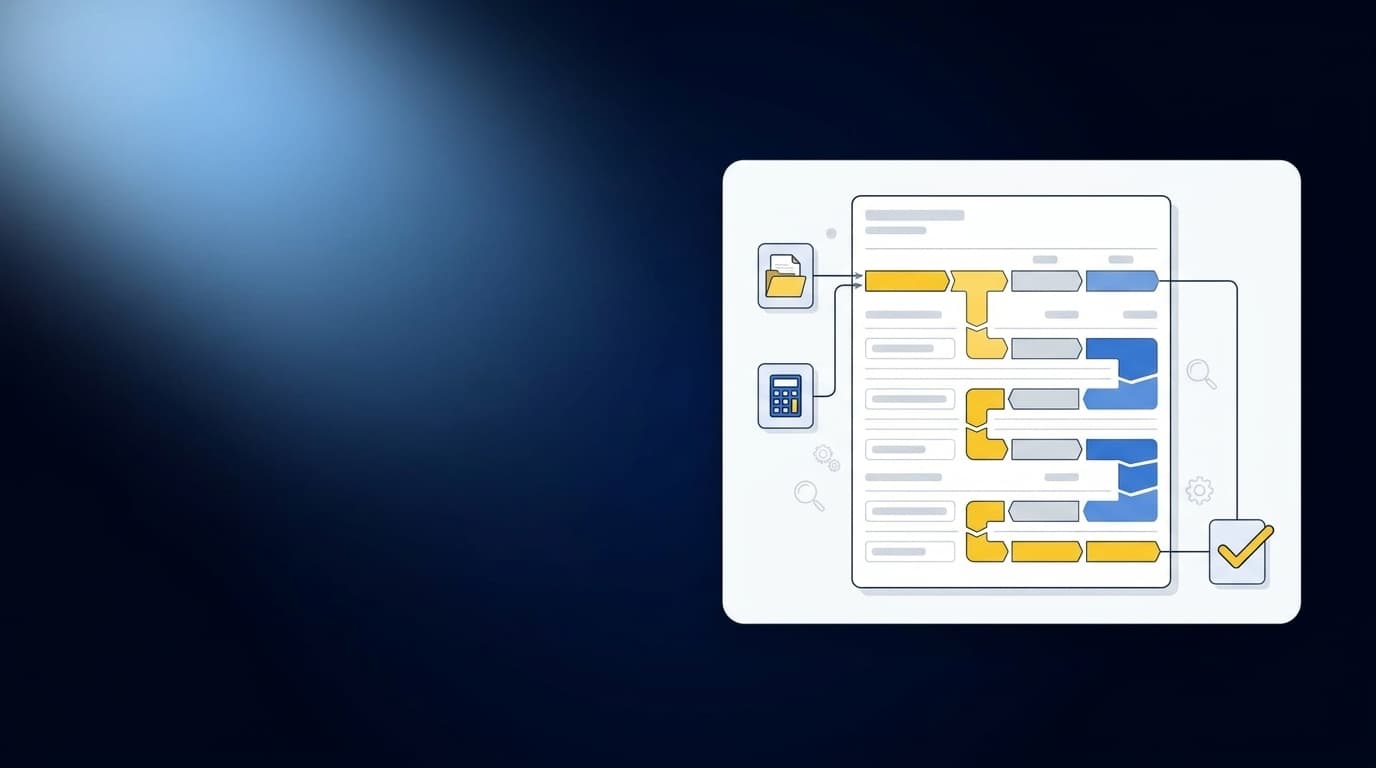
You tightened the due dates in your close checklist this week, but the donation reconciliation still arrived after review should have started. The checklist changed. The source work did not. That’s why faster close checklists fail: they schedule the close without changing the preparation work that feeds it.
A nonprofit close starts across donor platforms, processor reports, grant records, bank activity, and prior workpapers. Someone still has to assemble those sources, check completeness, apply fund and program classifications, explain differences, and prepare the artifact a reviewer expects. A shorter checklist can’t make that work disappear.
Key Takeaways:
- Treat source collection and preparation as part of the close, not work that happens before it.
- Require every checklist line to name its source, prepared artifact, reviewer, and exception path.
- Carry restriction, fund, grant, and program rules into the workpaper instead of leaving them in side spreadsheets.
- Reconcile donor, processor, and bank activity before coding the deposit.
- Route missing support and classification changes to the accountant rather than forcing a clean status.
- Use the checklist to verify prepared evidence, not remind someone to build it.
Why Faster Close Checklists Fail Upstream
Faster close checklists fail when they begin with accounting tasks but ignore the source work required to perform them. “Complete donation reconciliation” looks clear until the preparer has to find three exports, identify processor fees, preserve restrictions, and explain a bank timing difference. The due date describes when the work should end. It says nothing about how the work gets prepared.
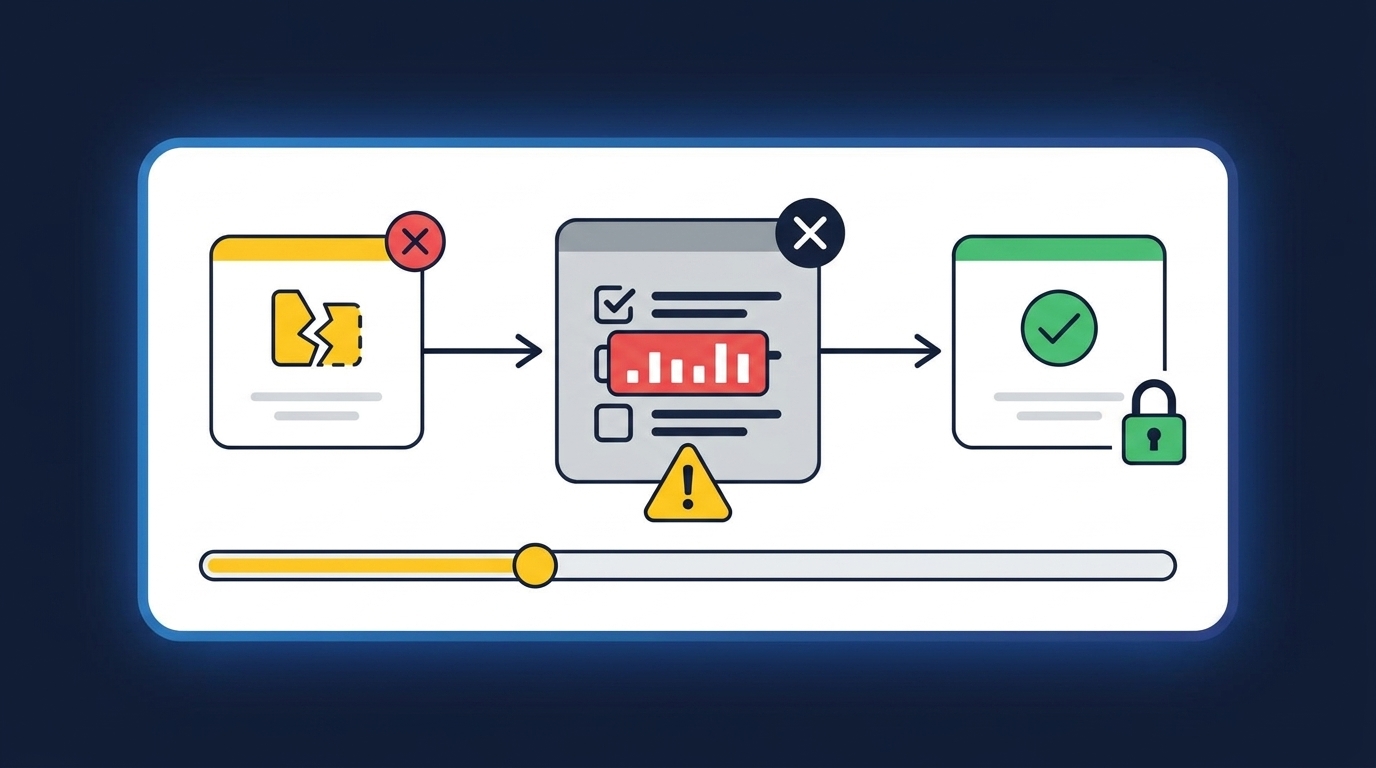
The Checklist Starts After the Real Work
A nonprofit accounting manager opens a donor platform export and finds gift detail by campaign. The processor report groups the same activity into payouts, fees, refunds, and settlement dates. The bank shows net deposits with none of the donor or restriction detail the workpaper needs. Before the manager can reconcile anything, those sources have to be aligned around the same underlying activity.
The close checklist usually reduces that sequence to one line. It doesn’t say which reports are required, how completeness is checked, which dimensions must survive, or what should happen when a payout crosses periods. By the time the task turns red, the manager is already rebuilding the evidence package. The delay appeared on the checklist, but it began in the source files.
A Green Checkmark Is Not Review Evidence
A completed task proves that someone changed a status. It doesn’t prove that the balance ties, the restriction was preserved, or the reviewer can trace the journal entry back to the donor and processor detail. Frankly, a green cell is weak evidence when the support still lives across downloads, email, and a preparer’s notes.
A checklist works like a routing slip attached to a package. It can show where the package should go and who should receive it, but it can’t pack the box or verify what belongs inside. Close control comes from the prepared workpaper: source, calculation, accounting treatment, exceptions, and reviewer sign-off in one place.
Nonprofit Exceptions Are Accounting Work
A missing processor report and a changed grant classification aren’t late versions of normal tasks. They require different responses. One may need source follow-up, while the other may require an accountant to confirm treatment before the workpaper can move forward.
Checklists often hide that difference by forcing both items into “not started,” “in progress,” or “complete.” The reviewer sees delay, not cause. A useful close process separates missing inputs from preparation work and judgment items, because each needs a different owner and escalation path. The path from donor export to reviewer sign-off should be the center of the conversation when you See Truewind in action.
Checklists are still useful. They sequence responsibilities, expose dependencies, and give the controller a view of close status. Their limit is just as important: the checklist has to stop being the place work is remembered and become the place prepared evidence is verified.
How to Build a Faster Nonprofit Close
A faster nonprofit close starts by defining what must be prepared before each reviewer task can begin. Every recurring workflow should have known inputs, explicit accounting rules, a standard workpaper, and a visible exception path. Once those pieces exist, the checklist can track real progress instead of waiting for preparers to assemble the process again each month.
Test Whether Each Checklist Line Can Be Prepared
A checklist line is useful only if another preparer could execute it without reconstructing the process from last month’s workbook. Start with a recurring line such as “reconcile online donations.” Then ask what a new preparer would need to collect, apply, produce, and escalate before a reviewer could sign off.
One customer conversation made the gap clear. A lean accounting team had a mature ERP, defined close ownership, and recurring workpapers, yet managers still had to take over when a preparer was unavailable because the operating logic remained inside folders and spreadsheets. The checklist named the work. It didn’t contain enough context to reproduce it.
Test each line with four questions:
- Can you name every required source? Include the donor export, processor settlement report, bank activity, prior workpaper, and relevant GL balance.
- Can you state the expected output? Name the reconciliation, support schedule, journal-entry draft, or rolled-forward workpaper.
- Can you show the accounting rules? Capture fund, program, grant, purpose, cutoff, and allocation treatment.
- Can you define the exception path? Identify what the preparer can resolve and what must reach the reviewer.
If any answer depends on “ask the person who did it last month,” the checklist line isn’t ready for a faster close. Start there.
Package Sources Before Preparation Begins
Close work gets delayed when source collection and accounting preparation share the same due date. The preparer opens the task, discovers that one processor export is missing, and spends the morning chasing support instead of reconciling activity. No amount of pressure on the reconciliation deadline fixes an incomplete source package.
Move source readiness into the workflow itself. Each recurring account should have a source manifest that names what should arrive, the period it covers, where it comes from, and how completeness is checked. A report that changes format may still be usable. A report that omits a payout period isn’t.
For each source, record:
- Expected file: The specific statement, report, or export required.
- Coverage period: The dates or activity window the source should contain.
- Completeness check: The total, sequence, or balance used to confirm nothing is missing.
- Downstream use: The workpaper lines, dimensions, or calculations the source supports.
- Missing-source action: The owner and reviewer notification required when it doesn’t arrive.
Clean bank feeds have real value, and some simple workflows may need little more. Nonprofit donation accounting usually carries context the feed can’t supply, including donor, campaign, grant, fund, and restriction detail. The source package has to preserve that context before reconciliation begins.
Carry Fund Rules Into the Workpaper
Where should restriction and allocation logic live? If the answer is a preparer’s memory or a tab that only one person understands, the close will keep slipping whenever volume changes or ownership moves. The rule belongs beside the source and calculation it governs.
Start from the last approved workpaper, not an empty template. Identify which classifications were confirmed, which splits were applied, what cutoff treatment the reviewer accepted, and where an exception changed the normal process. Prior treatment shouldn’t become policy by accident, but it should remain visible when the current period is prepared.
The workpaper also needs to show changes. If a gift moves from one purpose to another, or a grant requires a different allocation, the reviewer should see the current treatment beside the prior treatment and source support. That makes the change inspectable. It also prevents a new rule from spreading through future periods without approval.
That source-to-workpaper handoff is what to inspect when you Book a Truewind demo, because the prepared work should carry each confirmed rule into review rather than leave it in a side spreadsheet.
Reconcile Activity Before Coding the Deposit
The bank sees cash, while the donor platform and processor describe the activity that produced it. Coding the net deposit first strips away the details the reconciliation needs. A cleaner sequence starts with the shared activity across sources, then works toward the bank and GL.
Take one processor payout. The donor export may show gifts by fund and campaign, the processor report may show fees and refunds, and the bank may show one net settlement. The preparer has to connect those records, isolate timing differences, preserve dimensions, and identify anything that doesn’t match. Only then is the journal-entry draft ready to review.
The preparation order should be:
- Match donor activity to processor activity.
- Separate gross gifts, fees, refunds, and timing items.
- Tie processor settlements to bank deposits.
- Preserve the fund, grant, program, or campaign coding supported by the source.
- Surface unreconciled items instead of forcing the totals to agree.
Some organizations prefer to code deposits first because the bank activity arrives early and feels concrete. That’s a reasonable operating choice for simple receipts. Once a deposit represents activity across restrictions, processors, or settlement periods, early coding creates rework because the accountant has to restore context that was removed at the start.
Route Judgment Items Instead of Hiding Them
Exceptions aren’t defects in a close workflow. They are the points where accounting judgment belongs. A missing statement, unexpected balance change, new restriction, or inconsistent classification should interrupt normal preparation in a visible way.
The mistake is treating every exception as a preparer problem. Preparers can gather missing support and resolve known timing items, but they shouldn’t make unreviewed policy choices to keep a task green. If an item falls outside the approved process, the workpaper should show the source, prior treatment, proposed treatment, and exact question for the reviewer.
Route exceptions in this order:
- Identify the failed expectation. State what source, balance, or classification differs from the normal process.
- Attach the supporting evidence. Keep the relevant statement, export, or prior workpaper with the item.
- Separate fact from judgment. Show what can be established from source and what requires an accounting decision.
- Send the decision to the named reviewer. Avoid broad email threads that lose the treatment.
- Capture the confirmed treatment. Apply it to the current workpaper and retain it for the next period.
An exception queue does create another review surface, and that isn’t free. Reviewers still need to make the call. The gain comes from directing their attention to items that actually changed instead of asking them to recheck every prepared line.
Make Review a Reperformance, Not a Status Update
A reviewer should be able to open the workpaper and follow the preparation from source to proposed entry. Start with the reported activity, inspect the reconciliation and calculations, confirm the accounting treatment, review open exceptions, and sign off. If the reviewer has to reopen the preparer’s inbox to understand the work, preparation isn’t finished.
Reviewability also changes what “complete” means. A reconciliation isn’t complete because it balances after an unexplained plug. A journal-entry draft isn’t complete because the debits equal the credits. Completion means the reviewer can see where each number came from, why it received that treatment, what changed, and who approved the decision.
A polished output without that path can increase concern. It gives the reviewer less reason to question the total while making the work harder to re-perform. The approach may look faster on the checklist, yet the review burden simply moves into follow-up questions and reconstructed support.
Once the source package, accounting rules, exception path, and review artifact are defined, the remaining question is who prepares them each period without taking judgment away from the accountant.
How Truewind Prepares Work Before Review
Truewind prepares recurring accounting work from source files while keeping review and posting with the accountant. The platform structures inputs, applies confirmed historical treatment, prepares workpapers and reconciliations, and surfaces items that fall outside the learned process. Sage Intacct or QuickBooks Online remains the system of record, and approved output moves downstream only after reviewer confirmation.
Source-Linked Reconciliations and Workpapers
Multi-Source Ingestion brings the donor-platform export, processor report, bank activity, prior workpaper, and ERP balance into the same recurring workflow. Multi-Source Reconciliation then aligns activity across those systems using the team’s historical treatment. It prepares the reconciliation, supporting schedule, and any required journal-entry draft without forcing unreconciled items to agree.
Workpaper Generation and Rollforward carries the last approved work into the current period. Historical-Example Learning applies captured coding decisions, allocation choices, classification splits, and reviewer corrections while leaving policy changes with the accountant. One accounting-firm customer put the preparation benefit plainly: “Truewind automates a huge chunk of that busywork.” The same customer added, “It's not just about making bookkeeping simpler; it's about freeing up teams, and helping them focus on higher-value projects.”
Accountant-Owned Exceptions and Ledger Handoff
Proactive Anomaly Detection compares current preparation with prior workpapers and the confirmed process. Missing statements, unexpected balance changes, and inconsistent classifications appear with source context rather than being auto-corrected. The Human-in-the-Loop Review Workflow lets accountants confirm, adjust, or return prepared work, and the Audit Trail retains the sources and reviewer decisions behind it.
Dimensional and Allocation Preparation carries explicit fund, program, purpose, department, or other approved dimensions into the prepared output. After reviewer confirmation, the Sage Intacct or QuickBooks Online integration pushes structured output to the existing system of record. The platform doesn’t post on its own.
Customer language can be stronger than product language, so it needs context. One customer said, “Categorization is accurate, and we stopped having to double-check everything.” Another said, “If I had to describe Truewind in one word: Lifechanging” A different customer described the experience this way: “It's like having an entire accounting department at our fingertips - efficient, accurate, and effortless.” Those are individual customer observations, not a promise of autonomous accounting. The accountant still owns treatment, exceptions, sign-off, and posting.
Use your own recurring donation reconciliation and prior approved workpaper when you Get a Truewind demo, so the review starts from a process your team already knows.
Preparation moves earlier, while approval stays exactly where it belongs.
A Faster Nonprofit Close Starts Before Review
A faster nonprofit close comes from preparing the evidence before the reviewer opens the task. Source files need to be complete, classifications need to follow approved treatment, exceptions need visible owners, and the workpaper needs to show the path from activity to entry. The checklist can then track a real workflow instead of covering for one that still lives in spreadsheets and memory.
Checklists remain part of the control. They just can’t carry the whole close. The practical shift is to make each line point to prepared, source-linked work that an accountant can inspect and approve.
A faster close starts with prepared evidence, not tighter due dates.
Frequently Asked Questions
How do I ensure all source documents are ready before the close?
To make sure all source documents are ready before the close, start by creating a source manifest. This should list every expected document, the coverage period, and a completeness check for each item. You can use Truewind's Automated Data Ingestion feature to streamline the intake of these documents, ensuring they are organized and ready for accounting tasks. This way, you avoid last-minute scrambles and ensure that your preparers have everything they need to start the reconciliation process.
What if my team struggles with missing documents during the close?
If your team often faces missing documents, consider implementing a proactive approach. Use Truewind's Proactive Anomaly Detection to identify items that don't fit the learned process, such as missing statements or unexpected balance changes. This feature helps route these exceptions to the accountant with the necessary source context, allowing for quicker resolution. Additionally, establish a clear exception path in your workflow so everyone knows how to handle missing documents when they arise.
How do I improve the review process for prepared workpapers?
To enhance your review process for prepared workpapers, ensure that each workpaper is traceable back to its source. Truewind's Human-in-the-Loop Review Workflow allows accountants to inspect prepared workpapers and reconciliations alongside any exceptions. This setup ensures that reviewers can easily follow the preparation steps and understand the reasoning behind each entry. Make sure to capture reviewer corrections and confirmations to maintain consistency across periods.
When should I route exceptions to the accountant?
You should route exceptions to the accountant whenever there is a discrepancy that requires judgment. For example, if a classification doesn’t match the expected treatment or if there’s a missing document, these should be flagged. Truewind’s Proactive Anomaly Detection can help surface these exceptions automatically, ensuring they are routed with the necessary context for review. This way, your team can focus on resolving issues rather than getting bogged down in routine checks.
Can I automate transaction coding for recurring entries?
Yes, you can automate transaction coding for recurring entries using Truewind's AI-Powered Transaction Coding feature. This tool applies user-defined accounting rules and learns from prior corrections, which helps maintain consistency across periods. Start by defining your coding rules clearly, and then let Truewind propose categorizations based on your past practices. This not only speeds up the process but also reduces the variability that can occur with manual coding.
Turn this into a close-ready workpaper
Start with sample files or upload your own statements to see how Truewind prepares review-ready workpapers and journal entries.