
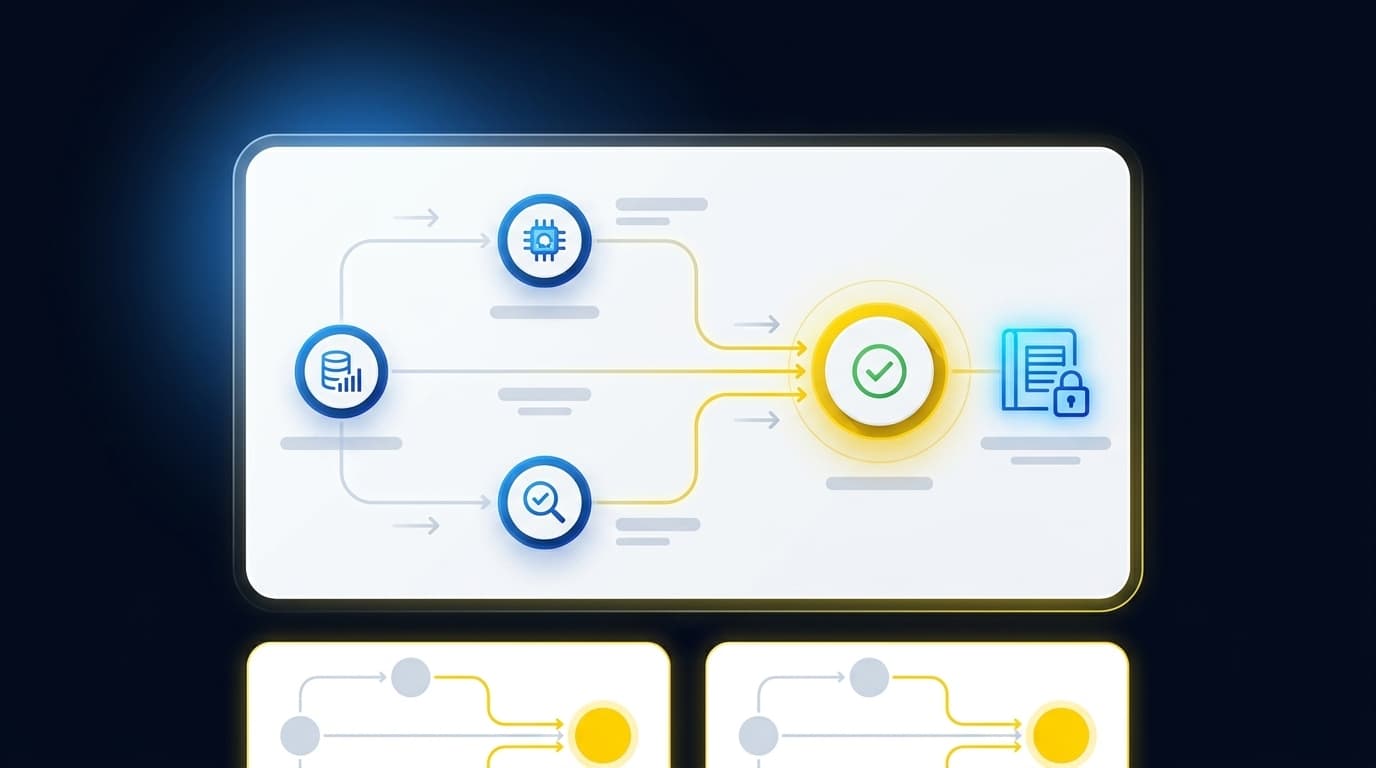
If your close process treats every PDF as a data-entry problem, your team solved the wrong problem this week. Controlled automation starts earlier: it determines what each source represents, applies the accounting process your team already uses, and leaves every exception with the reviewer who owns the result.
What controlled automation means in accounting is simple. The system prepares recurring work inside clear boundaries, while the accountant controls treatment, corrections, sign-off, and posting. A clean output isn't enough. Your reviewer needs a workpaper that shows how the output was prepared.
Key Takeaways:
- Treat source-file inconsistency as accounting work, not a separate extraction task.
- Keep the workpaper between automated preparation and reviewer judgment.
- Define control through visible sources, calculations, treatments, exceptions, and sign-off.
- Route missing or unusual items to the accountant instead of resolving them automatically.
- Start with a recurring workflow that has prior workpapers and a known answer.
- Keep Sage Intacct or QuickBooks Online as the system of record.
Why Manual Source Work Is Not Real Control
Manual source processing feels controlled because every file passes through a person. Yet the work remains spread across downloads, spreadsheets, email, reviewer notes, and the GL. Controlled accounting automation changes where control lives. Instead of relying on repeated human handling, it puts the team's rules and review points inside a traceable workflow.
Extraction Misses the Accounting Decision
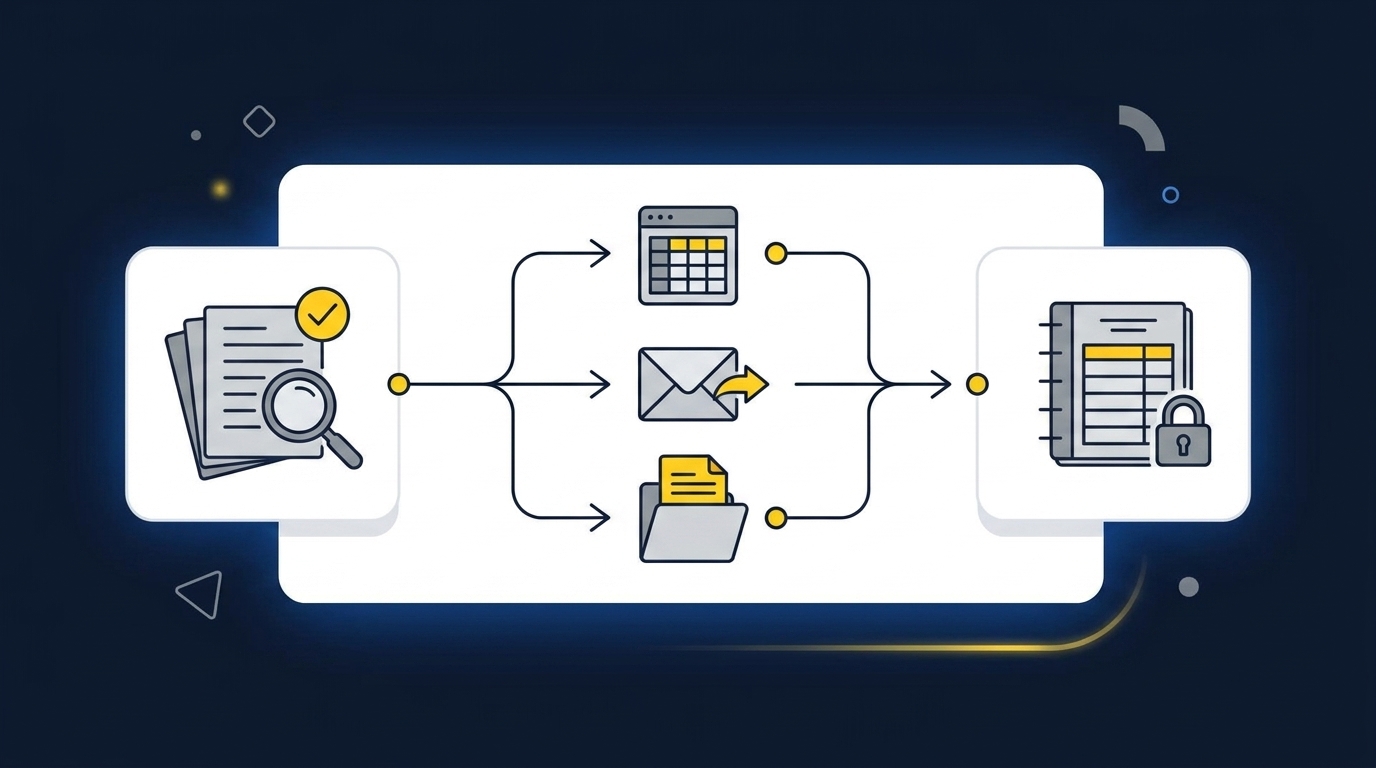
A processor report arrives with deposits, refunds, fees, and settlement timing in one export. The bank feed shows only the net cash. Someone still has to determine what the report represents, connect it to the bank activity, apply the right dimensions, and prepare the reconciliation. Reading the fields is only the first move.
OCR can turn a PDF into rows. It can't establish completeness, decide which historical treatment applies, or explain why an amount differs from the prior period. Those decisions belong to the accounting workflow, where they can be reviewed and corrected. Calling all of that data extraction understates the work.
Manual preparation has a real advantage: an experienced accountant can adapt when the source changes. That flexibility is why spreadsheets remain useful. The weakness appears when the adaptation stays inside one person's workbook or inbox, because the next preparer has to reconstruct the same judgment from scratch.
Clean-Looking Output Can Hide Weak Support
A polished journal-entry draft and a reviewable journal-entry draft aren't the same artifact. One gives you accounts and amounts. The other gives you the source, calculation, accounting treatment, open exceptions, and evidence of reviewer sign-off. Only the second tells your reviewer what happened.
Picture an accounting manager reviewing a brokerage rollforward late in the close. The balances tie, but the current statement layout differs from the prior month, and one investment vehicle appears under a new label. Without the source and historical treatment beside the calculation, the reviewer has to reopen both periods and rebuild the reasoning. The output looked finished while the review work remained undone.
The workpaper is the handoff surface between machine preparation and accountant judgment. If it carries only the final number, it resembles a journal entry with no support: compact, clean, and unusable when someone asks why. To inspect that handoff rather than another output screen, see the preparation workflow in action.
What Controlled Automation Requires Before the GL
Controlled automation requires a defined source set, explicit accounting rules, a reviewable workpaper, visible exceptions, and accountant approval before posting. Each requirement answers a different control question. Together, they explain what controlled automation means when the work has to survive close review, audit support, and the next period's rollforward.
Diagnose Where Your Control Actually Lives
Where does control live in your current process? If the answer is a preparer's memory, a spreadsheet formula no one wants to touch, or a reviewer comment buried in email, the process is visible without being repeatable. Familiarity can make that arrangement feel safer than it is.
Start by tracing one recurring workflow from source to GL. Don't begin with the journal entry. Begin with the first statement or export, then follow every mapping, calculation, exception, and approval until the entry reaches Sage Intacct or QuickBooks Online. Frankly, the gaps usually appear between those steps, not inside the ERP.
Use four questions to test the workflow:
- Can a reviewer identify every source file used?
- Can the reviewer reproduce the key calculation without asking the preparer?
- Are treatment changes and unresolved items visible in the workpaper?
- Can the team show who approved the output before posting?
If any answer is no, more review passes won't fix the underlying control gap. The workflow needs a stronger review surface.
Establish Completeness Before Applying Treatment
A nonprofit reconciliation may begin with a donor export, processor activity, and bank deposits that describe the same donations differently. A family office may need a custodian statement, an investment-vehicle statement, and an ERP balance for one rollforward. Preparation can't be controlled until the expected source set is known.
Completeness deserves its own checkpoint because a missing document changes every step that follows. Applying historical mappings to an incomplete source set can produce work that looks consistent and is still wrong. The accountant shouldn't discover the missing statement after reviewing the journal-entry draft.
Before coding or reconciliation begins, the workflow should:
- Identify the files expected for the period.
- Confirm which period, entity, account, or fund each file covers.
- Compare received files with the prior-period source set.
- Surface missing, duplicated, or changed inputs for review.
- Preserve each source beside the work it supports.
A single clean API feed may not need this level of source control. That's a fair exception. Once the workflow combines PDFs, exports, portal downloads, and bank activity, completeness becomes part of the accounting work itself.
Apply Historical Treatment Without Hiding It
Recurring accounting work should start from the team's known process, not a generic template. Prior workpapers, prior entries, SOPs, and reviewer corrections show how the team mapped accounts, applied cutoffs, split dimensions, and handled exceptions before. Controlled accounting automation uses that history as operating context.
History isn't policy by itself. A prior classification may be wrong, or the current-period facts may require different treatment. The point is to make the prior decision visible so the reviewer can confirm or change it, rather than forcing the preparer to rediscover it each month.
A useful workpaper shows both continuity and change. The reviewer should be able to see which treatment carried forward, which source changed, and where current-period facts broke the prior pattern. That is more useful than a confidence score because it gives the accountant something concrete to inspect.
The same principle applies across a CAS practice. Client workflows need a common preparation structure, but each client's mappings and review conventions still matter. Standardizing the review artifact makes sense. Erasing the client's accounting logic does not.
Make the Workpaper the Acceptance Test
The workpaper determines whether automated preparation is usable. A reviewer shouldn't have to move among a chat response, source folder, spreadsheet, and journal-entry screen to understand one balance. Source and reasoning belong beside the prepared output.
A practical acceptance test is simple: can another accountant review and re-perform the key work without asking the original preparer to explain it? If not, the workflow produced an answer rather than a workpaper. We would argue that distinction matters more than how polished the answer looks.
Every recurring workpaper should expose five elements in order:
- Source: The statements, exports, balances, and prior workpapers used.
- Calculation: The matching, rollforward, allocation, or reconciliation performed.
- Accounting treatment: The mappings, cutoffs, classifications, and dimensions applied.
- Exceptions: Missing inputs, changed patterns, and unresolved differences.
- Reviewer sign-off: The confirmation, correction, or return to preparation.
Those five elements define what controlled automation means at the point of review. They also give the next period a stronger starting point, because confirmed treatment and reviewer corrections don't disappear into email.
Route Exceptions Instead of Forcing Agreement
One missing statement changes the review question from treatment to completeness. An unexpected balance change may point to new activity, a source problem, or a valid event. Mixed personal and business activity requires a judgment call. None belongs in an automatic correction rule.
Exception routing isn't a temporary weakness in controlled accounting automation. It is the mechanism that keeps automation inside its proper boundary. Routine preparation follows the learned process, while items outside that process move to the accountant with their source context intact.
An exception queue should distinguish among:
- Missing or duplicated source materials
- Unexpected balance or activity changes
- Inconsistent classifications or dimensions
- Unreconciled items and timing differences
- Current-period facts that conflict with historical treatment
Your team may prefer to review every line during initial adoption, and that caution is reasonable. Once the workflow has reproduced the known result across periods, the review can focus more heavily on exceptions without giving up accountant ownership. If you want to evaluate that shift against one of your existing workpapers, book a workflow review.
Expand Only After Reproducing a Known Result
A recurring, example-rich workflow is the right starting point because the team already knows what acceptable output looks like. Donation reconciliations, brokerage rollforwards, processor settlement coding, and prepaid schedules all provide prior-period evidence. Open-ended accounting questions do not.
Begin with one workflow and compare the prepared output with the known answer. Review every difference. Capture corrections against the workflow, then run the next period using the confirmed treatment. Controlled iteration turns review into operating context instead of a one-time cleanup.
The adoption sequence should remain narrow:
- Select a recurring workflow with stable ownership and prior workpapers.
- Supply the current sources, prior workpaper, and relevant rules.
- Compare prepared output with the known treatment.
- Record reviewer corrections and unresolved exceptions.
- Expand only when the work remains understandable and repeatable.
A team seeking autonomous posting without reviewer approval won't like this model. That limitation is intentional. Controlled automation preserves the accountant's authority over policy, treatment, materiality, exceptions, and posting, which is exactly why the workflow can move closer to the GL.
How Truewind Makes Preparation Reviewable
The product applies controlled accounting automation between source systems and the ledger. It structures recurring inputs, prepares workpapers and reconciliations using historical treatment, surfaces anomalies with source links, and requires accountant review before approved output moves to Sage Intacct or QuickBooks Online. The GL remains the system of record.
From Mixed Sources to a Familiar Workpaper
Multi-Source Ingestion accepts recurring inputs such as bank activity, processor exports, donor-platform files, custodian statements, prior workpapers, and operational exports. Multi-Source Reconciliation then matches related activity using historical treatment and prepares the reconciliation, support schedule, and any required journal-entry draft. Unreconciled items remain visible for reviewer judgment.
Workpaper Generation and Rollforward brings the prior workpaper, current-period sources, and ERP balances into the same recurring workflow. Balances and supporting schedules roll forward according to the team's existing treatment. The platform doesn't invent policy or force totals to agree.
One accounting-firm customer described the preparation change plainly: "Truewind automates a huge chunk of that busywork." The same customer added, "It's not just about making bookkeeping simpler; it's about freeing up teams, and helping them focus on higher-value projects." Those statements describe one customer's experience, not a promised result for every workflow.
Exceptions, Review, and the Final Push
Proactive Anomaly Detection compares current preparation with prior workpapers and the learned process. Missing statements, unexpected changes, mixed activity, and inconsistent classifications move into review with source links. The Human-in-the-Loop Review Workflow then lets the accountant confirm, adjust, or send prepared items back before anything moves downstream.
Customer language can be stronger than language we would use ourselves. One buyer said, "If I had to describe Truewind in one word: Lifechanging". Another said, "It's essentially perfect." Those are individual statements, not universal claims. The more useful detail came from another customer: "Categorization is accurate, and we stopped having to double-check everything."
After reviewer confirmation, the native ERP integrations push structured output to Sage Intacct or QuickBooks Online with coding, dimensions, and source references preserved. Posting never bypasses the reviewer, and the platform never becomes the GL. To examine that source-to-sign-off sequence against your own close, Get a Truewind demo.
What Controlled Accounting Automation Preserves
Controlled accounting automation preserves the parts of close work that require human ownership while making recurring preparation repeatable. Sources stay attached to calculations. Historical treatment remains visible. Exceptions reach the accountant, and approved output reaches the existing GL only after sign-off.
The goal isn't an autonomous close. It is a close where your team spends less effort reconstructing routine preparation and more attention on the items that require judgment. The workpaper makes that boundary visible, period after period.
Frequently Asked Questions
How do I handle edge cases effectively?
To manage edge cases in your accounting workflows, start by defining clear rules for handling exceptions. Use Truewind's Proactive Anomaly Detection feature to identify discrepancies, such as missing statements or unexpected balance changes. This feature routes exceptions to the accountant with the necessary source context, allowing for informed decision-making. Additionally, ensure that your team regularly reviews and updates these rules based on past experiences to improve consistency and accuracy over time.
What if my source documents are inconsistent?
If you encounter inconsistent source documents, use Truewind's Automated Data Ingestion to streamline the intake process. This feature organizes various formats like PDFs and spreadsheets into a structured workflow, making it easier to reconcile data. Once ingested, apply AI-Powered Transaction Coding to categorize transactions based on your established rules, ensuring that your accounting practices remain consistent despite the variations in source documents.
Can I integrate Truewind with my existing ERP system?
Yes, Truewind integrates seamlessly with Sage Intacct and QuickBooks Online, which allows you to maintain your existing systems of record. After preparing your workpapers and reconciliations, you can easily push the reviewed output to your ERP system while preserving dimensional coding and source links. This integration ensures that your financial data remains organized and traceable, enhancing your month-end close process.
When should I review prepared workpapers?
You should review prepared workpapers after Truewind has generated them but before any output is posted to the general ledger. Utilize the Human-in-the-Loop Review Workflow to inspect each workpaper, ensuring that all calculations, sources, and exceptions are visible. This step is crucial for maintaining control over your accounting processes and ensuring that every entry is accurate and supported by documentation.
Why does my team need to preserve historical treatment?
Preserving historical treatment is essential for maintaining consistency in your accounting workflows. Truewind's Historical-Example Learning feature captures how your team has treated recurring preparation in the past, allowing you to apply those same rules to current periods. This not only enhances the accuracy of your financial reporting but also helps your team quickly adapt to new scenarios without losing the context of previous decisions.
Turn this into a close-ready workpaper
Start with sample files or upload your own statements to see how Truewind prepares review-ready workpapers and journal entries.