
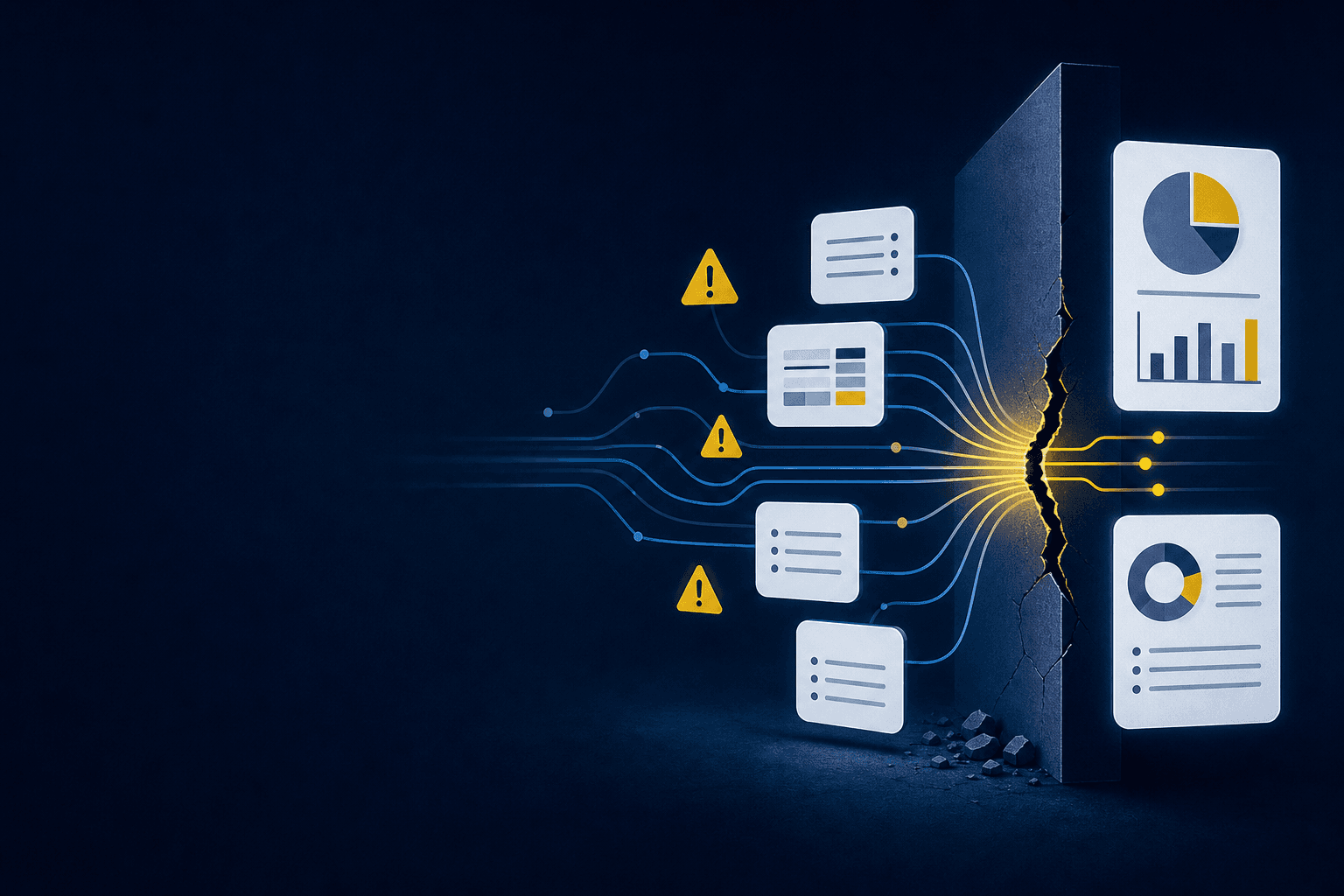
Which source produced the number in the AI-prepared reconciliation on your screen? If the workpaper can’t show the calculation and accounting treatment, the reviewer has to rebuild the work before signing off. That rebuild is the real cost of a clean-looking answer: the output arrives first, while its evidence has to be reconstructed afterward. AI becomes useful in the close when the reviewer can trace the work from source through approval.
That cost rarely sits in one task. It accumulates across source collection, file normalization, coding, reconciliation, reviewer questions, and corrections that disappear into email. Sage Intacct or QuickBooks Online can record the approved answer. Neither system prepares the evidence a reviewer needs to approve it.
Key Takeaways:
- Measure close work from source receipt through reviewer sign-off, not from journal entry creation.
- Treat the workpaper as the required output, not a spreadsheet attached after the answer is prepared.
- Start automation with one recurring workflow that has known inputs and a prior approved result.
- Keep exceptions visible and route them to the accountant with source context.
- Expand only after corrections carry forward and the reviewer can reproduce the prepared work.
Why the Real Cost of a Manual Close Stays Hidden
The real cost of a manual close sits upstream of the GL, where files are interpreted, mapped, checked, and turned into workpapers. Final posting may take minutes while preparation stretches across folders, spreadsheets, and reviewer follow-up. Measuring only the posting step hides the work consuming your accounting capacity.
Manual Touches Feel More Controlled Than They Are
In one anonymized prospect conversation, a lean accounting team mapped its close by entity, account, source file, preparer, and reviewer. The stack was already mature. Sage Intacct held the books, specialized systems covered major functions, and a close checklist tracked progress. Recurring preparation still lived in Excel.
Spreadsheets have real merits. They’re flexible, accountants know how to inspect them, and a preparer can adapt one without waiting for a software change. The cost appears when flexibility becomes undocumented logic: formulas shift, reviewer notes live elsewhere, and the next preparer has to infer why last period was handled a certain way. Familiar work can still be fragile.
Preparation Carries the Accounting Logic
A processor export doesn’t tell you how deposits should split across fees, refunds, timing differences, or dimensions. A custodian statement doesn’t decide which entity owns an item or whether the current-period treatment matches the prior workpaper. Those decisions sit between source and ledger, even when the final entry looks simple.
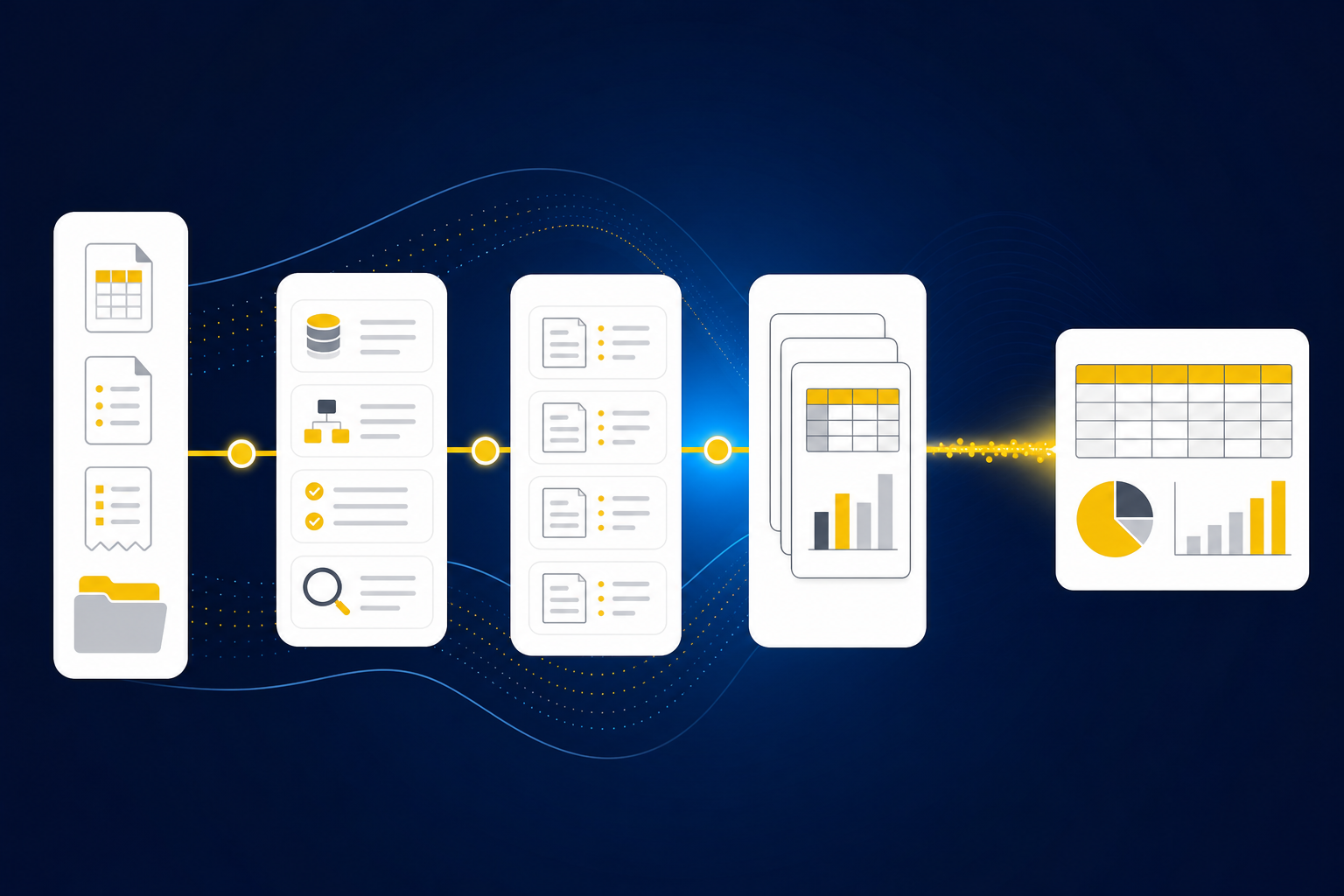
Think of the close as a chain of custody for accounting evidence. Each source passes through mappings, calculations, classifications, and review before it reaches the GL. If one handoff loses its explanation, a correct ending balance can’t repair the missing trail. The real cost of a spreadsheet-driven close is the effort required to rebuild that chain every period.
Exceptions Are Part of the Control
Missing statements, unexpected balance changes, and inconsistent classifications aren’t evidence that automation failed. They’re evidence that the workflow found something outside the expected process. Hiding those items creates a clean queue at the exact moment the reviewer needs more context.
A useful workflow separates prepared work from judgment work and gives the accountant both. Source links stay with the exception, the expected treatment remains visible, and nothing reaches the ledger without approval. A source-linked exception queue is easier to judge in the product than in a diagram, so See Truewind in action while you compare it with your own review path.
The question isn’t how many manual steps can disappear. It’s which steps can be prepared without weakening the reviewer’s view.
How to Measure the Cost Before the GL
Measure the real cost of a recurring close from the first source file through reviewer sign-off. Count repeated preparation, correction loops, missing support, and decisions that have to be rediscovered. Once the full unit of work is visible, you can choose a workflow that is bounded enough to automate and important enough to matter.
Diagnose Where Review Actually Begins
Where does your reviewer first apply judgment? If the answer is after a preparer has downloaded files, rebuilt a schedule, checked totals, and drafted an entry, most close work happened before formal review. The review start date on the checklist doesn’t capture that preparation.
Look at one recurring account and follow it backward from sign-off. Pay close attention to the places where someone leaves the workpaper to search email, open a prior-period folder, or ask how a classification was handled. Those detours reveal the real cost of a close more clearly than the final posting log.
Use these questions to inspect the workflow:
- Can the reviewer trace each prepared line to its source?
- Does a prior approved workpaper show the expected treatment?
- Are missing or unusual items separated from prepared work?
- Do reviewer corrections become context for the next period?
- Does the workflow stop before posting until approval is recorded?
A “no” doesn’t mean the account can’t be automated. It means the review design needs work first.
Define the Unit From Source to Sign-Off
A journal entry is too narrow a unit for close automation. The useful unit starts when the source arrives and ends when the reviewer approves the workpaper and any related entry. Everything between those points belongs in the workflow boundary.
For a donation reconciliation, that boundary may include a donor export, processor settlement reports, bank activity, fund coding, fees, timing differences, and the support schedule. For a brokerage rollforward, it may include the prior workpaper, custodian statement, entity treatment, current balance, and reviewer notes. Different sources. Same preparation problem.
Document the unit in order:
- Identify the recurring source files and expected arrival points.
- Record the mappings, cutoffs, dimensions, and classifications already used.
- Define the reconciliation or schedule the reviewer expects.
- List the conditions that require accountant judgment.
- Stop the workflow at reviewer approval before anything reaches the GL.
The real cost of a recurring workflow becomes measurable when the full boundary is named.
Choose a Known Answer Before a Hard Answer
The first workflow shouldn’t be the most unusual account in the close. Start with one that recurs, has stable source inputs, and has a prior approved workpaper the reviewer trusts. Controlled iteration works because the prepared output can be compared with a known result.
Not every workflow is ready. Ad hoc policy work, first-time transactions, and accounts with unresolved ownership questions make poor pilots because there’s no stable process to reproduce. That limitation matters. Automation earns trust by applying an understood process before it takes on a process the team is still defining.
Compare the pilot against four things:
- Source completeness
- Applied mappings and dimensions
- Calculations and accounting treatment
- Exceptions raised for reviewer judgment
If the same correction appears in consecutive periods, capture it as workflow context instead of leaving it in a review comment. The real cost of a pilot isn’t the setup alone. It includes every correction the team has to teach again.
Build the Review Surface Before the Output
A clean journal entry can be the least useful artifact in the close. Without the source, calculation, treatment, exceptions, and reviewer action, the entry asks the accountant to trust a finished number rather than inspect prepared work. Reviewability has to be designed before automation begins.
The workpaper should answer the questions a reviewer already asks. What source produced the balance? Which rules were applied? What changed from the prior period? Which items didn’t fit? Who confirmed the treatment? If those answers sit in separate folders or messages, the workflow has prepared an answer but not the review.
Require the review surface to contain:
- The current-period source material
- The prior approved treatment
- The calculation and proposed accounting treatment
- Visible exceptions with source context
- Reviewer actions and sign-off
If you’re testing whether a pilot can reproduce your known workpaper rather than merely produce plausible numbers, Book a Truewind demo around that exact workflow.
Separate Exceptions From Ordinary Preparation
Prepared work and exceptions shouldn’t share the same review path. Ordinary items should follow the team’s confirmed mappings and treatment. Anything outside that pattern should arrive in a separate queue with enough evidence for the accountant to decide what happens next.
An exception queue may look like more work at first. That’s a fair concern. Visible exceptions can make the close feel less finished than a spreadsheet where unresolved questions are buried in tabs. Yet the visible queue is the stronger control because it keeps uncertainty in front of the person who owns the treatment.
Route an item to review when:
- An expected source is missing.
- A balance changes outside the established pattern.
- Current classification conflicts with prior treatment.
- Personal and business activity appear mixed.
- A dimensional or allocation rule no longer fits.
Exceptions are not cleanup after automation. They are where automation hands judgment back to the accountant.
Measure Rework, Not Just Completion
A checked box says the workpaper was completed. It doesn’t tell you how many times the preparer reopened it, how often the reviewer rebuilt the calculation, or whether the same coding correction returned from last month. Completion hides the real cost of a process that has to be relearned.
Track the evidence of rework inside the workflow. Repeated reviewer corrections, missing support, unexplained changes, and entries returned to preparation all point to logic that hasn’t become repeatable. The goal isn’t to eliminate review. It’s to stop review from becoming a second preparation pass.
A controlled rollout follows a simple sequence:
- Reproduce one prior approved workflow using current-period sources.
- Compare the prepared work with the reviewer’s expected format.
- Capture corrections against the workflow, not in a separate inbox.
- Run the next period using those confirmed decisions.
- Expand only when the reviewer can trace and re-perform the work.
The real cost of a close falls only when preparation becomes repeatable without moving judgment out of the accountant’s hands.
How Truewind Makes Accounting Preparation Reviewable
Truewind applies this approach through bounded workflows that prepare recurring accounting work for human review. Source files, prior workpapers, historical treatment, and current ERP balances feed a reviewable output. Exceptions remain visible, the accountant owns approval, and Sage Intacct or QuickBooks Online remains the system of record.
Workpapers Carry Source and Treatment Forward
Workpaper Generation and Rollforward loads the prior workpaper, current-period source documents, and ERP balances into the recurring workflow. Balances roll forward, supporting schedules update, and any required journal-entry draft stays tied to its source. The platform follows the team’s established treatment rather than inventing a new policy.
Historical-Example Learning captures confirmed coding decisions, allocation choices, classification splits, and reviewer corrections. Those decisions become context for the next period while remaining available for inspection. A lead-generation customer described the review change in two sentences: “It's essentially perfect.” “Categorization is accurate, and we stopped having to double-check everything.”
Exceptions Stay With the Accountant
Proactive Anomaly Detection compares current preparation with prior workpapers and the learned process. Missing statements, unexpected balance changes, mixed activity, and inconsistent classifications are flagged with source links. The system doesn’t resolve those items or change accounting policy on its own.
The Human-in-the-Loop Review Workflow keeps prepared work and exception items in the accountant’s review surface. Reviewers can confirm, adjust, or return an item to preparation, and their decisions remain attached to the workflow. A marketplace customer captured the broader effect plainly: “If I had to describe Truewind in one word: Lifechanging”.
Approved Work Moves to the Existing Ledger
Multi-Source Reconciliation aligns systems that describe the same activity differently, such as a donor platform, payment processor, and bank. It prepares the reconciliation, support schedule, and any required journal-entry draft without forcing unreconciled totals to agree. Review comes first.
After sign-off, the documented native ERP integrations push structured output to Sage Intacct or QuickBooks Online with coding, dimensions, and source references preserved. The ledger stays where it is. Bring one recurring workpaper and its source set to Get a Truewind demo, then judge the prepared output by the same review standard your team uses now.
The product earns a place in the close only when the reviewer can see more, not less.
The Real Cost of a Close Is a Design Problem
The real cost of a manual close comes from rebuilding preparation logic every period and asking reviewers to reconstruct how the answer was produced. A better design starts with one recurring workflow, preserves the team’s existing treatment, exposes exceptions, and ends at accountant sign-off. Sage or QBO remains the source of truth. What changes is the work required before the approved entry gets there.
Frequently Asked Questions
How do I handle edge cases effectively?
To handle edge cases effectively, start by identifying the specific rules your team uses for categorization and classification. Then, use Truewind's Proactive Anomaly Detection feature to flag any discrepancies, such as unexpected balance changes or missing statements. This feature routes these exceptions to the accountant with the necessary source context, allowing for informed decision-making. Lastly, ensure that all edge cases are documented and reviewed to maintain consistency in future periods.
What if I need to reconcile multiple sources?
If you need to reconcile multiple sources, you can use Truewind's Multi-Source Reconciliation feature. This capability allows you to align activity across different systems, such as donor platforms and payment processors, ensuring that all relevant data is considered. Begin by uploading the various source documents into Truewind, which will prepare a review-ready reconciliation and support schedule tied back to each source. Remember, the system does not force totals to agree but surfaces unreconciled items for reviewer judgment.
Can I automate my recurring accounting tasks?
Yes, you can automate your recurring accounting tasks using Truewind. Start by defining the workflows for your recurring accounts, ensuring they are bounded and have stable inputs. Truewind's Workpaper Generation and Rollforward feature allows you to create repeatable workflows that incorporate prior workpapers and current-period source documents. This automation helps reduce manual effort while keeping your review process intact, allowing for a more efficient close.
When should I use historical data in my workflows?
You should use historical data in your workflows when preparing recurring accounts. Truewind's Historical-Example Learning feature captures how your team has treated past preparations, including coding decisions and reviewer corrections. By applying this historical context to current periods, you can ensure consistency in your workflows. This is especially useful for accounts with established patterns, as it helps maintain accuracy and reduces the need for rework.
Turn this into a close-ready workpaper
Start with sample files or upload your own statements to see how Truewind prepares review-ready workpapers and journal entries.