

Your team configured Sage Intacct correctly. The dimensional structure maps to how your business actually operates, and when transactions are coded right, reporting delivers exactly what you need. The drag comes from categorizing expenses in Sage Intacct without a native bank feed or fuzzy matching on merchant names. Rules that worked last month break this month because "United Airlines" posted as "UNITED AIR 1234," and now someone has to manually code transactions that should have matched automatically. For a single accountant managing six cards across multiple entities, that manual work compounds fast.
TLDR:
- Sage Intacct lacks native bank feeds, forcing teams to manually code transactions
- AI categorization reduces admin workload by 70% through fuzzy matching of vendor names
- Manual categorization costs $58 per report plus $52 to fix errors (19% error rate)
- Truewind automates Sage expense coding with API-level integration across all dimensions
- Top performers close books in 4.8 days vs. 10+ days for teams with manual workflows
Understanding Sage Intacct Expense Categorization
Expense categorization in Sage Intacct assigns GL codes, dimensions, and expense types to every transaction flowing through your books. Each transaction needs an account code, but in Sage that's only part of the picture. Dimensions like department, class, location, project, and payee all need to be populated too. Get this right, and your financial reporting reflects reality. Get it wrong, and you're chasing variances at close.
Where Sage Intacct stands apart from simpler accounting tools is its multi-dimensional chart of accounts structure. A single expense is travel assigned to the marketing department, under a specific project, booked to a particular location. That granularity is what mid-market finance teams and nonprofits actually need.
The problem is execution. Sage has no native bank feed the way QuickBooks Online does. Teams rely on manual uploads, rigid rules, or direct entry. One variation in a vendor description breaks a rule entirely. For a sole accountant managing six credit cards across multiple entities, that adds up fast.
Sage Intacct Dimensions and Expense Types
Sage Intacct organizes every expense across two layers: the GL account code and a set of dimensions that add context to that code. If the account code answers "what was spent," dimensions answer "by whom, for what, and where."

The standard dimensions in Sage Intacct include:
- Account/GL code identifies the chart of accounts entry that classifies the nature of the spend.
- Class groups transactions by business segment, fund, or reporting category depending on your configuration.
- Department ties spend to an internal team or cost center for departmental P&L reporting.
- Location tracks spend across offices, subsidiaries, or geographic entities.
- Payee records the vendor or individual associated with the transaction.
- Project links spend to a specific initiative, engagement, or job for project-level reporting.
- Custom dimensions extend the schema to fit your specific reporting structure.
Custom dimensions deserve particular attention. A nonprofit might track grant restrictions as a dimension. A family office might track entity ownership. No two Sage implementations look identical because of this flexibility.
How Expense Types Fit In
Beyond dimensions, Sage Intacct uses expense types to classify spend within its expense management module. Expense types map to GL accounts and carry default dimension values, so a properly configured expense type can pre-populate several fields automatically. Think of expense types as the template; dimensions are the detail that fills it out per transaction.
Why This Matters for Categorization
Every transaction needs the full dimensional picture to be useful. A $500 software charge assigned only to an account code tells you little. Assigned to the right department, class, and project, it feeds budget vs. actual, departmental P&Ls, and audit trails simultaneously. Incomplete categorization creates downstream problems at close precisely because that dimensional completeness is where the reporting value lives.
Manual Expense Categorization Challenges in Sage Intacct
Manual expense categorization in Sage Intacct creates a specific kind of drag on accounting teams. The system itself is well-structured, but the path from raw transaction to posted GL entry requires human intervention at every step.
Manual workflows require 10-15 hours monthly, with roughly 10 of those hours going toward correcting miscategorizations after the fact. That's rework built into the process by design.
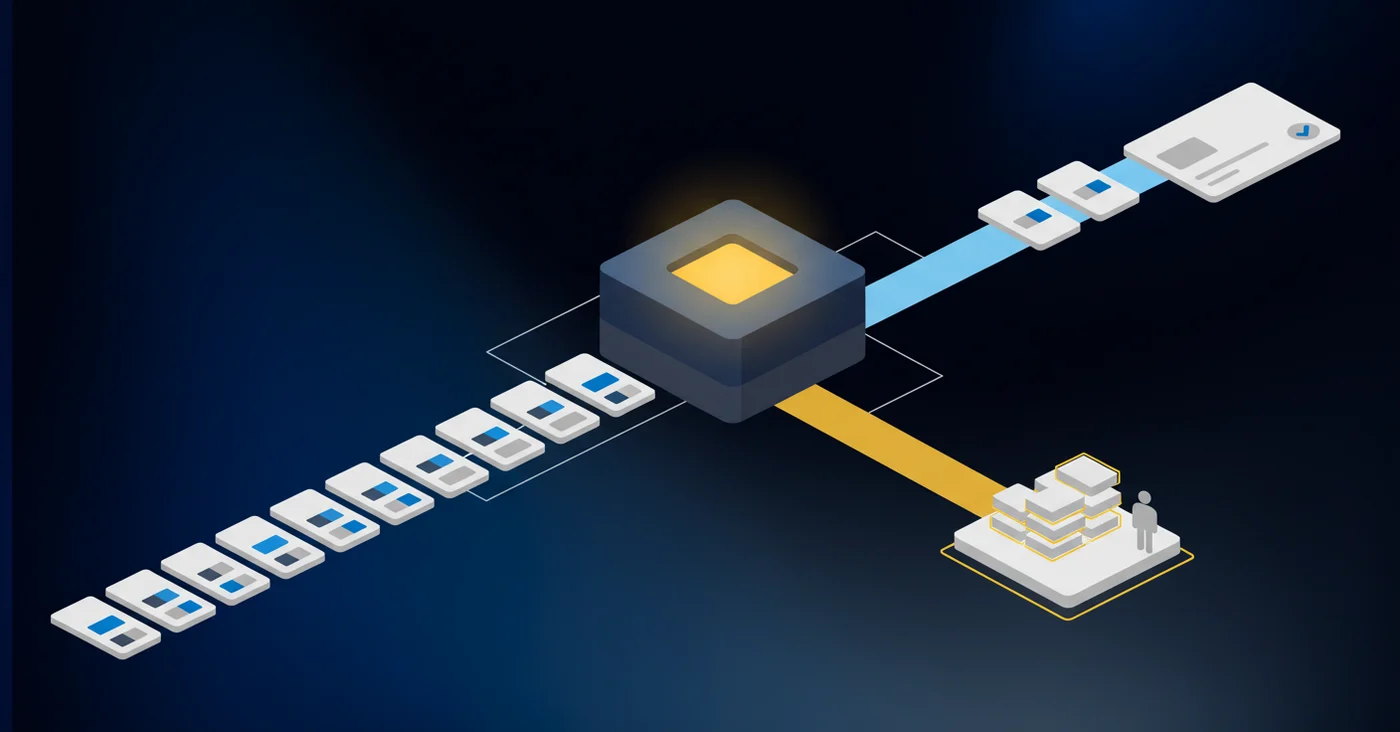
Where Sage's Rule Engine Falls Short
Sage's built-in rules match on exact or near-exact transaction descriptions. The failure mode is straightforward:
- One airline booking posts as "United Airlines" and another as "UNITED AIR 1234." Same vendor, same GL code, broken rule.
- A single accountant managing six credit cards across multiple entities isn't dealing with edge cases. Every rule failure is an uncoded or miscoded transaction sitting in a queue until close.
- The dimensional structure, chart of accounts, and reporting are all configured correctly. The bottleneck lives in the execution layer between raw bank data and posted entries, which Sage does not handle natively.
The Cost of Inaccurate Expense Categorization
The numbers make the case plainly. Expense reports cost $58 to process, and 19% contain errors costing $52 each. For a team processing 50 reports monthly, that's over $41,000 per year in correction overhead alone, before accounting for the close delays those errors cause.
The financial risk goes beyond rework costs. Miscategorized expenses distort departmental P&Ls, misrepresent budget vs. actual, and create audit exposure when GL entries don't match supporting documentation. In a multi-dimensional environment like Sage Intacct, a single wrong dimension can cascade across entity-level consolidations and grant reporting at the same time.
"Inaccurate expense categorization is a material financial risk. Miscategorized spend affects tax deductions, compliance filings, and audit readiness."
Missed GL codes on deductible expenses translate directly to overpaid taxes. Errors in grant-restricted spend for nonprofits can trigger compliance violations. And the close cycle absorbs all of it because someone has to find and fix miscategorizations before books can close, often under deadline pressure where the margin for review is already thin.
Sage Intacct Native Expense Management Capabilities
Sage Intacct covers expense management through two primary modules: Time and Expense, which handles employee expense reports, mileage, and per diems with configurable approval workflows and policy enforcement, and the AP module, which manages vendor invoices and payment runs. Both feed into the GL with full dimensional tagging.
Sage genuinely excels at structured reporting. Multi-entity consolidations, audit trails, and dimensional P&Ls are well-supported. Approval routing is configurable, and policy controls flag out-of-policy spend before it posts.
The gaps are worth knowing.
- No native bank feed means credit card and bank transactions require manual upload or direct entry.
- The rules engine applies categorization logic, but description variation breaks rules regularly.
- Brokerage account reconciliation falls outside what Sage's modules can handle.
- Prepaid and deferred revenue scheduling exists in limited form, stopping short of a true reconciliation workflow.
For teams with clean, structured expense report workflows, Sage's native capabilities hold up. For teams managing high-volume bank and card transactions across entities, manual work accumulates fast.
AI-Powered Expense Categorization for Sage Intacct
Sage's rule engine fails on real-world transaction data because rules are deterministic and transaction descriptions are not. AI classification takes a different approach.
LLM-based fuzzy matching reads the full context of a transaction: amount, merchant string, date, and historical patterns. "UNITED AIR 1234" and "United Airlines EWR" resolve to the same vendor and the same GL code. Startups using AI expense tools have reported up to 70% less administrative workload, and reimbursement cycles have improved up to 5x after adoption.
| Categorization Approach | Manual Rule-Based | AI-Powered Classification |
|---|---|---|
| Vendor Name Matching | Exact or near-exact match only; breaks when descriptions vary (e.g., "United Airlines" vs "UNITED AIR 1234") | Fuzzy matching handles merchant name variation without manual rule updates; resolves variations to same vendor automatically |
| Processing Time | 10-15 hours monthly with 10 hours spent on rework and error correction | Up to 70% reduction in administrative workload; reimbursement cycles improve up to 5x |
| Error Rate & Cost | 19% of expense reports contain errors at $52 per correction; total processing cost $58 per report | Confidence scoring surfaces low-certainty classifications for review instead of silent miscoding |
| Dimensional Assignment | Requires separate manual entry for each dimension (department, class, project, location, payee) | Assigns all Sage dimensions simultaneously in single pass using historical pattern learning |
| Adaptation to Change | Rules require manual updates when transaction descriptions change; no learning from past corrections | Model improves with each review cycle; seeds accuracy from existing GL data on day one |
| Close Cycle Impact | Bottom performers require 10+ days to close books due to rework queue | Top performers close in 4.8 days with pre-categorized transactions reducing correction overhead |
Three things separate AI categorization from rules:
- Fuzzy matching handles merchant name variation without manual rule updates.
- Confidence scoring surfaces low-certainty classifications for human review instead of silently miscoding them.
- Historical pattern learning seeds accuracy from existing GL data on day one, improving with each review cycle.
For Sage Intacct users, this applies across all dimensions. A well-trained model assigns department, class, project, and payee simultaneously.
Integrating Expense Management Tools with Sage Intacct
Not all Sage integrations are equal. Many tools claiming Sage Intacct compatibility connect via CSV export at best. That means manual downloads, manual uploads, and no real-time sync. Your GL stays stale until someone remembers to run the file.
A production-grade integration operates at the API level, reading your full chart of accounts, all configured dimensions, and currently posted entries. It writes classified transactions back to Sage as matched or posted entries. Sage stays the system of record throughout.
Four things distinguish a real integration from a shallow one:
- API read/write access versus file uploads, so classified transactions post directly without manual handling
- Full dimension mapping across account, class, department, location, payee, and project to preserve your existing structure
- Duplicate detection that checks what is already posted in Sage before writing anything new, preventing double-entries
- Bidirectional sync that keeps both systems current without manual intervention between close cycles
Automating Month-End Close with Better Expense Categorization
Close speed is a categorization problem more than a capacity problem. Of 2,300 organizations surveyed, bottom performers need 10+ days to close monthly books, while top performers finish in 4.8 days or less. The median sits at 6.4 days. The difference rarely comes down to headcount. It comes down to how much rework hits the queue during close.
When transactions are pre-categorized with accurate dimensions throughout the month, close becomes a review exercise instead of a recovery effort. No scramble to recode mismatched vendors. No hunting for the missing department tag on 40 credit card charges. Reconciliation runs against clean data.
For Sage Intacct teams, this is where categorization quality compounds. Accurate dimensional tagging during the month means entity consolidations, departmental P&Ls, and grant reports pull correct data at close without manual correction. The categorization work that happened in week two does not become a close problem in week four.
How Truewind Automates Sage Intacct Expense Categorization
Sage Intacct gives you a powerful GL. What it doesn't give you is an automated execution layer between raw bank data and posted entries. That gap is what we built Truewind to fill.
We maintain only two production-grade GL integrations: QuickBooks Online and Sage Intacct. A dedicated engineering team works on Sage exclusively, and we hold official Sage partner status. That focus matters. Other vendors call an Excel upload an integration. Ours is API-level read/write with full dimensional support across every account, class, department, location, payee, and project in your Sage instance.
Here is how it works in practice:
- Bank and credit card transactions pull in automatically via Plaid and Finicity, so your team never manually imports transaction files.
- AI classifies transactions with full dimensions , beyond the GL code, so entries arrive already mapped to the right department, location, and project.
- Classifications include confidence scores and explanations so reviewers know exactly why a transaction was coded a certain way before approving it.
- Transactions already posted in Sage are flagged as excluded before anything syncs, preventing duplicate entries from ever reaching your ledger.
- Approved transactions post directly to Sage via API with one click.
Sage stays your system of record throughout. We write to it; we don't replace it.
Final Thoughts on Improving Sage Intacct Transaction Workflows
Sage Intacct categorization quality determines whether your close takes six days or twelve. Your GL structure and dimensional configuration already support clean reporting, but the gap between bank data and posted entries is where rework accumulates. AI classification with full dimension mapping removes that bottleneck without changing your chart of accounts. Book a demo to see how transactions post to Sage with department, class, location, and project already assigned.
FAQ
How does Sage Intacct handle bank and credit card transactions natively?
Sage Intacct doesn't provide a native bank feed for transaction coding the way QuickBooks Online does, which means teams have to rely on manual uploads, direct entry, or rigid rule-based categorization that breaks when merchant descriptions vary even slightly.
What's the difference between dimensions and expense types in Sage Intacct?
Dimensions (like department, class, location, and project) add context to where and why money was spent, while expense types serve as pre-configured templates that map to GL accounts and can pre-populate default dimension values for faster entry.
Can AI categorization handle Sage Intacct's multi-dimensional structure?
Yes: LLM-based classification can assign all relevant Sage dimensions simultaneously (account code, department, class, project, payee, and location) in a single pass, without requiring manual entry for each dimension per transaction.
How long does it take to connect bank accounts to an automated categorization system?
Bank and credit card connectivity through Plaid and Finicity happens immediately upon connection, with historical GL data pulled at the same time to train classification models so accuracy starts high from day one.
What prevents duplicate transactions when using both Sage Intacct and an automation layer?
Production-grade integrations monitor what's already posted in Sage and automatically flag those transactions as excluded before any sync happens, so entries coded directly in Sage won't be re-posted even if they appear in the automation interface.
Turn this into a close-ready workpaper
Start with sample files or upload your own statements to see how Truewind prepares review-ready workpapers and journal entries.