

Your prepaid rollforward can tie to the GL and still fail review. A spreadsheet can carry the formula, but the reviewer still needs to see which invoice supports the balance and why amortization starts in that period. Prior workpapers and review conventions supply that logic. A prepaid expense schedule template is useful only when it preserves those decisions instead of forcing the team to rebuild them at every close.
A prepaid expense schedule template is useful only when it carries the source, calculation, accounting treatment, exceptions, and reviewer sign-off together. The spreadsheet itself isn’t the control. The control is whether another accountant can trace each balance, understand the treatment, and approve the entry without rebuilding the schedule.
Key Takeaways:
- Build the prepaid schedule around reviewer questions, not just the rollforward formula.
- Retain invoices, contracts, service dates, and approval evidence at the line level.
- Separate accounting policy from schedule mechanics so neither gets buried in spreadsheet formulas.
- Reconcile beginning balance, additions, expense recognition, and ending balance before drafting the journal entry.
- Route missing support, changed terms, and unusual balances to the reviewer instead of forcing the schedule to clear.
- Keep Sage Intacct or QuickBooks Online as the system of record after the prepared schedule is approved.
Why Prepaid Expense Schedule Templates Fail at Review
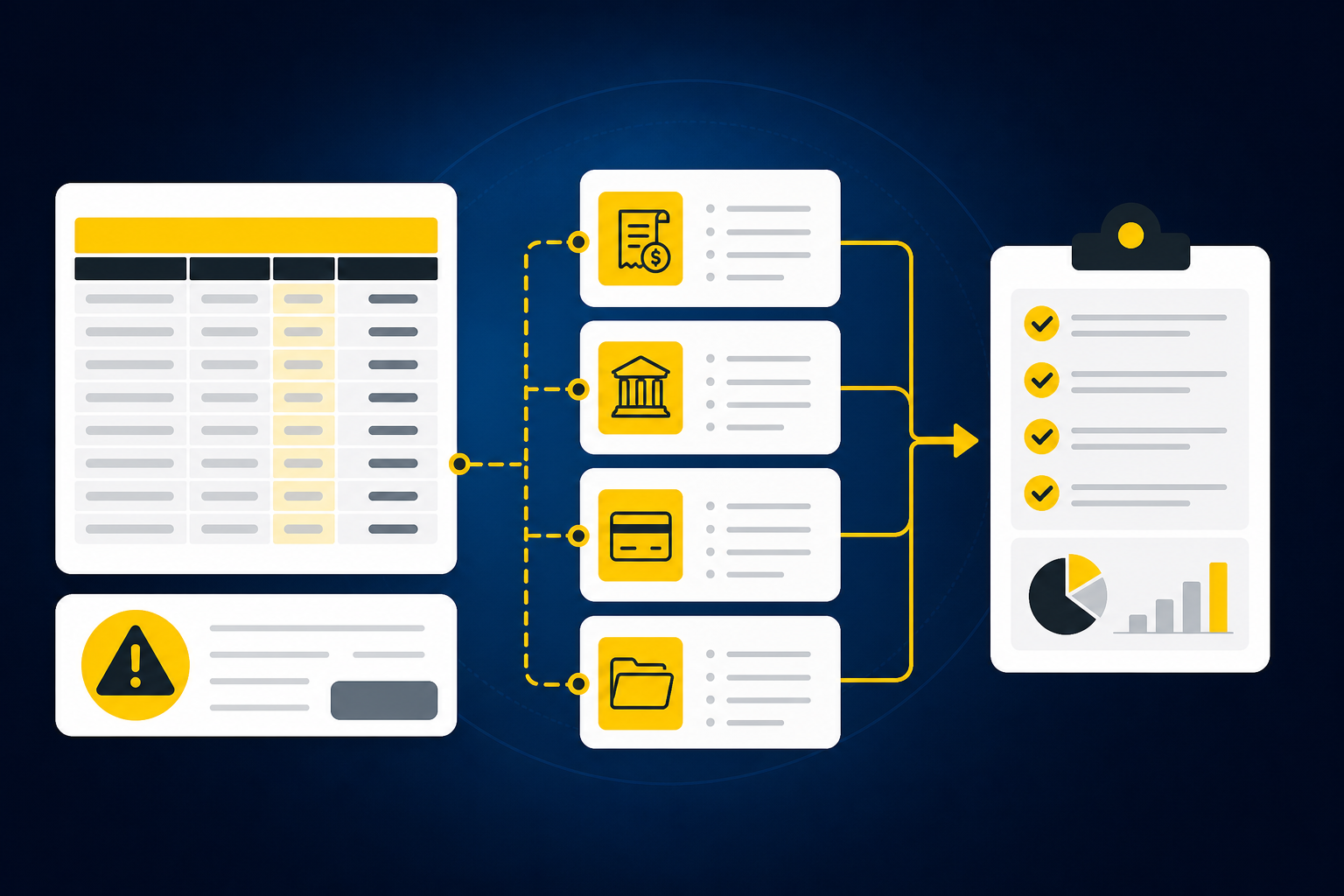
Prepaid expense schedule templates fail when they prove the ending balance without proving how each line got there. A formula can calculate monthly expense correctly while carrying the wrong service period, account mapping, entity, or cutoff. Review begins at the source document, not at the total row.
A Tied Schedule Can Still Be Incomplete
At 4:40 PM on close day, a staff accountant drops a $24,000 annual software invoice into the prepaid rollforward. The workbook divides the amount across twelve months, updates the current-month expense, and ties the ending prepaid balance to the GL to the penny. Then the controller asks one question during review: where did the service start date come from? The invoice shows only a billing date, and the governing contract is sitting unread in someone else’s inbox. The number is right. The support isn’t there.
Nothing in that scene means the preparer did poor work. The prepaid expense schedule template simply asked for less evidence than the reviewer needed. A schedule can foot, cross-foot, and tie while still leaving the accounting treatment unsupported.
Before approving a template, check whether each line answers five questions:
- What source document supports the asset?
- Which dates define the eligible service period?
- Which account, department, entity, or other dimension applies?
- What changed from the prior period?
- Who reviewed the treatment and the resulting journal entry?
A missing answer shouldn’t disappear inside a formula. It belongs in the exception queue.
Generic Formulas Hide Team-Specific Treatment
Two accounting teams can receive the same annual software invoice and prepare different schedules without either team making a mistake. One may begin recognition on the contract start date. Another may follow a documented convention for partial periods. Their account mappings, dimensional coding, capitalization rules, and review thresholds may differ as well.
That variation is why a generic prepaid schedule template rarely survives unchanged. The formulas are reusable. The accounting logic isn’t. A useful template makes the team’s treatment visible in dedicated fields or reviewer notes instead of relying on a preparer to remember how the prior workbook was built.
Spreadsheets have real strengths here. They’re flexible, familiar, and easy to adjust when a contract changes, which is a fair reason to keep them for a small, stable population of prepaids. The risk appears when that flexibility hardens into undocumented logic spread across tabs, hidden cells, and prior-period copies, where the next reviewer has no way to see the decision that produced the number.
If you want to inspect how source documents, schedule logic, and reviewer actions stay together, See Truewind in action.
The Review Surface Matters More Than the Layout
Think of a prepaid schedule as a bridge workpaper between the source document and the GL. If the bridge only shows the ending balance, the reviewer still has to climb down into invoices, contracts, emails, and prior files to confirm that it holds. A polished layout doesn’t reduce that climb.
Review-ready means the accountant can move in both directions. Starting with the schedule, the reviewer can reach the invoice and treatment. Starting with the GL balance, the reviewer can reach the supporting lines, current-period expense, proposed journal entry, and approval record.
Controllers aren’t primarily worried about a spreadsheet that is obviously broken. They’re worried about a clean schedule whose logic can’t be traced. The better question is not whether the prepaid expense schedule template works. It is whether the reviewer can prove why it works.
How to Build a Review-Ready Prepaid Expense Schedule
Build a review-ready prepaid expense schedule by connecting every rollforward line to its source, treatment, calculation, exception status, and approval. Keep policy choices visible and formulas repeatable. The schedule should prepare the journal entry while giving the reviewer enough evidence to confirm it.
Diagnose the Gaps Before Rebuilding the Template
Start with the review path, not the column order. Open the last approved prepaid schedule and select a line that required a correction or follow-up, then trace it from the source document through the schedule, journal entry, and reviewer note. Wherever the trail breaks, the template is relying on memory or off-workpaper evidence.
Four questions expose most structural gaps. Can the reviewer find the source without searching email? Can they see why recognition began in that period? Can they identify which rule or prior treatment informed the coding? Can they tell what the preparer changed after review? A single “no” points to a missing control surface, not merely a missing spreadsheet field. If two or more come back “no” on the same line, the workbook isn’t your problem; the process behind it is.
Run the diagnostic on these parts of the workflow:
- Source completeness: Confirm that every addition has an invoice, contract, or other approved support.
- Treatment visibility: Record the service period, account mapping, dimensions, and relevant policy choice.
- Calculation traceability: Show how the current-period expense and remaining balance were calculated.
- Exception handling: Separate unresolved items from ordinary schedule lines.
- Approval evidence: Retain who reviewed the schedule and what changed before approval.
A new workbook won’t fix a process that still stores treatment in someone’s head. Fix the trail first.
Build a Source Register Before the Rollforward
The source register should establish what entered the prepaid workflow before any amortization formula runs. For each addition, record the vendor, document identifier, invoice date, covered service period, amount, entity, and location of the supporting document. The goal is simple: no schedule line without a named source.
Completeness matters as much as extraction. An invoice may reference an agreement that defines the actual service dates. A renewal may replace a prior contract mid-period. Credit activity may change the asset after the original invoice was scheduled. If the source packet is incomplete, the line should stay visible as an exception rather than entering the prepaid expense schedule with an assumed answer.
A practical intake sequence looks like this:
- Collect current-period invoices, contracts, credits, and amendments.
- Match each document to an existing prepaid line or identify it as a new addition.
- Compare the source packet with the prior-period schedule and relevant GL activity.
- Flag missing service dates, unclear entities, or changed terms.
- Release complete items into schedule preparation and route the rest for review.
Stopping incomplete items at intake feels slower, and it is, on that one line, on that one day. In practice, the work already exists. The difference is whether it happens once in a visible queue or three times over: once during preparation, again during review, and a third time when audit support asks the same question six months later.
Give Every Line Enough Accounting Context
A useful prepaid expense schedule template treats each line as a small workpaper. The amount and monthly expense aren’t enough. The reviewer also needs to see what the asset represents, which period receives the expense, where the entry will post, and whether the treatment follows an established rule.
Keep the line-level structure readable. Dense workbooks often combine source details, formulas, policy choices, and review notes in the same cells because that layout grew over several closes. Pulling those elements apart makes the schedule easier to inspect without removing flexibility.
At minimum, each line should carry:
- Source fields: Vendor, document identifier, invoice date, support location
- Treatment fields: Service start, service end, recognition convention, account
- Dimension fields: Entity, department, location, fund, program, or other required coding
- Calculation fields: Original amount, additions, expense recognized, remaining balance
- Review fields: Exception status, preparer note, reviewer action, approval status
To test that line-level structure against a schedule your team already owns, Book a Truewind demo.
Separate Policy Decisions From Schedule Math
The schedule should calculate an approved treatment, not decide the treatment for you. Recognition timing, partial-period conventions, capitalization rules, and account selection belong to the accounting team. Once those choices are documented, the workbook can apply them consistently.
A basic formula may divide the capitalized amount across eligible periods, but the formula can’t establish whether those periods are correct. That answer comes from the source documents and the team’s policy. If contract terms change or a credit appears, the line needs review before the revised calculation flows into the journal entry.
Keep three layers distinct:
- Policy: The rule the accounting team has approved.
- Treatment: How that rule applies to the specific source document.
- Calculation: The formula that carries the treatment through the schedule.
Some teams prefer formulas that handle every possible edge case, and the appeal is understandable: one workbook, no exceptions to chase. Yet a formula that tries to settle ambiguous service dates or changed contract terms hides judgment inside workbook logic, exactly where the reviewer has the least visibility. Here is a rule of thumb worth keeping: if resolving a line requires reading the contract rather than reading the cell, it is an exception, not a formula input. Let formulas handle repeatable math and let accountants handle exceptions.
Reconcile the Rollforward to the GL
The prepaid rollforward should explain the full movement from the prior closing balance to the current closing balance. Beginning balance, additions, current-period expense, credits, disposals, and other adjustments need to connect without plugs. Any unexplained difference remains an exception until the reviewer resolves it.
Start with the last approved schedule, not an unreviewed working copy. Confirm that its ending balance equals the current schedule’s beginning balance. Then compare additions with source documents and GL activity, recalculate expense recognition, and tie the ending schedule to the prepaid GL account.
The reviewer should be able to follow this sequence:
- Prior approved ending balance becomes the current beginning balance.
- Supported additions and approved adjustments enter the rollforward.
- Current-period expense is calculated from visible service periods and treatment.
- The ending schedule is compared with the GL balance.
- The proposed journal entry explains the difference that should be posted.
No plug should be labeled “true-up” without an explanation. A true-up may be valid, but the schedule still needs to show which source, changed assumption, or prior error produced it.
Design the Journal Entry and Review Together
A prepaid schedule shouldn’t end with a total that someone rekeys into the ERP. It should prepare the journal-entry draft with the same accounts, dimensions, descriptions, and source references the reviewer just inspected. Re-entry creates another place for coding and amount differences to appear.
The review flow should separate prepared work from judgment items. Ordinary lines that follow approved treatment can move through a standard review. Missing support, changed terms, unusual balance movements, and new policy questions should remain visible until an accountant decides what happens next. Your team only reviews the exceptions in depth, while retaining sign-off over the full schedule and entry.
A final review should confirm:
- The schedule begins with the last approved ending balance.
- Each current-period addition has complete source support.
- Service periods and coding follow approved treatment.
- Exceptions have documented reviewer decisions.
- The schedule ties to the GL after the proposed entry.
- Nothing posts before reviewer approval.
The reviewer isn’t a final checkbox. The reviewer owns the accounting result.
How Truewind Prepares Review-Ready Prepaid Schedules
Truewind prepares prepaid schedules upstream of Sage Intacct and QuickBooks Online, which remain the systems of record. It combines prior workpapers, current-period source documents, and ERP balances into a review surface where accountants can inspect treatment, correct exceptions, and approve the output before anything moves downstream.
Source-Linked Schedule Preparation and Rollforward
Truewind’s prepaid and fixed asset schedule capability ingests source documents and the prior-period schedule, rolls balances forward, and prepares current-period support using the team’s existing treatment. Workpaper generation retains the link between each schedule line, its source, its calculation, and any journal-entry draft. It doesn’t invent accounting policy or resolve unclear treatment without the reviewer.
Historical-example learning carries confirmed treatment and reviewer corrections into later periods. That matters because recurring accounting work isn’t generic. A prepaid expense schedule template for one team may use different account mappings, dimensions, cutoffs, and recognition conventions from another team, even when the source document looks similar.
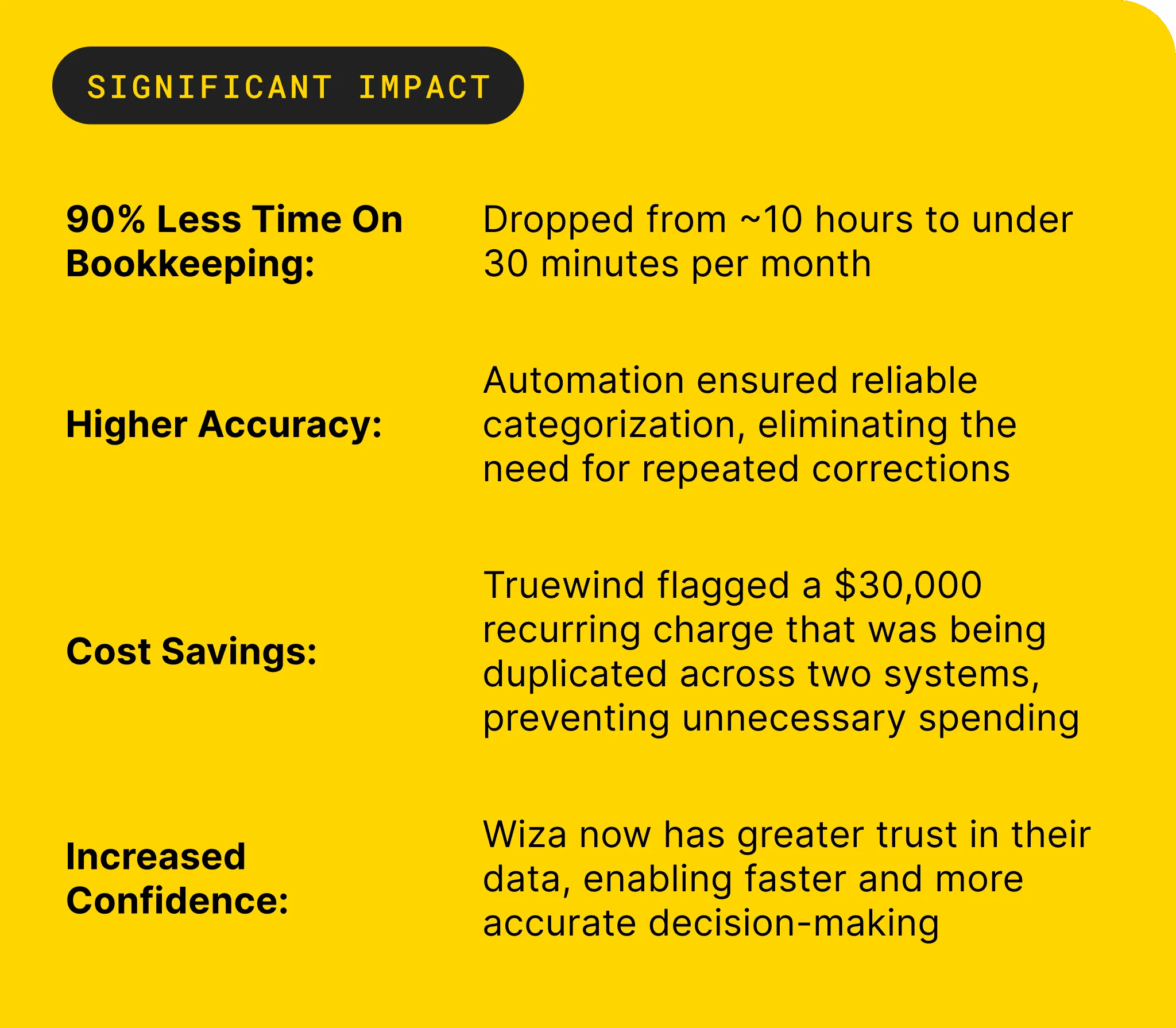
One accounting firm described the capacity effect plainly: “Truewind automates a huge chunk of that busywork.” The same customer conversation went further: “It's not just about making bookkeeping simpler; it's about freeing up teams, and helping them focus on higher-value projects.” Those statements describe one customer’s experience, not a promised result for every accounting team.
Accountant Review Before the General Ledger
Truewind presents prepared schedules, journal-entry drafts, source links, and exceptions in a human review workflow. Accountants can confirm the work, adjust it, or return an item for further preparation. The audit trail retains the sources, coding decisions, corrections, and reviewer actions associated with the workflow.
Approved output can then move to Sage Intacct or QuickBooks Online with coding and dimensions preserved. Keep Sage or QBO as your source of truth. Truewind doesn’t replace the ledger, post without reviewer confirmation, or settle exceptions on its own.
A customer discussing recurring categorization said, “Categorization is accurate, and we stopped having to double-check everything.” Another customer opened with, “Truewind has been amazing.” Both are customer-specific observations. The mechanism underneath them is the part that matters here: preparation follows captured rules, exceptions stay visible, and the accountant approves the result.
If that review path matches the controls your close already requires, Get a Truewind demo.
What a Strong Prepaid Workflow Preserves
A strong prepaid workflow preserves more than the ending balance. It keeps the source document, service period, accounting treatment, calculation, exceptions, journal-entry draft, and reviewer decision connected. That is what turns a prepaid expense schedule template from a recurring spreadsheet into a reviewable accounting process.
Automation belongs in the preparation work between source files and the GL. Judgment stays with the accountant. When the schedule carries enough evidence for the reviewer to trace and re-perform the work, experienced staff can spend less of the close rebuilding support and more of it investigating changes, improving controls, and explaining the numbers.


Frequently Asked Questions
How do I handle edge cases effectively?
To manage edge cases in your prepaid expense schedule, start by clearly documenting any exceptions. 1) Identify the specific situation that deviates from your standard process. 2) Use Truewind to capture these exceptions and ensure they are visible for review. This way, your team can address them without losing track of the overall workflow. 3) Always route these items to the appropriate reviewer for judgment before finalizing any entries. This approach keeps your schedules accurate and ensures compliance with your accounting policies.
What if I need to adjust a prepaid schedule after approval?
If you need to make adjustments after a prepaid schedule has been approved, follow these steps: 1) Document the reason for the change clearly, including any new supporting documents. 2) Use Truewind’s audit trail feature to track the changes and ensure that the reviewer can see what was altered. 3) Route the revised schedule back to the reviewer for confirmation. This ensures that all adjustments are transparent and maintain the integrity of your accounting process.
Can I automate the data intake for prepaid expenses?
Yes, you can automate the data intake for prepaid expenses using Truewind. Start by setting up automated data ingestion to handle your recurring inputs, such as invoices and contracts. 1) Upload your source documents directly to Truewind, which organizes them into a structured workflow. 2) This reduces the manual effort needed to prepare your prepaid schedules. 3) Ensure that all documents are linked to their respective entries for easy tracing during reviews.
When should I review my prepaid expense schedules?
You should review your prepaid expense schedules regularly, ideally before each close. 1) Schedule a review session after preparing the initial draft of your prepaid schedule. 2) Use Truewind’s human-in-the-loop review workflow to ensure that all entries are checked against source documents and accounting policies. 3) This proactive approach helps catch any discrepancies early, making the final approval process smoother and more reliable.
Why does my prepaid expense schedule need a source register?
A source register is crucial for maintaining clarity and accuracy in your prepaid expense schedules. 1) It tracks every entry back to its original source, such as invoices or contracts, ensuring that you have the necessary documentation for review. 2) Truewind can help you create this register, which makes it easier to manage and verify entries. 3) This practice enhances your audit trail and supports compliance during reviews.
Turn this into a close-ready workpaper
Start with sample files or upload your own statements to see how Truewind prepares review-ready workpapers and journal entries.