
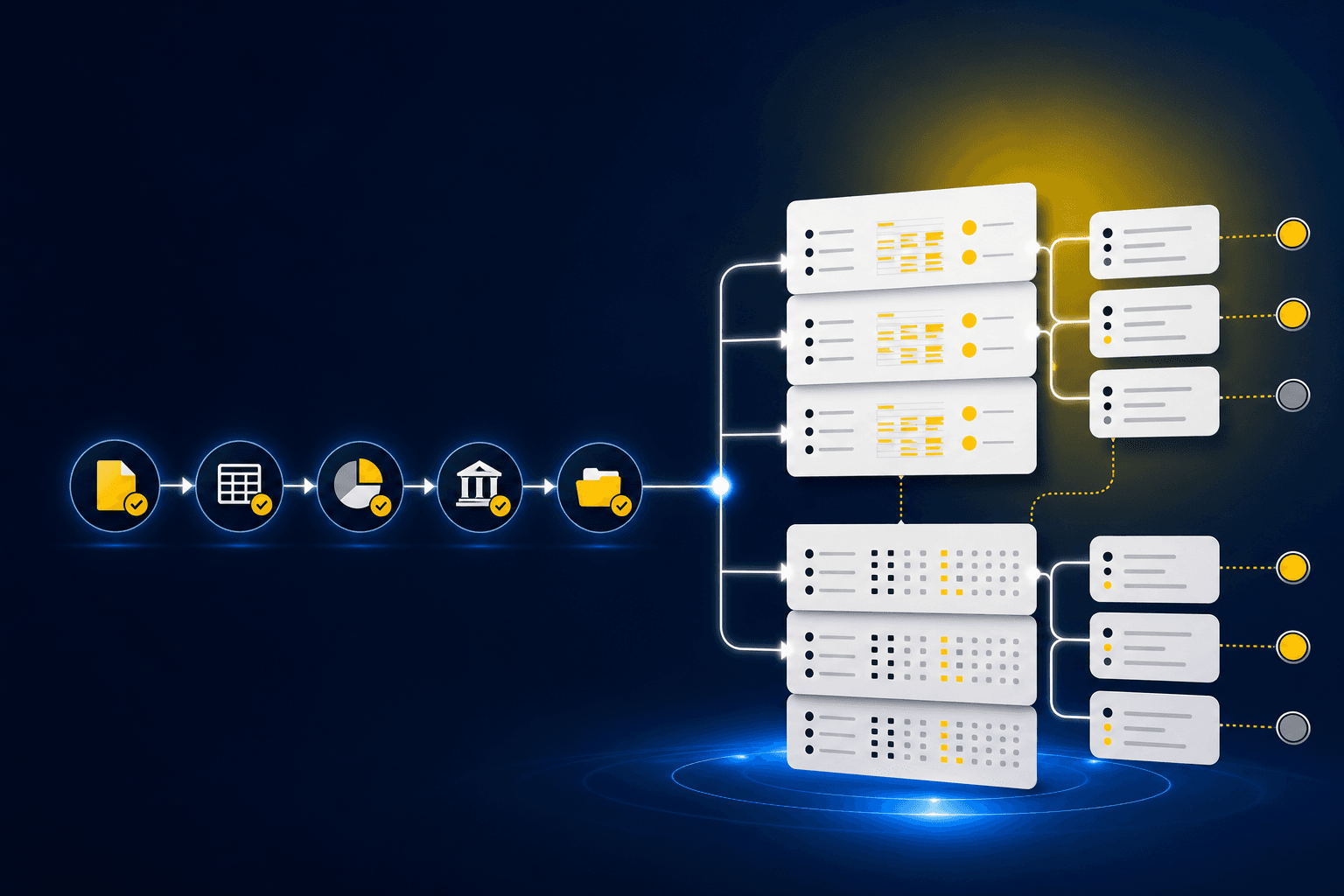
Nonprofit finance teams should choose nonprofit accounting software by following one grant from award setup through closeout. The system has to preserve restrictions, budgets, dimensions, approved accounting treatment, and source support at each handoff. A strong general ledger may record the result without preparing every reimbursement schedule or exception review that precedes it. A workflow layer may prepare that work without becoming the system of record.
TL;DR: Keep award records, fund and program dimensions, budgets, and posted accounting in the core ledger or grant system. Evaluate a separate preparation layer when your team still combines donor exports, grant documents, payroll registers, spreadsheets, and prior workpapers before anything can be reviewed. Sage Intacct is an important system-of-record option, but no platform is a universal winner. The deciding question is whether the full grant workflow remains traceable from the award terms to the final workpaper and reviewer sign-off.
Start with the full grant lifecycle
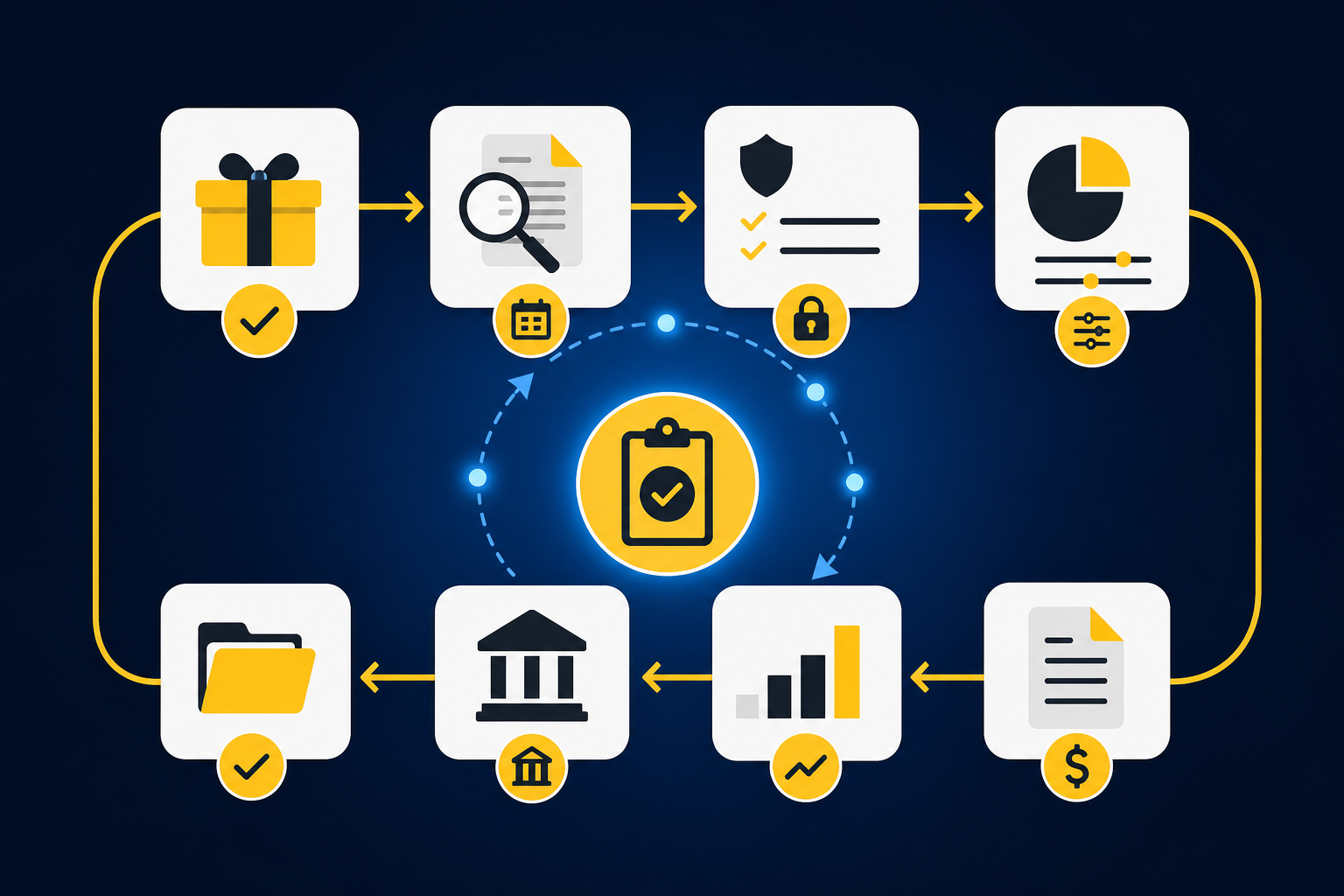
Grant accounting does not begin when an expense hits the GL. It begins when the finance team receives the award, identifies the applicable period and restrictions, and decides how the grant should appear across funds, programs, departments, locations, or other dimensions. If those decisions live in an email or a standalone workbook, later coding may be technically complete and still miss the context the reviewer needs.
Award setup, restrictions, and budgets
Award setup should create a durable record for the grant, its approved period, budget structure, reporting expectations, and relevant restrictions. The accounting team also needs a clear dimension design. A grant may intersect with a program, department, location, purpose, or fund, and those relationships need to survive from source documents through the journal entry.
Budget setup belongs beside that record, but a budget is not accounting policy. Finance should be able to record amendments, compare approved amounts with activity, and preserve the version used for a reporting period. Revenue recognition and restriction treatment still follow the organization’s approved policy and professional judgment.
A useful evaluation starts with one real award. Ask the vendor to show how the award record, restrictions, dimensions, and budget move into recurring preparation without being re-keyed across several files. If you want to inspect how source-linked preparation and exception routing can sit above the ledger, See Truewind in action with that award workflow in mind.
Allowable-cost coding and allocations
An invoice, payroll register, or card transaction does not become allowable because software assigned it to a grant. The software should apply the organization’s documented rules, show the source behind the proposed treatment, and route unclear items to the accountant. The reviewer owns the decision.
Allocations need the same discipline. When an expense crosses programs or grants, the workpaper should show the rule used, the dimensions applied, the resulting split, and any edge case that required judgment. A tool that produces a final allocation without the calculation leaves the reviewer reconstructing the work.
Look closely at rule changes. If a grant’s allocation method changes, the system should not apply the new rule to prior or current activity without visible review. Consistency matters, but visible exceptions matter more.
Reimbursement and revenue recognition considerations
Reimbursement workflows combine incurred costs, supporting documents, submitted amounts, approved amounts, receivables, and cash receipts. Nonprofit accounting software should make those stages distinguishable. A bank deposit alone cannot explain which costs were submitted, which period they belong to, or whether the funder accepted the full request.
Revenue recognition is a separate accounting decision. Software should record and support the treatment approved by the organization, not infer policy from reimbursement status or cash timing. During evaluation, ask where that treatment is documented, how changes are reviewed, and whether the journal-entry draft ties back to the supporting schedule.
No software selection guide can determine the appropriate treatment for a particular grant agreement. Your accounting policy, award terms, and professional advisers should govern that decision. The product’s job is to preserve the approved treatment and make its application reviewable.
Reporting, closeout, and audit support
Grant reporting usually draws from more than the posted ledger balance. The team may need budget comparisons, transaction detail, allocation support, reimbursement status, and explanations for exceptions. A credible workflow keeps those elements tied to the same award and reporting period rather than rebuilding them for every report.
Closeout should bring the record to a defensible stopping point. The team needs to resolve open receivables, remaining expenses, outstanding reimbursement items, final allocations, and any required entries before the award is treated as complete. The resulting package should preserve the source files, calculations, accounting treatment, reviewer notes, and sign-off.
Audit support is the same work viewed later. If the team has to search email and shared drives to explain a grant balance, the accounting entry was recorded but the preparation trail was not preserved.
Separate the ledger from the preparation layer
Nonprofit software evaluations often collapse two different jobs into one category. The system of record holds the chart of accounts, dimensions, posted journal entries, financial statements, and official ledger balances. The preparation layer reads the materials around that ledger, applies the team’s existing process, produces workpapers and schedules, and puts exceptions in front of a reviewer.
Sage Intacct can serve as the system of record for a dimension-heavy nonprofit accounting environment. That does not mean it should be declared the winner for every organization, and it does not mean every grant workflow happens inside the ERP. Your existing stack, reporting requirements, implementation capacity, and reviewer process still determine fit. If Sage Intacct is already on your shortlist, Truewind’s Sage Intacct nonprofit accounting guide covers that system-of-record decision in more detail.
Truewind sits upstream of Sage Intacct and QuickBooks Online. It ingests recurring source files, including donor-platform exports, processor reports, payroll registers, bank activity, spreadsheets, and prior workpapers. It then applies the team’s captured coding, allocation, classification, and review rules to prepare reconciliations, support schedules, workpapers, and journal-entry drafts.
The boundary is explicit. Truewind surfaces missing statements, unexpected balance changes, inconsistent classifications, and other departures from the learned process for accountant review. It does not resolve those exceptions autonomously, and it does not post to the GL without reviewer confirmation. Sage Intacct or QuickBooks Online remains where the books live.
That distinction also prevents a common buying error. A grant-management feature does not automatically solve source-file preparation, and a preparation workflow does not replace award setup or the general ledger. To examine the handoff from grant support to reviewed ledger output, Book a Truewind demo around one recurring grant reconciliation your team already performs.
Ask for evidence at every handoff
A polished demo can hide the exact work your accountants will inherit. Ask the vendor to use representative source files, show the rule behind each treatment, and follow an exception through reviewer sign-off. The evidence should look like the work your team expects to retain after close.
| Capability | Why it matters | Evidence to request | Red flags |
|---|---|---|---|
| Award and restriction setup | Establishes the operating context for coding and reporting | A sample award record with dates, restrictions, dimensions, and amendments | Key terms remain in notes or separate spreadsheets |
| Budget control | Connects approved grant plans with current activity | Original budget, amendment history, and budget-to-actual view | Updated budgets overwrite prior versions |
| Dimensional coding | Preserves fund, program, department, location, purpose, or grant context | A transaction traced from source through every assigned dimension | One vendor-level rule is applied regardless of context |
| Allowable-cost review | Keeps policy decisions with the accountant | Source document, proposed coding, governing rule, and reviewer action | The system labels costs allowable without showing the rule |
| Allocation preparation | Makes split calculations inspectable | Allocation method, calculation, dimensions, and exception history | Only the final split is visible |
| Reimbursement workflow | Connects incurred costs with submitted and received amounts | A reimbursement schedule tied to expenses, receivables, and cash | Cash receipt is treated as the complete grant record |
| Revenue-related entries | Preserves the organization’s approved treatment | Workpaper, calculation, journal-entry draft, and reviewer sign-off | Software infers treatment from cash or reimbursement status |
| Grant reporting | Reduces reconstruction across reporting periods | A report traced back to ledger activity and supporting schedules | Reports cannot be re-performed from retained support |
| Closeout | Resolves remaining balances and open items | A closeout checklist with final entries and unresolved exceptions | An award can be closed with unexplained balances |
| Audit trail | Shows how the work was produced and approved | Source links, calculations, corrections, reviewer identity, and history | Clean output with no visible preparation trail |
| ERP integration | Preserves reviewed coding when output reaches the GL | A confirmed push into the actual supported ERP | The vendor implies support for an unverified integration |
| Exception routing | Keeps novel items with the accountant | A missing or inconsistent item moving through review | Exceptions are auto-corrected without explicit approval |
Current pricing also needs direct confirmation. Ask each vendor for software fees, required modules, implementation scope, integration costs, user or entity limits, support terms, and any work that remains outside the quoted package.
Integration claims deserve the same precision. Truewind’s currently documented native ERP targets are Sage Intacct and QuickBooks Online. If your ledger sits elsewhere, do not assume native push support from a general statement about integrations.
Pilot one bounded grant workflow
The first workflow should be recurring, supported by known inputs, and easy for a reviewer to compare with an approved result. A reimbursement reconciliation, donor-to-bank reconciliation, or recurring grant allocation may fit that pattern when prior workpapers and reviewer decisions already exist. A novel award with unresolved policy questions is a weak pilot because the team cannot separate software performance from unsettled accounting treatment.
Run the same source package through the existing process and the proposed workflow. Compare the coding, dimensions, calculations, exceptions, and journal-entry draft. Then capture the reviewer’s corrections and run the workflow again with a later period. Trust grows when the team can see what changed and why.
One Truewind customer story illustrates the value of keeping the initial scope concrete. An accounting firm reported reducing credit-card transaction categorization time by approximately 75% after applying Truewind to that defined workflow. That is one customer’s reported result, not a benchmark for nonprofit grant accounting, but the implementation lesson carries over: prove one repeatable process before expanding the scope.
Implementation questions to ask
- Which award records, source files, prior workpapers, and SOPs are required before configuration begins?
- How are funds, grants, programs, departments, locations, and other dimensions represented?
- Can one transaction receive different treatment based on grant or program context?
- Where can reviewers inspect the source, calculation, accounting treatment, and exceptions?
- How are corrections retained and applied in later periods?
- What prevents an unapproved journal-entry draft from reaching the GL?
- Which integrations are native, and which require exports or additional work?
- How are budget amendments, rule changes, and controlled edits preserved?
- Who owns configuration after implementation?
- What happens when a source file changes format or an expected statement is missing?
Selection checklist
- Map one grant from award setup through audit support.
- Identify which system owns the official award and ledger record.
- List every source file used outside that system.
- Define required grant, fund, program, and entity dimensions.
- Document coding and allocation rules that software may apply.
- Separate policy decisions from repeatable preparation.
- Require source-linked workpapers and visible reviewer actions.
- Test missing support, changed classifications, and unreconciled items.
- Confirm the exact ERP integration and approval boundary.
- Compare pricing using the same implementation and module scope.
- Start with an approved prior-period result.
- Expand only after reviewer corrections persist into a later period.
A walkthrough is most useful when it uses that checklist against a real prior-period package. To test how your source files, dimensions, and exceptions would move through review, Get a Truewind demo using a bounded grant workflow.
Frequently asked questions
Is grant management the same as nonprofit accounting software?
No. Grant management may cover award records, budgets, deadlines, applications, or program reporting, while nonprofit accounting software owns the posted financial record and related dimensions. Some products cover parts of both, but the evaluation should identify which system owns each stage and how information moves between them.
Is Sage Intacct the right choice for every nonprofit?
No platform is the right choice for every nonprofit. Sage Intacct is relevant when dimensional accounting and an established ERP are important to the finance team, but fit depends on the organization’s existing systems, grant workflow, reporting needs, implementation resources, and reviewer process. Evaluate it against representative awards rather than a generic feature list.
Can AI decide whether a grant cost is allowable?
AI can apply documented coding or allocation rules and surface items that do not fit the established process. The accountant still owns the treatment, including novel costs, policy changes, materiality considerations, and grant-specific judgment. A system that hides that boundary creates more review work, not less.
Where should grant revenue recognition happen?
The approved treatment should be documented in the accounting workflow and recorded in the system of record. Software can prepare schedules and journal-entry drafts that reflect the organization’s policy, but it should not invent that policy. Specific recognition decisions require review of the award terms and applicable professional guidance.
What should a nonprofit compare beyond subscription price?
Compare the complete operating scope. Include implementation, required modules, integrations, user and entity limits, support, data migration, configuration ownership, and the manual work left outside the product. A lower software fee can still leave the finance team rebuilding grant support in spreadsheets.
Choose from the review surface backward
The practical test is not whether a product has a grant label. It is whether your reviewer can open one award, trace activity to the source, inspect the dimensions and allocation logic, see every unresolved exception, and approve the resulting workpaper before anything reaches the GL.
Keep the system of record responsible for the books. Use a preparation layer where the recurring work between grant source files and the ledger still depends on spreadsheets, re-keying, and disconnected reviewer notes. Then expand through controlled iteration, one understandable workflow at a time.
Turn this into a close-ready workpaper
Start with sample files or upload your own statements to see how Truewind prepares review-ready workpapers and journal entries.