
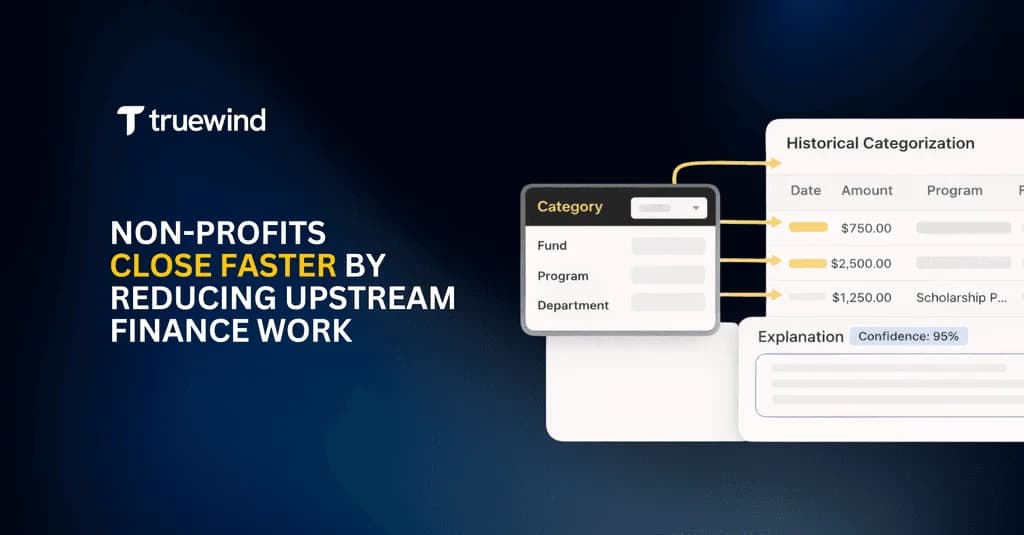
Nonprofits can close faster by automating how donation reports, grant documentation, and bank activity are reconciled before data reaches the ERP.
The ERP remains the system of record. The hardest work still happens upstream: reconciling external data, documenting judgment calls, and preparing entries that can be reviewed quickly.
AI agents are especially useful in this stage because they can reason through messy third-party documents and prepare journal-entry-ready outputs.
TL;DR
- Upstream nonprofit finance work happens before posting to the ERP.
- Donation, grant, and bank sources rarely align cleanly.
- Manual spreadsheet tie-outs create close-cycle drag.
- Workpaper-level automation reduces repetitive effort and preserves audit context.
What Does “Upstream” Mean in Nonprofit Accounting?
In nonprofit accounting, upstream work is the handling of raw inputs before ERP entry. Typical sources include:
- Donation platform exports
- Donor-advised fund statements
- Grant agreements and award letters
- Bank feeds and deposit activity
- Internal tracker spreadsheets and email-based approvals
This work is not simple data entry. It includes reconciliation, classification judgment, and documentation.
Why Is Upstream Finance Work So Heavy for Nonprofits?
Nonprofits receive data from many external systems that do not share one schema, cadence, or operational context. Donation reports, processor payouts, grant schedules, and bank records often differ in timing and format.
As a result, finance teams must manually reconcile and document decisions before anything can be posted cleanly.
Common Use Cases in Nonprofit Accounting
Use Case 1: Donation-to-Bank Reconciliation
What this is: Reconciling donation reports from fundraising sources to actual bank deposits.
Why it is hard: Processing fees, timing delays, refunds, chargebacks, and batched deposits create mismatches.
Typical manual process today: Export reports, tie deposits in spreadsheets line by line, then document variance notes.
What improves this: Automated reconciliation workpapers that tie source reports to deposits, flag differences, and preserve explanations month over month.
Use Case 2: Restricted vs Unrestricted Revenue Classification
What this is: Determining correct revenue classification based on donor intent and restrictions.
Why it is hard: Restriction context often lives outside the core donation export and can change over time.
Typical manual process today: Teams review PDFs, emails, and notes each month to recreate logic.
What improves this: A centralized workpaper that captures and reuses classification logic across reporting periods.
Use Case 3: Grant Revenue Tracking and Recognition
What this is: Tracking grant milestones and recognition over multiple periods.
Why it is hard: Grant information is fragmented across letters, schedules, and trackers.
Typical manual process today: Separate spreadsheets per grant plus manual tie-outs before close and audit review.
What improves this: Grant-specific workpapers that consolidate source documents, recognition logic, and period-over-period movement.
Use Case 4: Month-End Donation Rollforwards
What this is: Explaining balance movement from one reporting period to the next.
Why it is hard: New donations, reversals, timing differences, and reclassifications break continuity.
Typical manual process today: Custom rollforwards rebuilt every month across disconnected tabs.
What improves this: Automated rollforward workpapers that reconcile beginning balance, activity, and ending balance with retained explanations.
ERP Systems Do Not Solve Upstream Complexity
ERPs are designed to store finalized entries. They are not designed to interpret conflicting raw source data or preserve upstream reconciliation logic in a reusable way.
Replacing the ERP does not remove upstream complexity by itself.
A Better Approach: Automate at the Workpaper Level
The most effective way to reduce upstream nonprofit finance work is to automate at the workpaper layer first, then post clean entries to the ERP.
This keeps your existing system of record intact while removing repetitive close effort and improving consistency in reviewer outputs.
If your team is dealing with messy donation and grant data before close, workpaper-level automation is usually the highest-leverage starting point.
Turn this into a close-ready workpaper
Start with sample files or upload your own statements to see how Truewind prepares review-ready workpapers and journal entries.