
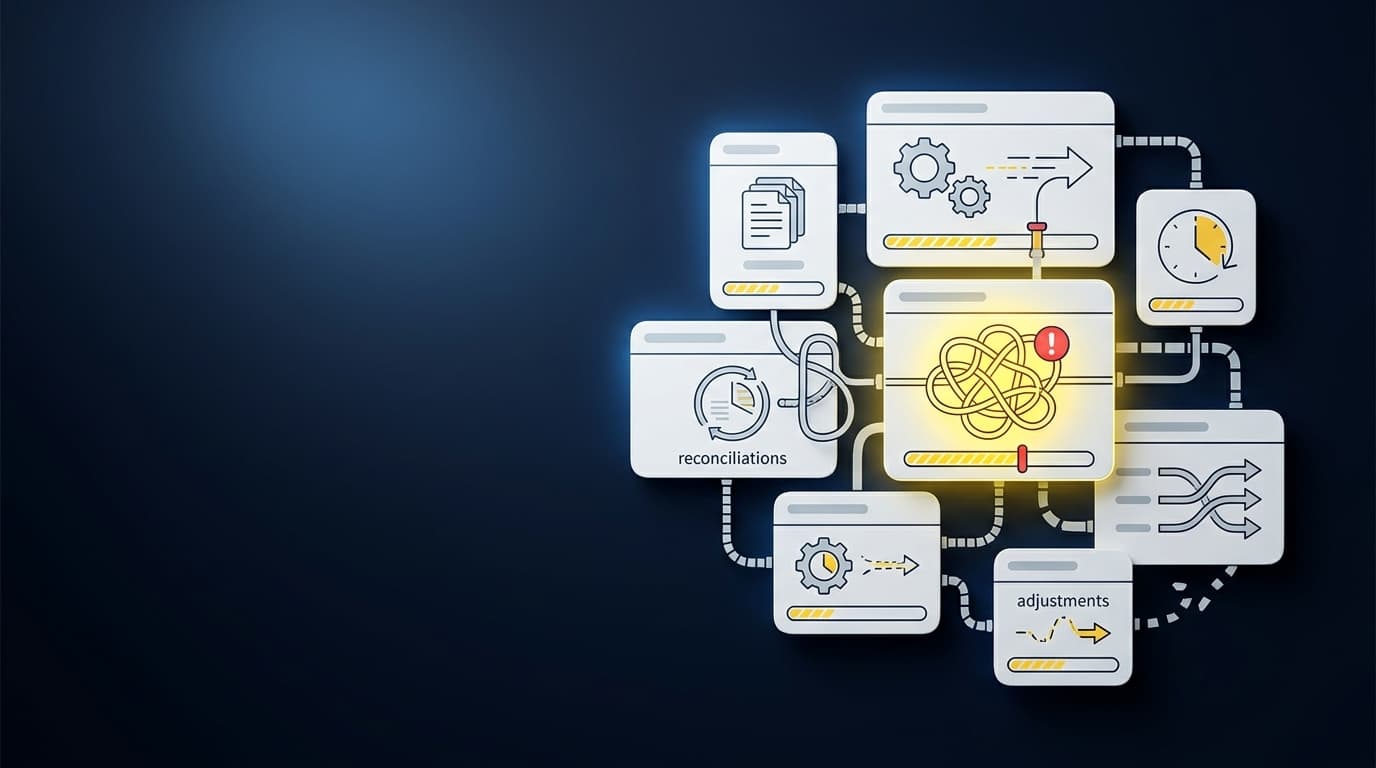
Sage Intacct can be current while your close is already late upstream. The delay starts in custodian PDFs, processor exports, donor files, and prior workpapers that have to be normalized before a reviewer can touch the entry. That is where month-end close delays become real: in the source files your team has to understand, code, reconcile, and turn into work someone can sign off.
The mistake is assuming the GL is the bottleneck. Sage Intacct and QuickBooks Online can hold the books, post approved entries, and support reporting, but they don't decide how a scanned custodian statement should map across entities or why a donor export split changed from last month. That work sits upstream.
Key Takeaways:
- Month-end close delays often come from preparation work, not final review.
- Reviewability matters more than a clean-looking AI answer.
- Family-office scale breaks because volume, entity rules, and source formats combine.
- A workpaper should show source, calculation, treatment, exceptions, and sign-off.
- The practical path is controlled iteration: start with one recurring workflow, compare to known work, then expand.
- Sage Intacct and QuickBooks Online should remain the system of record.
Why Month-End Close Delays Start Before Review
A controller opens Sage Intacct on day one of close and the trial balance already looks normal. The delay is not on that screen. It is in the seventeen custodian PDFs, four processor exports, and two donor files sitting in a shared drive, waiting for someone to normalize them into entries a reviewer can sign off on. The visible delay is a late journal entry. The real delay is the pile of source material that has to become a reviewable workpaper first.
Clean-Looking Output Is Not the Same as Reviewable Work
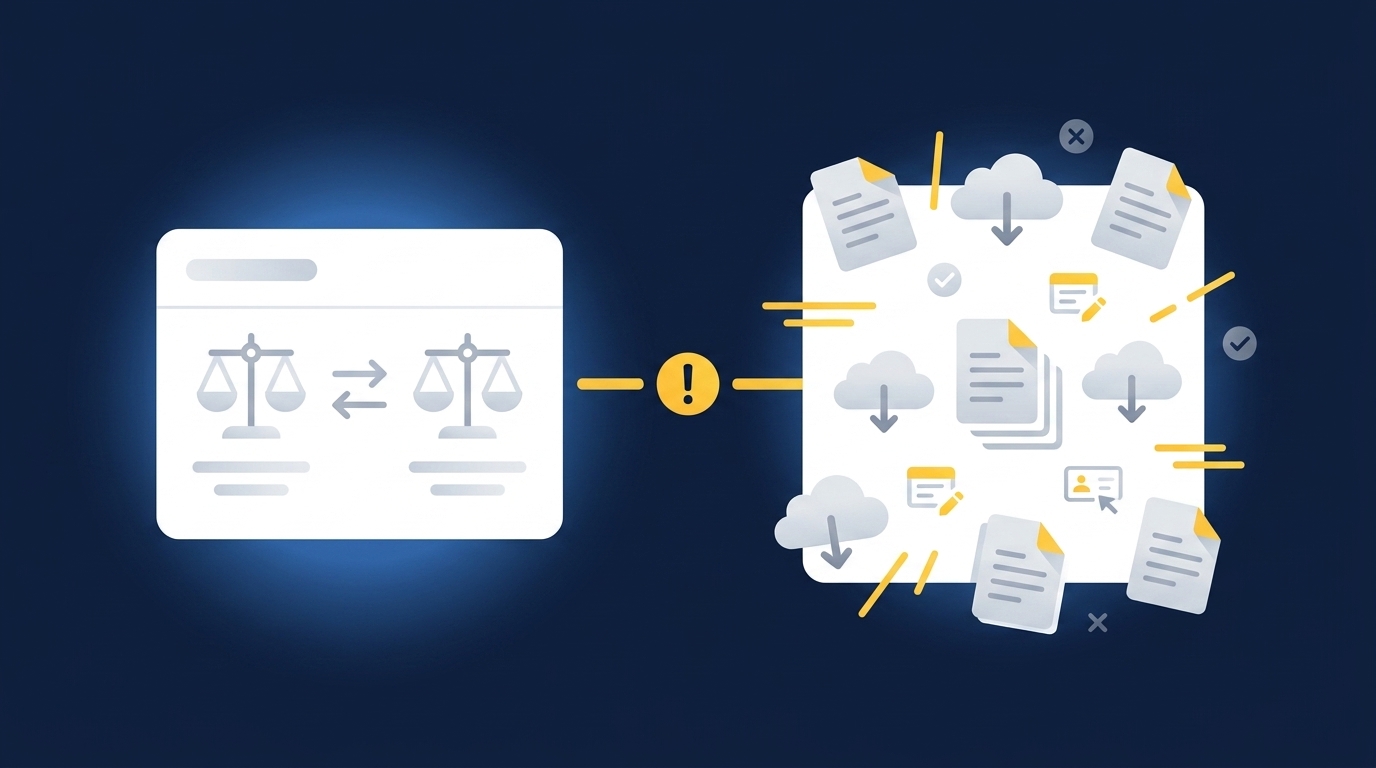
Controllers aren't usually worried about obviously wrong AI output. Those errors are easier to catch. The harder problem is the workpaper that looks complete but doesn't show where the number came from, what treatment was applied, or what changed from the last period. A reviewer can reject a bad answer in two minutes. A clean-looking answer with no trail takes an hour, because the accountant has to re-perform the work from scratch.
That is where month-end close delays become expensive in the way accounting work becomes expensive: one missing statement, one unexplained balance change, one allocation split that no longer matches the prior workpaper. In a family office, that same issue can repeat across entities, vehicles, and custodians. The close starts to feel like a stack of boarding passes at the wrong gate, every statement looking valid until someone has to prove which book it belongs in.
Before a reviewer spends judgment on treatment, the workpaper has to answer five questions:
- Source: Which file, feed, statement, or prior workpaper produced the number?
- Calculation: What math turned source activity into the prepared balance or entry?
- Treatment: Which account, dimension, entity, fund, or class was used?
- Exception: What didn't match the learned pattern from prior periods?
- Sign-off: Who reviewed it, what changed, and what carries forward?
If your current close process can't answer those questions inside the workpaper, the reviewer is not reviewing. They're reconstructing.
Family-Office Scale Breaks in Combinations
Family-office accounting breaks less from one hard statement than from the number of combinations the team has to hold in its head. One custodian may change a PDF layout. Another may split interest and dividends differently. One entity may use a different allocation rule than another entity holding the same type of investment. The reviewer still has to sign off across the whole book, not just the easy accounts.
This is where a lot of automation talk misses the work. The issue isn't OCR. Accountants aren't staring at PDFs because they love retyping numbers. They're deciding what the document represents, whether it's complete, how it maps to the ledger, and whether the treatment matches what the team did last period. When volume rises, the number of tiny decisions rises with it.
One customer conversation put the preparation burden plainly: "Categorization is accurate, and we stopped having to double-check everything." That kind of comment matters because it isn't about removing the accountant. It's about giving the reviewer a workpaper that doesn't require the same clerical re-check every period. If the preparation layer carries the team's known logic forward, month-end close delays move from every file to the actual exceptions that deserve attention.
For teams trying to see where that preparation layer belongs between source files and the GL, the clearest next step is to look at the workpaper itself, not a feature list: See Truewind in action.
Manual Control Has a Real Case
Manual spreadsheets have earned their place. They are flexible, familiar, and easy to adjust when an edge case shows up at 6 p.m. on close day. No controller needs a lecture about why Excel persists. It persists because finance teams can make it do the work when systems fall short. That case is valid, and pretending otherwise is how software people lose credibility with accountants.
It just doesn't prove manual preparation is the same as control. A spreadsheet can show the final number while hiding the judgment that produced it, especially after three preparers, two reviewer comments, and one copied tab from last quarter. By the time an auditor or board reviewer asks why a balance moved, the team may be hunting through inboxes and old files to explain a decision everyone remembers making but nobody captured cleanly.
The real control point is not whether a human touched every row. The real control point is whether the reviewer can see source, treatment, exceptions, and sign-off without rebuilding the file.
How to Diagnose the Preparation Work Slowing the Close
If you want to shorten the close, first separate preparation work from review work. Preparation includes intake, coding, matching, rollforward, and schedule assembly. Review is the accountant's judgment on whether the prepared work is complete, supported, and treated correctly. Most teams treat the whole thing as one blob of "close work" and then wonder why adding people doesn't help.
Count the Workpapers That Require Rebuilding
Start with a simple count: how many recurring workpapers require someone to rebuild the same structure each month? Not update. Rebuild. A brokerage rollforward that starts with last month's tab and five new custodian statements counts. A donation reconciliation that requires a donor platform export, processor report, bank feed, and restriction coding counts. A prepaid schedule that has to be reassembled from invoices and the prior schedule counts too.
The useful threshold is practical: if a workpaper needs three or more recurring source files, and the reviewer expects the same treatment each period, it belongs on the automation shortlist. That doesn't mean the workflow is simple. It means the pattern is stable enough to learn from prior workpapers, prior entries, SOPs, and reviewer corrections. Honestly, the first pass may feel less impressive than a broad AI promise. That is a good sign. Narrow, repeatable workflows are where accounting automation earns trust.
Run the count by category before you buy or build anything:
- List every recurring workpaper prepared during close.
- Mark the source files used for each one.
- Mark whether treatment is mostly stable period over period.
- Mark whether reviewer corrections repeat.
- Prioritize the workpapers with stable logic, messy inputs, and recurring exceptions.
The winner is rarely the flashiest account. It is the workpaper that consumes preparation time every month before judgment can begin.
Find the Hidden Handoff Between Source and Ledger
The GL is not where most month-end close delays begin. By the time an entry reaches Sage Intacct or QuickBooks Online, much of the hard work has already happened somewhere else. Someone combined the processor report with the bank feed. Someone checked that custodian activity agreed to the statement. Someone applied entity coding, allocation logic, fund restrictions, or departmental dimensions. The ledger records the result. It doesn't explain the preparation.
What does that hidden handoff look like in practice? At a nonprofit, a bank deposit may represent hundreds of donations across campaigns, chapters, restrictions, and payment processors. At a family office, one custodian statement may include trades, interest, dividends, fees, and transfers across several entities. At a CAS practice, two clients may use similar account names but different coding rules. Same surface problem. Different accounting logic.
A good diagnostic is to ask where the reviewer leaves notes. If the notes live in email, Slack, spreadsheet comments, or last month's copied tab, the process is not being captured where the work happens. Corrections that should become operating context disappear into the close archive. Then next month, the team has to rediscover the same rules.
A practical review of one customer story made this clear. The team saw close pressure, investor reporting pressure, and manual accounting work all arrive together as the company scaled. The reported outcome included a close reduced by 4 days and more time back for finance work that mattered. The exact lesson is not that every team gets the same result. The lesson is narrower and more useful: preparation work compounds when it isn't captured as a repeatable workflow.
Treat Exceptions as the Review Queue
Exceptions are not proof that automation failed. In accounting, exceptions are often the point. Missing statements, unexpected balance changes, mixed personal and business activity, and inconsistent classifications should not be buried by a system trying to force a clean answer. They belong in front of the accountant with source context attached.
The diagnostic is simple enough to run during the next close. Pick one recurring reconciliation and look at every item the preparer touched twice. Why twice? Because first touch is preparation, and second touch usually means the item didn't fit the expected pattern. If those second-touch items are the same types every month, you have an exception queue hiding inside manual work.
The exception queue should distinguish three kinds of items:
- Missing evidence: A statement, export, support file, or balance is not present.
- Pattern breaks: Current-period activity doesn't match prior treatment or expected movement.
- Judgment items: The accounting treatment depends on policy, materiality, or reviewer decision.
Only the third category should consume serious reviewer time. The first two should be surfaced clearly, tied to source, and routed to the person who owns the call. Without that separation, month-end close delays spread across every workpaper because every item receives the same level of review.
Start With Known Answers, Not Blank-Slate AI
A clean implementation should begin with a known answer. Take a prior-period workpaper, the source files that produced it, and the final entry or schedule the reviewer accepted. Then ask the new workflow to reproduce the known result. Not approximately. In the same format the reviewer expects, with the same logic visible.
That may sound conservative. It is. Accounting teams should be conservative about process changes that feed the GL. The point of controlled iteration is not to admire AI from a safe distance. The point is to test whether the workflow can follow the team's actual treatment, show its work, and carry reviewer corrections into the next period. If it can't reproduce the known answer, it shouldn't prepare the current one.
A useful first workflow has four traits: it recurs every month, it has messy source files, it has prior workpapers with stable logic, and it has a reviewer who knows what the output should look like. Family-office brokerage rollforwards, donation and processor reconciliations, prepaid schedules, and recurring allocation work often fit that pattern.
The mid-close sales pitch is tempting. Don't start there. Start with the workpaper your reviewer already trusts, then make the preparation repeatable.
How Truewind Prepares Review-Ready Work
Truewind prepares review-ready work by turning recurring source files into workpapers, reconciliations, schedules, and journal-entry drafts that accountants inspect before anything reaches the GL. It sits upstream of Sage Intacct and QuickBooks Online. The accountant still owns review, correction, sign-off, and posting approval.
Source Files Become Workpaper Inputs
Truewind starts where many month-end close delays actually start: source intake. Users upload the recurring materials the team already receives, including bank activity, credit-card statements, processor and donor-platform exports, custodian brokerage statements, capital statements, payroll registers, prior workpapers, and operational exports. Those inputs are structured into workflows that feed coding, reconciliation, exception review, and workpaper preparation.
The mechanism matters. Truewind doesn't treat a source file as a loose attachment or a prompt ingredient. Source files are retained against the workflow, and the prepared output shows the source context the reviewer needs. That is how a custodian statement, donor export, or processor report becomes part of a reviewable artifact instead of another file someone has to chase.
Historical Logic Carries Into the Next Period
Truewind learns from the team's existing accounting process: coding decisions, allocation choices, classification splits, prior workpapers, and reviewer corrections. That history becomes operating context for the next period. The product does not impose a generic template or change accounting policy on its own. Reviewers confirm output, correct treatment, and own rule changes.
That boundary is important. A reviewer who corrects coding or allocation logic should not have to make the same correction forever. The system also shouldn't invent new treatment because a model thinks it has a better answer. Truewind's historical-example learning is bounded by captured corrections and rules. In plain accounting language, the workflow follows the team's process and shows what changed.
In customer language, one phrase we hear is direct: "Truewind automates a huge chunk of that busywork." We would not use that word for all accounting work, because preparation carries real complexity. The useful reading is that repetitive assembly moves out of the reviewer's way, while the judgment stays where it belongs.
The same pattern is worth seeing against one of your own recurring workflows, especially if the same reviewer correction keeps appearing every close: Book a Truewind demo.
Reconciliation Is Built Across Sources
Truewind's multi-source reconciliation is designed for systems that describe the same activity differently. A donor platform, payment processor, and bank may all show the same donation flow with different fees, timing, deposits, and dimensions. A custodian, investment-vehicle statement, and ERP balance may describe the same investment activity from different angles. The work is matching, allocating, checking, and preparing support, not just importing a clean feed.
The output is a reconciliation, supporting schedule, and any required journal-entry draft for accountant review. Unreconciled items are surfaced. Totals are not forced to agree, and that distinction is not cosmetic. If a reconciliation only looks complete because the system suppressed the mismatch, trust breaks the moment a reviewer asks for support.
Review Happens Before the Ledger
Truewind's human-in-the-loop review workflow is the review surface, not a bypass around the accountant. Prepared workpapers, reconciliations, schedules, and journal-entry drafts sit alongside source links, exception queues, and reviewer actions. Accountants confirm, adjust, or send items back to preparation. Captured decisions inform later periods.
After sign-off, Truewind can push structured output to Sage Intacct or QuickBooks Online, with coding, dimensions, and source references preserved. Sage Intacct and QuickBooks Online remain the systems of record. Truewind does not post to the GL on its own, and it doesn't replace the ledger.
That is the shape accounting teams tend to trust: source files in, reviewable workpaper out, exceptions visible, accountant approval before the GL. One customer put the broader experience simply: "Truewind has been amazing." Another said, "If I had to describe Truewind in one word: Lifechanging". The point is not the adjective. The point is the mechanism underneath it: recurring preparation becomes visible, repeatable, and reviewable.
The Close Gets Shorter When Review Starts Earlier
Month-end close delays shrink when review begins with prepared, source-linked workpapers instead of raw files. The improvement is not magic, and it is not autonomous accounting. It is the removal of repeated preparation work that keeps accountants from exercising judgment until too late in the close.
The practical path is narrow by design. Choose one recurring, example-rich workflow. Use prior workpapers and reviewer corrections as the model for treatment. Require the output to show source, calculation, accounting treatment, exceptions, and sign-off. Keep Sage Intacct or QuickBooks Online as the source of truth.
Some teams want AI to decide what happens next and post without review. They are not the fit for this approach. The better fit is the controller who wants preparation handled in the team's format, exceptions routed to the right reviewer, and judgment preserved before anything reaches the GL. That is how close work becomes faster without pretending the accountant disappeared.
Frequently Asked Questions
How do I handle edge cases effectively?
To manage edge cases effectively, start by documenting the specific scenarios that frequently occur in your accounting process. This could include unique transaction types or unusual entries. Next, use Truewind's AI-Powered Transaction Coding feature to categorize these transactions based on your established rules. This helps maintain consistency. Lastly, ensure that any exceptions are routed to the appropriate accountant for review, leveraging Truewind's Proactive Anomaly Detection to surface discrepancies that need attention.
What if I have inconsistent source files?
If you're dealing with inconsistent source files, Truewind's Automated Data Ingestion can help. Upload your raw financial documents, and Truewind will convert them into a structured workflow, reducing the need for manual formatting. This way, you can start your accounting tasks with organized inputs. Make sure to review the structured output to ensure it aligns with your accounting practices before proceeding with reconciliation and reporting.
Can I track changes made during the review process?
Yes, Truewind has an Audit Trail feature that preserves the history of each prepared workpaper, reconciliation, and journal-entry draft. This means you can easily trace back to the source files and see which reviewer confirmed each treatment. To utilize this, ensure that all reviewer corrections and confirmations are captured as you go through the review process. This will help maintain accountability and clarity for future audits.
When should I consider automating my month-end close?
Consider automating your month-end close when you notice recurring workpapers that require significant rebuilding each month. If a workpaper needs three or more recurring source files and the treatment is stable, it might be a good candidate for automation. Truewind's Workpaper Generation and Rollforward can help streamline this process by turning these recurring accounts into repeatable workflows, making your close more efficient.
Why does my team struggle with month-end close delays?
Your team might struggle with month-end close delays due to the hidden preparation work that occurs before the review process. Often, the bottleneck lies in normalizing source files rather than in the general ledger itself. To address this, consider using Truewind to automate the ingestion of source documents and prepare review-ready workpapers. This way, your accountants can focus on exceptions and judgment rather than repetitive preparation tasks.
Turn this into a close-ready workpaper
Start with sample files or upload your own statements to see how Truewind prepares review-ready workpapers and journal entries.