
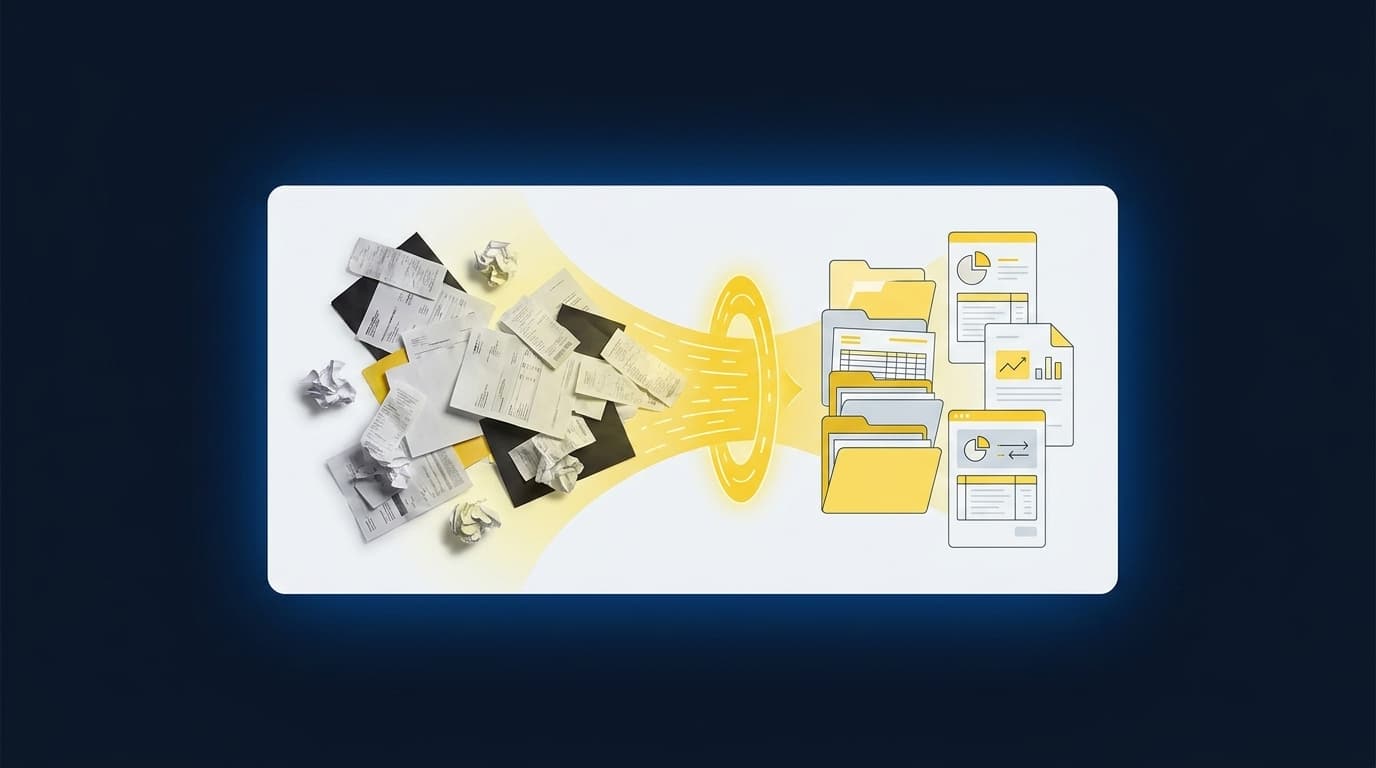
The close calendar is probably hiding work your team already did this week. If you want to spot hidden pre-close work, look before the first reconciliation, where source files are collected, reshaped, classified, and checked against prior treatment.
Nonprofit finance makes that work especially easy to miss. A bank deposit may represent activity from a donor platform and several processor settlements, while the accounting team still has to preserve fund, program, campaign, and restriction detail. The GL records the approved result. It doesn’t prepare the evidence behind it.
Key Takeaways:
- Trace every recurring workpaper back to the source files and preparation steps that feed it.
- Separate file handling from accounting judgment so each can follow the right control.
- Treat prior workpapers and reviewer notes as operating context, not archive material.
- Count unresolved exceptions as visible review work instead of burying them in preparation.
- Keep Sage Intacct or QuickBooks Online as the system of record while improving the work upstream.
Why Hidden Pre-Close Work Stays Invisible
Hidden pre-close work stays invisible because close calendars usually track accounting outputs, not the preparation required to produce them. A line such as “reconcile donations” can hide source collection, file normalization, dimensional coding, tie-outs, and prior-period research. By the time review begins, much of the work has already happened.
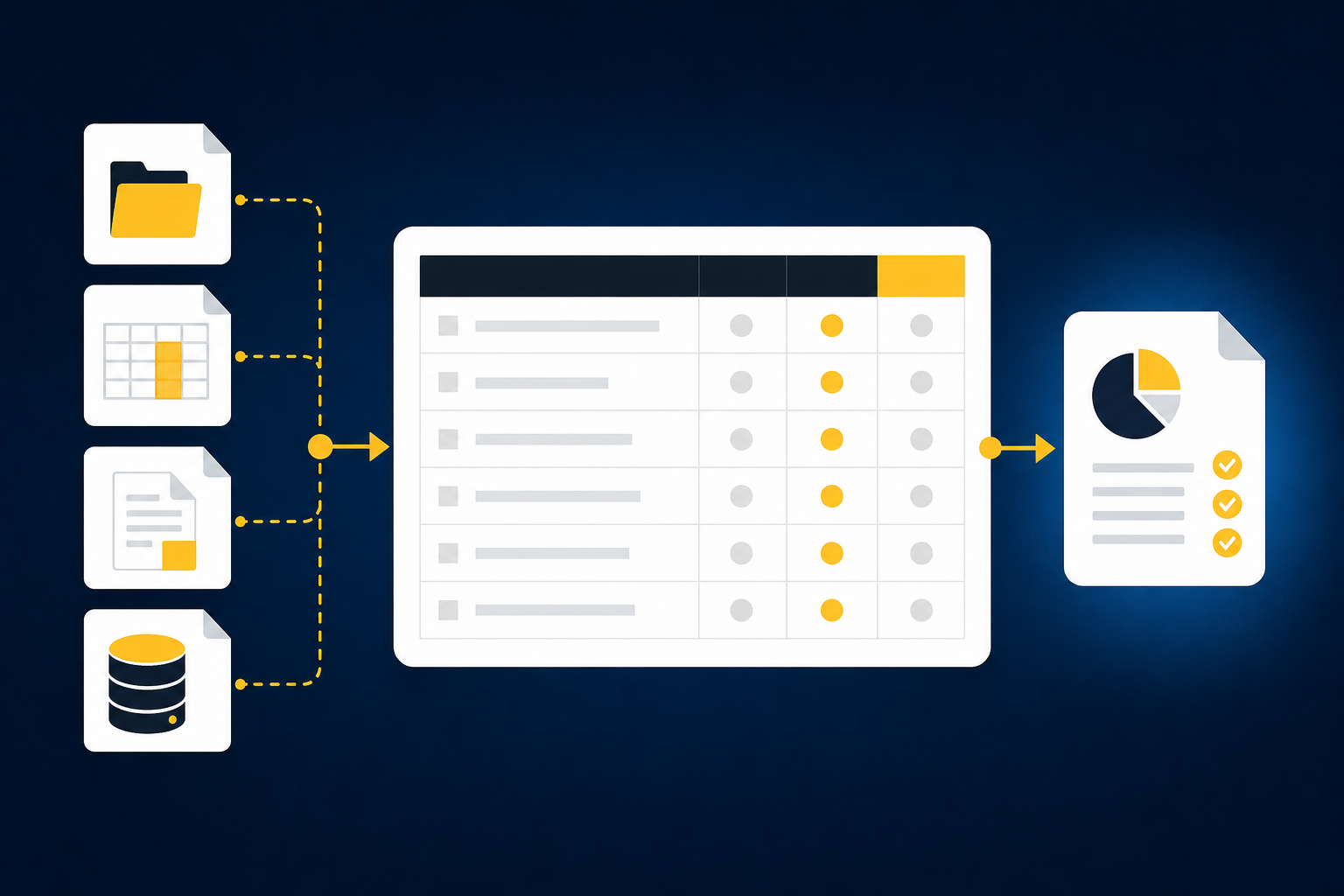
The Close Starts Before the Calendar Says It Does
On the second business day, a nonprofit accounting manager opens the donor export beside the processor settlement and bank activity. The deposit total ties, but the export carries campaign and restriction detail the bank doesn’t. She rebuilds the split from last month’s workbook, then checks a reviewer note to confirm the treatment. The reconciliation hasn’t started on the calendar, yet material preparation is already underway.
That gap matters. If the calendar begins with the reconciliation, the team can’t see who collected the support, which file changed format, or how prior treatment shaped the current period. The close calendar becomes like a workpaper that shows the final balance without its support. You can see where the process ended, but you can’t re-perform how it got there.
Nonprofit Complexity Is Operational Before It Is Regulatory
Nonprofit accounting complexity is often described through audit requirements and restrictions. Fair enough. Those rules matter, but the recurring burden shows up earlier, when accountants assemble evidence across donor platforms, grants, programs, processors, and bank activity while preserving the classifications each source carries.
A deposit total can agree with the bank and still be incomplete for accounting purposes. The bank feed won’t explain which campaign produced the deposit, whether part of it was restricted, or how processor fees should be allocated. That context has to come from another source, and someone has to connect it before the entry can be reviewed. That connection is hidden pre-close work.
Familiar Workflows Can Hide Weak Review Surfaces
A spreadsheet can feel controlled because every tab is visible and every formula can be opened. That familiarity has real value. Accountants can adapt a workbook when a donor export changes or when a grant needs a new classification, which is why spreadsheets remain useful in close work.
Flexibility stops being control when the source, treatment, and reviewer decision live in different places. One preparer relies on last month’s formula. Another searches email for a correction. The reviewer receives a finished reconciliation but can’t tell which rules were carried forward and which were changed. If you want to inspect how the workpaper can carry that evidence into review, See Truewind in action.
The first job, then, isn’t to automate a calendar line. It’s to expose everything that has to happen before that line can be completed.
How to Spot Hidden Pre-Close Work
You spot hidden pre-close work by tracing each reviewed output backward to its sources, transformations, accounting rules, and exceptions. The goal is to identify preparation that happens outside the formal close checklist. Once that path is visible, you can decide what should repeat and what still requires judgment.
Start With the Work Before the Named Task
What happens before someone can begin the task listed on the close calendar? If the checklist says “prepare donation reconciliation,” don’t start your review at the reconciliation tab. Start with the first source someone has to find, download, rename, reshape, or compare before the tab can be updated.
The diagnostic is simple, but teams often skip it because preparers know the process by memory. Ask the person who performs the work to walk through the prior period without summarizing. Every time they say “then I clean this up,” “I know where this goes,” or “I check what we did last month,” stop and document the action. Those phrases usually point to hidden preparation or an undocumented accounting rule.
Ask four questions for each recurring output:
- Which source files must arrive before preparation can begin?
- What has to change before those files can be compared?
- Which classifications depend on prior treatment or reviewer guidance?
- What prevents the output from moving to review?
If the answer lives only in the preparer’s memory, you’ve found work the close process can’t yet control.
Trace Each Number Through Its Full Source Chain
A bank balance and a donor-platform total may describe related activity without describing it the same way. One source shows the cash received. Another carries donor, campaign, restriction, and event detail. A processor report adds fees, refunds, settlement timing, and payout structure. None is sufficient alone.
Trace the number through every source that gives it meaning. The workpaper should show what each document contributed, how the documents were matched, and where differences remain. If someone has to open three files and mentally reconstruct that chain during review, the preparation isn’t finished. It has only been moved to the reviewer.
Map the source chain in order:
- Identify the originating activity. Start with the donor, grant, processor, or operational source that explains what occurred.
- Match the settlement record. Connect the originating activity to processor payouts, fees, refunds, and timing differences.
- Tie the cash movement. Reconcile the settlement to the bank activity.
- Preserve accounting context. Carry the required fund, program, purpose, campaign, or entity dimensions.
- Surface what doesn’t match. Leave unresolved items visible for reviewer judgment.
A clean bank feed can reduce collection work, and that’s useful. It still can’t supply dimensions or treatment that never reached the bank.
Separate File Transformation From Accounting Judgment
Hidden pre-close work becomes easier to manage when file transformation and accounting judgment are treated as different kinds of work. Converting a processor export into a consistent structure is repeatable. Deciding whether a new grant condition changes classification belongs with the accountant.
Blurring the two creates risk in both directions. Teams may send routine formatting through an unnecessary review cycle, while judgment gets buried inside a spreadsheet formula or preparer habit. The better boundary is visible: machines can repeat documented preparation, and accountants own policy, unusual treatment, rule changes, and sign-off.
Use the following split when reviewing a workflow:
- Repeatable preparation: collecting known sources, structuring recurring files, applying confirmed mappings, rolling forward support, and checking totals.
- Accounting judgment: interpreting new restrictions, changing allocation rules, assessing unusual activity, and approving treatment.
- Reviewer exceptions: missing files, unexpected changes, inconsistent classifications, and items outside the learned process.
The distinction doesn’t reduce review. It gives the reviewer a cleaner surface, one where judgment items aren’t mixed with routine file work.
Read Prior Workpapers as Process Documentation
Last month’s workpaper often contains more operating knowledge than the written SOP. The formula shows how a fee was allocated. A reviewer comment explains why one campaign was treated differently. The final entry shows which dimensions survived into the GL. Together, those artifacts describe the real process.
Prior workpapers aren’t perfect documentation. They can carry old assumptions, unexplained overrides, or formulas nobody wants to touch. That limitation is exactly why comparison matters. The goal isn’t to repeat every prior decision. It’s to make the prior decision visible, confirm whether it still applies, and record any change for the next period.
Compare the current workflow with the prior period in this order:
- Confirm that the same source set is present.
- Identify format, balance, or classification changes.
- Reapply only confirmed mappings and allocation rules.
- Route changed treatment to the reviewer.
- Capture the reviewer’s correction against the recurring workflow.
If you want to examine how prior treatment and current-period corrections can sit in one review path, Book a Truewind demo. The useful question isn’t whether last month can be copied. It’s whether the team can explain what carried forward and why.
Use Exceptions to Measure the Real Review Load
One missing statement can reveal more about the workflow than a completed reconciliation. An exception shows where the current period no longer fits the known process. It may point to a changed donor export, an unusual balance movement, a new allocation need, or a classification that doesn’t match prior treatment.
Exceptions deserve their own queue because they are the work reviewers actually need to see. Hiding them inside preparation forces the reviewer to recheck everything. Surfacing them with the relevant source and prior treatment lets the accountant focus on the item that changed without giving up ownership of the result.
Look for exception signals such as:
- A required source file hasn’t arrived.
- A current-period balance moved outside the expected pattern.
- The same activity received different classifications across sources.
- A mapping or allocation rule changed.
- The reconciliation leaves an unexplained item.
- The proposed treatment conflicts with a reviewer’s prior correction.
If an exception changes accounting treatment, it should stop before posting. If it only reflects a known timing difference with confirmed treatment, it can remain visible in the reconciliation for reviewer confirmation.
Test Whether the Workflow Is Ready to Repeat
Can another preparer reproduce the work without asking the original owner to fill in the gaps? A recurring workflow is ready to repeat when its sources, mappings, cutoffs, classifications, review conventions, and exception rules are visible. Without those inputs, automation will only repeat ambiguity.
Not every process is ready. A new or highly irregular workflow may need several reviewed periods before the rules are stable enough to carry forward. That’s a real tradeoff. Starting with an example-rich reconciliation or rollforward gives the team something known to compare, while starting with a process nobody can explain turns setup into guesswork.
A strong first workflow has the following traits:
- It recurs on a predictable schedule.
- Prior source files and completed workpapers are available.
- The team can identify the reviewer who owns treatment.
- Exceptions can be distinguished from routine preparation.
- The approved result flows into Sage Intacct or QuickBooks Online.
Once those conditions are present, the remaining question is whether the preparation layer can repeat the process without erasing the reviewer’s judgment.
How Truewind Makes Pre-Close Work Reviewable
Truewind prepares recurring accounting work upstream of the GL by combining current source files with prior workpapers, confirmed rules, and reviewer corrections. The output is a review-ready workpaper, reconciliation, schedule, or journal-entry draft. Sage Intacct or QuickBooks Online remains the system of record, and nothing moves downstream without reviewer confirmation.
Historical Treatment Becomes Current-Period Context
Workpaper Generation and Rollforward loads the prior workpaper, current-period sources, and ERP balances into the recurring workflow. Historical-Example Learning carries forward confirmed coding decisions, allocation choices, classification splits, and reviewer corrections. The platform doesn’t create new accounting policy. It prepares the current period using the process the team has already reviewed.
Each output retains the parts a reviewer needs: source links, calculations, treatment, exceptions, and reviewer actions. That matters because a finished answer isn’t enough. The accountant has to understand how the result was prepared, inspect what changed, adjust treatment when needed, and sign off before anything reaches the ledger.
Buyer language around that shift is direct. One buyer said, “If I had to describe Truewind in one word: Lifechanging” Another said, “Categorization is accurate, and we stopped having to double-check everything.” Those are individual reactions, not benchmarks. They point to the same practical change: recurring preparation arrives in a form the accountant can review instead of rebuild.
Reconciliation Ends at Review, Not Autonomous Posting
Multi-Source Reconciliation connects donor-platform exports, processor reports, and bank activity using the team’s historical treatment. Dimensional and Allocation Preparation preserves fund, program, chapter, department, purpose, or entity coding when the underlying rules are explicit. Proactive Anomaly Detection surfaces missing statements, unexpected balance changes, and inconsistent classifications with source context rather than resolving them without the accountant.
The Human-in-the-Loop Review Workflow is where the prepared work becomes usable. Reviewers inspect source links, exception queues, schedules, reconciliations, and journal-entry drafts. They can confirm, adjust, or return an item to preparation. After sign-off, the approved output can move to Sage Intacct or QuickBooks Online with coding and dimensions preserved.
An accounting-firm buyer described the capacity effect plainly: “Truewind automates a huge chunk of that busywork.” They continued, “It's not just about making bookkeeping simpler; it's about freeing up teams, and helping them focus on higher-value projects.” A separate buyer said, “Truewind has been amazing.” Again, those comments are qualitative, not promised outcomes. The mechanism is what matters: routine preparation repeats, exceptions stay visible, and the accountant keeps control.
To inspect that full path from source file through reviewer sign-off and approved ERP handoff, Get a Truewind demo.
Make Preparation Visible Before You Automate It
You can’t improve pre-close work while it remains buried inside downloads, spreadsheet edits, prior-period searches, and reviewer memory. Start with one recurring workflow, trace every source and decision, then separate repeatable preparation from the items that require accounting judgment.
The goal isn’t autonomous posting. It’s a close where the work before the GL is prepared in a form the reviewer can trace, correct, and approve.
Frequently Asked Questions
How do I trace hidden pre-close work effectively?
To trace hidden pre-close work, start by identifying the source files needed before any accounting task. Ask your team to walk through the process step-by-step, documenting actions they take. Look for phrases like 'I clean this up' or 'I know where this goes'—these often indicate undocumented work. You can use Truewind to prepare and organize these sources, making it easier to visualize the entire workflow and ensure nothing is overlooked.
What if I encounter exceptions during reconciliation?
When you find exceptions, first document them clearly. Use Truewind's Proactive Anomaly Detection feature to identify what doesn’t fit the usual pattern, like missing statements or unexpected balance changes. Surface these exceptions for review instead of burying them in preparation. This way, your accountants can focus on resolving these issues without getting bogged down in routine checks.
Can I automate the preparation of my recurring workflows?
Yes, you can automate the preparation of recurring workflows using Truewind. Start by uploading your raw financial data, like bank statements and credit card activity. Truewind will convert these into structured workflows, applying AI-powered transaction coding to categorize transactions based on your established rules. This reduces manual work and helps maintain consistency across periods.
When should I review prior workpapers?
You should review prior workpapers at the start of each new period. This helps ensure that any historical decisions are still relevant. Use Truewind's Workpaper Generation and Rollforward feature to load previous workpapers along with current-period sources. This allows you to compare changes and confirm that the same source set is present, ensuring your current workflow is accurate and consistent.
Why does my accounting team need to separate file transformation from judgment?
Separating file transformation from accounting judgment is crucial because it clarifies roles and reduces risk. Routine tasks like formatting should be automated, while judgment calls—like interpreting new restrictions—should remain with accountants. Truewind helps by automating the repetitive aspects of preparation, allowing your team to focus on the critical decisions that require their expertise.
Turn this into a close-ready workpaper
Start with sample files or upload your own statements to see how Truewind prepares review-ready workpapers and journal entries.