
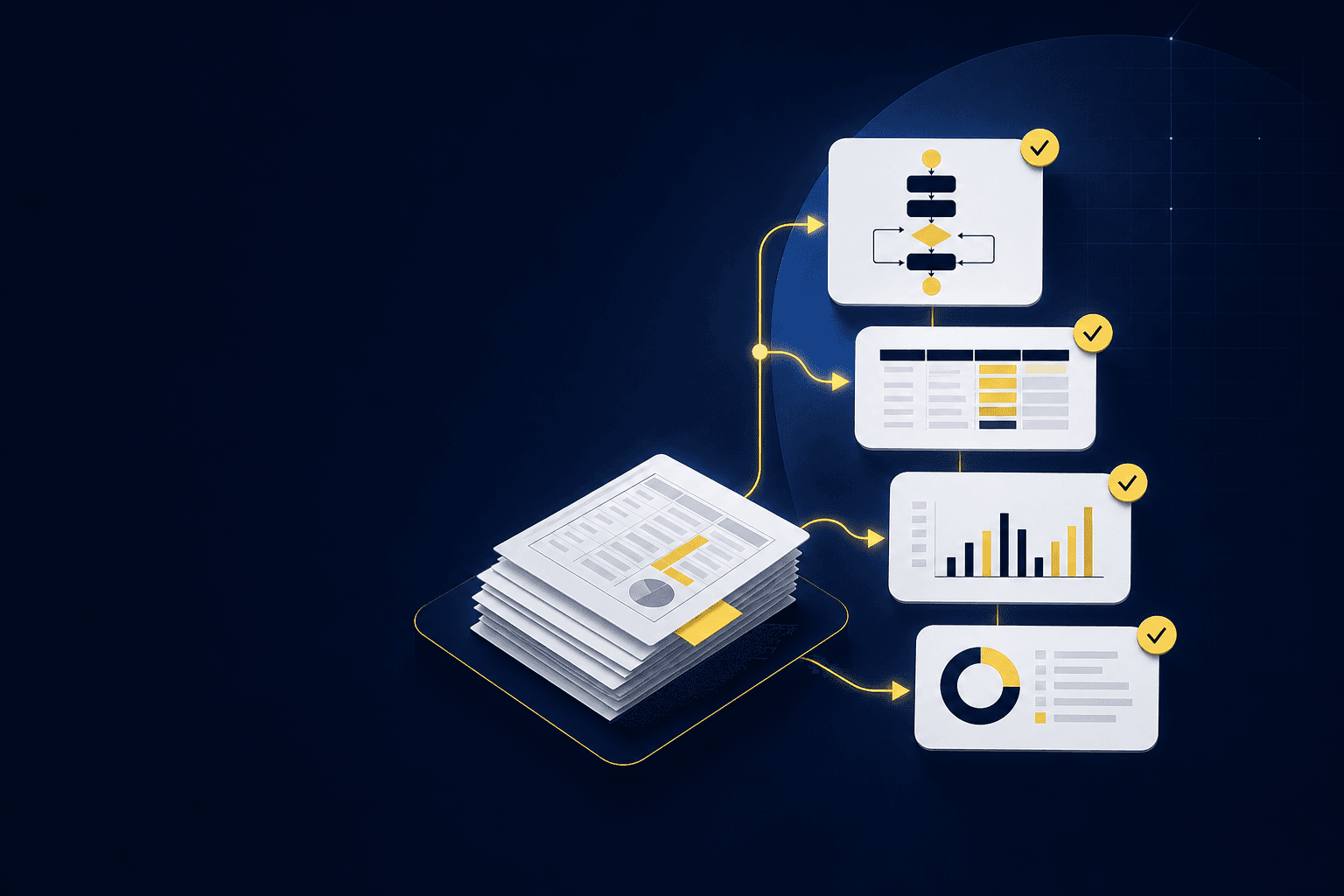
The SOP says “reconcile processor activity to the bank,” but the approved workpaper tells a much longer story. It shows which report to download, how to separate fees from settlements, which cutoff to apply, what dimensions belong on the entry, and which difference the reviewer accepted last period. The reviewer trusts that workpaper because it contains the evidence and decisions behind the result. When the SOP and the workpaper disagree, the team follows the workpaper.
Most accounting SOPs fail for that reason. The documentation is written from memory or assembled during interviews, while the accounting process lives in source files, prior workpapers, journal entries, and reviewer notes. Interviews capture how people describe the workflow. They rarely capture every classification choice, recurring adjustment, or exception that changes what gets posted.
If you want to build an accounting SOP your team will use, start with the last approved close rather than a blank document. Trace the work from source receipt through preparation, review, and GL handoff. Record the rules that produced the accepted result, then separate those rules from items that still require judgment. One close cycle gives you enough current evidence to produce a usable first version and test it against real work.
The workpaper is the real operating record
A workpaper contains more process knowledge than a procedure written from recollection. It shows what the preparer received, which calculations they performed, how they treated the activity, and where the reviewer changed the answer. The file may not explain those choices cleanly, but the evidence is there. Your first job is to make that evidence explicit.
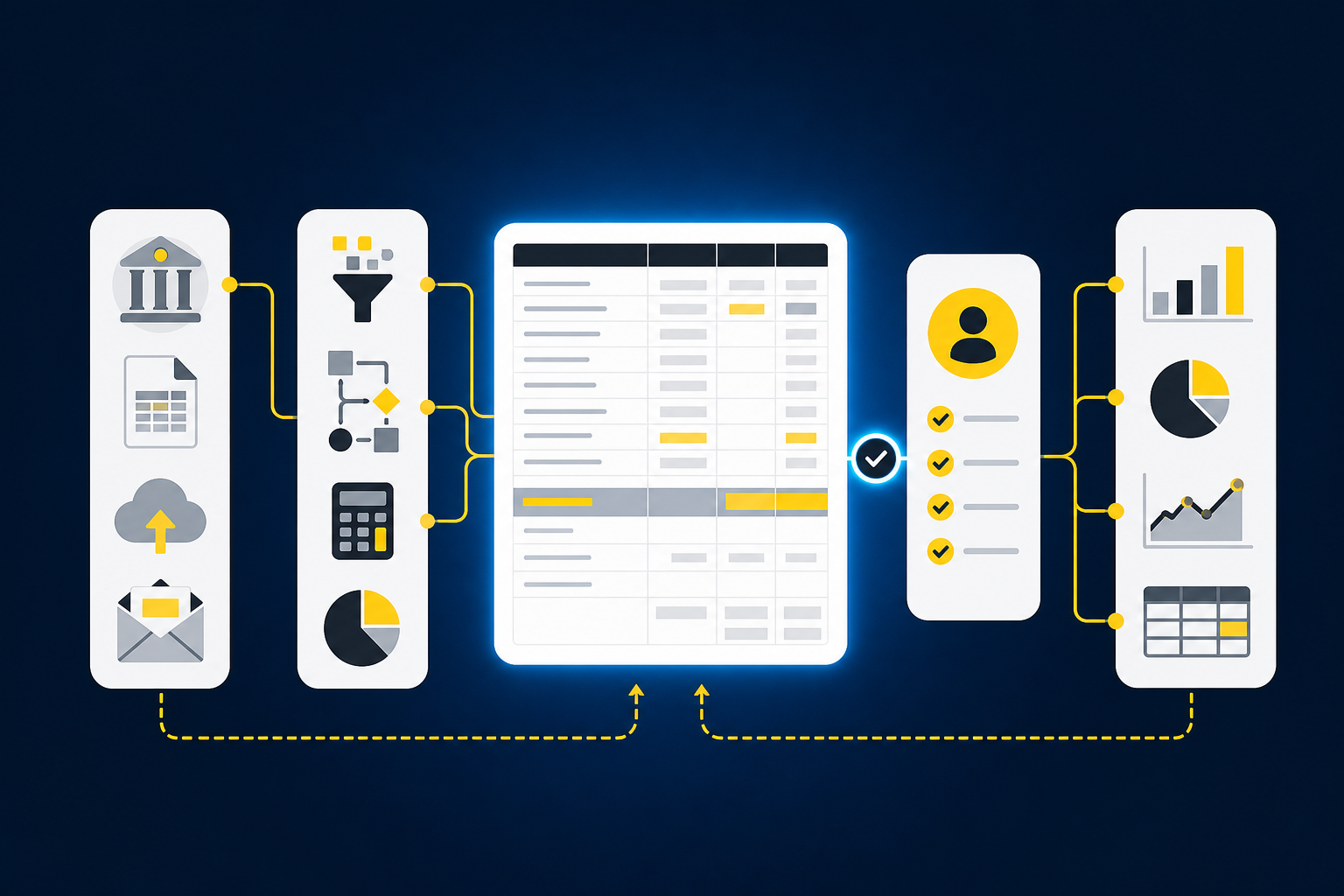
Start with a recurring workflow that already has a known result. A processor reconciliation, prepaid rollforward, donation reconciliation, or brokerage workpaper is easier to document than an open-ended process because the inputs and expected output recur. Gather the prior workpaper, source files, posted journal entry, reviewer comments, and any checklist the team used. Then trace each workpaper line back to the document and rule that produced it.
Source-file work is not just extraction. A processor export may contain settlement activity, but an accountant still has to determine whether it covers the full period, how fees and refunds should be classified, and whether timing differences explain the gap to cash. A custodian statement may show investment activity, but the workpaper still needs the right entity, account mapping, and treatment. The SOP has to document those accounting decisions, not merely say where the file came from.
A useful trace runs in both directions. A preparer should be able to move from a source file to the workpaper and understand what to do. A reviewer should be able to start with a workpaper balance, trace it back to support, and see why the team treated it that way. That source-to-sign-off path is the operating model behind Truewind’s preparation workflows, and you can See Truewind in action to inspect how the work stays tied to evidence.
Reverse-engineer the last approved close
Do not begin by asking the preparer to narrate the entire process. Begin by asking them to reproduce the prior result while you observe the artifacts and decisions they use. Memory tends to compress recurring work into phrases like “roll the file forward” or “book the standard entry.” Those phrases conceal the account mappings, cutoff rules, and completeness checks a new preparer actually needs.
Identify the inputs and their purpose
List every source used in the approved workpaper and state what each source proves. A bank statement may establish ending cash, while a processor report explains the deposits and fees inside that balance. A prior workpaper may carry forward classifications or opening balances. The ERP balance shows what is already recorded and what the current workpaper must reconcile.
Document the expected source, reporting period, owner, and completeness check for each input. If the process depends on an emailed statement, say how the preparer confirms that every account and entity is represented. If an export changes layout, explain which fields matter to the accounting treatment rather than relying on fixed column positions. The objective is to preserve the accounting meaning of the source even when its presentation changes.
Re-perform the preparation
Next, follow the workpaper calculation from beginning balance to proposed entry. Record formulas, account mappings, dimensions, allocations, and cutoff treatment where they affect the result. A direction such as “update the schedule” is not enough. The SOP should show what gets rolled forward, what gets replaced with current-period support, and which totals must tie before the work is ready for review.
Pay attention to repeated manual adjustments. If the same mapping, allocation, or reconciling item appears across periods, it is probably part of the stable process and belongs in the SOP. If the treatment changed after a reviewer comment, capture the corrected treatment and explain what triggered the change. Reviewer corrections are usually better documentation inputs than memory because they show where the first interpretation failed.
Reconcile the workpaper to the accepted result
Compare the prepared workpaper with the posted journal entry and GL balance. Differences can reveal steps the written process never mentioned, including a reviewer adjustment, a late source file, or an entity-specific treatment. Do not copy the posted entry into the SOP without understanding why it differs. The difference is often the part future preparers most need documented.
A complete procedure should make the relationship among the source, workpaper, journal-entry draft, and GL balance visible. It should also identify the person who prepares the work and the reviewer who owns the final accounting decision. Documentation does not replace that ownership. It makes the handoff inspectable.
Separate stable rules from judgment-based exceptions
A recurring workflow contains both repeatable mechanics and accounting judgment. Treating them as one category creates two bad outcomes. Either the SOP becomes so vague that it offers little guidance, or it becomes so rigid that the preparer applies last period’s answer to a materially different fact pattern.
Stable rules are steps the team expects to apply again when the underlying facts have not changed. They include approved account mappings, standard cutoff conventions, recurring allocation logic, expected source files, and required tie-outs. Write them as observable instructions. The preparer should know which evidence to inspect and which condition must be true before proceeding.
Exceptions are conditions that fall outside those established rules. A missing statement, unexpected balance movement, mixed activity, new classification, or unresolved reconciling item should not be buried in a general note. Name the condition, show what evidence the preparer should collect, and route the decision to the appropriate reviewer. The SOP should not invent a treatment for a fact pattern the team has not approved.
A practical exception entry answers four questions:
- What condition caused the normal process to stop?
- Which source files and workpaper lines are affected?
- Who owns the accounting decision?
- Where should the approved treatment be recorded for later periods?
Reviewer decisions should return to the workflow after the close. If a reviewer approves a new mapping or changes an allocation rule, update the documented rule and retain the reason. If the decision applies only to that period, preserve it as an exception rather than converting it into standing policy. If your next test is whether those corrections can become operating context for the following period, Book a Truewind demo and bring one completed workpaper with its review history.
Build the SOP around the reviewer’s acceptance criteria
A procedure is not complete when the preparer reaches a number. It is complete when the reviewer receives the expected artifact with enough evidence to inspect the work. That distinction changes how you write the final section of the SOP.
Define the review package explicitly. Identify the workpaper or schedule the reviewer expects, the source support that must remain attached, the tie-outs that must pass, and the exceptions that require a decision. Include the proposed journal entry when the workflow produces one, along with the account and dimensional coding the reviewer needs to confirm. The review surface should make the treatment visible rather than forcing the reviewer to reconstruct it from scattered files and email.
Review notes deserve the same structure. A comment such as “please fix coding” records a task but not a reusable decision. A durable note identifies the affected item, the prior treatment, the approved correction, and whether that correction should apply again. Over time, those notes become a more reliable record of the process than interviews conducted months after the close.
An accounting-firm case study illustrates the capacity effect of applying established treatment to recurring preparation. The firm reported reducing the time spent categorizing credit card transactions by approximately 75% after adopting Truewind. That result belongs to one customer example, not a general benchmark. The relevant lesson for an SOP is that recurring coding can be prepared consistently only when the underlying rules and reviewer corrections remain available to the next period.
Maintain the SOP through rollforward
Annual SOP rewrites are usually too far removed from the work. By the time the documentation is reviewed, the team may have changed a source, added an entity, revised a mapping, or adopted a different review convention. The written procedure then becomes a separate project instead of part of the close.
Rollforward provides a better maintenance point. When the preparer loads the prior workpaper and current-period sources, they can confirm whether the documented inputs and rules still apply. When the reviewer changes a treatment, that decision can update the workflow after approval. The SOP develops alongside the accounting process instead of trying to reconstruct it later.
Add a short maintenance check to the end of the procedure:
- Confirm whether every expected source arrived.
- Record any source or format change that affected preparation.
- Capture reviewer corrections and classify them as a standing rule or period-specific exception.
- Update the relevant instruction after approval.
- Preserve the approved workpaper as the reference result for the next cycle.
Ownership still matters. A designated process owner should approve changes to standing rules, while reviewers retain authority over accounting treatment. Version history should show what changed and why. The goal is not to preserve every past instruction forever, but to prevent approved decisions from disappearing into comments, inboxes, or individual memory.
How Truewind carries the SOP into recurring preparation
Truewind uses prior workpapers, source documents, historical treatment, and reviewer corrections as operating context for recurring accounting workflows. Workpaper Generation and Rollforward loads the prior workpaper with current-period source documents and ERP balances, updates the supporting work, prepares any required journal-entry draft, and surfaces exceptions for review. The workflow follows the team’s existing treatment. It does not create accounting policy.
Historical-Example Learning carries confirmed coding decisions, allocation choices, classification splits, and reviewer corrections into later periods. Proactive Anomaly Detection compares current preparation with that learned process and surfaces missing statements, unexpected changes, and inconsistent classifications with source context. Novel items still go to the accountant. The system does not resolve them without review.
The Human-in-the-Loop Review Workflow keeps prepared workpapers, schedules, reconciliations, journal-entry drafts, source links, and exceptions in the reviewer’s view. Accountants can confirm, adjust, or return the work to preparation, and nothing leaves review without sign-off. After approval, supported output can move to Sage Intacct or QuickBooks Online, which remain the systems of record.
Truewind is not a fit for a team seeking autonomous posting or a replacement for reviewer judgment. It also depends on an established recurring process with prior examples and an accountable reviewer. To inspect that controlled handoff using a workflow your team already owns, Get a Truewind demo after selecting one approved workpaper and its current-period sources.
Produce one review-ready SOP in the next close
Choose one recurring workflow with a prior approved result. Collect its source files, workpaper, posted entry, and reviewer notes before the period begins. During the close, trace the preparation from source to sign-off, document stable rules as they are applied, and record exceptions where the normal process stops.
Do not try to document every close process at once. One completed workflow will show whether your format captures enough detail for another preparer to reproduce the work and enough evidence for the reviewer to accept it. The first SOP should end with clear source links, decision rules, exception handling, and reviewer ownership.
Run that procedure through the next rollforward. If the workpaper can be prepared from the documented inputs, exceptions reach the right reviewer, and approved corrections return to the process, the SOP is doing real accounting work. It is no longer documentation beside the close. It is part of how the close runs.
Frequently Asked Questions
How do I start building an accounting SOP?
Begin by selecting a recurring workflow that has a known result, like a processor reconciliation or prepaid rollforward. Gather all relevant documents, including prior workpapers, source files, and reviewer notes. Then, trace the work from the source receipt through preparation, review, and GL handoff. Document the rules that led to the accepted result, ensuring to separate stable rules from those requiring judgment. This approach provides a solid foundation for your SOP.
What if my SOP doesn't match the workpaper?
If your SOP and workpaper disagree, prioritize the workpaper. It contains the evidence and decisions that led to the accepted result. Review the workpaper closely to identify discrepancies and document the correct treatment. Ensure that your SOP reflects the actual processes and decisions made during the preparation and review phases to maintain alignment with the workpaper.
How do I maintain my accounting SOP over time?
To keep your SOP up to date, use a rollforward approach instead of annual rewrites. After each close, review the SOP to confirm that all documented inputs and rules still apply. Capture any changes in source files or reviewer corrections and update the SOP accordingly. This way, your documentation evolves alongside your accounting processes, making it more relevant and useful.
When should I document exceptions in my SOP?
Document exceptions when conditions fall outside established rules, such as missing statements or unexpected balance movements. Clearly identify the condition, the affected source files, and who owns the accounting decision. This ensures that future preparers know how to handle similar situations and maintain the integrity of the accounting process.
Can I use Truewind to automate my accounting workflows?
Truewind can help streamline your accounting workflows by turning source files into structured, review-ready workpapers. It automates repetitive bookkeeping tasks while ensuring that all outputs go through human review before posting. This way, your team maintains control over judgment and standards, reducing the time spent on preparation without sacrificing accuracy.
Turn this into a close-ready workpaper
Start with sample files or upload your own statements to see how Truewind prepares review-ready workpapers and journal entries.