
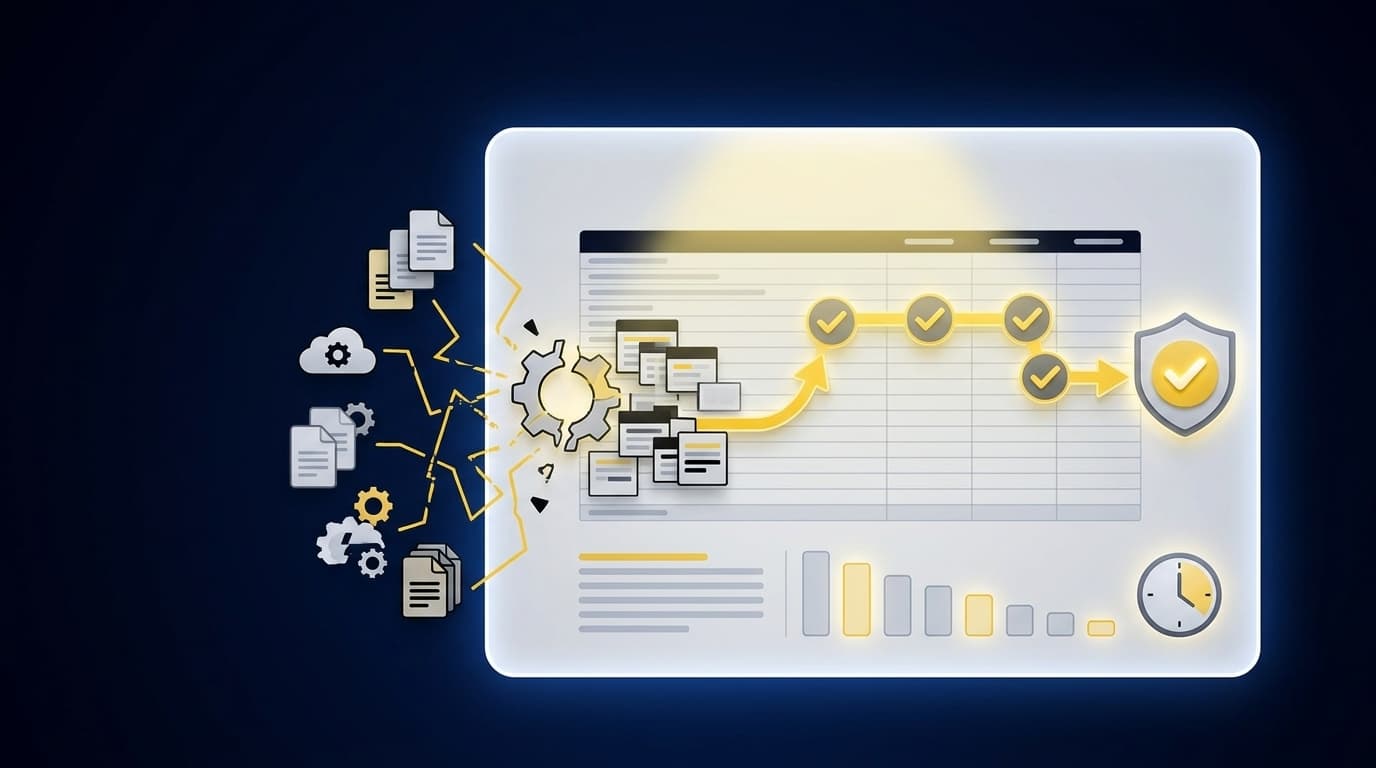
Before review begins, your team has already decided what each source file represents, which period it belongs to, and whether its totals are complete. That is where a controller's close starts to slow, long before Sage Intacct or QuickBooks Online receives an approved entry.
The important shift in how controllers approach close is to treat preparation as a controlled workflow of its own. A clean journal entry isn't enough; the reviewer needs the source, calculation, treatment, exceptions, and sign-off that explain how it was prepared.
Key Takeaways:
- Treat close preparation as a workflow, not a collection of files.
- Start automation with one recurring process that has known inputs and a prior approved result.
- Define the expected workpaper before changing how the work gets prepared.
- Preserve account mappings, cutoffs, dimensions, and reviewer conventions across periods.
- Route missing support and unusual activity to the accountant instead of resolving them automatically.
- Keep Sage Intacct or QuickBooks Online as the system of record.
Why Controller Close Work Breaks Before Review
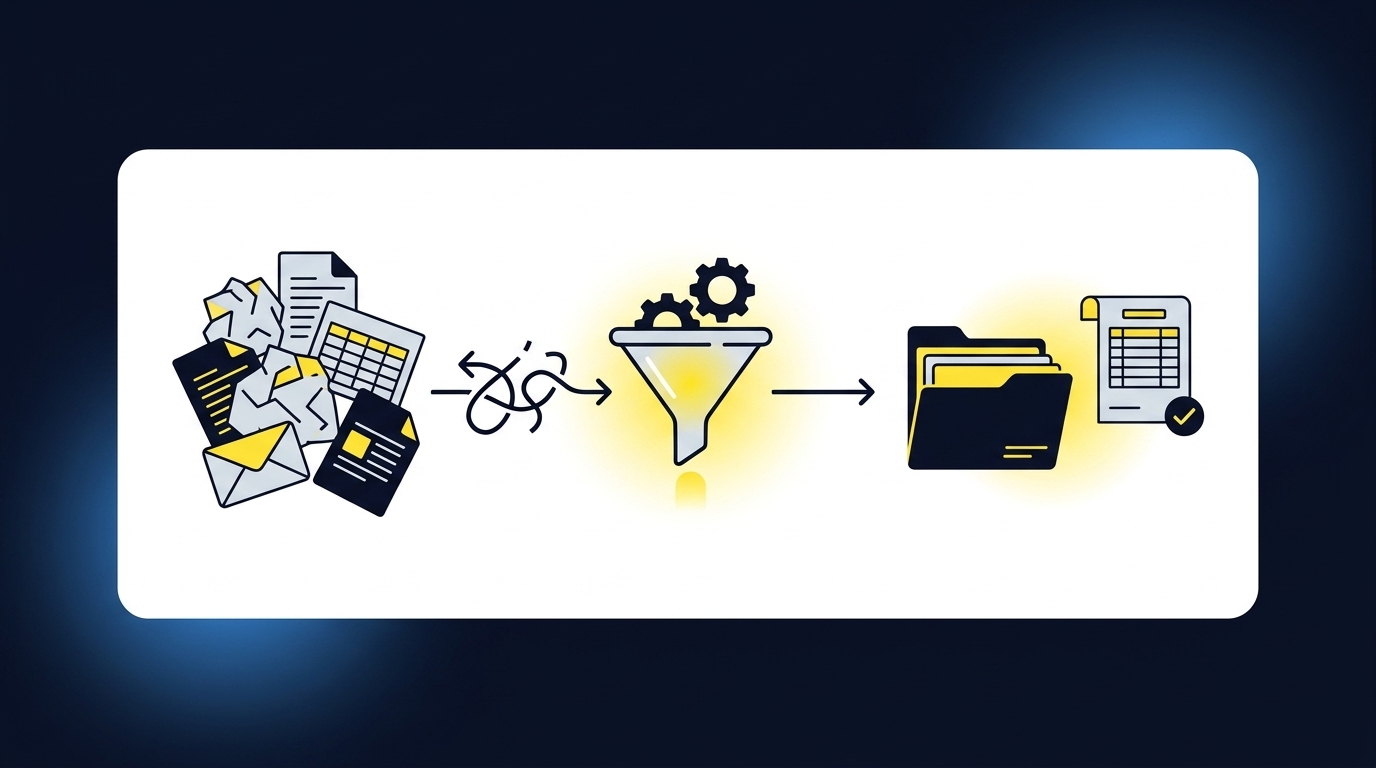
Controller close work usually breaks upstream of the GL, where source files have to be collected, understood, coded, reconciled, and turned into something a reviewer can inspect. The ledger records the approved result. It doesn't prepare the support that makes the result reviewable, and it can't decide what to do with a source that doesn't fit the expected process.
The Ledger Receives Work It Cannot Prepare
Sage Intacct and QuickBooks Online are good at holding the books. They aren't designed to interpret a custodian statement, connect a processor settlement to the bank deposit, or explain why a classification changed from the prior period. Someone still has to do that work. In many controller-led close processes, that person is working across a source file, a spreadsheet, and last month's workpaper.
Consider a nonprofit accountant reconciling donor activity at 6:40 PM before a board deadline. The donor platform describes gifts and restrictions, the processor describes fees and settlements, and the bank shows deposits on a different timeline. None of the sources is necessarily wrong. The accounting work is aligning them without losing the fund, campaign, or restriction detail the reviewer needs, and that alignment is what the ledger was never built to do.
Clean-Looking Output Can Carry More Risk
An obviously broken journal entry is easy to stop. Controllers aren't primarily worried about that. The harder problem is an entry that looks complete but doesn't show which source produced it, what calculation was applied, or where judgment entered the process. A polished answer can create more review work when the reviewer has to reconstruct its history. That is why model confidence isn't a substitute for a workpaper.
A reviewable output answers practical questions. Can you trace each material line to support? Can you see the mapping, cutoff, allocation, and exception treatment? Can another accountant re-perform the important steps without asking the preparer to explain the workbook from memory? If those answers aren't visible, the output isn't ready for close review.
Familiar Manual Work Still Has Real Merits
Spreadsheets remain useful because accountants can change them quickly, preserve unusual logic, and inspect formulas directly. That flexibility is a fair reason controllers keep them, and dismissing it would be dishonest. The problem appears when flexibility becomes the only control, leaving source support in one folder, reviewer comments in email, and the final entry in the GL. Familiar work can still be fragmented work.
The better close approach doesn't remove the reviewer or discard the workpaper. It makes the preparation around that workpaper repeatable, while keeping judgment visible and owned by the accountant. Manual touch is not the same as control. Control comes from knowing what happened, what changed, and who approved it.
If you want to inspect how source links, exceptions, and reviewer actions can sit around the same workpaper, See Truewind in action within a recurring close workflow.
How Controllers Build a Reviewable Close Process
Controllers build a reviewable close by defining the expected artifact first, then making source intake, historical treatment, exception handling, and sign-off repeatable around it. Automation comes after the process is visible. When the sequence is reversed, the team gets faster output without a dependable way to review what the system did.
Diagnose Where Preparation Actually Stops
Does your workflow have identifiable inputs, a known accounting treatment, an expected output, and a reviewer who can judge whether the result is right? A close isn't ready for automation merely because it repeats each month. Without those four pieces, you aren't automating a process. You are asking software to fill gaps that the accounting team hasn't resolved.
Start by tracing one account from source receipt to GL posting. Mark every point where someone reformats data, chooses a mapping, checks completeness, investigates a difference, or asks a reviewer for guidance. Those moments reveal where the real accounting logic lives. Frankly, the checklist alone rarely tells you enough because it records task status, not the decisions inside the task.
Before selecting a workflow, ask:
- Does the same work recur on a known cadence?
- Can the team provide prior source files and an approved workpaper?
- Are mappings, cutoffs, dimensions, and review rules visible?
- Can a reviewer identify an acceptable result without rebuilding it?
- Are exceptions clear enough to route rather than guess through?
If a workflow fails two or more of these questions, it needs process definition before any tooling touches it. Automating ambiguity only makes the ambiguity harder to see.
Start With a Bounded, Example-Rich Workflow
A broad close transformation sounds ambitious; a single reconciliation with known inputs is easier to inspect and approve. Start with work such as a processor reconciliation, prepaid rollforward, donation reconciliation, or recurring brokerage workpaper. Each has a visible beginning, a familiar output, and prior-period evidence. That makes differences easier to explain.
Controlled iteration does require patience, and this is the honest tradeoff. A team looking for turnkey autonomy may find the first review cycle slower than the sales promise it hoped to hear, and that concern is valid. The purpose of the first cycle is not maximum coverage. It is proving that the prepared result follows the known process and that corrections remain visible.
A practical rollout follows this order:
- Choose one recurring workflow with stable source types.
- Gather prior source files, the approved workpaper, and the posted entry.
- Reproduce the known result using current-period inputs.
- Compare differences at the source, calculation, and treatment level.
- Capture reviewer corrections before adding another account or entity.
Expansion should follow evidence. If the reviewer can understand the preparation and see corrections reflected in the workflow, the next account is a controlled extension rather than a fresh experiment.
Define the Workpaper Before the Automation
What should the reviewer receive at the end? If the answer is only "a journal entry," the workflow definition is too thin. A journal entry is a downstream record. The reviewer still needs the calculation, support, accounting treatment, unresolved items, and evidence of approval that sit behind it.
The workpaper is the interface between preparation and judgment. Think of the GL as the destination and the workpaper as the chain of custody: the destination tells you where the number landed, while the chain shows how it got there and who accepted it. Without that chain, a reviewer has to reverse-engineer the work. That is not automation; it is deferred preparation.
Write the output requirement in concrete terms:
- Source files are attached or linked to the relevant lines.
- Calculations can be followed and re-performed.
- Account mappings and dimensions are visible.
- Exceptions are separated from prepared items.
- Reviewer changes and sign-off remain with the period.
If you want to compare that workpaper standard against the way your team currently prepares support, Book a Truewind demo around one account you already know well.
Preserve the Team's Existing Accounting Treatment
Two nonprofits can pull from the same donor platform and processor, and still require different fund mappings, restriction treatment, and cutoff rules. A nonprofit donation reconciliation makes that plain. Family offices face the same issue across entities and investment vehicles. CAS practices see it across clients. Recurring accounting work isn't generic simply because the account name looks familiar.
Prior workpapers and entries are not background reading. They show which source fields mattered, how activity was split, when timing differences were carried, and where the reviewer changed the preparer's first answer. Reviewer corrections matter even more because they expose the edge between a standing rule and an accounting judgment. A useful workflow applies confirmed treatment again without changing policy on its own.
For each recurring process, preserve:
- The source types used for preparation.
- The chart-of-accounts mappings and dimensional rules.
- The cutoff and allocation logic applied.
- The expected support schedule and journal-entry structure.
- The reviewer corrections that should inform the next period.
Generic templates can still be useful for simple, standardized work. Once entity rules, restrictions, or contextual allocations enter the process, the template has to yield to the team's approved treatment.
Make Exceptions a Designed Part of Close
One missing statement can matter more than hundreds of prepared lines because completeness is a judgment issue, not a formatting issue. The same is true for an unexpected balance change, mixed business and personal activity, or a classification that doesn't match prior treatment. A dependable workflow doesn't hide those items inside a completed package. It places them in front of the accountant with the relevant source.
Exception-based review changes how controllers manage month-end close. The reviewer doesn't need to recheck every item merely to discover which ones differ from the known process. Prepared work remains available for inspection, while unusual items receive focused attention. The accountant still decides the treatment, and the workflow records that decision for later periods.
Route an item for review when:
- A required source is missing or incomplete.
- Totals don't reconcile across the expected sources.
- Current treatment conflicts with confirmed historical treatment.
- A dimension or allocation rule doesn't cover the activity.
- The item requires policy, materiality, or cutoff judgment.
Not every exception indicates an error. Some reflect a real change in the business, which is exactly why a person needs to see them.
Put Sign-Off Before the GL Handoff
Having prepared the workpaper, the team still needs an explicit control point before anything reaches the ledger. The reviewer should be able to confirm the treatment, adjust the preparation, or return an item with notes. Approval isn't a background event. It is the point where prepared work becomes accepted accounting work.
Sage Intacct or QuickBooks Online should remain the source of truth for the posted ledger. The preparation workflow belongs upstream, where files are combined, mappings and dimensions are applied, totals are checked, and exceptions are resolved by the accountant. Once the reviewer signs off, the approved output can move downstream with its support intact. That boundary keeps automation useful without confusing preparation with posting authority.
Use a simple handoff sequence:
- Prepare the workpaper and any journal-entry draft.
- Present source support and exceptions together.
- Record reviewer corrections or confirmation.
- Push only the approved output to the GL.
- Retain the preparation history with the period.
How a controller runs close should be visible in that sequence. Preparation can move faster, but authority stays with the reviewer.
How Truewind Prepares Work Before the GL
Truewind applies the approach above as a preparation layer between recurring source files and the existing ledger. It structures inputs, prepares familiar workpapers, surfaces exceptions, and requires accountant review before approved output reaches Sage Intacct or QuickBooks Online. The mechanism matters because the product doesn't replace either the reviewer or the system of record.
Source Files Become a Reviewable Workpaper
Multi-Source Ingestion accepts the statements, exports, prior workpapers, and operational files already used in recurring preparation. Workpaper Generation and Rollforward then combines the prior workpaper, current-period sources, and ERP balances into the current review artifact. Supporting schedules and any required journal-entry draft remain tied to source. Missing or unusual items don't disappear inside a clean total.
The Human-in-the-Loop Review Workflow places prepared work beside source links, exceptions, and reviewer actions. Accountants can confirm an item, adjust it, or return it to preparation. Native ERP Integration hands confirmed output to Sage Intacct or QuickBooks Online only after review. Preparation stays upstream; the ledger remains the final record.
The operating path is concrete:
- Ingest the recurring source files used by the account.
- Prepare the reconciliation, schedule, workpaper, or journal-entry draft.
- Surface items that fall outside the learned process.
- Capture accountant corrections and sign-off.
- Send approved output to the connected GL.
Customer Language Shows What Capacity Feels Like
Customer language is useful when it is treated as an individual experience, not a promised result. One customer described the review change plainly: "Categorization is accurate, and we stopped having to double-check everything." Another said, "It's essentially perfect." Those comments describe their own workflows, and they don't remove the need for review in yours.
An accounting-firm customer put the preparation benefit in operational terms: "Truewind automates a huge chunk of that busywork." The same customer continued, "It's not just about making bookkeeping simpler; it's about freeing up teams, and helping them focus on higher-value projects." A separate buyer summarized the personal impact more strongly: "If I had to describe Truewind in one word: Lifechanging".
The common thread isn't autonomous accounting. It is a shift in where accountants spend their attention. Repetitive preparation moves into a defined workflow, while exceptions, accounting treatment, and approval remain with the people responsible for the close.
To inspect that path using a recurring workpaper from your own close, Get a Truewind demo and bring the prior approved result with you.
What Controllers Should Change First
Change the preparation layer before replacing the ledger or removing review. Pick one recurring workflow, define the expected workpaper, compare prepared output with a known result, and capture the reviewer's corrections. That is the practical foundation for a more controlled approach to close, and it is where how controllers approach close actually improves.
The goal is not an answer that looks finished. It is work the accountant can trace, understand, correct, and approve before it enters the GL. When source, calculation, treatment, exceptions, and sign-off stay together, automation can add capacity without taking ownership away from the controller.
Frequently Asked Questions
How do I handle edge cases effectively?
To manage edge cases in your close process, start by clearly defining the rules for exceptions. Use Truewind's Proactive Anomaly Detection feature to identify any unusual items, like missing statements or unexpected balance changes. This feature surfaces these discrepancies for your review, allowing you to make informed decisions. Make sure to document the resolution process for each edge case, so your team can refer back to it in future periods.
What if my source files are inconsistent?
If your source files vary in format, consider using Truewind's Automated Data Ingestion feature. This tool helps you upload and organize messy financial documents like bank statements and spreadsheets into a structured workflow. By standardizing your inputs, you can reduce the friction during the close process and ensure that all data is ready for reconciliation and review.
Can I automate my recurring reconciliation process?
Yes, you can streamline your recurring reconciliation by utilizing Truewind's Multi-Source Reconciliation feature. Start by selecting a specific account that has stable source types. Gather prior source files and approved workpapers, then use Truewind to align these inputs, allocate fees, and prepare a review-ready reconciliation. This approach allows you to automate while keeping the review process intact.
When should I involve my accountant in the close process?
Involving your accountant is crucial at several stages. First, once you’ve prepared the workpaper using Truewind, the accountant should review it alongside the exceptions and source links. They should also confirm any adjustments before the approved output is sent to your general ledger. This ensures that all necessary oversight is maintained and that the final entries are accurate.
Why does my close process need a defined workflow?
A defined workflow is essential for clarity and efficiency in your close process. It allows you to trace each step from source receipt to GL posting. With Truewind's Human-in-the-Loop Review Workflow, you can ensure that every prepared workpaper is inspected by an accountant, preserving the integrity of the process. This structure helps identify where exceptions occur and ensures that all decisions are documented.
Turn this into a close-ready workpaper
Start with sample files or upload your own statements to see how Truewind prepares review-ready workpapers and journal entries.