

Every year, your auditor asks for the same things: trial balance tie-outs, reconciliations with no gaps, journal entry support, and flux commentary for anything that moved. The challenge is never whether you have the data. The challenge is that Sage Intacct's audit trail tracks the transaction itself without the business context behind it. The supporting invoice, the approval email, and the explanation for why you posted the entry live somewhere else. When the auditor sends the request list, someone has to hunt through folders and email to reconstruct the story behind each number. Getting your team audit ready without the scramble means attaching that context to the transaction as it posts, not assembling it under pressure two weeks before fieldwork.
TLDR:
- Sage Intacct logs who posted what and when, but not the source document or approval chain auditors need.
- Access audit trail data through transaction reports and Company > Admin > Audit Trail, filtered by user and date.
- Deleted entries, manual JEs, and inconsistent dimension coding create gaps that slow year-end fieldwork.
- Attach source docs to JEs at posting and tie accounts as transactions post, not at period close.
- Truewind pulls Sage audit data via API and packages reconciliations, flux analysis, and JE support for auditors.
What Sage Intacct's Audit Trail Actually Tracks (And What It Doesn't)
Sage Intacct's audit trail captures a detailed record of who did what and when inside your GL. Every journal entry creation, modification, approval, and deletion gets logged with a timestamp and a user ID. Dimension changes, period open/close actions, and most configuration updates leave a similar footprint.
Where auditors run into friction is the gap between what Sage records and what they actually need to verify. Sage tracks the transaction itself, not the business context behind it. A journal entry shows the debit, the credit, the date, and the user who posted it. It does not surface the supporting document, the approval conversation, or the policy rationale behind the entry.
| Audit Request Type | What Sage Intacct Tracks | What Auditors Need Beyond the System |
|---|---|---|
| Journal Entry Verification | User ID, timestamp, debit and credit amounts, account codes, and modification history for each posted entry | Supporting invoice or contract, email approval chain, and written explanation of the business reason for posting |
| Account Reconciliation | Transaction-level detail showing beginning balance, posted activity, and ending balance by account and period | Bank statements, subledger tie-outs, variance explanations for material differences, and preparer sign-off documentation |
| Access Control Review | User login events, permission assignments by role, and configuration change logs with IP locations and timestamps | Evidence that only authorized users held posting rights during the audit period and documentation of any mid-year role changes |
| Transaction Approval Workflow | Approval status flags at each workflow stage and the user who moved a transaction forward | Original request documentation, multi-level approval emails, and policy documentation for any workflow bypasses or exceptions |
| Period-End Adjustments | Date and user for each adjusting entry posted at entity or consolidated level | Flux analysis or variance commentary explaining material movements and management review sign-off for top-side entries |
The Core Gap
The audit trail answers workflow questions well:
- Who posted this entry and when, down to the exact timestamp
- Whether a record was modified after initial posting, and which fields changed
- Which user opened or closed an accounting period
- What approval status a transaction carried at each stage of a workflow
What it does not answer is the evidentiary question your auditor is actually asking: can you show me the source document and the approval chain that supports this number? That evidence lives outside Sage, in email threads, shared drives, and separate workflow tools, and assembling it on demand is where the fire drill starts.
How to Access and Export Audit Trail Reports in Sage Intacct
Sage Intacct stores audit trail data across several reporting surfaces, and knowing which one to pull first saves time when an auditor asks a question you weren't expecting.
Transaction-Level History
Every posted transaction carries a created-by user, a created date, a last-modified-by user, and a last-modified date. To pull this for a specific document type, go to the relevant module (Accounts Payable, Accounts Receivable, General Ledger), run the standard transaction report, and add those four fields as custom columns. You can filter by date range, user, or both.
User Activity and System Logs
For broader user activity, go to Company, then Admin, then Audit Trail. This log captures logins, configuration changes, and permission updates. You can filter by user or action type and export to CSV.
What Auditors Typically Request
- Posted journal entries with preparer and approver fields visible, filtered to the audit period
- A list of any manual GL entries, including who posted them and when
- Any changes made to a transaction after initial posting, with the before and after values
- User access logs showing who held what permissions during the period under review
Setting Up Advanced Audit Trail for HIPAA and Regulatory Compliance
Sage Intacct's audit trail records every transaction, journal entry, and configuration change by user, timestamp, and IP location. For most audits, that log is the foundation auditors work from. But the audit trail alone doesn't tell the full compliance story when your organization operates under HIPAA, SOC 2, or similar frameworks.
There are a few configuration steps worth confirming before your next audit cycle:
- Role-based access controls should reflect current job functions, not historical ones. Auditors routinely ask for evidence that only authorized users can post journal entries or modify chart of accounts settings. If someone changed roles six months ago and still holds posting rights, that shows up in the access review.
- System and user activity logs need a defined retention period that matches your regulatory requirement. Sage Intacct retains audit data, but your internal policy should document how long you keep exported logs and where they live. Under SEC rules on audit record retention , audit firms must retain records relevant to reviews of public companies for seven years.
- API integrations writing back to Sage should have their own access credentials and be logged as a distinct user, so automated entries are traceable to the source system instead of a shared login.
Confirming these before fieldwork starts means auditors spend less time chasing configuration evidence and more time on substantive testing.
What Auditors Actually Need Beyond the Audit Trail
The audit trail answers one question: who changed what, and when. Auditors need answers to several more.
What Auditors Typically Request
Beyond the change log, most audit requests cover ground that Sage Intacct stores across different modules and reports. Audit documentation standards require auditors to have more than transaction logs: they need the evidentiary trail that connects each entry to its source.
- Trial balance tie-out to the general ledger, traced through to supporting schedules for each material account
- Bank and account reconciliations showing beginning balance, activity, and ending balance with no unexplained gaps
- Supporting documentation for journal entries, especially top-side and period-end adjustments posted outside the normal AP or AR workflow
- Flux analysis or variance explanations for any line item that moved materially year-over-year or against budget
- Subledger-to-GL agreement for AR, AP, and fixed assets, confirming the detail ties to the summary balance
Where the Gaps Show Up
Sage Intacct holds most of this data, but it does not organize it into audit-ready packages automatically. Reconciliations live in one place, JE support lives in another, and flux commentary typically lives nowhere inside the system at all. When a request comes in, someone on your team has to pull each piece manually, match it to the auditor's request list, and package it in a format the auditor can actually work from. That assembly work is where audit prep gets slow.
Common Audit Trail Gaps That Delay Year-End Close
Even well-configured Sage Intacct instances can leave auditors waiting because the audit trail is incomplete in ways that aren't obvious until someone starts asking questions.
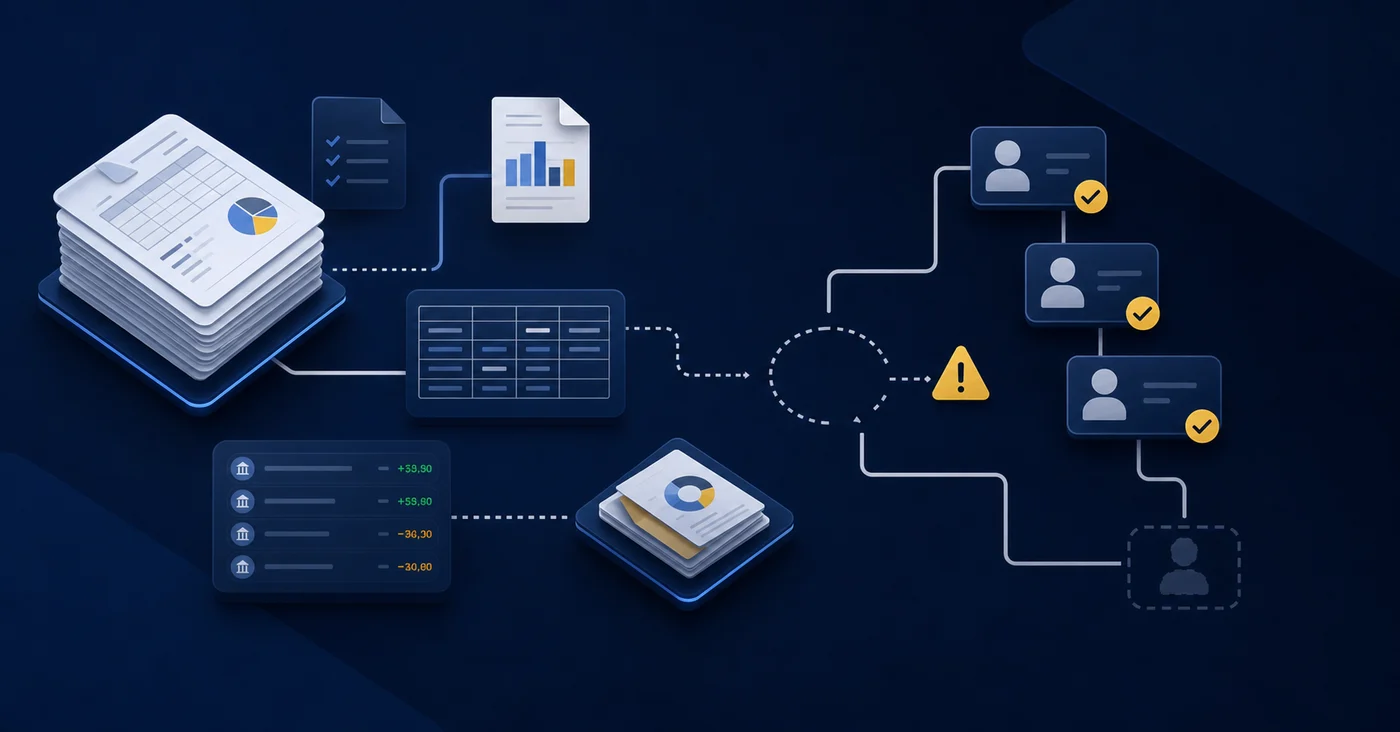
Here are the gaps that show up most often:
- Deleted or voided transactions may not carry a clear explanation in the audit log. Sage records that something was voided, but the "why" lives in a separate email thread or a verbal conversation that never made it into the system.
- Journal entries created outside normal workflows, such as top-side adjustments posted directly at the entity level, can lack the supporting documentation an auditor expects to see attached.
- User access changes are logged, but pulling a clean history of who had which permissions during the audit period typically requires a manual export and some cleanup before it's presentable.
- Approval chains for bills and expense reports may exist in Sage, but if your team bypassed the workflow for a subset of transactions, those exceptions stand out immediately during fieldwork.
- Dimension coding inconsistencies across departments or locations create reconciliation questions that slow down the auditor's tie-out process and generate follow-up requests that compound over time.
None of these gaps mean Sage Intacct failed. They mean the system captured what it was configured to capture, and the audit trail reflects the quality of the workflows behind it.
Building Audit-Ready Documentation Throughout the Month
Audit readiness is a daily discipline, not a month-end scramble. The teams that hand auditors a clean package do so because they've been building that package all along.

A few practices that hold up under scrutiny:
- Tie accounts as transactions post, not after period close. When a reconciliation breaks in August, fixing it in August takes minutes. Finding it in November during fieldwork takes days.
- Attach source documents directly to journal entries in Sage Intacct at the time of posting. Purchase orders, approval emails, and contract excerpts tied to the originating entry are far easier to surface than documents filed elsewhere and reconstructed later.
- Use Sage Intacct's dimension structure consistently throughout the period. Auditors will pull transaction detail by department, location, or project. Inconsistent dimension tagging produces gaps in those reports that require manual explanation.
- Date and version your adjusting entries. If an entry was posted, reversed, and reposted, the audit trail should reflect why, with a clear memo field on each line.
The question worth asking at each period close: if an auditor pulled a sample from this month's GL tomorrow, could your team walk them through every entry without calling anyone or hunting through email?
Automating the Execution Layer Between Sage Intacct and Your Auditor
Sage Intacct captures a detailed record of every transaction, journal entry, and configuration change your team makes. The audit trail is there. The challenge is packaging it in a way that doesn't require a week of manual export work every time your auditors ask a question.
Truewind sits between Sage Intacct and your audit deliverables, handling the extraction, organization, and reconciliation work that would otherwise fall on your senior staff.
What That Looks Like in Practice
- Truewind pulls transaction detail from the Sage Intacct API , so your support packages reflect the same source of truth your GL holds, without manual exports or reformatting.
- Reconciliations are maintained continuously across close cycles ,
- Flux analysis and variance commentary are prepared as part of close, not assembled retroactively under audit pressure.
- Journal entry support, approvals, and preparer sign-offs are tracked in one place, mapped to the underlying Sage records.
The question auditors are always asking is: can you show me how you got here? Truewind keeps that answer ready.
Final Thoughts on Audit-Ready Workflows in Sage Intacct
Sage Intacct captures the transaction history your auditors start with, but the supporting documentation and approval context they need to finish their work lives in how your team structures the workflow around those entries. Building that structure into close means reconciliations, dimension coding, and journal entry support are ready when the request comes in, not assembled under pressure. Truewind maintains that layer so your senior accountants aren't spending the first week of fieldwork pulling evidence from email threads and shared drives.
FAQ
Can I build an audit-ready package in Sage Intacct without manual exports every time?
No. Sage Intacct tracks the transaction changes, but the system does not automatically assemble reconciliations, journal entry support, and variance commentary into deliverable packages. Your team still pulls each piece manually, matches it to the auditor's request list, and formats it for review. That assembly work is where preparation gets slow.
What's the difference between Sage Intacct's audit trail and what auditors actually need?
Sage Intacct's audit trail logs who posted what and when, but auditors need the business context behind each entry: the supporting document, the approval chain, and the policy rationale. That evidence lives in email, shared drives, and separate tools, not in the audit log itself. The gap between system records and evidentiary documentation is where teams lose time during fieldwork.
How do I make sure my Sage Intacct audit trail stays complete throughout the month?
Tie accounts as transactions post instead of waiting until period close, attach source documents directly to journal entries in Sage at the time of posting, and use dimension tags consistently throughout the period. The teams that hand auditors clean packages build them continuously, not during a month-end scramble.
Should I export Sage Intacct's audit logs monthly or wait until the auditor asks?
Export transaction-level history and user activity logs at each month-end close and store them according to your retention policy. Waiting until fieldwork starts means scrambling to reconstruct access records and change logs under time pressure. Regular exports also serve as a control checkpoint. If something breaks in your reconciliation workflow mid-year, the log shows exactly when and who was involved.
Turn this into a close-ready workpaper
Start with sample files or upload your own statements to see how Truewind prepares review-ready workpapers and journal entries.