
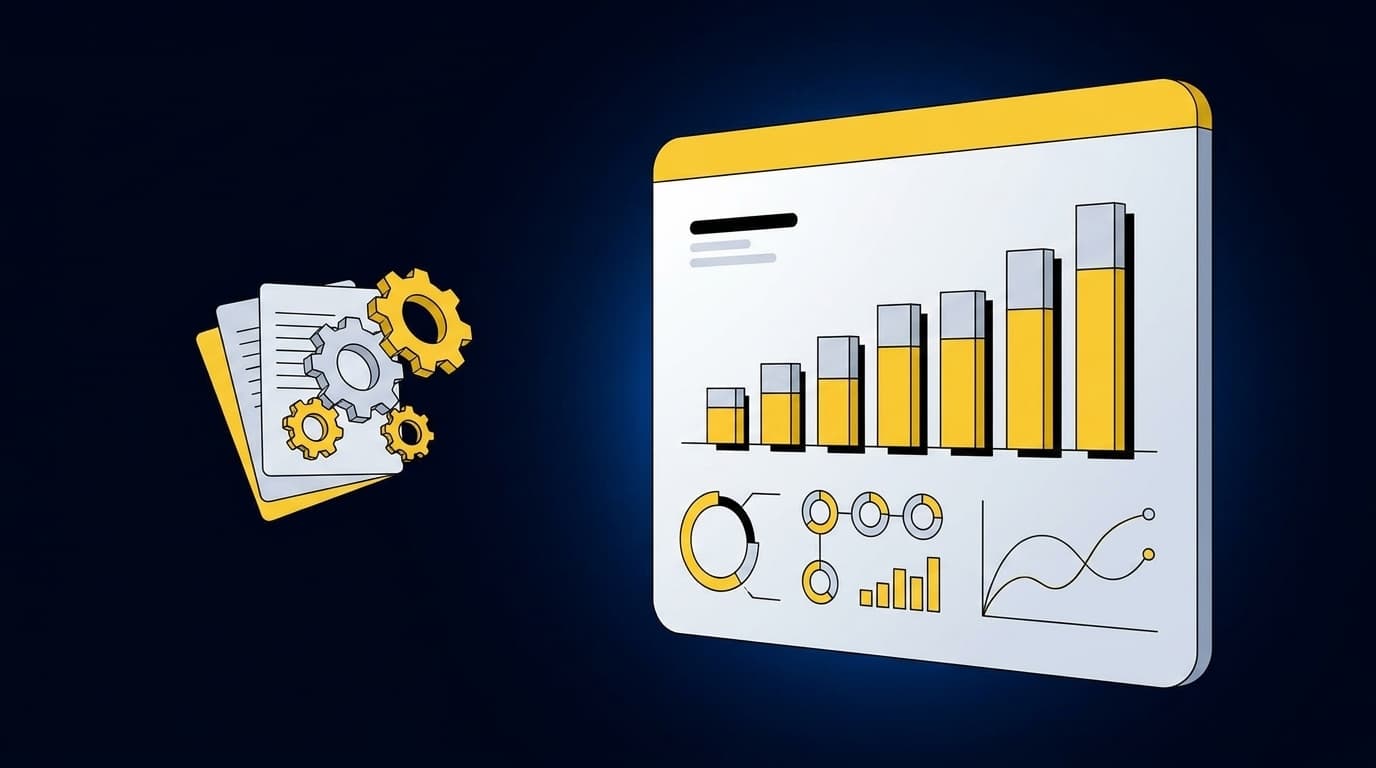
You got the close package on time this week, then spent review tracing a clean-looking journal entry through email, a PDF, and last month’s workbook. The delay wasn’t caused by review itself. It started earlier, where source files, prior treatments, and exceptions were assembled before the reviewer could make a judgment.
Seven warning signs tend to show up in that preparation layer. Your finance team may have a capable ERP, a documented close checklist, and experienced accountants, yet still depend on manual work to turn source material into review-ready workpapers. The question isn’t whether the books eventually close. It’s whether the process gives reviewers the evidence and control they need without forcing them to reconstruct the work.
Key Takeaways:
- Trace one recurring entry from its source file through reviewer sign-off.
- Treat prior workpapers as operating context, not files to copy forward.
- Separate routine preparation from exceptions that require accounting judgment.
- Check whether fund, entity, department, or location rules survive every handoff.
- Keep Sage Intacct or QuickBooks Online as the system of record.
- Start automation with a recurring workflow that has known inputs and an approved prior result.
- Judge AI-prepared work by its review surface, not by how polished the final entry looks.
Why a Finished Close Can Still Be Underprepared
A finished close can still be underprepared when reviewers have to rebuild the logic behind completed work. The ledger may contain the right entry, but the supporting process remains scattered across source files, spreadsheets, email, and prior-period notes. That gap is where review time grows and control becomes harder to prove.
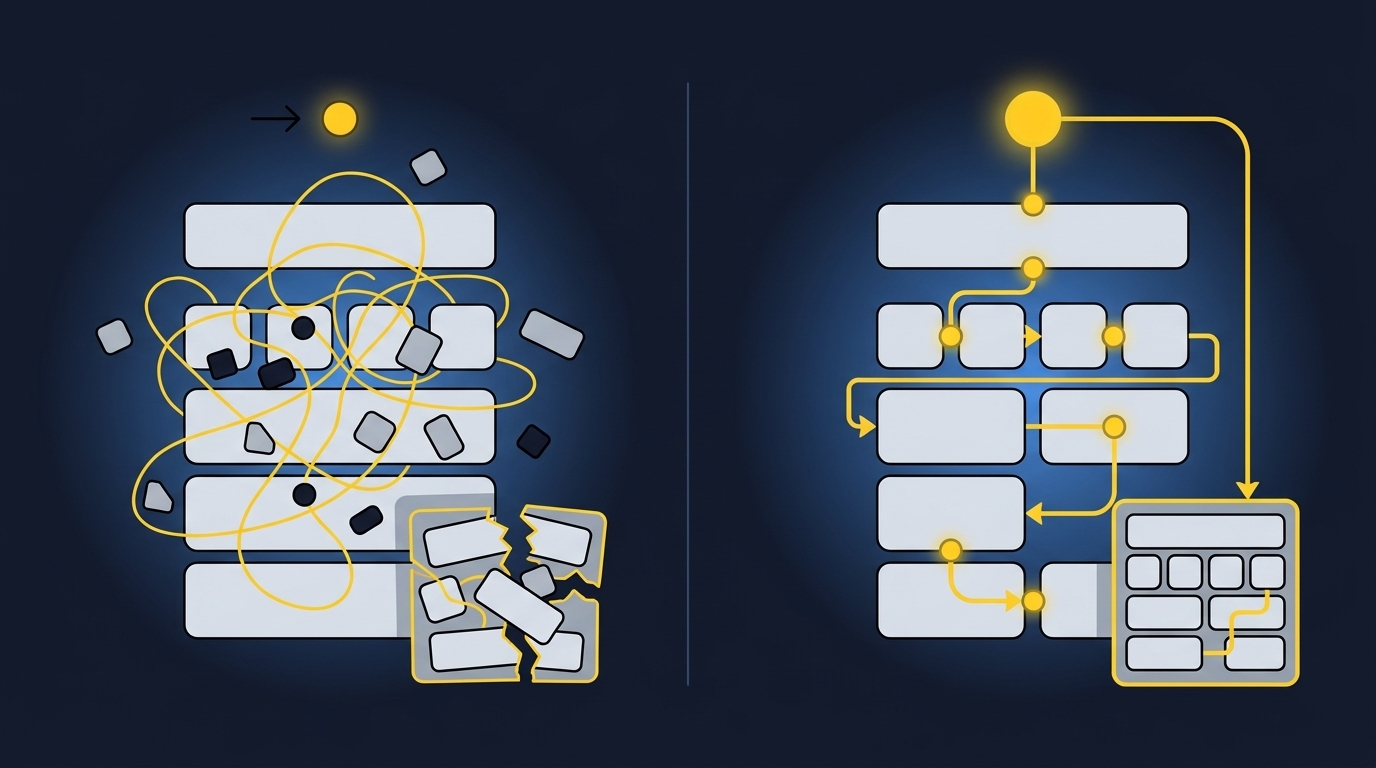
Clean Output Can Hide Weak Support
A controller opens a workpaper on Thursday morning and sees that it ties. The journal-entry draft looks reasonable, and the ending balance agrees to the GL. Then review begins. The controller has to find the source statement, identify which rows drove the calculation, and work out why one classification changed from the prior period.
A polished answer can be a plug with better formatting. If the reviewer can’t trace the source, inspect the calculation, understand the treatment, and see who approved it, the output isn’t ready for accounting review. It may be numerically complete, but the work behind it is still missing.
Manual Control Has Real Merits and Real Limits
Spreadsheets remain useful because they’re flexible, familiar, and easy to change when an edge case appears. That is a fair reason finance teams keep them. A well-built workbook can also express accounting logic that a rigid software template misses.
Familiarity becomes a problem when it substitutes for visible control. The latest file may live in someone’s inbox, the reviewer note may sit outside the workpaper, and the treatment may depend on what one preparer remembers from last quarter. To inspect how source files, prepared work, and reviewer sign-off can sit together, see the preparation workflow in the context of one recurring close process.
Exceptions Belong in Front of the Accountant
Missing statements, unexpected balance changes, mixed activity, and inconsistent classifications shouldn’t disappear inside an automated process. They are the places where accounting judgment matters. A system that surfaces them is doing useful work because it lets the accountant decide what the evidence supports.
Automatic resolution sounds attractive until the system encounters an item outside the team’s established process. Then the choice is stark: invent a treatment, reuse a rule that doesn’t fit, or stop and ask for review. The third option is the controlled one. What should you inspect to know whether your current preparation layer handles that choice correctly?
How to Read the Signs in Your Finance Workflow
The signs in your finance workflow appear where people interpret source material, recover prior logic, and repeat work during review. Start with one recurring reconciliation or schedule and follow it from source receipt through sign-off. The handoffs will show whether your constraint is accounting judgment or the preparation that happens before it.
Trace One Entry From Source to Sign-Off
Pick an entry the team prepares every period. A processor settlement, donation reconciliation, brokerage rollforward, prepaid schedule, or accrual works well because the inputs and expected output are already familiar. Start with the final journal entry, then move backward until you reach the original source files.
Watch what the reviewer has to recover along the way. If a step depends on an emailed explanation, an unmarked spreadsheet tab, or a preparer’s memory, record it. The goal isn’t to criticize the process. It’s to identify which parts are repeatable preparation and which parts require a decision.
Seven signs deserve attention:
- Source files require interpretation before use. Similar activity arrives in different layouts, periods, and file types.
- The prior workpaper acts as the real operating manual. The written SOP doesn’t capture every mapping, cutoff, or classification.
- Reviewers repeat preparation work. They rebuild calculations or reopen source files because the workpaper doesn’t show enough.
- Exceptions live outside the review surface. Missing support and unusual items are tracked in email, chat, or separate lists.
- Coding changes by context. The same vendor or activity receives different treatment by fund, entity, department, or purpose.
- The ERP receives the answer, not the process. Sage Intacct or QuickBooks Online records the final entry but can’t show how the team prepared it.
- A recurring workflow already has a known result. Prior approved work gives the team a clear basis for testing prepared output.
Source Collection Is Accounting Work
A processor report and a bank feed may describe the same settlement in different ways. One shows gross activity, fees, refunds, and payout timing. The other shows a net deposit. Combining them requires more than pulling fields from two files because the accountant must determine whether the sources are complete and how each component maps to the ledger.
The same issue appears in nonprofit and family-office accounting. A donor export may carry fund or campaign context that the bank deposit has lost, while a custodian statement may combine trades, income, fees, and cash movement across an entity. If your source mix changes the required treatment, file intake is part of accounting preparation. It isn’t a clerical step to solve once and forget.
Prior Workpapers Carry Rules the SOP Misses
Prior workpapers show what the team actually did. They contain account mappings, cutoff decisions, allocation choices, classification splits, reviewer comments, and exceptions that were resolved in earlier periods. An SOP can explain the standard process, but the workpaper shows how that process behaved against real source material.
Copying the file forward preserves the format, not necessarily the reasoning. A preparer may update the dates and balances while missing why an item was handled differently last period. Before automating a workflow, compare the prior workpaper, prior entry, SOP, and reviewer notes. If those sources disagree, the reviewer should settle the rule before a system applies it again.
Review Should Isolate Judgment, Not Repeat Preparation
Review is working when the accountant can inspect prepared work and focus on what changed. Source links should lead to the supporting document. Calculations should be visible. Treatments should follow the team’s known process, while unusual items should appear as exceptions rather than blend into completed work.
Review breaks when the accountant has to reperform every step to gain confidence. That pattern often looks responsible because two people touched the same work. In practice, the second person is doing preparation again. The useful control is a workpaper that lets the reviewer reperform the key steps without rebuilding the entire schedule.
A review-ready workpaper should make five elements visible:
- Source: Which file or record supports the number.
- Calculation: How the prepared amount was derived.
- Treatment: Which mapping, cutoff, or classification was applied.
- Exceptions: What fell outside the established process.
- Sign-off: Who confirmed or changed the prepared output.
Dimensions Show Whether the Workflow Fits Reality
Two transactions from the same vendor may require different coding because they belong to separate funds, entities, departments, locations, or purposes. Vendor-level categorization alone can’t express that difference. The workflow needs enough context to preserve the split and show the rule to the reviewer.
Use a simple test. If the correct coding depends on a dimension that isn’t present in the transaction feed, identify the source that supplies it. If no source carries that context, the workflow needs an explicit reviewer step rather than a guessed allocation. If the rule is documented and repeatable, it can become part of preparation while the accountant retains control over changes and edge cases.
That distinction is worth inspecting against a real workpaper, not a generic demo file. To map the sources, dimensions, and reviewer decisions in one recurring process, book a workflow review around the work your team already performs.
A Modern GL Can Still Receive Manually Prepared Work
Sage Intacct and QuickBooks Online are built to hold posted accounting records. They aren’t designed to interpret every processor export, donor report, custodian statement, and prior workpaper that feeds the close. A strong ERP can therefore sit downstream of a preparation process that still depends on spreadsheets and email.
Replacing the GL won’t solve that gap. The better question is what happens between source receipt and the point where an entry is ready to post. If your team still combines files, applies mappings, checks totals, prepares support, and tracks reviewer comments by hand, the constraint sits upstream of the ledger.
Keep the boundary clear:
- Source systems and documents provide the underlying activity.
- The preparation layer organizes evidence and applies established accounting rules.
- The reviewer owns treatment, exceptions, corrections, and approval.
- The ERP remains the system of record for approved output.
Choose the First Workflow by Evidence
The first workflow shouldn’t be the broadest or most impressive close problem. It should be recurring, bounded, supported by known inputs, and easy for a reviewer to inspect. A workflow with an approved prior result gives the team a reference point for comparing prepared output without debating what the answer should have been.
Setup still requires work. The team has to supply prior workpapers, source files, rules, and reviewer corrections, then resolve differences during the first runs. That cost is real. It is also why a controlled pilot is more credible than turning on automation across the entire close and hoping the process sorts itself out.
Use the following sequence:
- Select one recurring workflow. Choose work with stable ownership and a clear reviewer.
- Gather the operating context. Include current sources, prior workpapers, SOPs, and approved entries.
- Prepare against a known period. Compare the new output with a result the team has already reviewed.
- Record every correction. Separate process rules from one-time exceptions.
- Repeat before expanding. Confirm that the next period follows the corrected process and still surfaces new judgment items.
A narrow pilot isn’t a lack of ambition. It is how the team proves that the preparation is understandable, repeatable, and ready for review before more accounts depend on it.
How Truewind Prepares Work for Accountant Review
Truewind sits between recurring source material and the general ledger, where it prepares workpapers, reconciliations, schedules, and journal-entry drafts for review. It applies the team’s historical treatment, preserves source context, and surfaces exceptions rather than resolving them without an accountant. Sage Intacct or QuickBooks Online remains the system of record.
Source-Linked Workpapers Preserve the Team’s Process
Multi-Source Ingestion structures the bank activity, processor exports, donor files, custodian statements, prior workpapers, and other connected sources that feed a recurring workflow. Historical-Example Learning then uses confirmed treatments and reviewer corrections as context for the next period. Workpaper Generation and Rollforward brings that context into a familiar review artifact with current-period support.
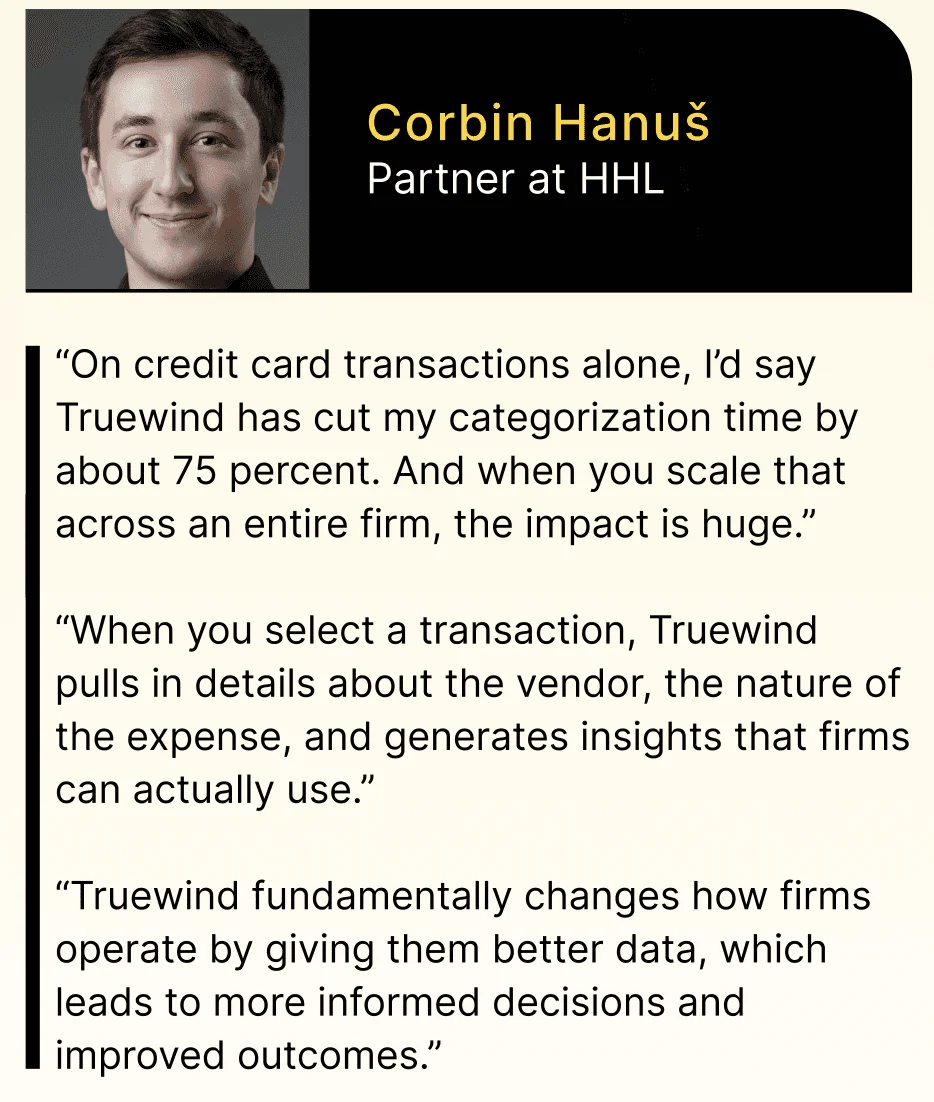
Multi-Source Reconciliation handles cases where systems describe the same activity differently. It matches activity using historical treatment, prepares the reconciliation and supporting schedule, and leaves unreconciled items visible for judgment. One accounting-firm customer described the observed effect plainly: “Truewind automates a huge chunk of that busywork.” The same customer added, “It's not just about making bookkeeping simpler; it's about freeing up teams, and helping them focus on higher-value projects.”
The preparation flow covers four concrete jobs:
- Organize source inputs into the recurring workflow without treating every file as interchangeable.
- Apply confirmed historical treatment while keeping rule changes visible.
- Prepare workpapers and reconciliations with support tied back to source.
- Draft downstream accounting output without posting it before review.
Exceptions Stay Visible Until a Reviewer Decides
Proactive Anomaly Detection compares current-period preparation with the learned process and prior workpapers. Missing statements, unusual balance changes, mixed activity, and inconsistent classifications are handed to the reviewer with source context. The Human-in-the-Loop Review Workflow lets accountants confirm, adjust, or return the work before approved output reaches the connected ERP.
With Truewind, reviewer confirmation remains the boundary between preparation and posting. Sage Intacct and QuickBooks Online receive structured output only after sign-off. That boundary matters more than a broad promise of autonomy because it shows who made the decision and what evidence supported it.
Customer language can be stronger than product language, so it needs context. In one observed customer example, the buyer said, “Categorization is accurate, and we stopped having to double-check everything.” The same customer described the experience as, “It's essentially perfect.” Another customer said, “Truewind has been amazing.” Those are individual customer experiences, not guaranteed results, but they show what changes when prepared work can be reviewed without reconstructing every step.
The review surface is where you should test that claim for your own process. To inspect source links, exceptions, corrections, and sign-off against a recurring workpaper, get a product walkthrough using the workflow your team already knows.
What to Change Before the Next Close
The strongest sign your finance team is ready for a different approach isn’t a late close by itself. It is a recurring preparation process that already has known sources, established treatment, prior approved work, and a reviewer who owns the result. Those conditions make controlled automation possible without giving up accounting judgment.
Start with one workpaper and trace it backward. Find where context disappears, where the reviewer repeats preparation, and where exceptions leave the review surface. Keep the ledger in place, Keep the accountant in control, and Change the work between source and sign-off.

Frequently Asked Questions
How do I handle edge cases effectively?
To manage edge cases effectively, start by documenting the specific scenarios that fall outside your usual processes. Ensure your team understands how to identify these exceptions. You can use Truewind's Proactive Anomaly Detection feature to surface unusual items, like missing statements or unexpected balance changes, and route them to the accountant for review. This way, the team can focus on judgment items rather than re-checking prepared work.
What if my source documents are inconsistent?
If your source documents are inconsistent, consider using Truewind's Automated Data Ingestion feature. This tool helps you organize various formats of raw financial data, like PDFs and spreadsheets, into a structured workflow. By standardizing the intake process, you can reduce variability and ensure that your team starts with organized inputs, making it easier to prepare for the close.
Can I automate my recurring reconciliations?
Yes, you can automate your recurring reconciliations using Truewind. Start by selecting a consistent workflow that you already use, then gather all relevant source documents and prior workpapers. Truewind's Multi-Source Reconciliation feature will help align activity across different sources and prepare a review-ready reconciliation. Just remember, the output still needs to go through a human review before posting to your general ledger.
When should I involve my accountant in the review process?
You should involve your accountant in the review process whenever exceptions arise or when the prepared work needs validation. Truewind's Human-in-the-Loop Review Workflow allows accountants to inspect prepared workpapers and exceptions before anything is posted to the general ledger. This ensures that all judgment calls are made by a qualified professional, maintaining control over the accounting process.
Why does my finance team struggle with manual work?
Your finance team may struggle with manual work due to the complexity and volume of source documents they handle. Often, teams spend excessive time on repetitive tasks like data entry and reconciliation. Implementing Truewind can help alleviate this burden by automating the intake and preparation of financial data. By using features like AI-Powered Transaction Coding, your team can focus more on higher-value tasks rather than getting bogged down by manual processes.
Turn this into a close-ready workpaper
Start with sample files or upload your own statements to see how Truewind prepares review-ready workpapers and journal entries.